Spring 为什么要整合 Junit

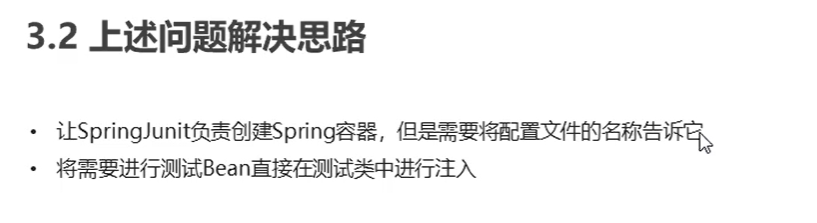
Spring 整合 Junit 代码实现
1. 导入 Spring 集成 Junit 坐标
<dependency><groupId>org.springframework</groupId><artifactId>spring-test</artifactId><version>5.0.5.RELEASE</version></dependency>
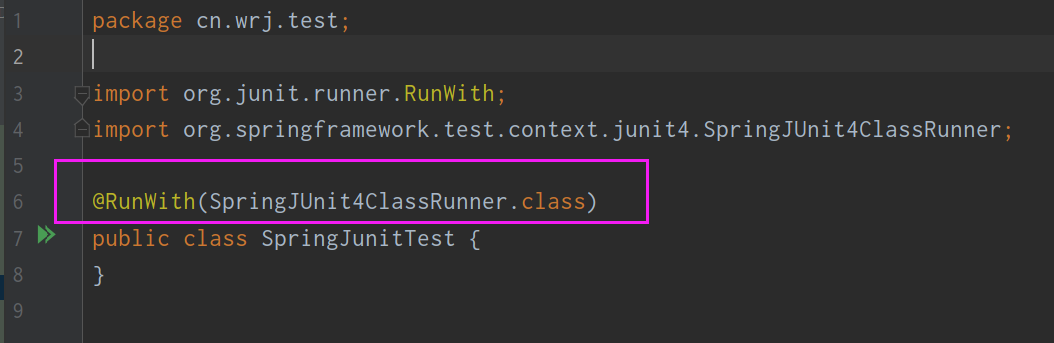
2. 使用 @Runwith 注解替换原来的运行期
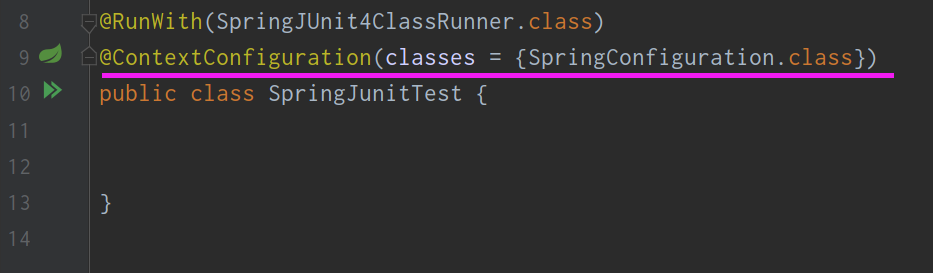
3. 使用 @ContextConfiguration 指定配置文件或配置类
4. 使用 @Autowired 注入需要测试的对象

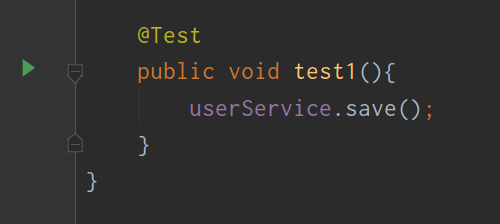
5. 创建测试方法进行测试即可

若有收获,就点个赞吧
0 人点赞


