运行效果参考:
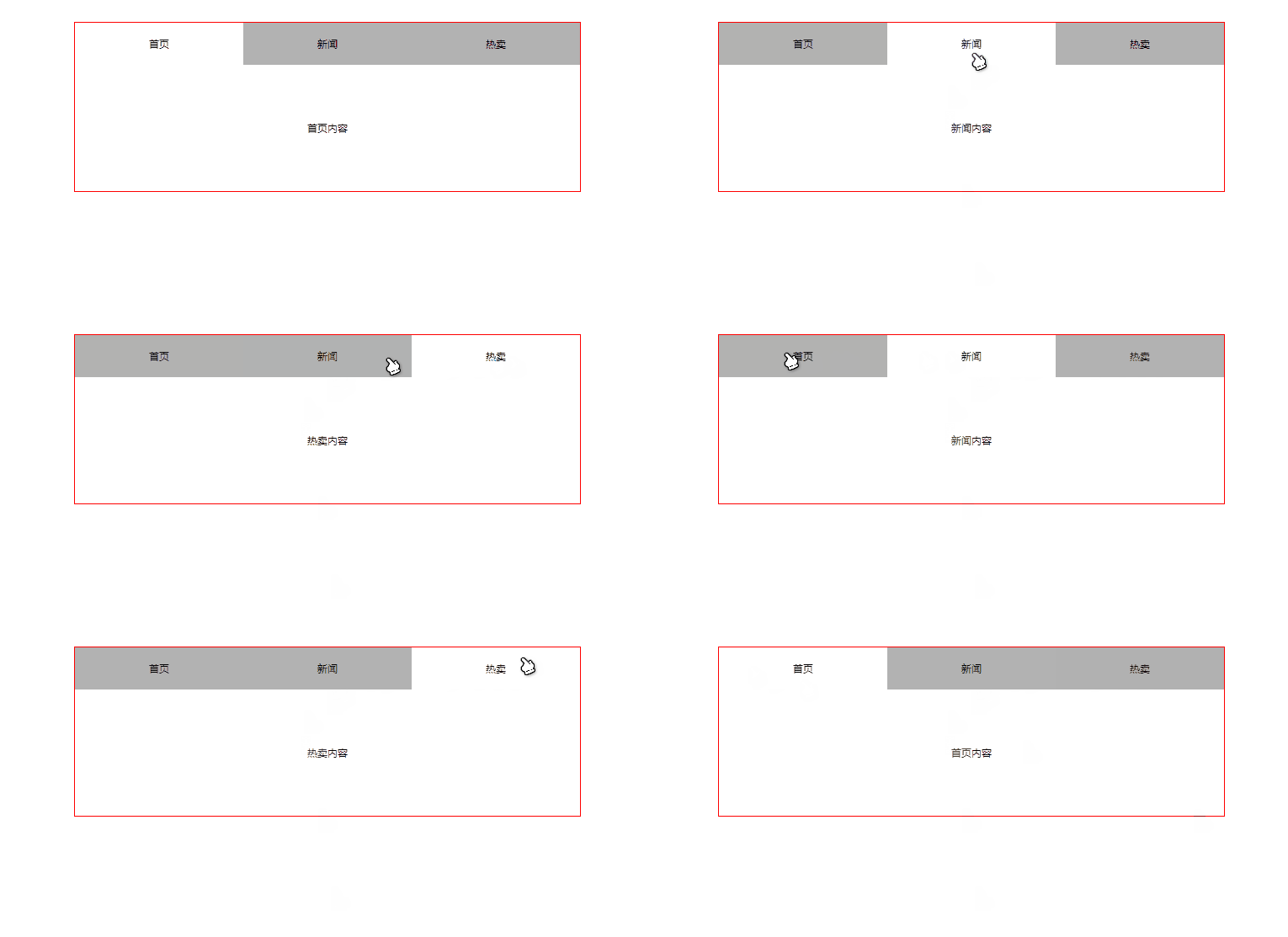
代码部分:
<!DOCTYPE html><html lang="en"><head><meta charset="UTF-8"><title>选项卡</title><style type="text/css">*{padding: 0;margin: 0;}body{height: 100%;}.wrapper{width: 600px;border: 1px solid red;margin: 30px auto;}ul{list-style: none;overflow: hidden; /*注意要清除浮动*/}ul a{display: block;text-decoration: none;width:200px;height: 50px;text-align: center;line-height: 50px;color: black;}ul li{float: left;background-color: rgba(0,0,0,.3);}p{width: 600px;height: 150px;line-height: 150px;text-align: center;display: none;}ul li.active{background-color: #ffffff;}p.active{display: block;}</style></head><body><div class="wrapper"><ul><li class="active"><a href="#">首页</a></li><li><a href="#">新闻</a></li><li><a href="#">热卖</a></li></ul><p id="home" class="active">首页内容</p><p id="news">新闻内容</p><p id="hotPurchase">热卖内容</p></div></body><script type="text/javascript">var lis = document.getElementsByTagName('li');var ps = document.getElementsByTagName('p');for(var i = 0;i < lis.length; i++){lis[i].index = i; //这个用来记录每个标签的遍历位置,不用this,这里this指代的应该是windowlis[i].onclick = function () {/*思路* 1.清除所有标签上的active* 2.将单击的li和p标签都添加active属性*///清空classfor(var j = 0;j < lis.length; j++){lis[j].className = '';ps[j].className = '';}//注意:这有个坑,不能跳!!!不能用遍历的i,要用this下的属性indexthis.className = 'active';ps[this.index].className = 'active';}}</script></html>

若有收获,就点个赞吧
0 人点赞


