一、安装nodejs
官网下载:https://nodejs.org/en/download/
1、下载软件并解压
$ cd /usr/local/ && wget https://nodejs.org/dist/v14.17.1/node-v14.17.1-linux-x64.tar.xz$ tar xf node-v14.17.1-linux-x64.tar.xz
2、配置环境变量
$vi /etc/profileexport NODE_HOME=/usr/local/node-v14.17.1-linux-x64export PATH=$NODE_HOME/bin:$PATH$source /etc/profile
3、验证安装是否成功
$node -vv14.17.1$ npm -v6.14.13
看到上面结果所示说明node.js配置安装成功!
二、head 插件安装与配置
安装head插件需要下载安装包,但是通过git下载,所以我们首先需要在系统安装git插件,然后才能进行下载安装
2.1、安装git插件
yum install -y git
2.2、验证git插件是否安装成功
git --version
2.3、下载并安装head插件
git clone git://github.com/mobz/elasticsearch-head.gitcd elasticsearch-head/npm install
2.4、配置elasticsearch,允许head插件远程访问
$ cd /usr/local/elasticsearch-7.13.2/config$ vi elasticearch.yml在配置文件末尾添加如下内容,重新启动elasticsearch服务http.cors.enabled: truehttp.cors.allow-origin: "*"
2.5、启动elasticsearch-head服务
$ cd elasticsearch-head/ && npm run start #nohup npm start & 命令可以加入后台运行> elasticsearch-head@0.0.0 start /usr/local/elasticsearch-head> grunt server>> Local Npm module "grunt-contrib-jasmine" not found. Is it installed?Running "connect:server" (connect) taskWaiting forever...Started connect web server on http://localhost:9100
可以看到head插件默认占用9100端口,浏览器输入:http://IP:9100/即可显示head插件界面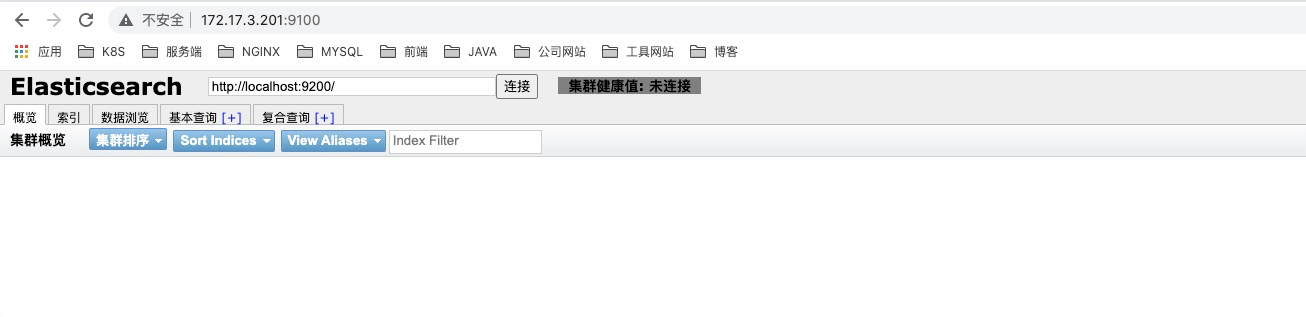
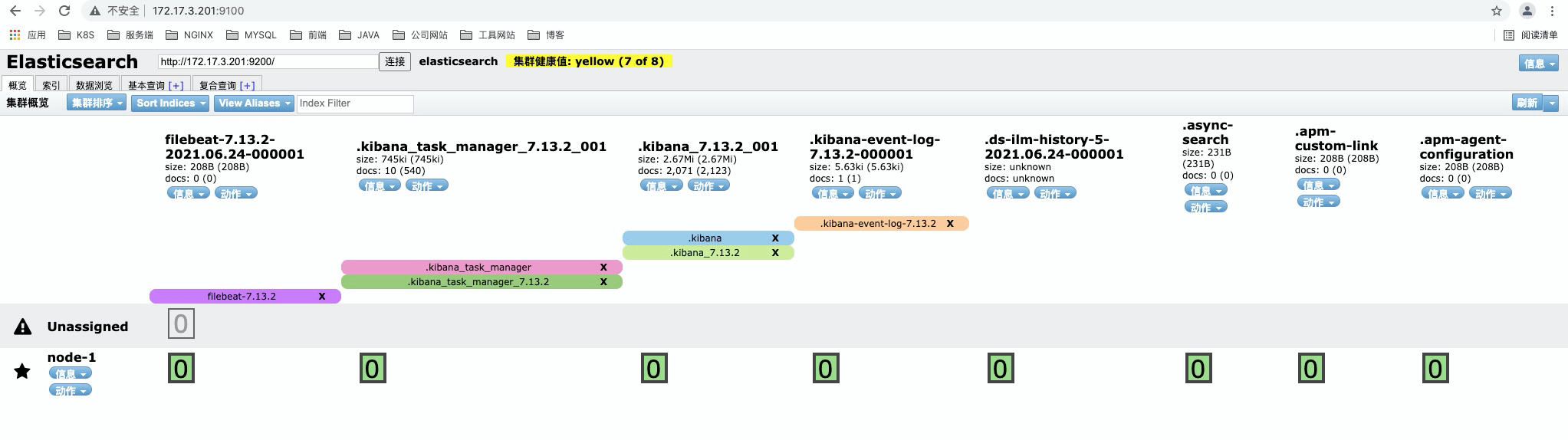
2.6、通过head插件连接elasticsearch服务
输入elasticsearch服务地址,点击连接右边显示黄色信息说明连接成功,至此elasticsearch-head插件安装成功

若有收获,就点个赞吧
0 人点赞


