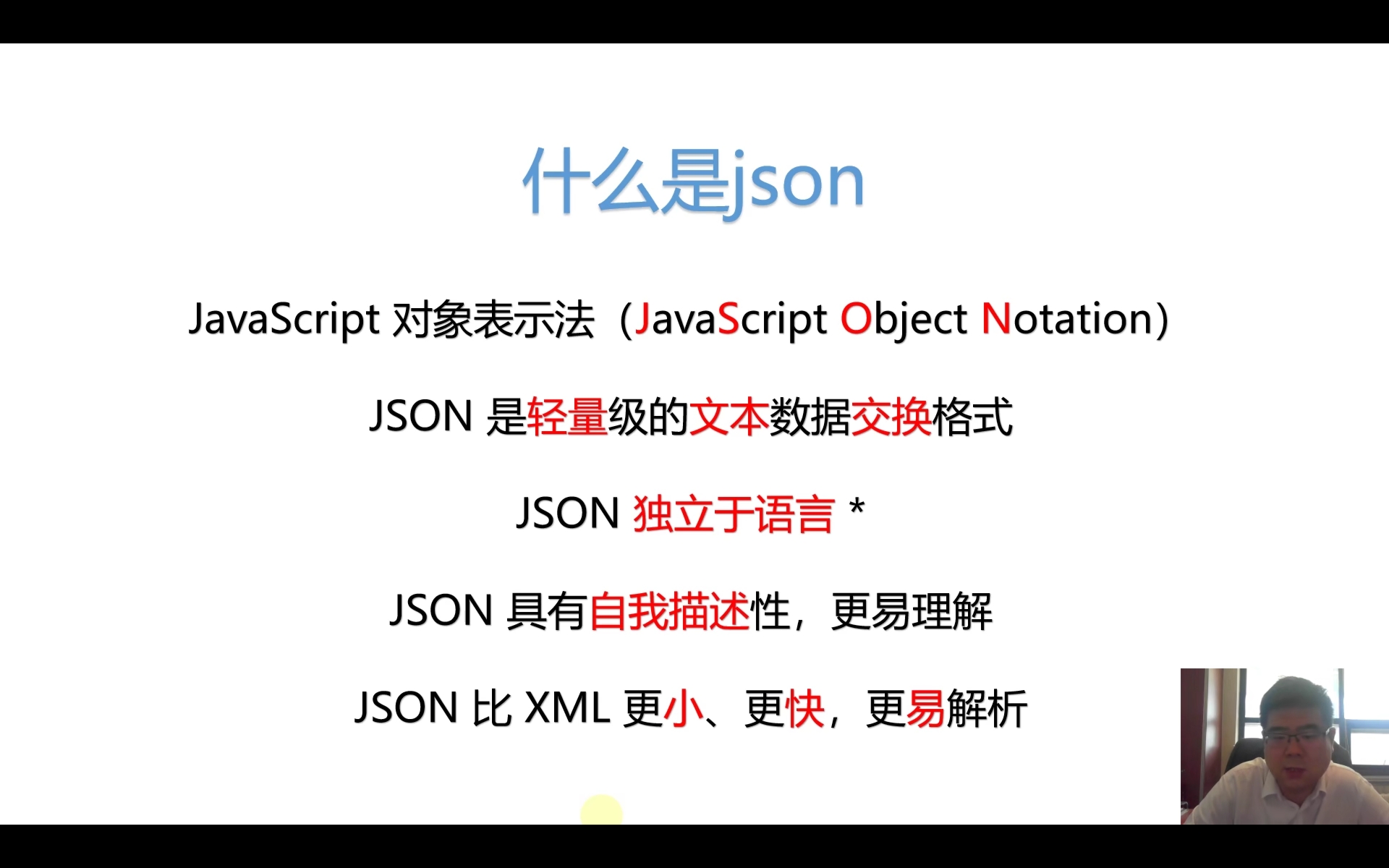
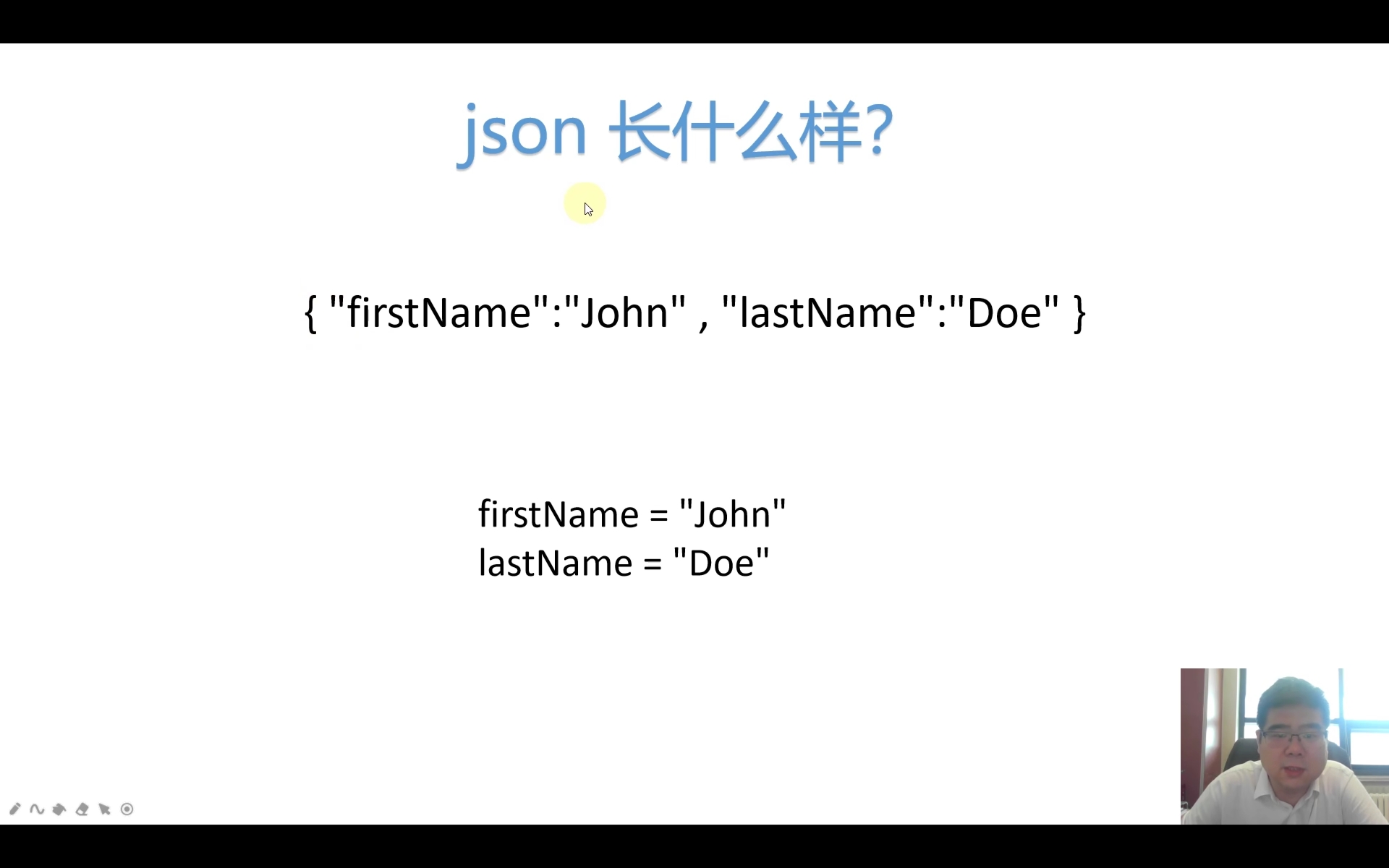
JSON介绍

json&python数据类型转换
将数据从python转换到json格式,在数据类型上会有变化,如下图所示:
| python | json |
|---|---|
| dict | object |
| list,tuple | array |
| str | string |
| int,float,int-&float-derived Enums | number |
| True | true |
| False | false |
| None | null |
反过来,从json格式转化为python内置类型,见下表:
| json | python |
|---|---|
| object | dict |
| array | list |
| string | str |
| number(int) | int |
| number(real) | float |
| true | True |
| false | False |
| null | None |
json使用方法
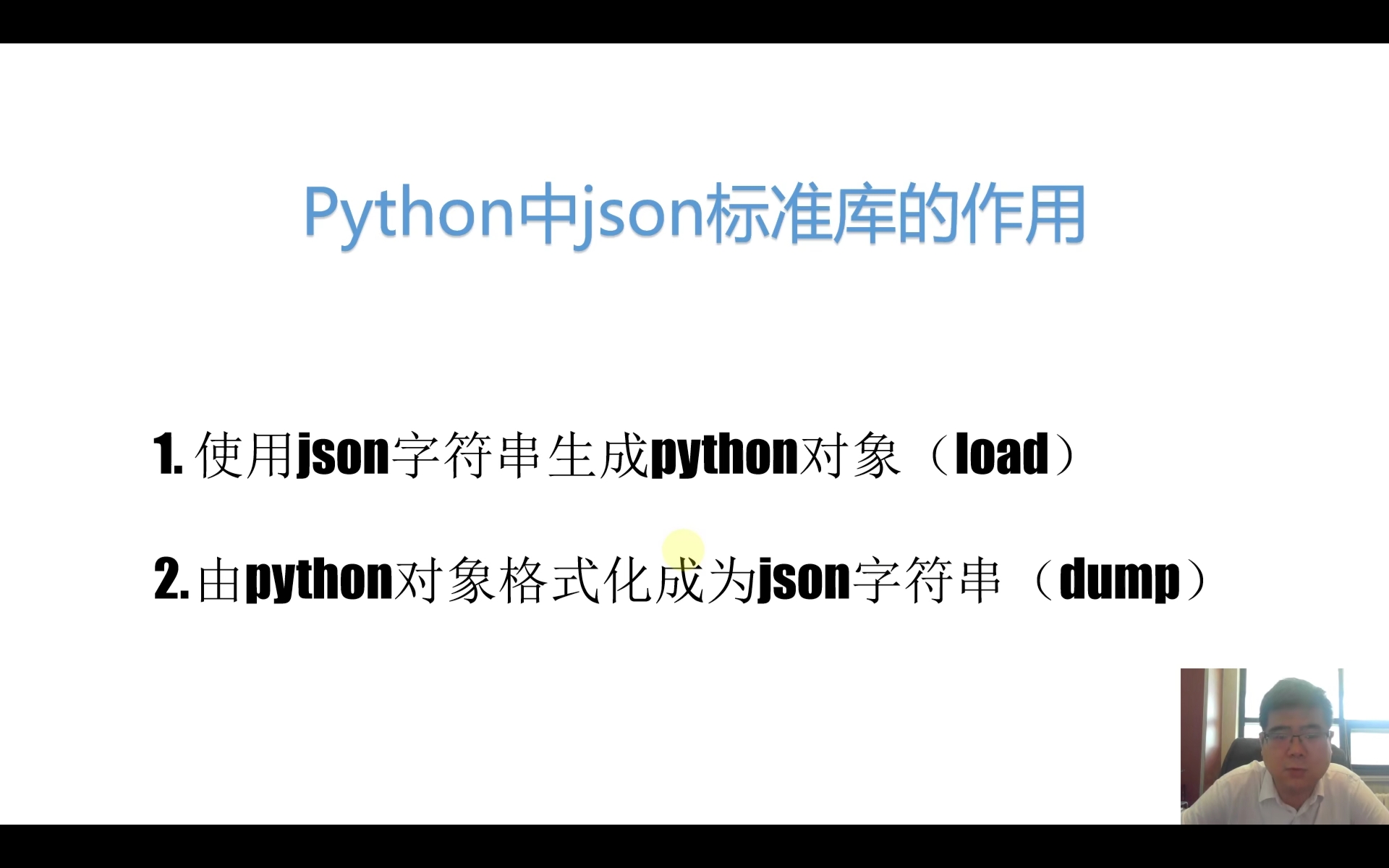
json模块的使用其实很简单,对于绝大多数场合下,我们只需要使用下面四个方法就可以了:
| 方法 | 功能 |
|---|---|
| json.dump(obj,fp) | 将python数据类型转换并保存到json格式的文件内 |
| json.dumps(obj) | 将python数据类型转换为json格式的字符串 |
| json.load(fp) | 从json格式的文件中读取数据并转换为python数据类型 |
| json.loads(s) | 将json格式的字符串转换为python数据类型 |
代码练习1
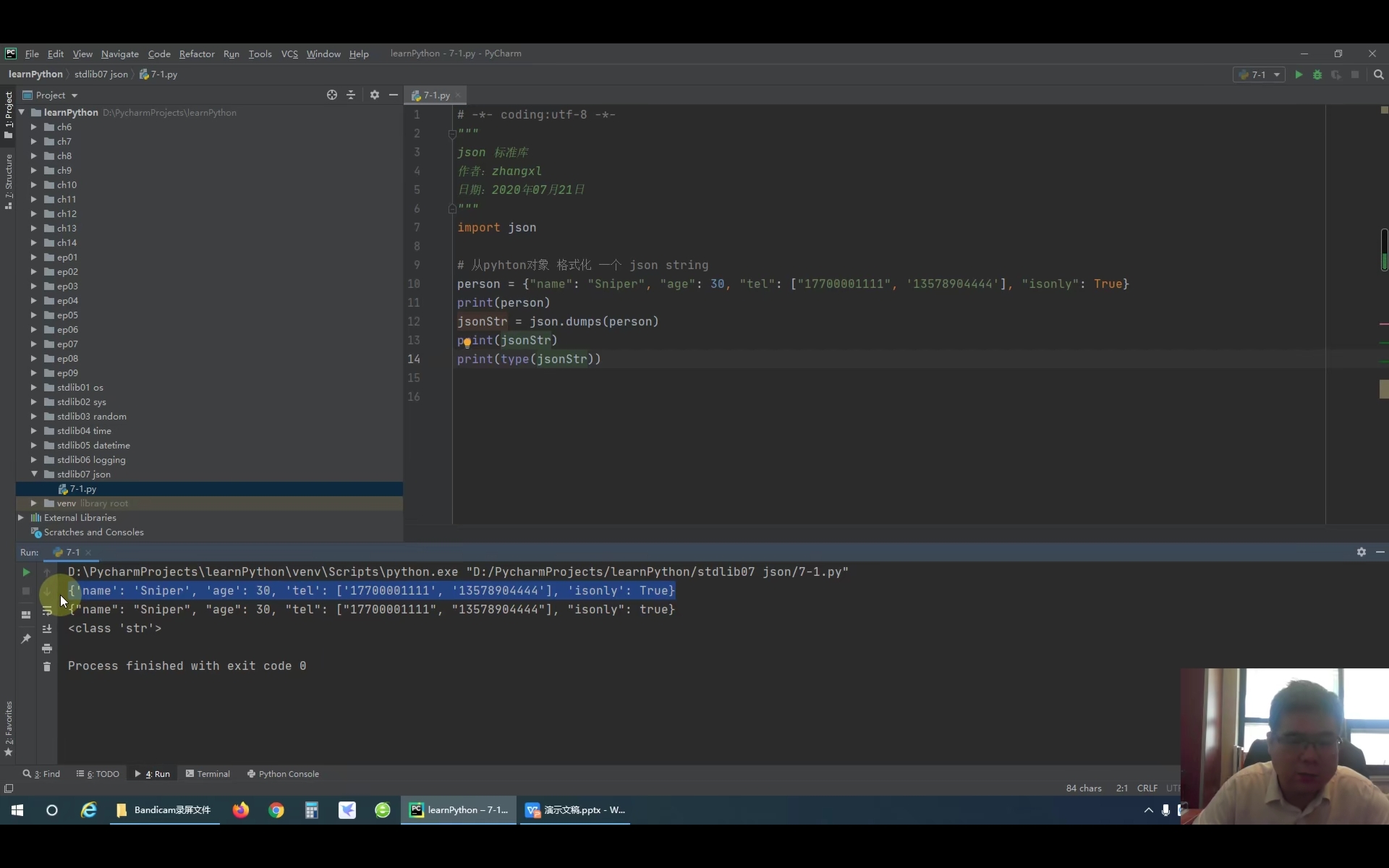
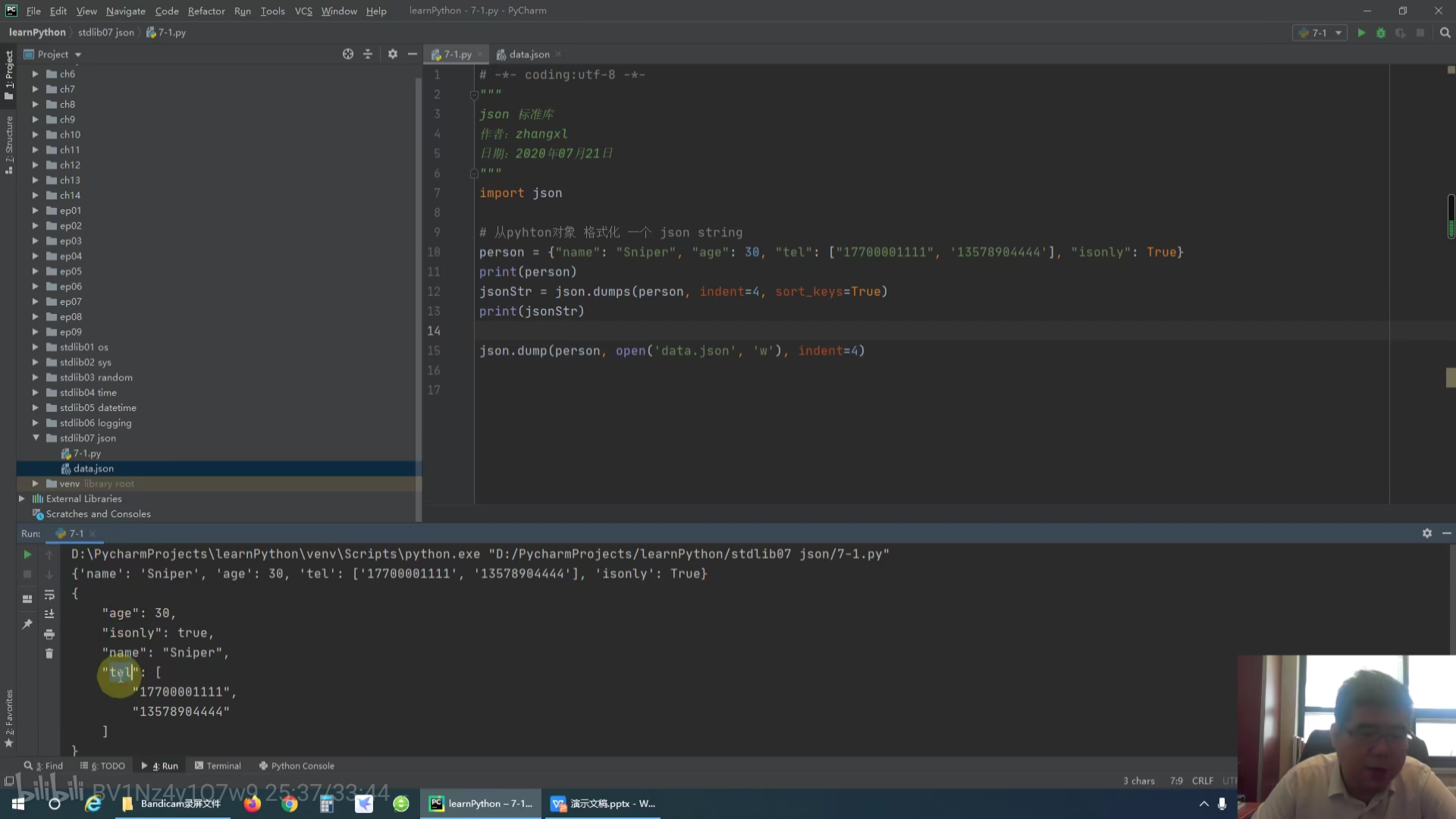
import json### python对象 格式化为 json stringperson = {'name':'baidu','age':38,'tel':['12345678911','13311223344'],'isonly':True}print(person)# 输出结果:{'name': 'baidu', 'age': 38, 'tel': ['12345678911', '13311223344'], 'isonly': True}jsonstr = json.dumps(person)print(jsonstr)# 输出结果:{"name": "baidu", "age": 38, "tel": ["12345678911", "13311223344"], "isonly": true}print(type(jsonstr))# 输出结果: <class 'str'>print(type(person))# 输出结果:<class 'dict'>### 输出格式美化jsonStr = json.dumps(person,indent=4,sort_keys=True)print(jsonStr)# 输出结果:# {# "age": 38,# "isonly": true,# "name": "baidu",# "tel": [# "12345678911",# "13311223344"# ]# }
代码练习2
import json### json.dump(obj,fp)方法person = {'name':'baidu','age':38,'tel':['12345678911','13311223344'],'isonly':True}json.dump(person,open('data.json','w'))# 输出结果:data.json# {"name": "baidu", "age": 38, "tel": ["12345678911", "13311223344"], "isonly": true}json.dump(person,open('data1.json','w'),indent=4)# 输出结果:data1.json# {# "name": "baidu",# "age": 38,# "tel": [# "12345678911",# "13311223344"# ],# "isonly": true# }
代码练习3
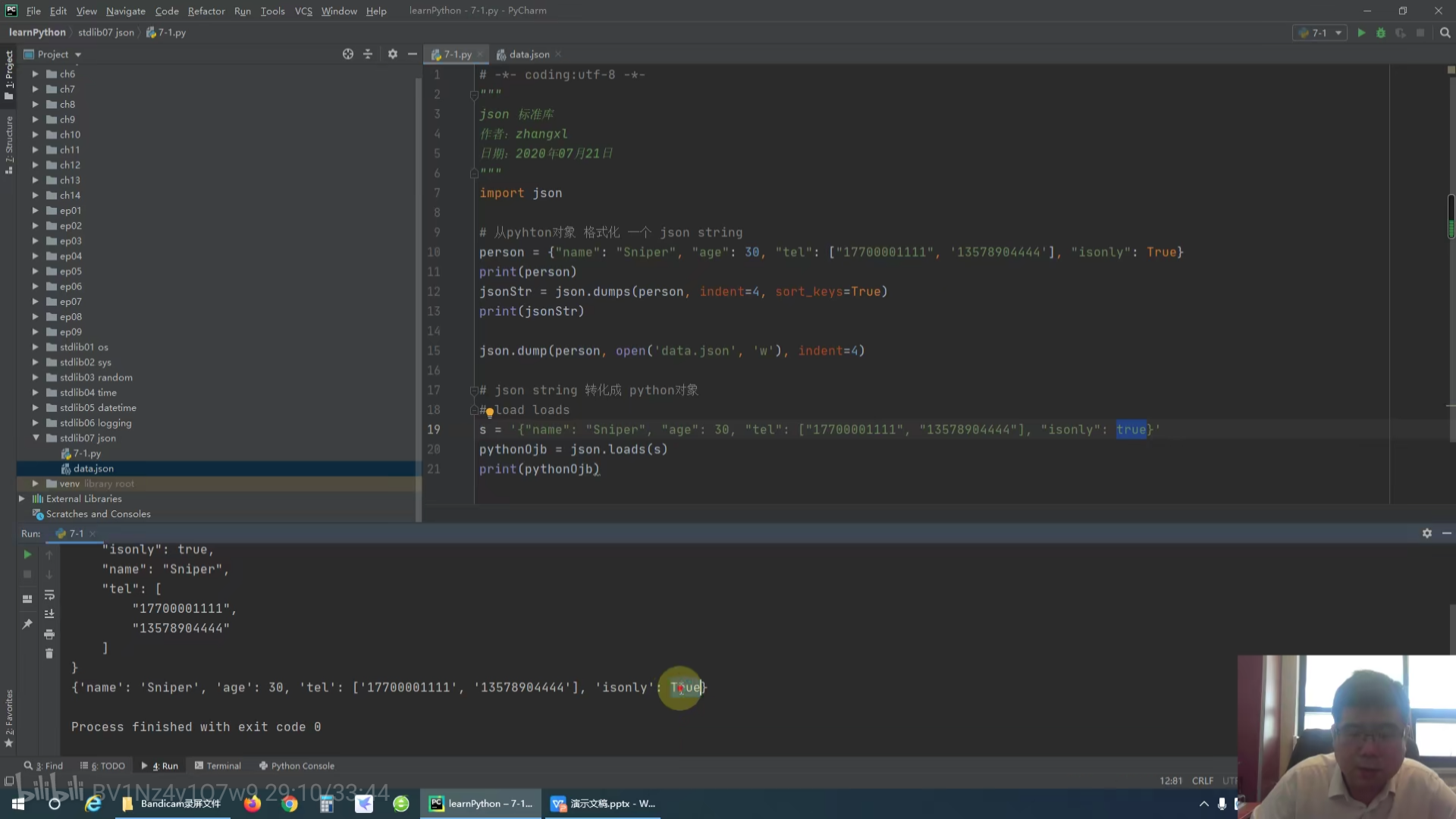
import json### json字符串转换为python对象str = '{"name":"baidu","age":38,"tel":["12345678911","13311223344"],"isonly":true}'print(str)pythonObj = json.loads(str)print(pythonObj)### 输出结果:(注意观察引号、true、True的区别)# {"name":"baidu","age":38,"tel":["12345678911","13311223344"],"isonly":true}# {'name': 'baidu', 'age': 38, 'tel': ['12345678911', '13311223344'], 'isonly': True}

代码练习4
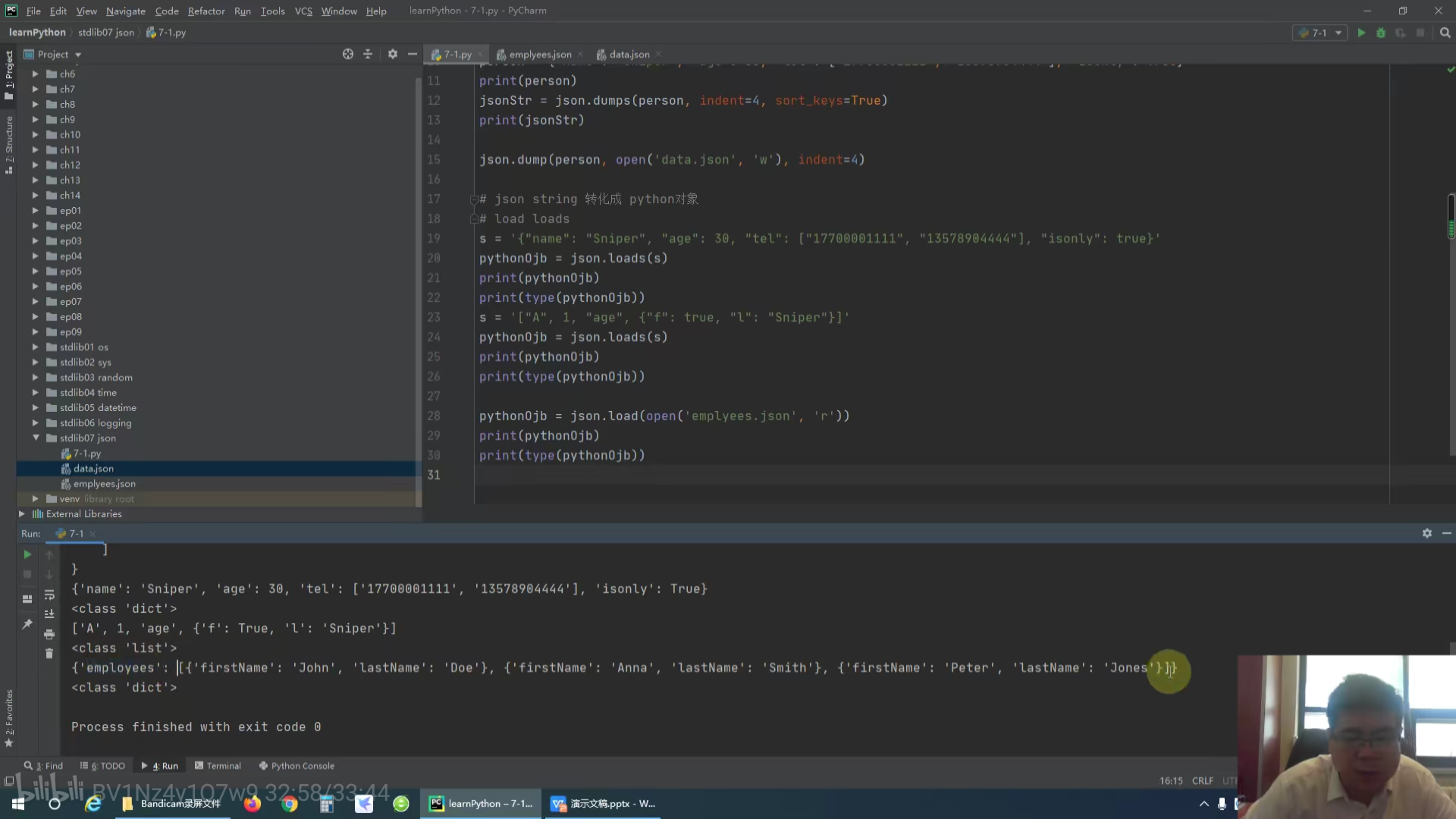
### json.load(fp)的用法import jsonpythonObj = json.load(open('data.json','r'))print(pythonObj)print(type(pythonObj))# <class 'dict'>
视频

若有收获,就点个赞吧
0 人点赞


