注册npm账号
私有NPM包
创建git仓库
- Git仓库可选择github、gitlab、coding等。
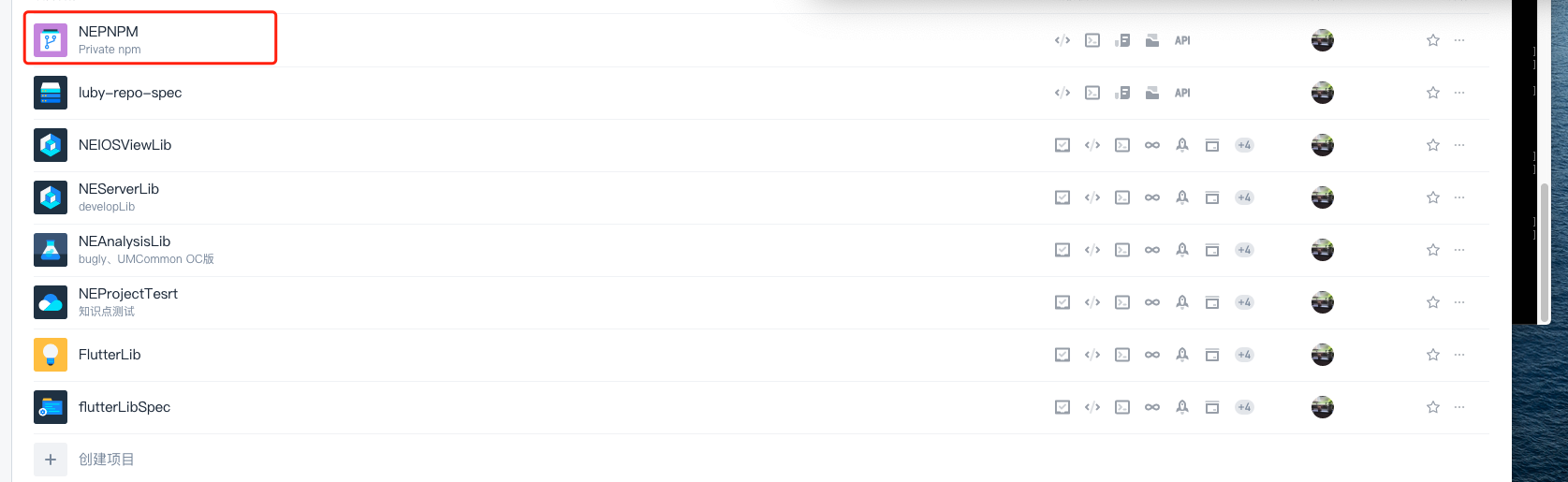
- 本地创建项目文件夹。
将私有库克隆到创建的本地项目文件夹。

git clone https://e.coding.net/lululul/nepnpm/pnpm.git
cd到项目文件夹并执行命令,生成package.json文件。
npm init --scope=pnpm(文件名)
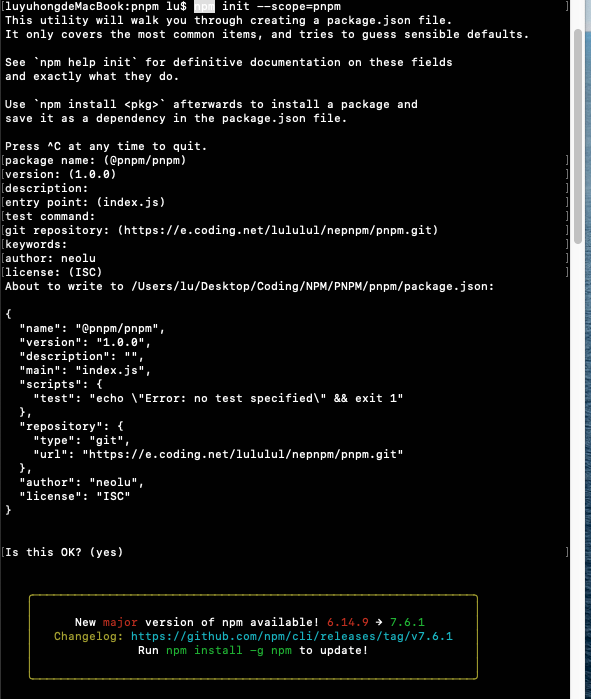
上传到远程仓库。
git add .git commit -m "init"git pushgit tag 0.0.1git push --tags
创建本地npm工程
执行创建命令
ng new myPrivate --skip-npm
-bash: ng: command not found

处理方案
ng 命令是Angular命令。执行命令安装。
sudo npm install -g @angular/cli

生成本地npm项目
ng new myPrivate


编辑package.json文件添加私有组件链接

执行命令生成私有npm组件链接
npm install

引用npm私有组件
命令引入私有npm组件
npm i git+https://e.coding.net/lululul/nepnpm/pnpm.git#0.0.1


在uni-app项目中使用命令时需要手动创建node_modules文件夹。 尽量使用tag方式进行引入。

若有收获,就点个赞吧
0 人点赞


