简介
工作室的api接口方案采用graphql,前端只要求会写query,mutation语句即可
GraphQL 是一个用于 API 的查询语言,是一个使用基于类型系统来执行的查询规范,可以类比于sql,只不过查询对象由数据库变为了后台服务器
具体可看官方文档:https://graphql.cn/learn/
要点
graphql有三个要点,type,query,mutation
举例:
type User {id: ID}type Query {user(id: ID): User!... 可以多个query函数}type Mutation {user: User... 可以多个mutation函数}
如何学习
看文档固然重要,但是缺少恰当的练习,也很难掌握一个新知识,所以我们需要配合graphql-faker工具进行练习
graphql-faker地址:https://github.com/APIs-guru/graphql-faker
npm install -g graphql-faker // 如果安装失败,需要管理员权限窗口graphql-faker --open // 之后会打开一个本地graphql服务,http://localhost:9002/editor/
- 选择第二个
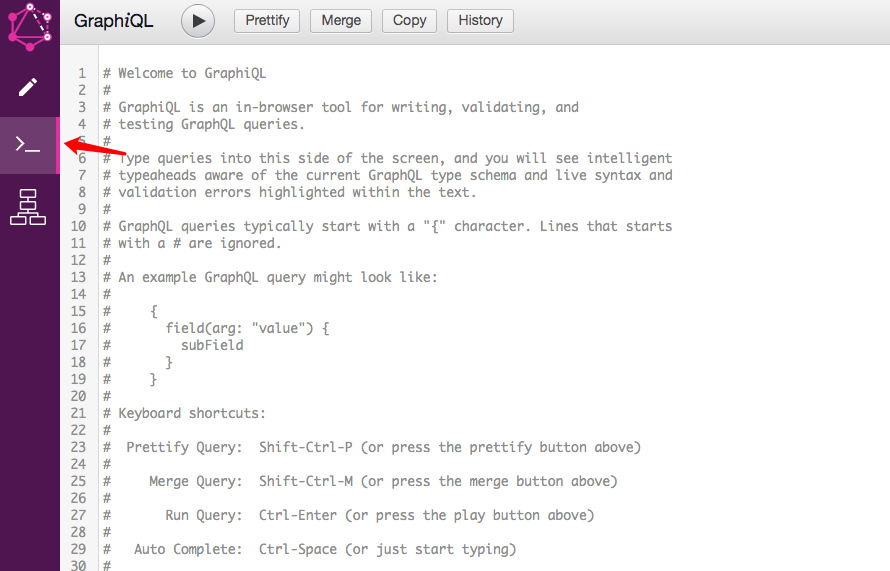
- 选择查看右边的docs,可以看到只有query存在,那是因为shcema中只定义了query。


- 尝试第一个query


根据以上两个文档可以写出
可以看到
- 查询语句是根据文档上的query 函数写出的
- 有参数要求的需要传递参数,点击 query variables可以打开定义区
- 查询结果和查询语句结构差不多
还可以看到,由于查询语句只传了id, 所以只返回了employee的id字段,可以看到文档上employee不止这一个字段,还有company等等等等,尝试修改查询语句,你可以任意得到自己想要的字段
如果不带参数的query,会比较简单
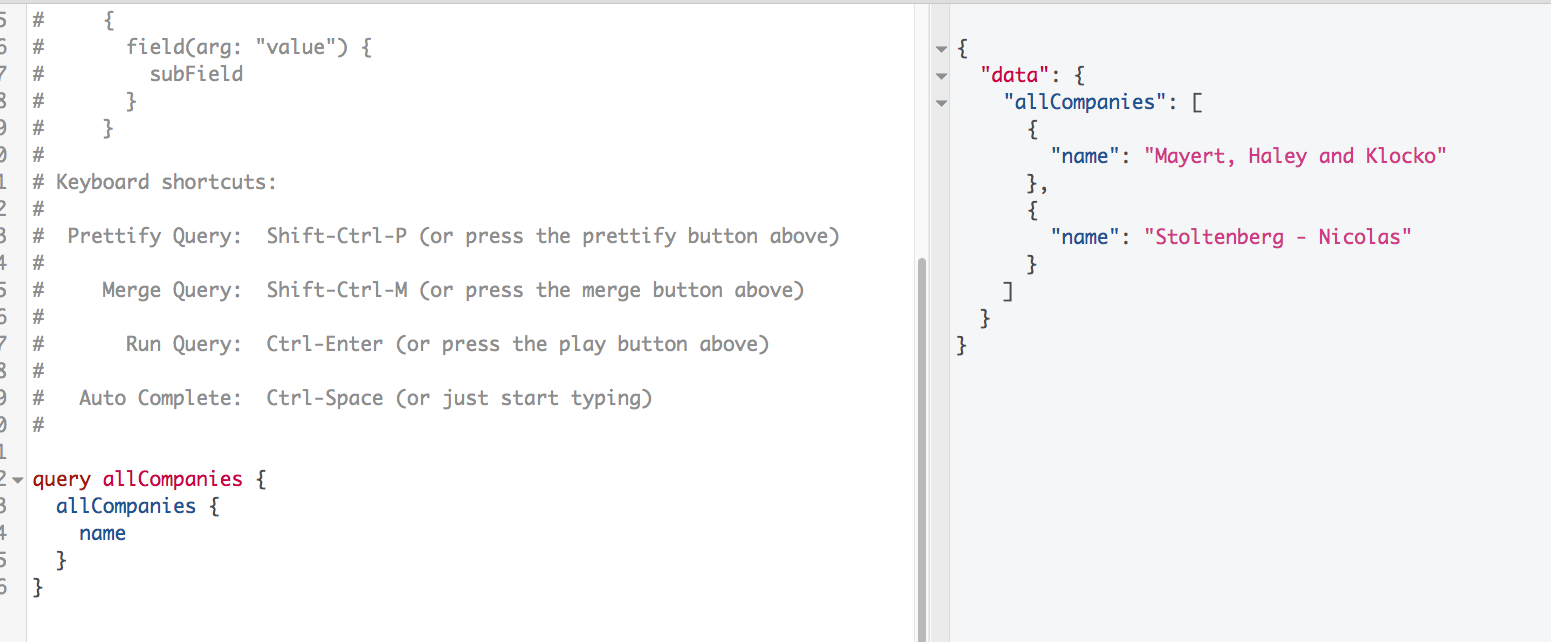
- docs文档是联系graphql的关键
整个的docs结构如下:
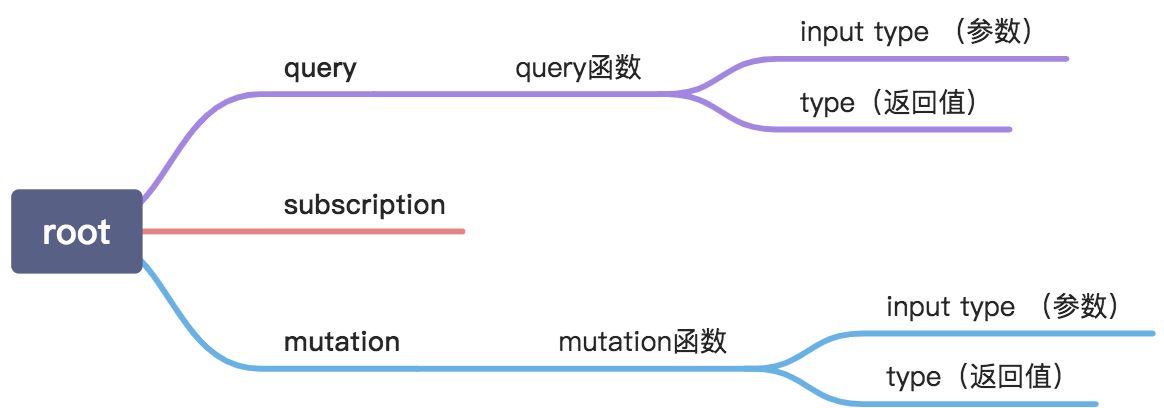 其中订阅类型暂不需要掌握,那这个docs怎么产生呢,答案是schema文档定义的

可以看到,所有的类型和查询定义都在这个文档里,这个文档比较简单,需要测试更多语句可以用下方的文档覆盖原本的,点击save保存,就可以开始新的尝试了。
type Company {name: String @fake(type:companyName)industry: String @examples(values: ["IT", "Manufacturing", "Medicine", "Media"])employees: [Employee!]}# Employee typetype Employee {firstName: String @fake(type: firstName, locale:en_CA)lastName: String @fake(type: lastName, locale:en_CA)address: String @fake(type:streetAddress, options: { useFullAddress: true })subordinates: [Employee!]!company: Company}interface Node {id: ID!}interface Character {id: ID!name: String!}type Human implements Character, Node {id: ID!name: String!totalCredits: Int}union UNIONMASTER = Employee | User | Companyenum Role {# Adimn roleADMINUSER @deprecated(reason: "not cool")# JediJEDINO_DESCRIPTIONDEP_NO_REASON @deprecated}type User {# User role lorem ipsumrole: Roleunion: UNIONMASTERdep: String @deprecated(reason: "hey")hey: String!id: ID}type Query {# get first useruser(# Hey i am the idid: ID): User!human: Humanemployee(id: ID, name: String, lorem: String, Ipsum: Int): Employeecompany(id: ID): CompanyallCompanies: [Company!]}type Mutation {user: User}

若有收获,就点个赞吧
0 人点赞


