在没有显示器的条件下,如何安装树莓派的操作系统,并打开SSH登陆?
+‘-
1)先离线下载IMG文件:
https://www.raspberrypi.com/software/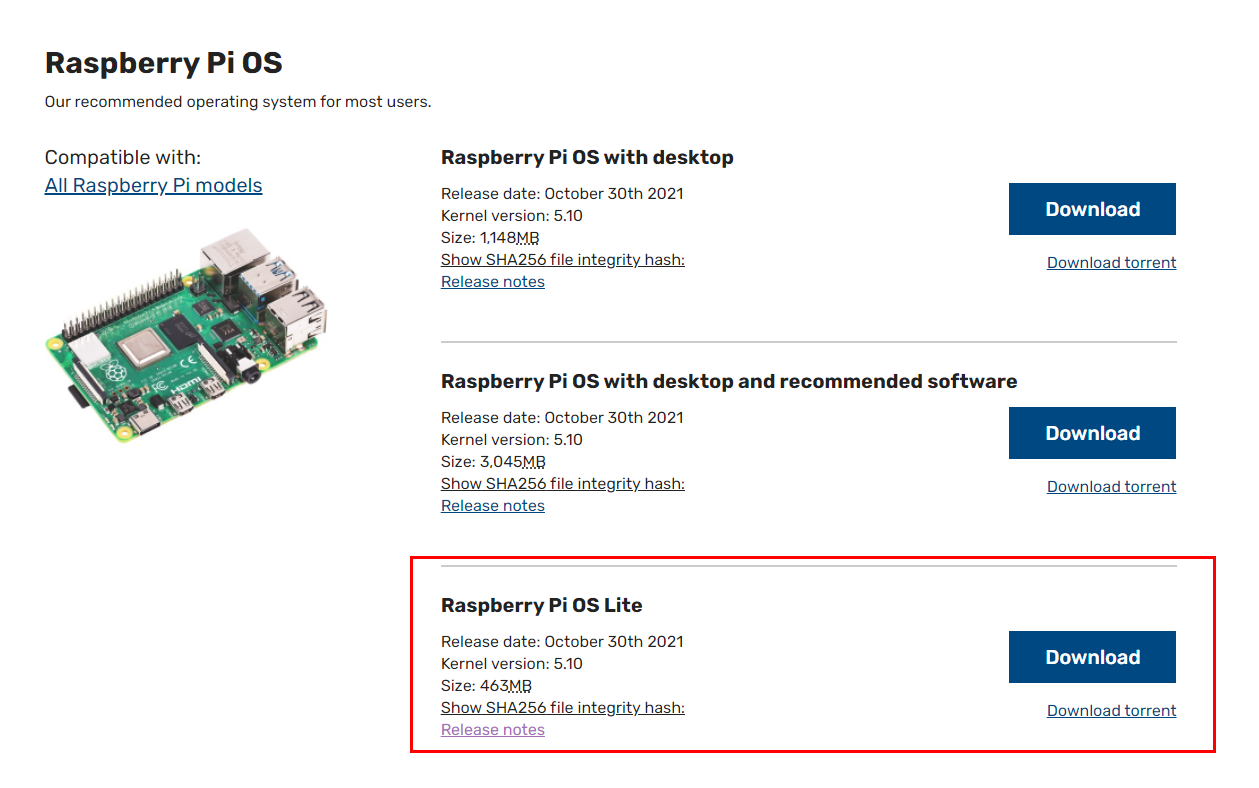
2)电脑上安装Win32DiskImager软件,写入TF卡;
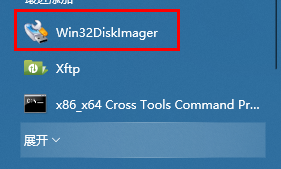

刻录完成后,为了保证SSH能够正常登陆,将SD卡连接到电脑上并打开,直接新建“SSH”文件(无后缀)即可,如下图: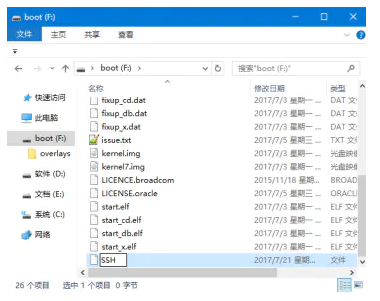
3)将TF卡插入树莓派,将自己的电脑设置为DHCP模式,用一根网线,连接电脑的网卡和树莓派的网卡,通过域名:“raspberrypi.local”,SSH登陆;
默认帐号:Username: pi Password: raspberry
默认的用户名: pi
默认的密码是: raspberry
root
cedw0099*
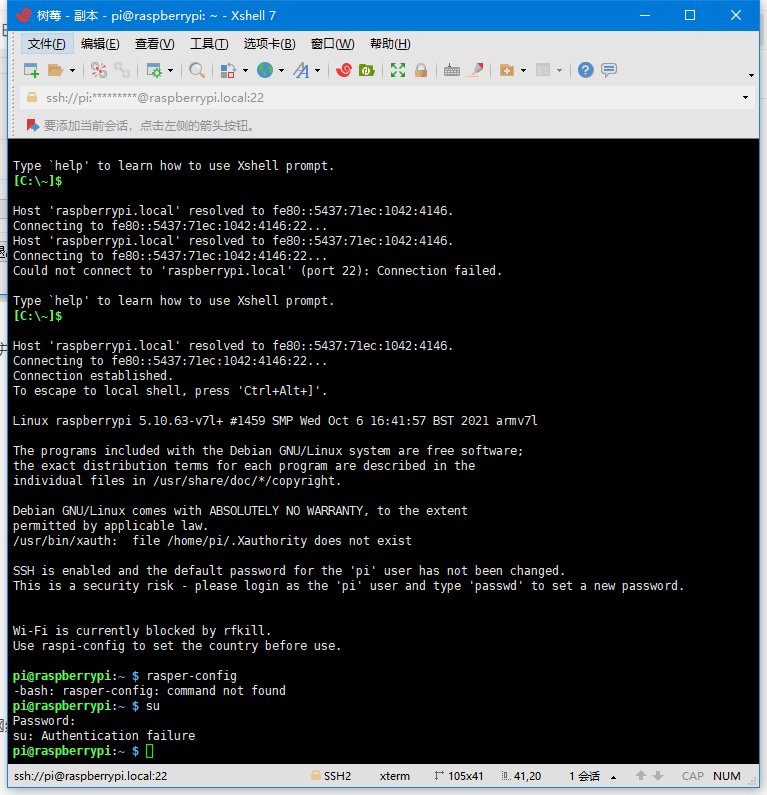
登陆之后,可以通过:sudo passwd root命令,给root用户设定一个新的密码;

WIFI的配置:
http://www.shumeipaiba.com/wanpai/jiaocheng/25.html
# 编辑 nano /etc/apt/sources.list 文件,删除原文件所有内容,用以下内容取代:deb http://mirrors.tuna.tsinghua.edu.cn/raspbian/raspbian/ buster main non-free contrib rpideb-src http://mirrors.tuna.tsinghua.edu.cn/raspbian/raspbian/ buster main non-free contrib rpi# 编辑 nano /etc/apt/sources.list.d/raspi.list文件,删除原文件所有内容,用以下内容取代:deb http://mirrors.tuna.tsinghua.edu.cn/raspberrypi/ buster main uisudo apt-get updatesudo apt-get upgrade
Linux中重启的两个命令:reboot和init 6之间的区别
init命令用于改变操作系统的运行级别。
Init 6是重新启动机器。
reboot也是重新启动机器。
对这两个操作使用man命令看到的内容如下:
“init 6” 基于一系列/etc/inittab文件,并且每个应用都会有一个相应shutdown脚本。
‘init 6’ 调用一系列shutdown脚本(/etc/rc0.d/K*)来使系统优雅关机;
‘reboot’并不执行这些过程,reboot更是一个kernel级别的命令,不对应用使用shutdown脚本。 .
我们应该在通常情况下使用 init 6.
reboot - reboot performs a sync(1M) operation on the disks, and then a
multi- user reboot is initiated. See init(1M) for details.
init 6 Stop the operating system and reboot to the
state defined by the initdefault entry in
/etc/inittab.
在出问题的状况下或强制重启时使用reboot.

若有收获,就点个赞吧
0 人点赞


