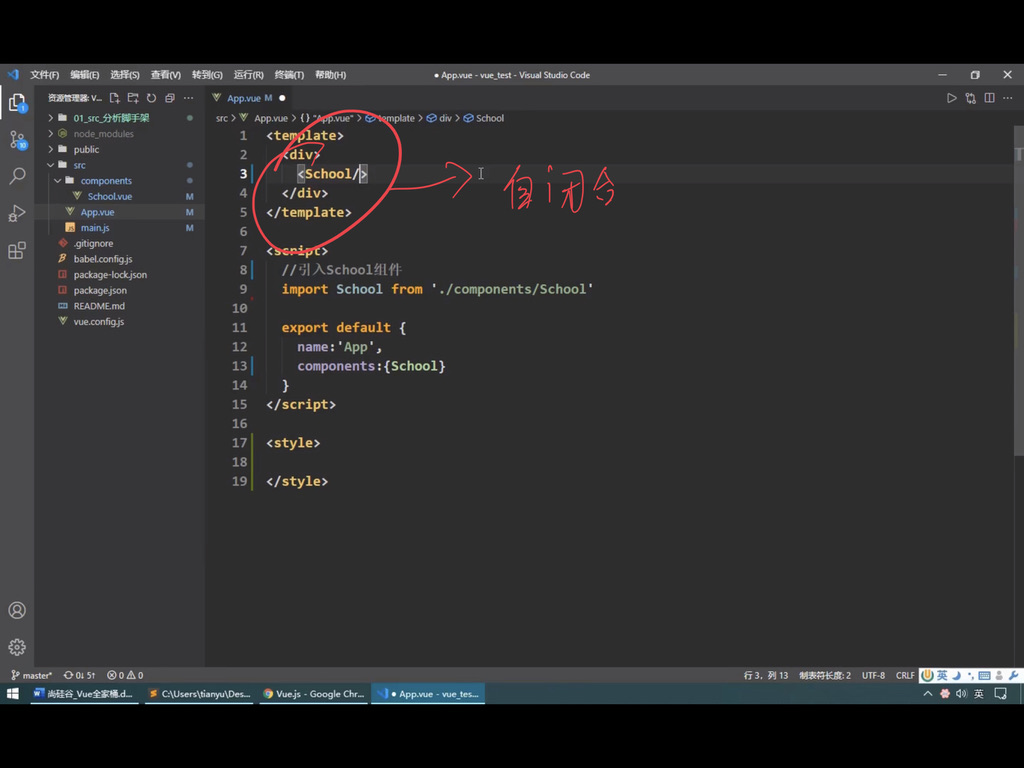
这个是自闭合
替代<School></School>
�
Vue中如何操作Dom元素呢? 使用ref属性
我们之前是通过什么方式获得Dom的呢?
看下面的例子
通过document.getElementById(“hello”)
<template><div><School/><h3 id="hello" > 我就是你想获得的Dom元素</h3><button @click="ShowDom">点我显示Dom</button></div></template><script>//引School组件import School from "@/components/School";export default {name: 'App',components : {School},methods:{ShowDom(){console.log(document.getElementById("hello"))}}}</script><style></style>

但是在Vue中操作Dom这种事情还有一种更加方便的方法
我们可以通过ref属性来获得相关的Dom
this.$refs.hello
<template>
  <div>
    <School/>
    <h3 ref="hello" > 我就是你想获得的Dom元素</h3>
    <button @click="ShowDom">点我显示Dom</button>
  </div>


</template>

<script>
//引School组件
import School from "@/components/School";

export default {
  name: 'App',
  components : {School},
  methods:{
    ShowDom(){
      console.log(this.$refs.hello)
    }
  }
}
</script>

<style>

</style>
最重要的事情是这样,如果我们在School这个标签上标记 ref,那么我们会得到什么呢???
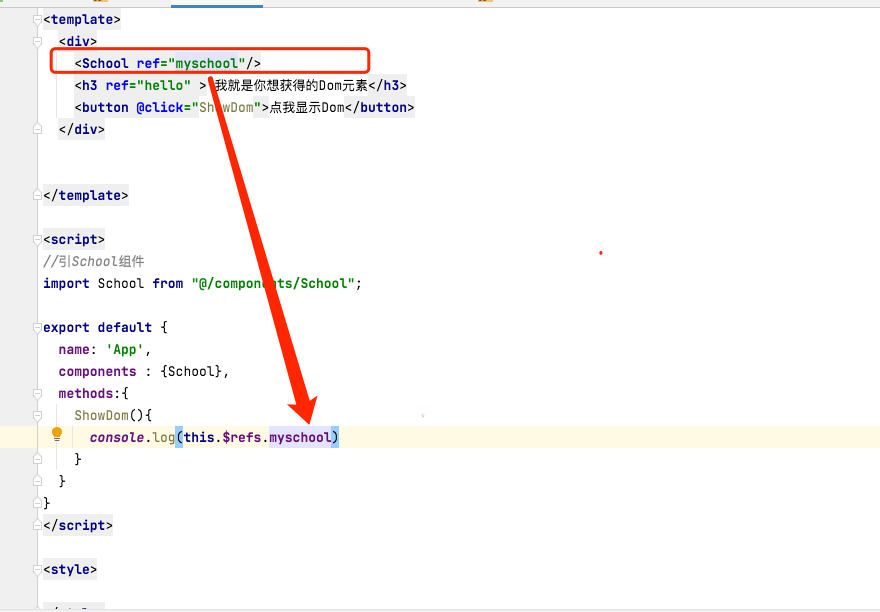
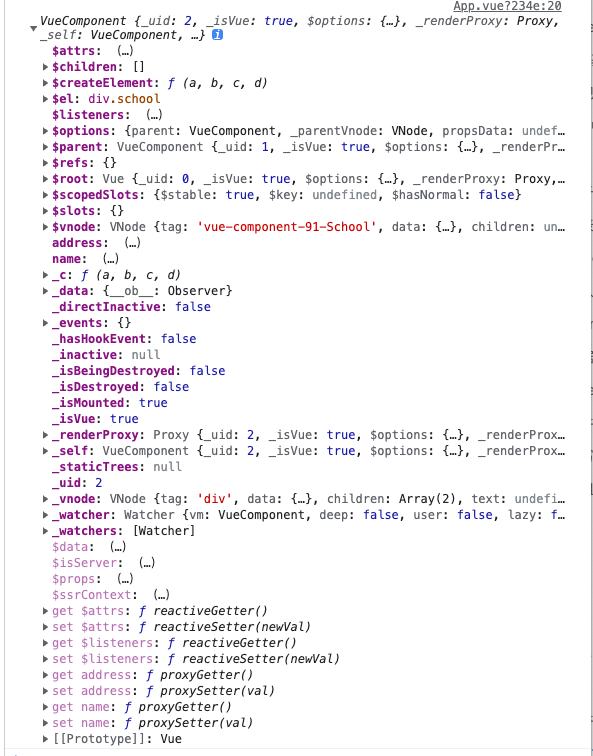
那么我们得到的是什么呢?
我们发现我们得到了Vc (也就是Vue的实例)
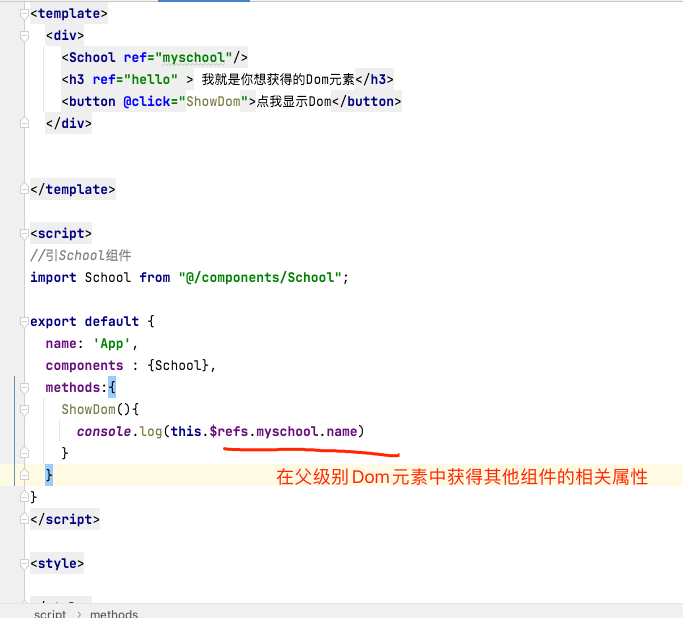
那么既然我可以得到Dom实例,我就可以做很多事情了

若有收获,就点个赞吧
0 人点赞


