浮动
浮动的基本概念

浮动的使用


浮动的顺序贴靠特性
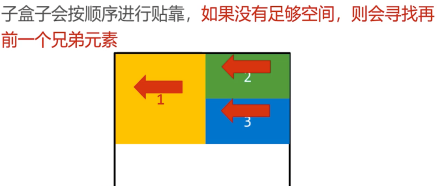
浮动的元素一定能设置宽高



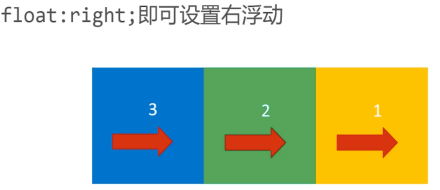
右浮动
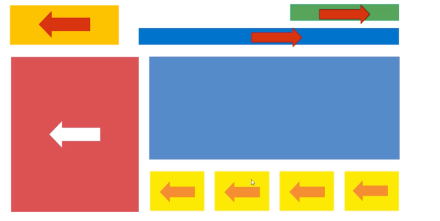
使用浮动实现网页布局
BFC规范和浏览器差异

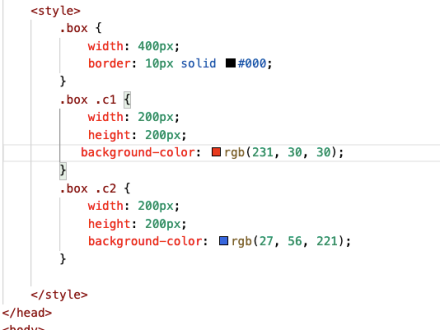
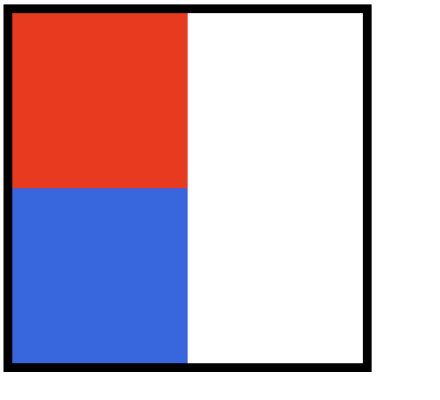
从一个现象说起


如何创建BFC
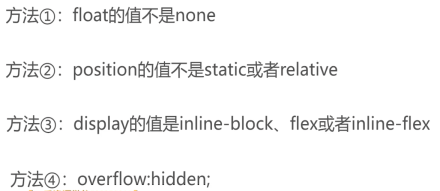
什么是overflow:hidden;


BFC的其他作用


浏览器差异

清除浮动

清除浮动方法1
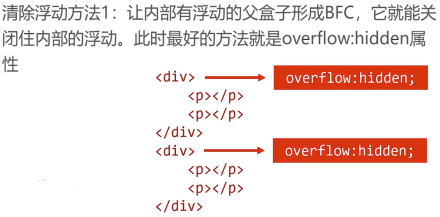
* {margin: 0;padding: 0;}div {overflow: hidden;margin-bottom: 10px;}p {float: left;width: 100px;height: 100px;background-color: orange;margin-right: 20px;}
<div><p></p><p></p></div><div><p></p><p></p></div>
清除浮动方法2

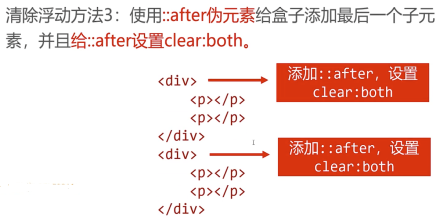
清除浮动方法3
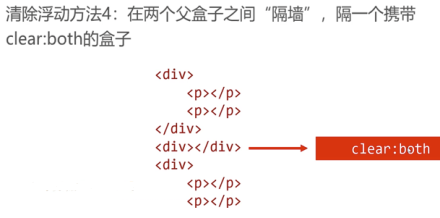
清除浮动方法4
定位
相对定位

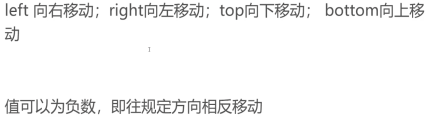
位置描述词
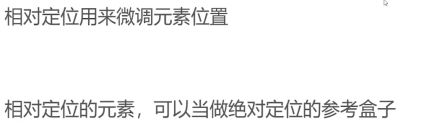
相对定位的性质

相对定位的用途
绝对定位

.box {position: absolute;bottom: 300px;right: 200px;width: 200px;height: 200px;background-color: orange;}
<div class="box"></div>
位置描述词
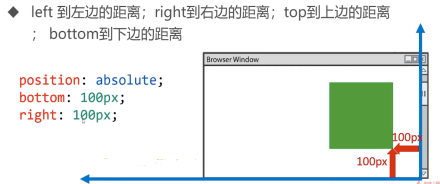
绝对定位脱离标准文档流


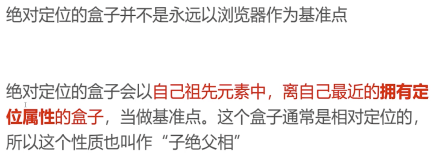
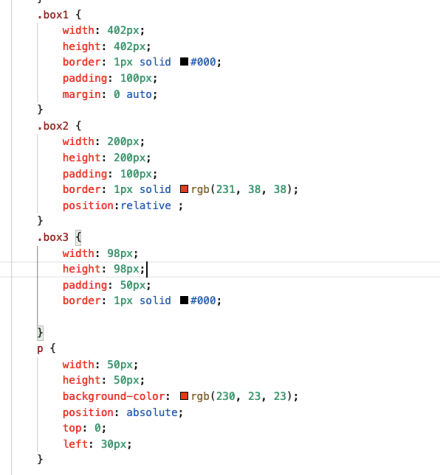
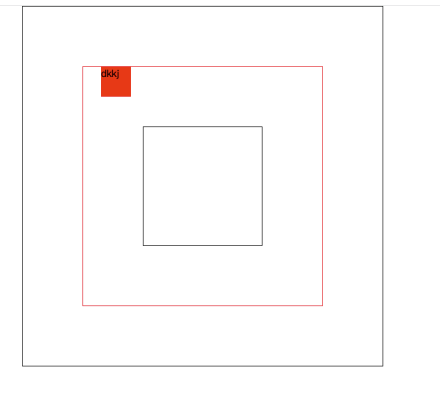
绝对定位的参考盒子
绝对定位的盒子垂直居中

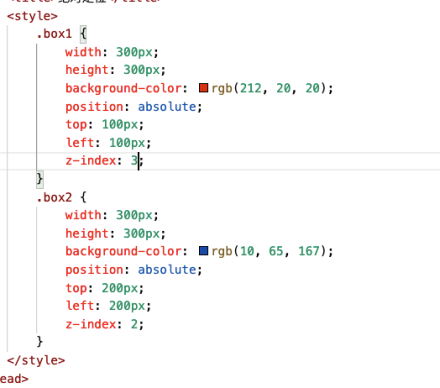
堆叠顺序z-index属性


绝对定位的用途

固定定位
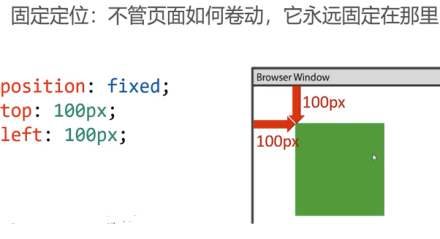
固定定位注意事项


若有收获,就点个赞吧
0 人点赞


