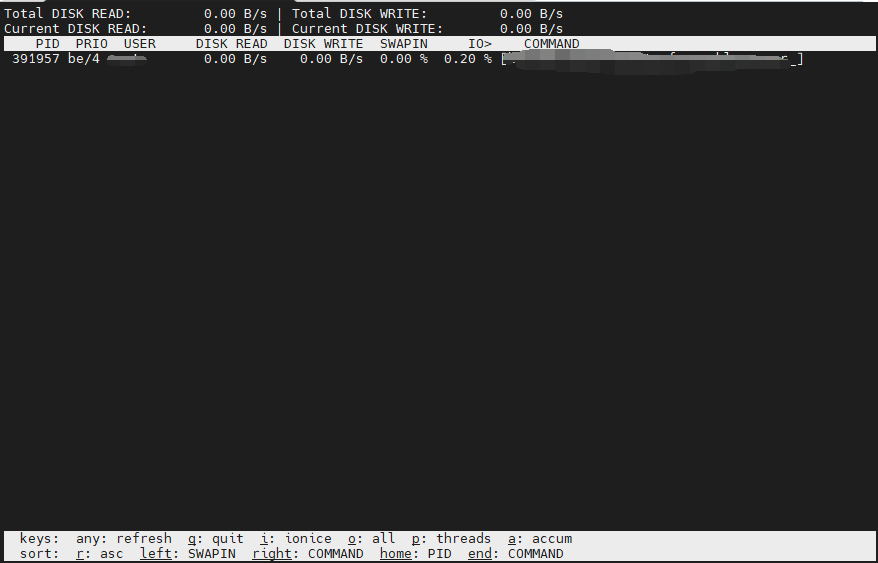
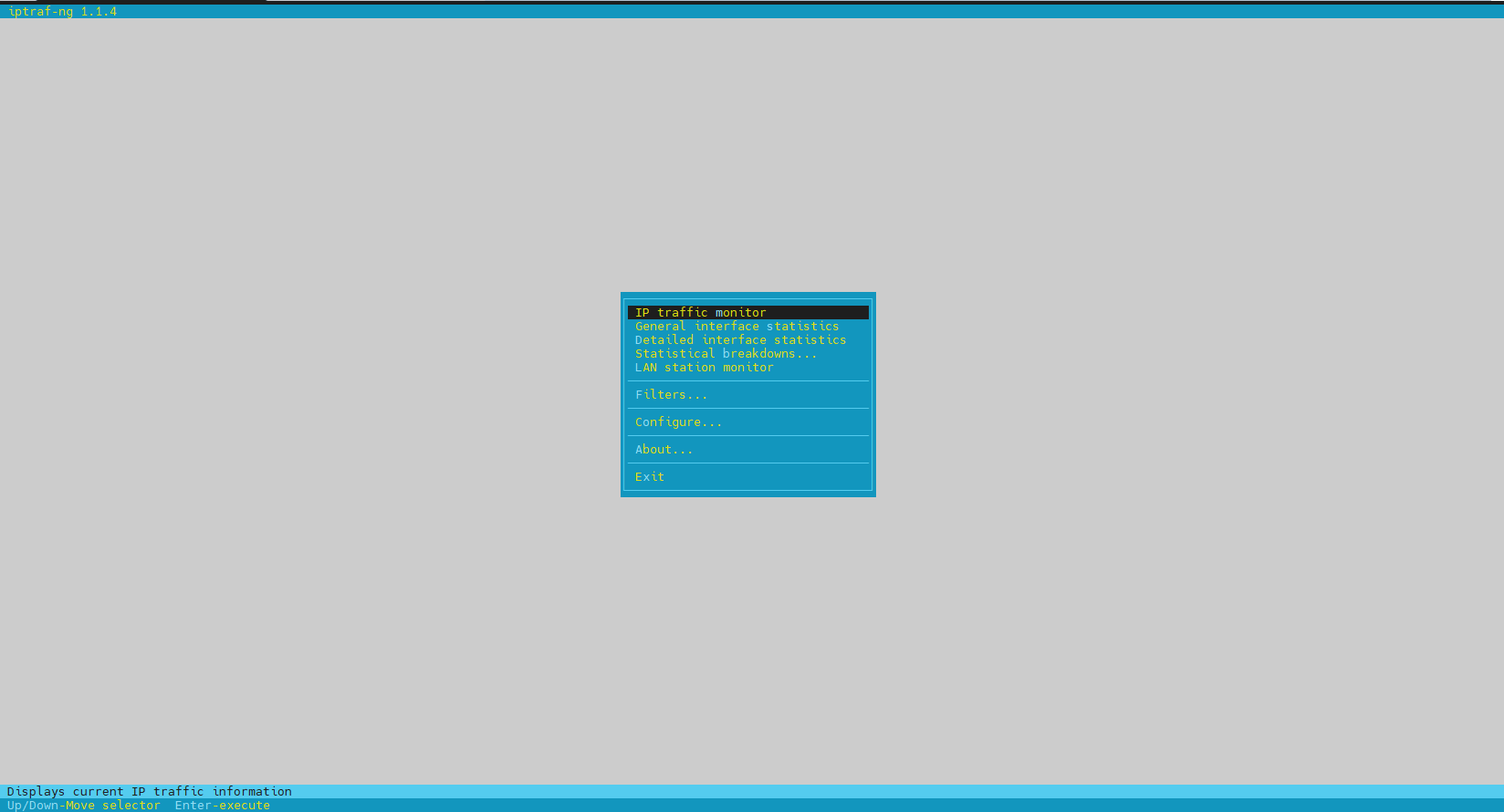
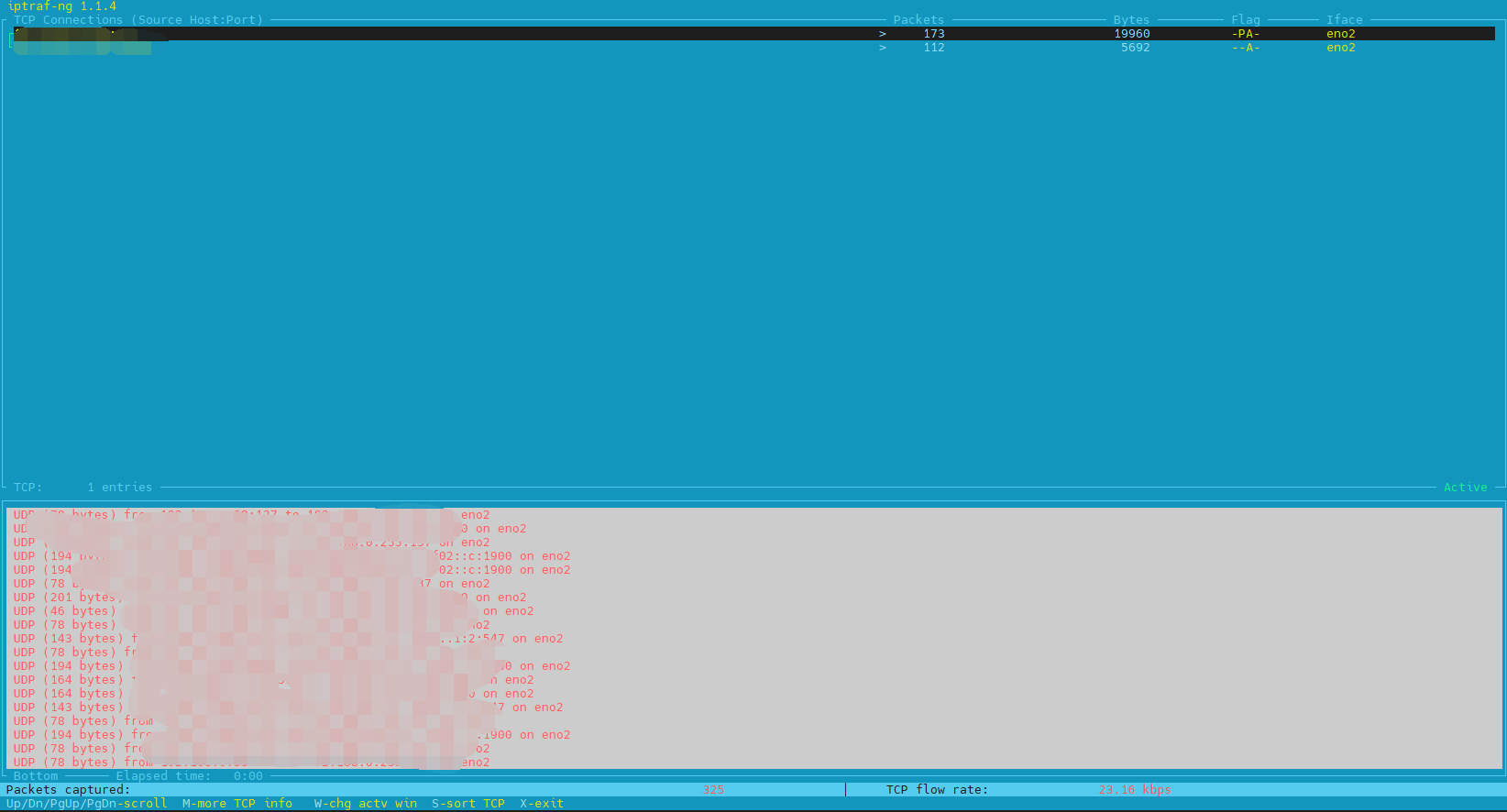
磁盘性能监控iostatiotop网络性能监控iftopiptraf-ng 磁盘性能监控 iostat 安装: apt install iostat -y 监控命令: iostat -x 1 10 其中 1 为更新频率, 10 为更新次数,不写的话就是持续更新。 iotop安装 apt install iotop -y 使用 iotop -oP 通过这个命令可以看见比较详细信息,如:进程号,磁盘读取量,磁盘写入量,IO百分比,涉及到的命令是什么。 网络性能监控 iftop 安装 apt install iftop -y 使用 iftop -i <net_interface_name> -i 参数指定网卡名称,否则使用系统默认的第一张网卡。 iptraf-ng安装 apt install iptraf -y 运行 iptraf-ng