用几个简单的步骤启动并运行一个Flink示例程序。
安装:下载并启动Flink
Flink可以在Linux、Mac OS X和Windows上运行。要能够运行Flink,惟一的要求是有一个可以工作的Java 8.x安装。Windows用户,请看看Flink on Windows指南,它描述了如何在本地设置的Windows上运行Flink。
你可以发出以下命令,检查Java的正确安装:
java -version
如果您有Java 8,输出将是这样的:
java version "1.8.0_111"Java(TM) SE Runtime Environment (build 1.8.0_111-b14)Java HotSpot(TM) 64-Bit Server VM (build 25.111-b14, mixed mode)
- 从downloads page下载一个二进制文件。您可以选择任何您喜欢的Hadoop/Scala组合。如果您计划只使用本地文件系统,那么任何Hadoop版本都可以很好地工作。
- 转到下载目录。
- 解压缩下载的归档文件。
$ cd ~/Downloads # Go to download directory$ tar xzf flink-*.tgz # Unpack the downloaded archive$ cd flink-1.7.1
MacOS X用户可以通过 Homebrew安装Flink。
$ brew install apache-flink...$ flink --versionVersion: 1.2.0, Commit ID: 1c659cf
启动本地Flink集群
$ ./bin/start-cluster.sh # Start Flink
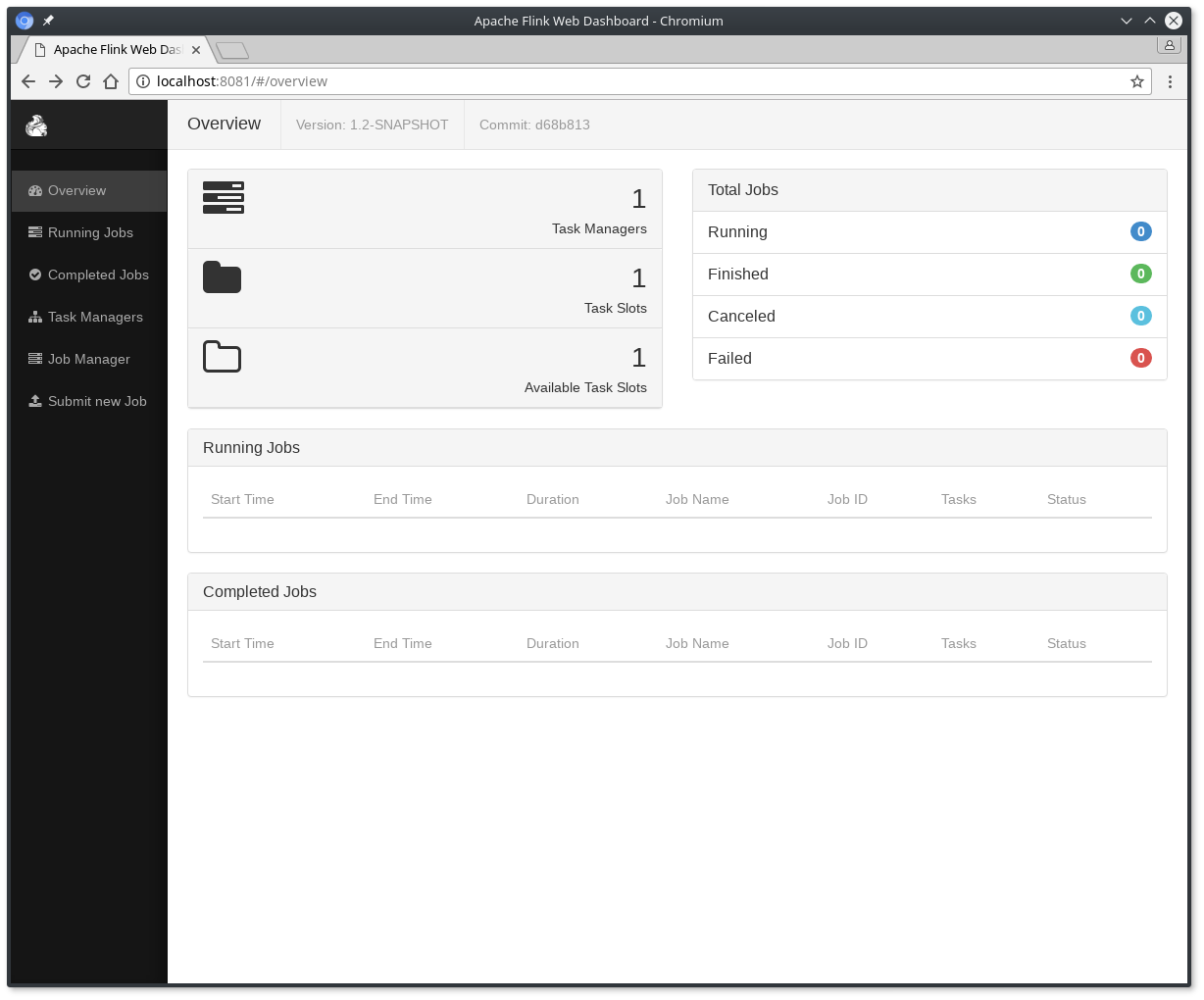
在http://localhost:8081上检查Dispatcher的web前端,并确保一切正常运行。web前端应该报告一个可用的TaskManager实例。
您还可以通过检查logs目录中的日志文件来验证系统是否在运行:
$ tail log/flink-*-standalonesession-*.logINFO ... - Rest endpoint listening at localhost:8081INFO ... - http://localhost:8081 was granted leadership ...INFO ... - Web frontend listening at http://localhost:8081.INFO ... - Starting RPC endpoint for StandaloneResourceManager at akka://flink/user/resourcemanager .INFO ... - Starting RPC endpoint for StandaloneDispatcher at akka://flink/user/dispatcher .INFO ... - ResourceManager akka.tcp://flink@localhost:6123/user/resourcemanager was granted leadership ...INFO ... - Starting the SlotManager.INFO ... - Dispatcher akka.tcp://flink@localhost:6123/user/dispatcher was granted leadership ...INFO ... - Recovering all persisted jobs.INFO ... - Registering TaskManager ... under ... at the SlotManager.
阅读代码
您可以在scala 和java上找到这个SocketWindowWordCount示例的完整源代码。
object SocketWindowWordCount {def main(args: Array[String]) : Unit = {// the port to connect toval port: Int = try {ParameterTool.fromArgs(args).getInt("port")} catch {case e: Exception => {System.err.println("No port specified. Please run 'SocketWindowWordCount --port <port>'")return}}// get the execution environmentval env: StreamExecutionEnvironment = StreamExecutionEnvironment.getExecutionEnvironment// get input data by connecting to the socketval text = env.socketTextStream("localhost", port, '\n')// parse the data, group it, window it, and aggregate the countsval windowCounts = text.flatMap { w => w.split("\\s") }.map { w => WordWithCount(w, 1) }.keyBy("word").timeWindow(Time.seconds(5), Time.seconds(1)).sum("count")// print the results with a single thread, rather than in parallelwindowCounts.print().setParallelism(1)env.execute("Socket Window WordCount")}// Data type for words with countcase class WordWithCount(word: String, count: Long)}
public class SocketWindowWordCount {public static void main(String[] args) throws Exception {// the port to connect tofinal int port;try {final ParameterTool params = ParameterTool.fromArgs(args);port = params.getInt("port");} catch (Exception e) {System.err.println("No port specified. Please run 'SocketWindowWordCount --port <port>'");return;}// get the execution environmentfinal StreamExecutionEnvironment env = StreamExecutionEnvironment.getExecutionEnvironment();// get input data by connecting to the socketDataStream<String> text = env.socketTextStream("localhost", port, "\n");// parse the data, group it, window it, and aggregate the countsDataStream<WordWithCount> windowCounts = text.flatMap(new FlatMapFunction<String, WordWithCount>() {@Overridepublic void flatMap(String value, Collector<WordWithCount> out) {for (String word : value.split("\\s")) {out.collect(new WordWithCount(word, 1L));}}}).keyBy("word").timeWindow(Time.seconds(5), Time.seconds(1)).reduce(new ReduceFunction<WordWithCount>() {@Overridepublic WordWithCount reduce(WordWithCount a, WordWithCount b) {return new WordWithCount(a.word, a.count + b.count);}});// print the results with a single thread, rather than in parallelwindowCounts.print().setParallelism(1);env.execute("Socket Window WordCount");}// Data type for words with countpublic static class WordWithCount {public String word;public long count;public WordWithCount() {}public WordWithCount(String word, long count) {this.word = word;this.count = count;}@Overridepublic String toString() {return word + " : " + count;}}}
运行示例
现在,我们要运行这个Flink应用程序。它将从套接字中读取文本,并且每5秒打印一次前5秒中每个不同单词出现的次数,即一个处理时间的滚动窗口,只要单词是浮动的。
- 首先,我们使用netcat启动本地服务器
$ nc -l 9000
- Submit the Flink program:
$ ./bin/flink run examples/streaming/SocketWindowWordCount.jar --port 9000Starting execution of program
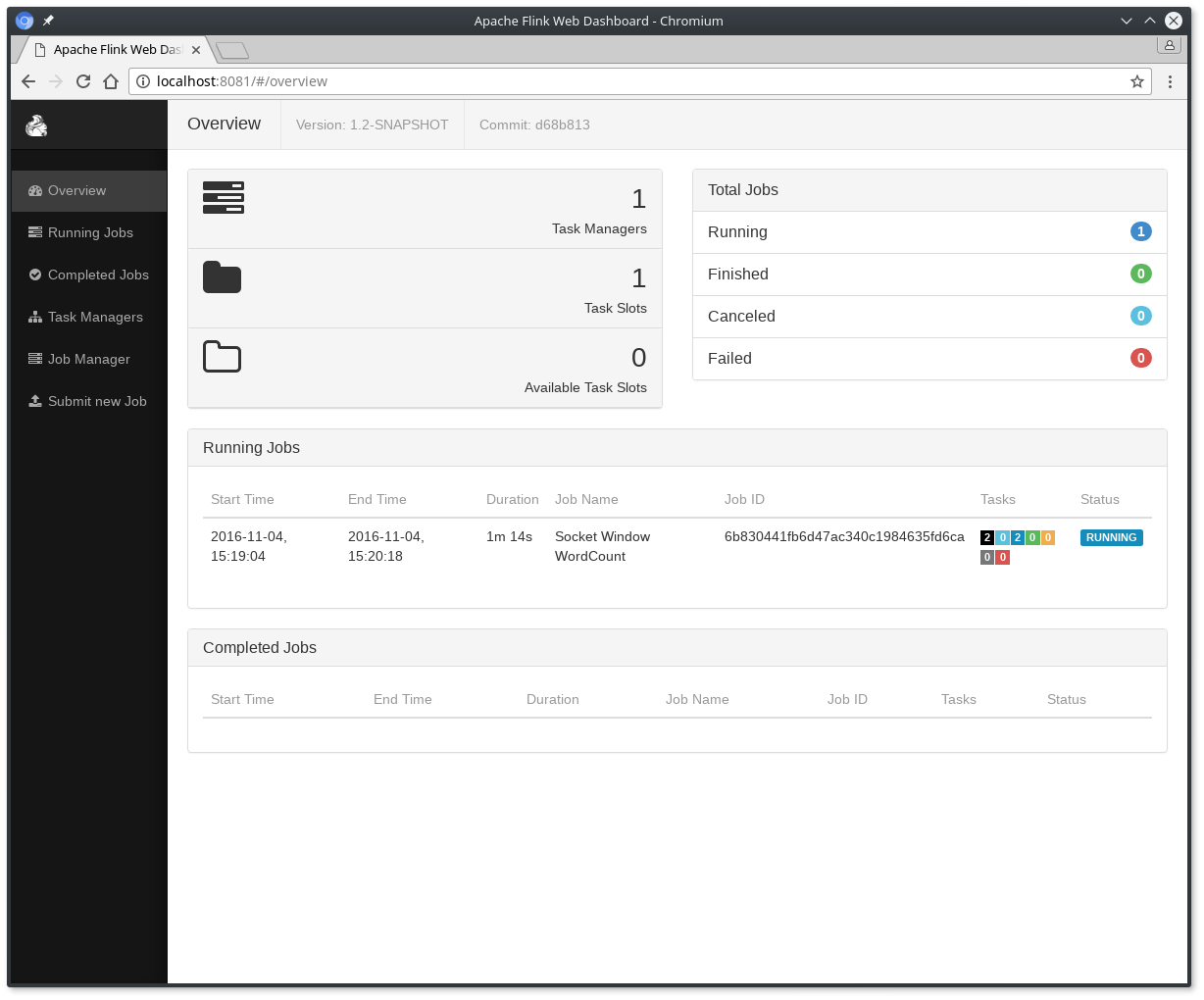
程序连接到套接字并等待输入。您可以检查web界面,以验证作业是否按预期运行:
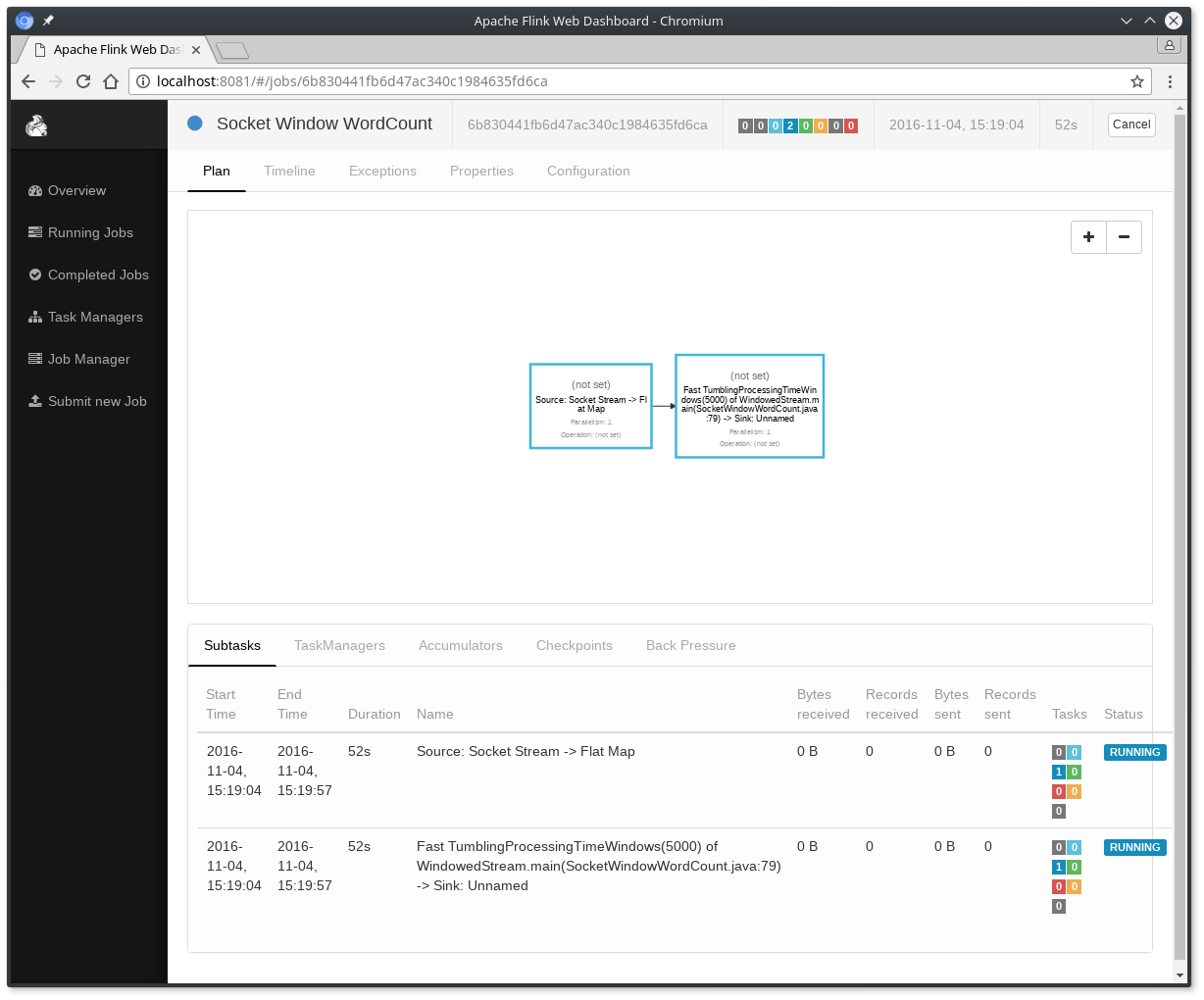
- 单词以5秒的时间窗口(处理时间、滚动窗口)计数,并打印为
stdout。监视任务管理器的输出文件,并在nc中写入一些文本(单击
$ nc -l 9000lorem ipsumipsum ipsum ipsumbye
.outfile将在每次窗口结束时打印计数,只要有单词出现,例如:
$ tail -f log/flink-*-taskexecutor-*.outlorem : 1bye : 1ipsum : 4
要stop Flink当你完成类型:
$ ./bin/stop-cluster.sh
下一个步骤
查看更多的examples,以更好地了解Flink的编程api。完成后,请继续阅读streaming guide。

若有收获,就点个赞吧
0 人点赞


