git地址:https://github.com/oracle/docker-images/tree/master/OracleDatabase/SingleInstance
docker 安装
curl -fsSL https://get.docker.com | bash -s docker --mirror Aliyun
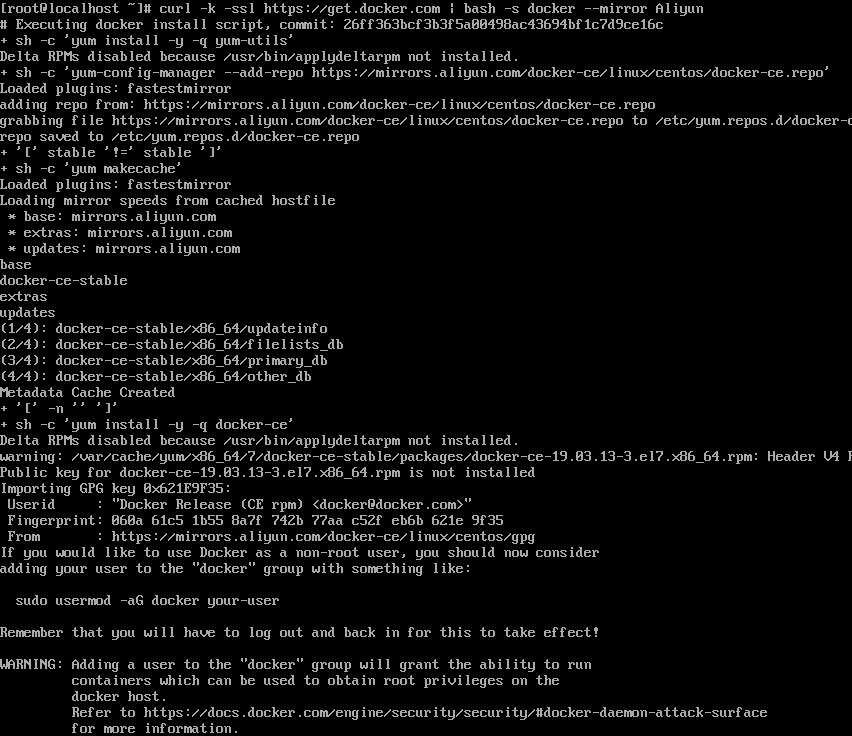
下载构建文件
git clone https://github.com/oracle/docker-images.git

下载对应数据库到对应目录
# 数据库复制到对应的版本文件夹下面去cp linuxamd64_12102_database_1of2.zip /root/docker-images/OracleDatabase/SingleInstance/dockerfiles/12.1.0.2cp linuxamd64_12102_database_2of2.zip /root/docker-images/OracleDatabase/SingleInstance/dockerfiles/12.1.0.2

镜像构建
cd /root/docker-images/OracleDatabase/SingleInstance/dockerfiles/./buildDockerImage.sh -v 12.1.0.2 -e
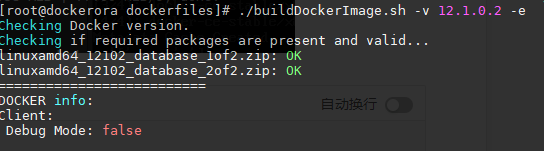
构建过程

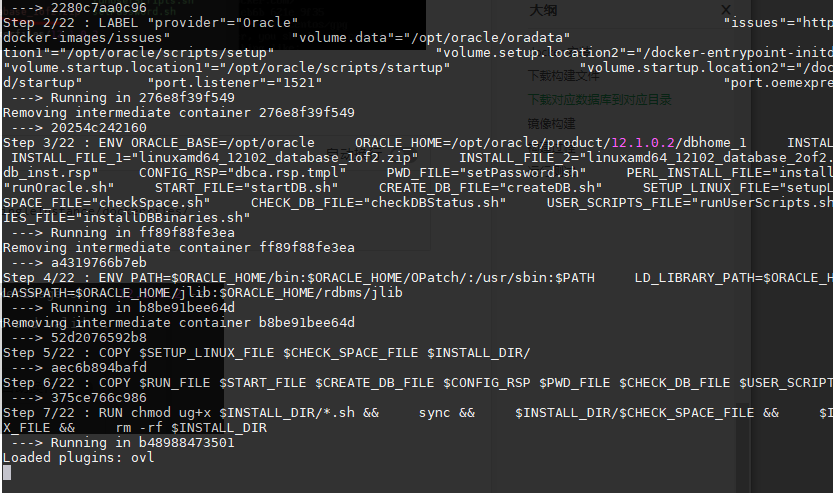
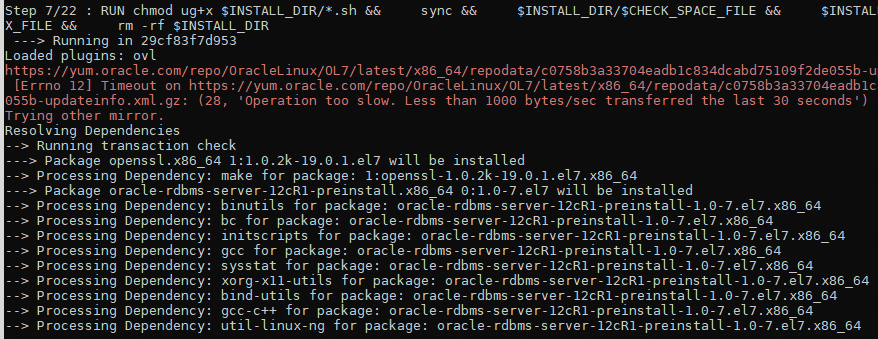
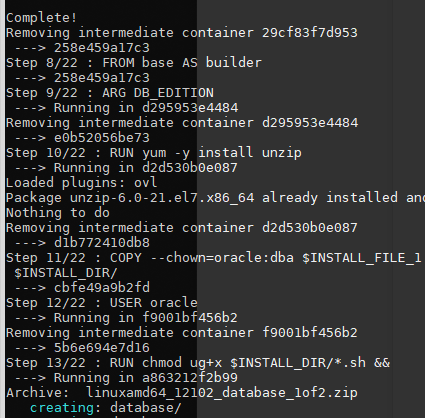
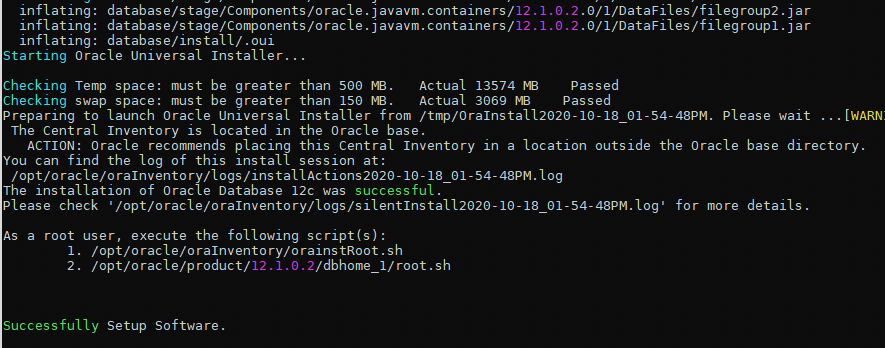
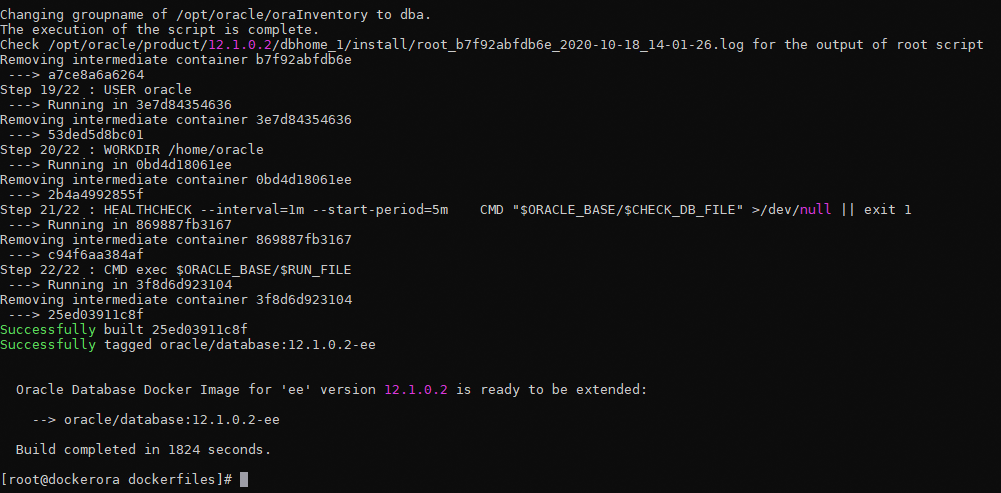
运行测试

+++++++++++++++++++++++++++++++++# 第一行日志为密码:ORACLE PASSWORD FOR SYS, SYSTEM AND PDBADMIN: vxnwyZDpds8=1+++++++++++++++++++++++++++++++++# 修改密码:docker exec <container name> ./setPassword.sh <your password># 启动前先对挂载目录授权,否则报错,启动失败chmod -R 777 /data/oral12cdocker run --name oral12c \-p 1521:1521 \-p 5500:5500 \-v /data/oral12c:/opt/oracle/oradata \-d oracle/database:12.1.0.2-eedocker run --name <container name> \-p <host port>:1521 \-p <host port>:5500 \-e TZ=Asia/Shanghai \-e ORACLE_SID=<your SID> \-e ORACLE_PDB=<your PDB name> \-e ORACLE_PWD=<your database passwords> \-e INIT_SGA_SIZE=<your database SGA memory in MB> \-e INIT_PGA_SIZE=<your database PGA memory in MB> \-e ORACLE_EDITION=<your database edition> \-e ORACLE_CHARACTERSET=<your character set> \-v /etc/localtime:/etc/localtime:ro \-v [<host mount point>:]/opt/oracle/oradata \oracle/database:19.3.0-ee# 中文:ORACLE_CHARACTERSET = ZHS16GBK更多参数:--name: The name of the container (default: auto generated).-p: The port mapping of the host port to the container port.Two ports are exposed: 1521 (Oracle Listener), 5500 (OEM Express).-e ORACLE_SID: The Oracle Database SID that should be used (default: ORCLCDB).-e ORACLE_PDB: The Oracle Database PDB name that should be used (default: ORCLPDB1).-e ORACLE_PWD: The Oracle Database SYS, SYSTEM and PDB_ADMIN password (default: auto generated).-e INIT_SGA_SIZE:The total memory in MB that should be used for all SGA components (optional).Supported 19.3 onwards.-e INIT_PGA_SIZE:The target aggregate PGA memory in MB that should be used for all server processes attached to the instance (optional).Supported 19.3 onwards.-e ORACLE_EDITION:The Oracle Database Edition (enterprise/standard).Supported 19.3 onwards.-e ORACLE_CHARACTERSET:The character set to use when creating the database (default: AL32UTF8).-v /opt/oracle/oradataThe data volume to use for the database.Has to be writable by the Unix "oracle" (uid: 54321) user inside the container!If omitted the database will not be persisted over container recreation.-v /opt/oracle/scripts/startup | /docker-entrypoint-initdb.d/startupOptional: A volume with custom scripts to be run after database startup.For further details see the "Running scripts after setup and on startup" section below.-v /opt/oracle/scripts/setup | /docker-entrypoint-initdb.d/setupOptional: A volume with custom scripts to be run after database setup.For further details see the "Running scripts after setup and on startup" section below.
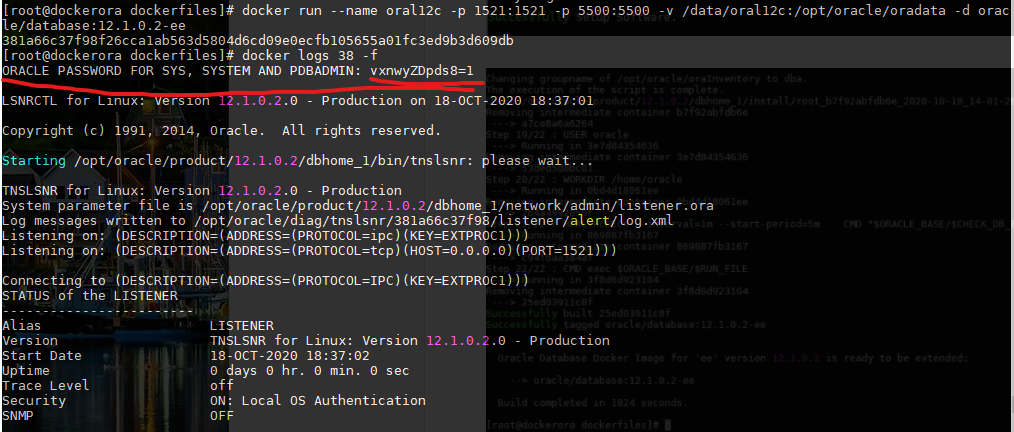
启动报错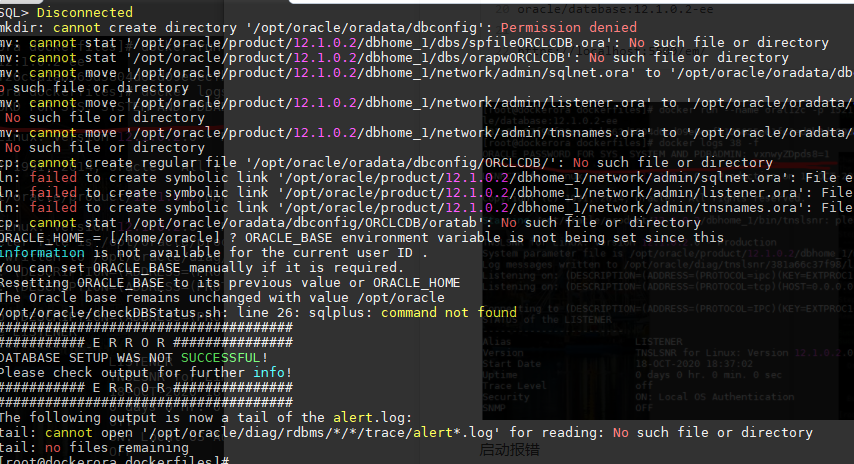

启动成功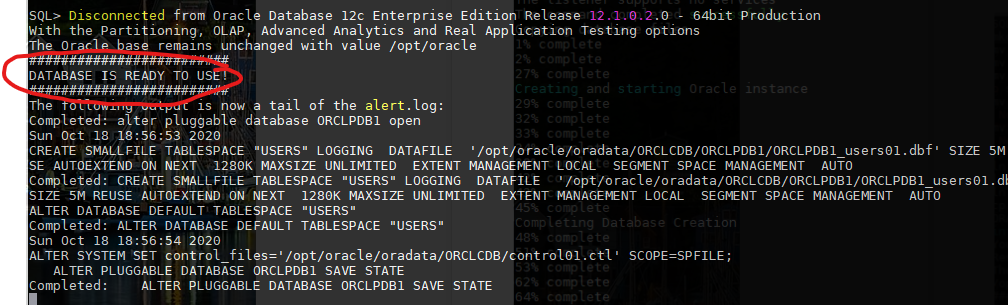
放行端口
firewall-cmd --permanent --add-port=1521/tcp --zone=publicfirewall-cmd --permanent --add-port=5500/tcp --zone=publicfirewall-cmd --reload
服务名:ORCLCDB
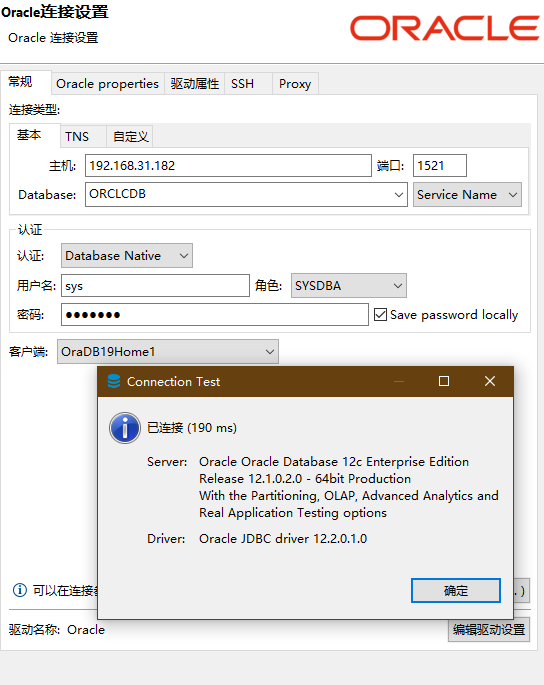
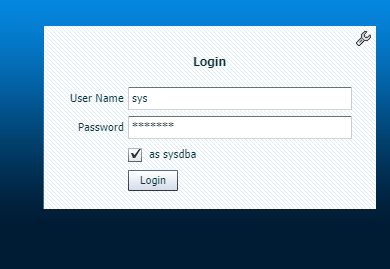
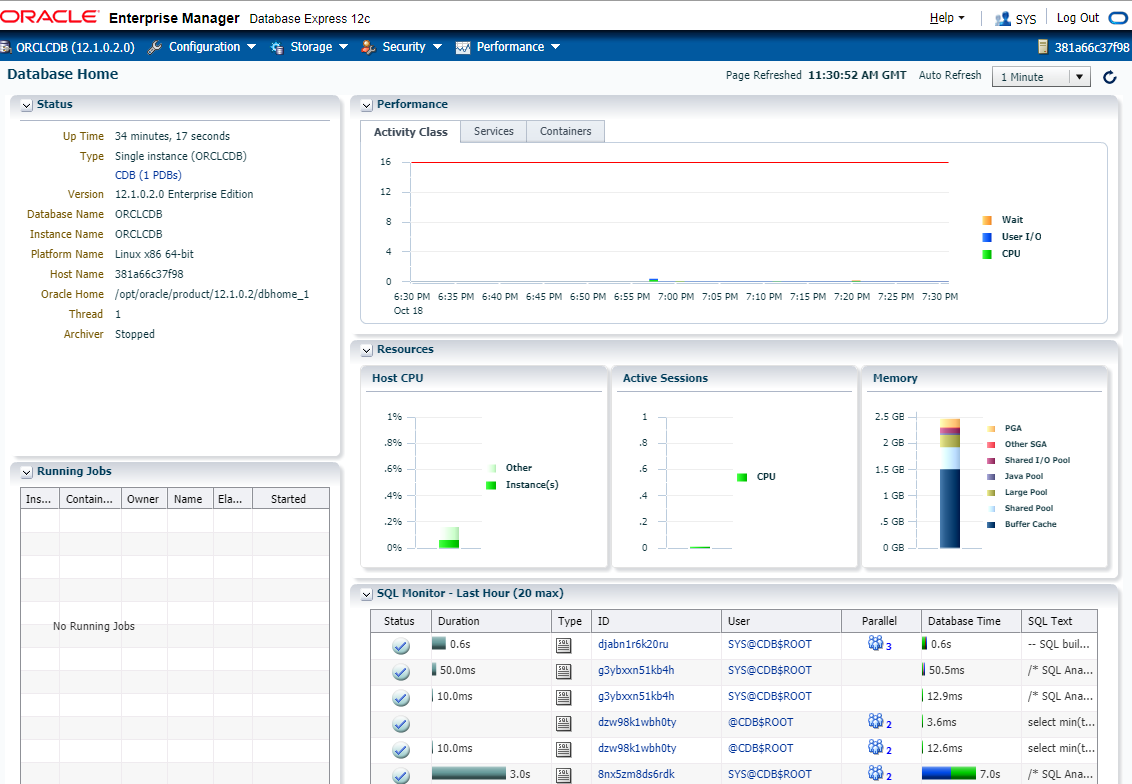
访问 EM
chrome://settings/content/flash
https://localhost:5500/em/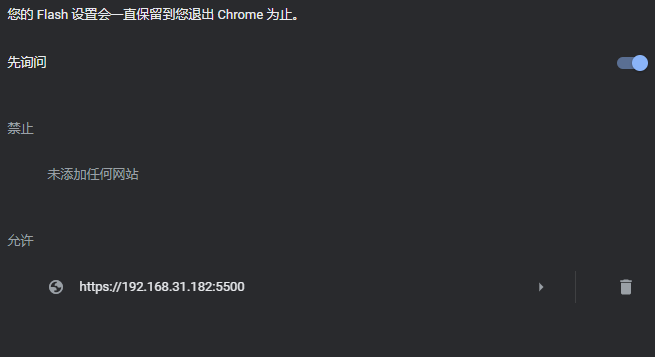

若有收获,就点个赞吧
0 人点赞


