一、创建索引
PUT /索引名/~类型名~/文档id
{请求体}
PUT /test1/type1/1{"name":"林大侠","age": "18"}
这里我执行了两次,result则是updated状态~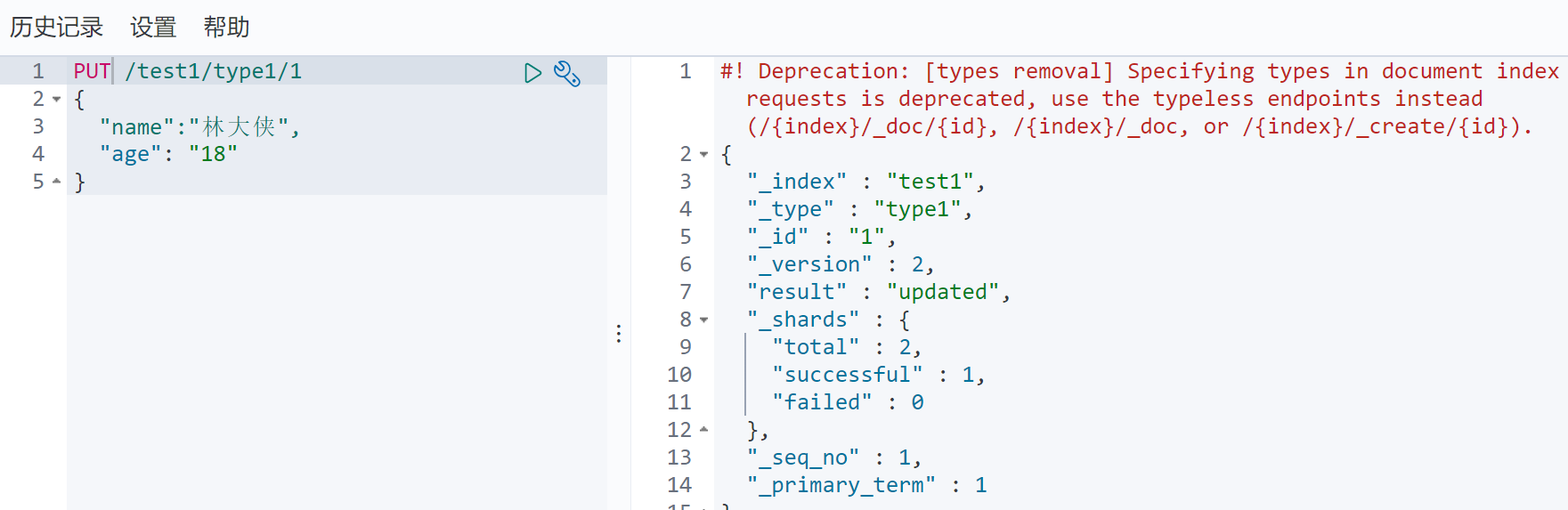
完成自动增加索引,数据成功添加,类似数据库学习!
1.1.字段类型
- 字符串类型 text 、keyword
- 数值类型 long、integer、short、byte、doubel、float、half float、scaled float
- 日期类型 date
- 布尔值类型 boolean
- 二进制类型 binary
- ……………………….
二、创建索引,指定字段类型
2.1.创建索引规则
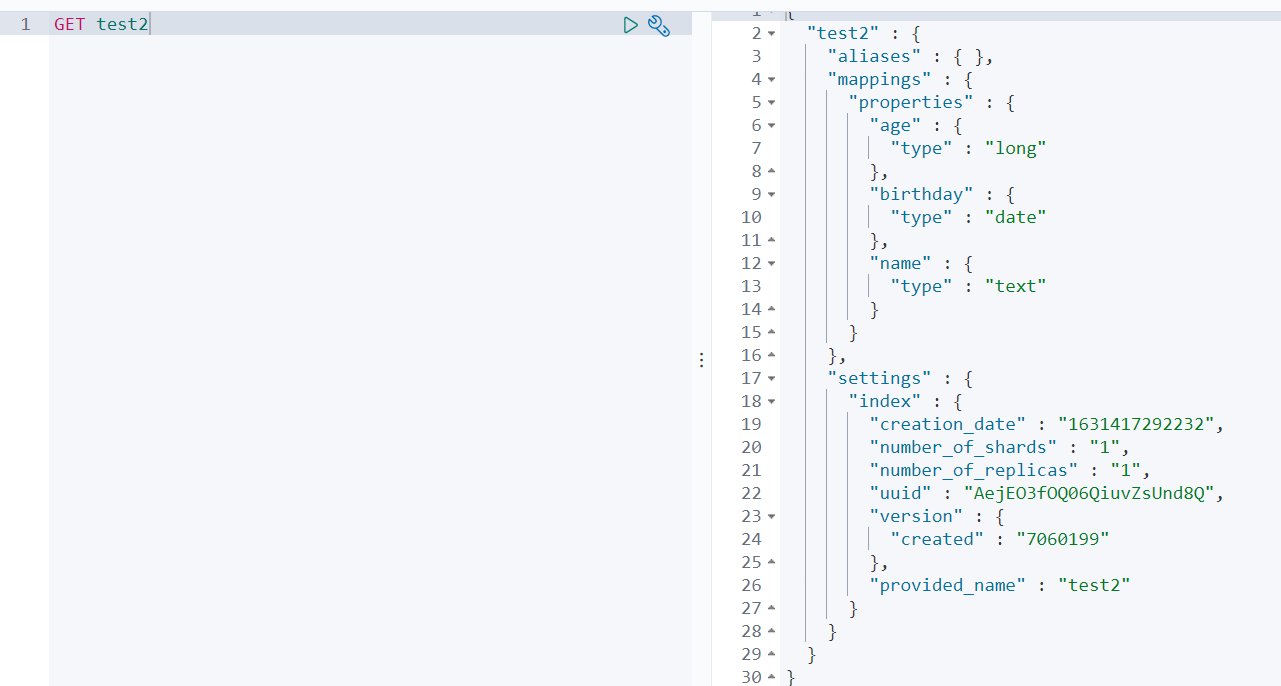
PUT /test2{"mappings": {"properties": {"name":{"type": "text"},"age":{"type": "long"},"birthday":{"type": "date"}}}}

2.3.2.获取索引规则
GET test2
三、查看默认信息
3.1.新建索引
PUT /test3/_doc/1{"name": "林大侠","age": "18","brith": "1996-11-28"}

3.2.查看索引
如果文档字段没有指定,那么ES就会默认配置字段类型!GET test3

四、查看所有索引
GET _cat/indices?v

五、修改索引
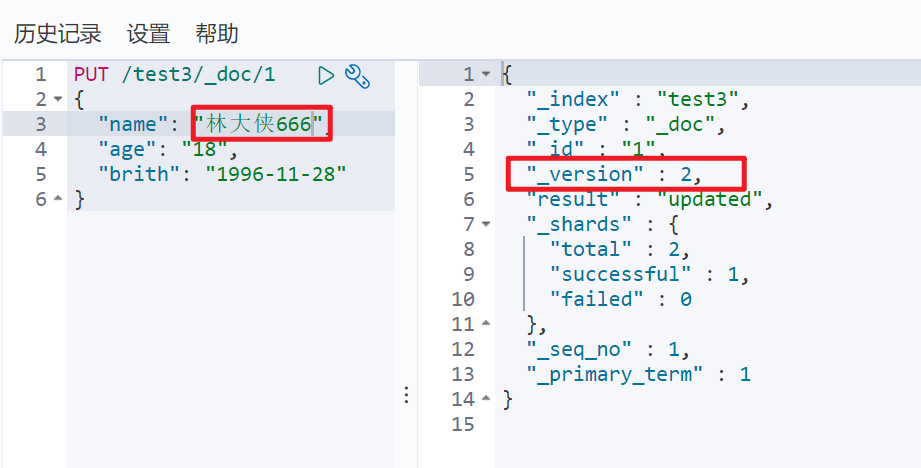
5.1.方式一之PUT
PUT /test3/_doc/1{"name": "林大侠666","age": "18","brith": "1996-11-28"}
5.2.方式二之POST
POST /test3/_doc/1/_update{"doc":{"name": "林大侠777"}}

六、删除索引
DELETE test1
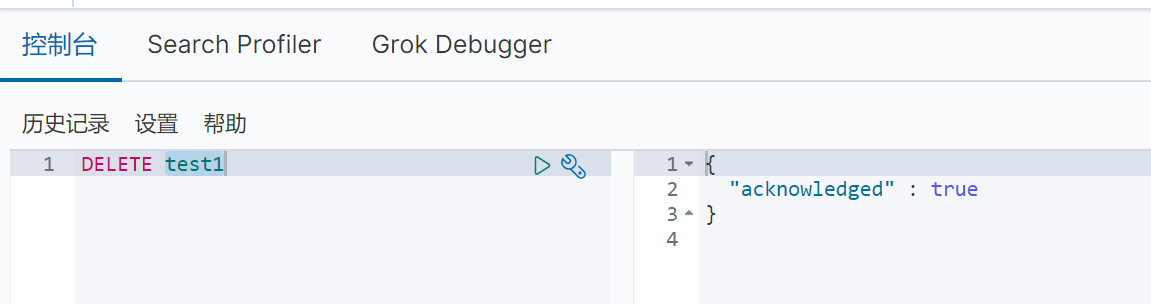
删除前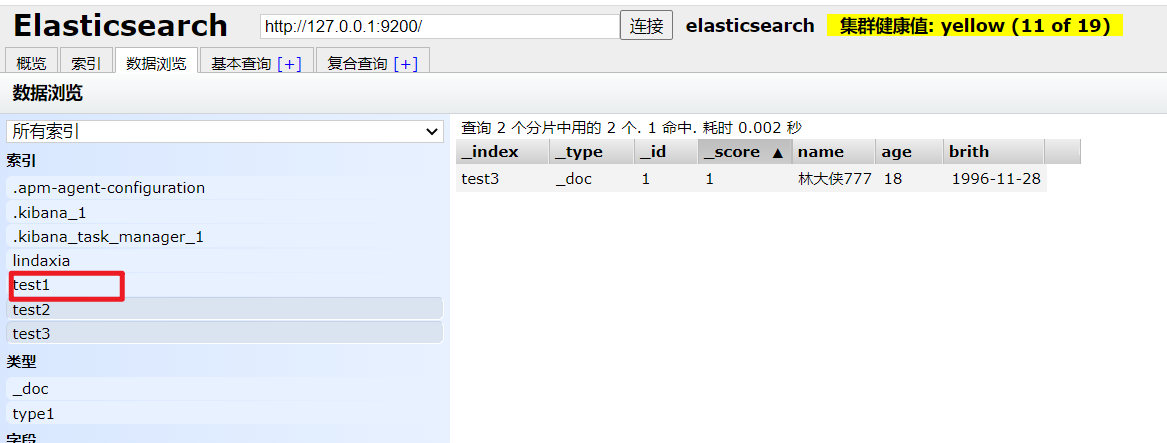
删除后

若有收获,就点个赞吧
0 人点赞


