一、部署环境准备(windows)
- jdk1.8及以上- 安装包

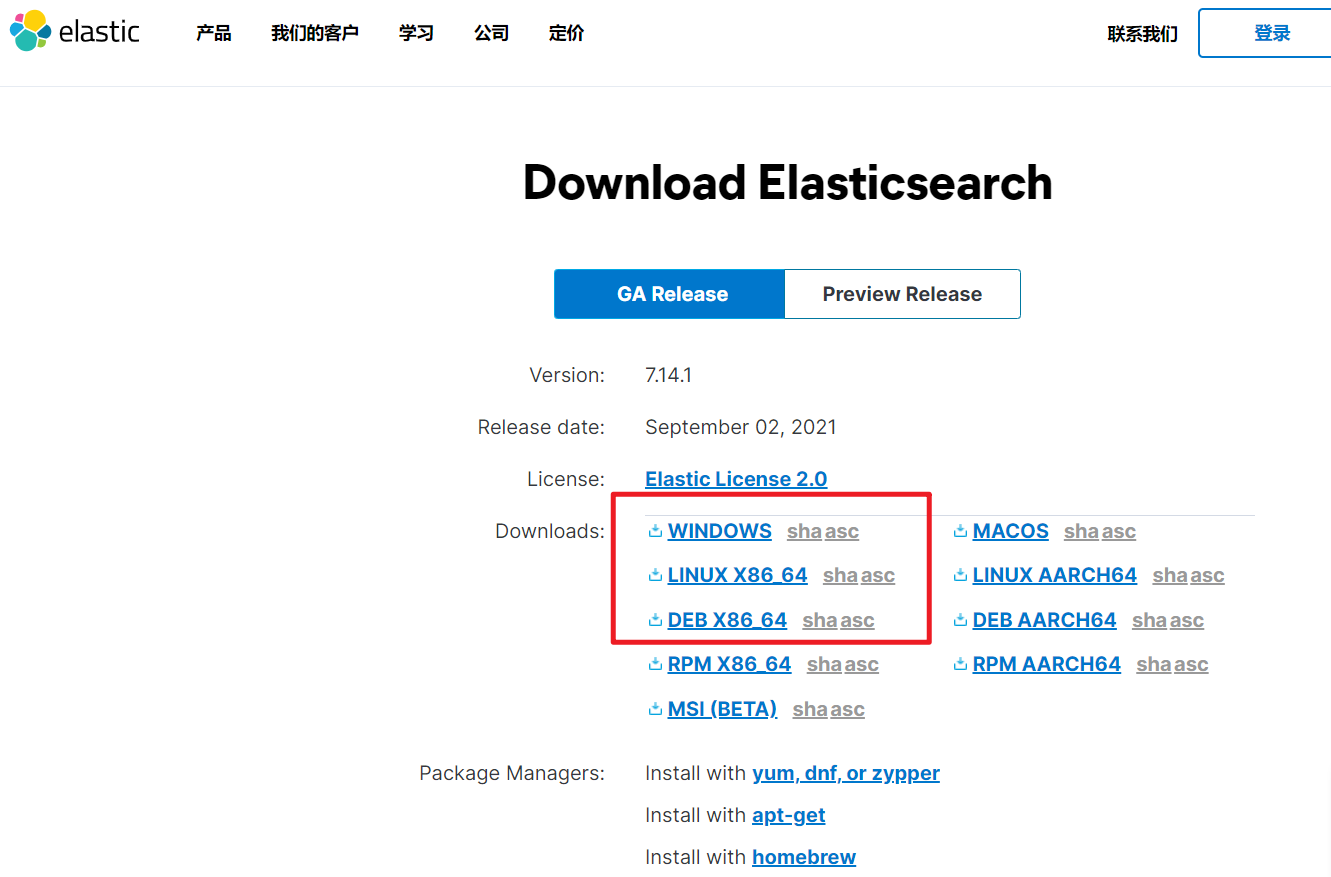
- 官网
https://www.elastic.co/cn/
————————————————————————————————————————————————————————
二、下载与解压(Elasticsearch)
- bin 启动文件
- config 配置文件
log4j2.properties:日志配置文件
jvm.options:java虚拟机相关配置
elasticsearch.yml: es配置文件,9200默认端口
- modules 功能模块
- plugins :插件
- logs 日志

三、启动ElasticSearch服务
D:\java\es\elasticsearch-7.6.1\bin 双击“elasticsearch.bat”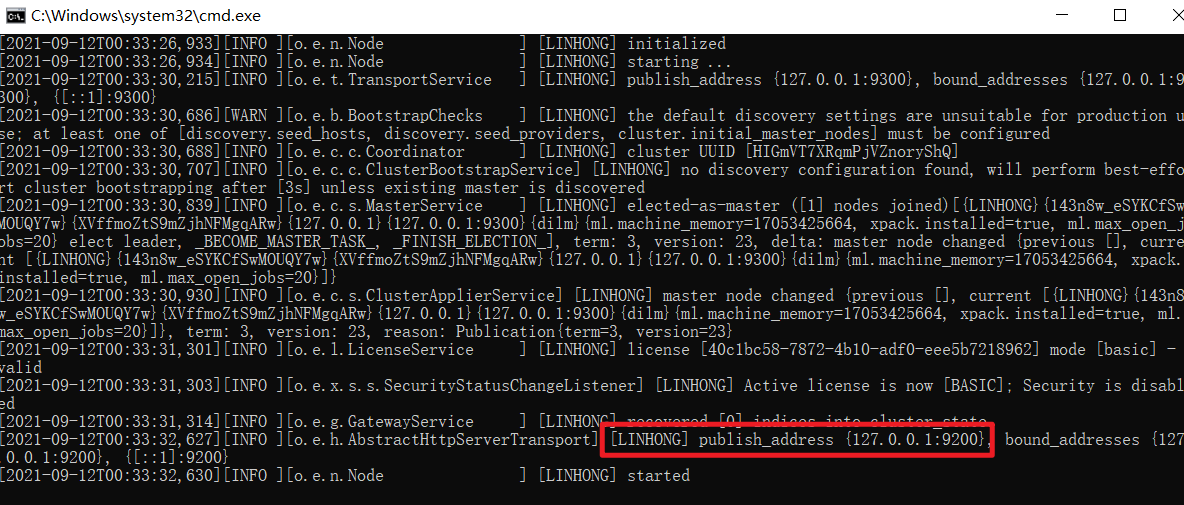
访问安装127.0.0.1:9200

四、安装可视化界面(elasticsearch-head)
方式一:https://github.com/mobz/elasticsearch-head/
注意:跨域问题
#修改elasticsearch.yml文件http.cors.enabled: truehttp.cors.allow-origin: "*"重启服务即可
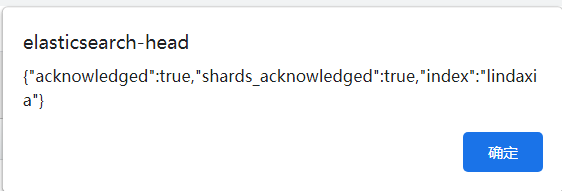
方式二:google插件安装(建议选择)


五、安装可视化平台(kibana)
数据 收集、清洗、分析
kibana可以将ES的数据通过友好的页面展示出来,提供实时分析的功能。
kibana是一个针对于ElasticSearch的开源分析以及可视化平台,用来搜索,查看交互存储在ES索引中的数据,通过各种图表进行高级数据分析与展示,让海量数据更容易理解。
kibana操作简单,基于浏览器的用户界面可以快速创建仪表板(dashborad)实时显示ES查询动态。
https://www.elastic.co/cn/kibana/ (windows解压特慢~~~~~)
5.1.解压安装包

5.2.启动服务(5601端口)
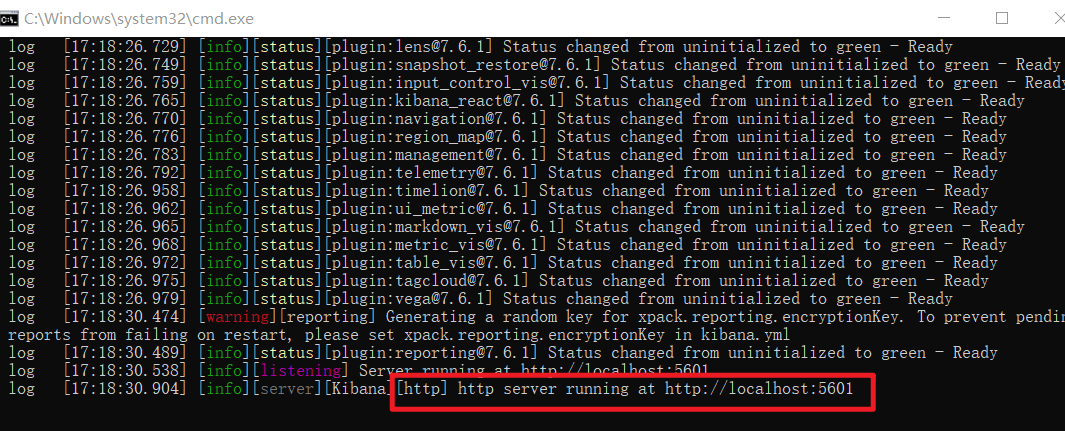
5.3.访问测试
http://127.0.0.1:5601/app/kibana#/home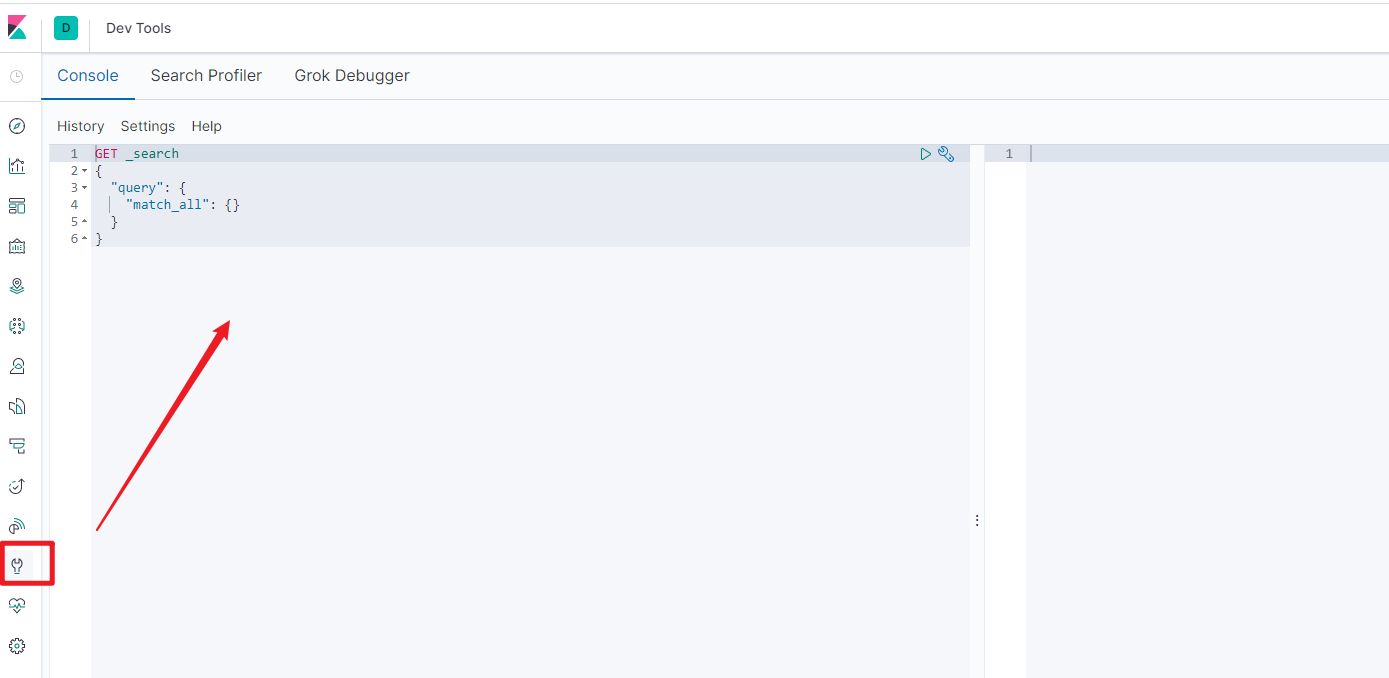
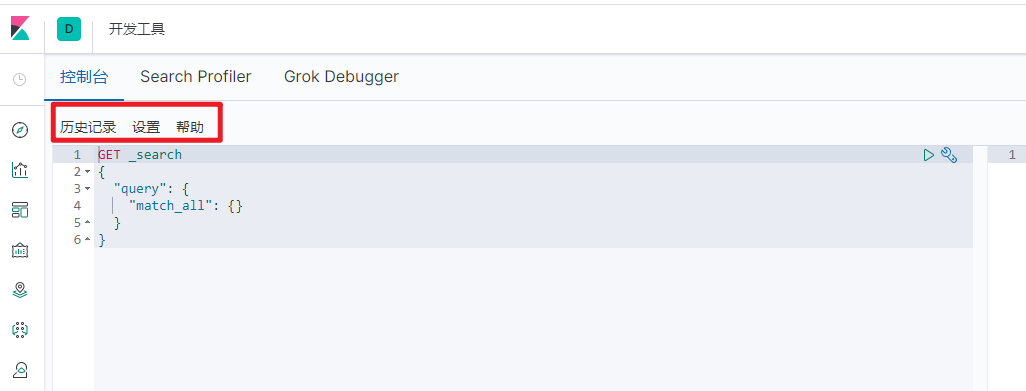
汉化,修改kibana配置,重启kibana服务即可
#i18n.locale: "en"i18n.locale: "zh-CN""
六、分词器插件(IK)
6.1.基础概念
分词:即把一段中文划分成一个个关键字,在搜索时会把自己的信息进行分词,会把数据中或者引库中的数据进行分词,然后进行一个匹配操作,默认的中文分词是将每个字看成一个词,比如“我爱林大侠”会被分为“我”、“爱”、“林”、“大”、“侠”,显然不符合要求,所以需要安装中文分词器ik解决此问题。
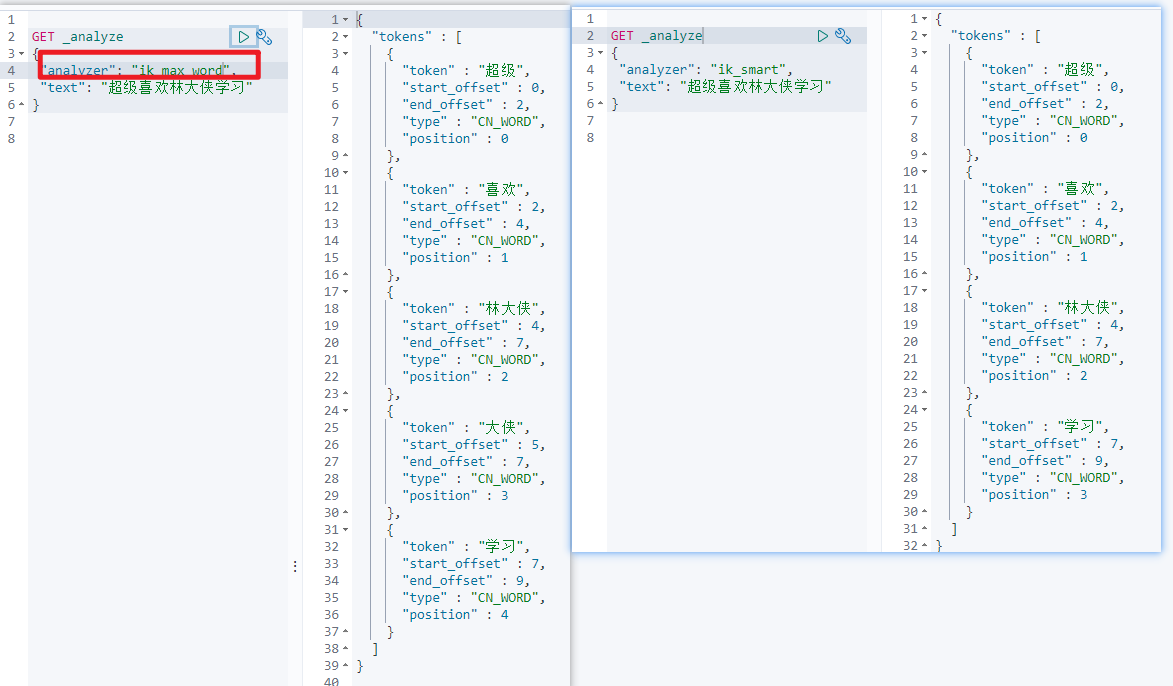
IK提供了两种分词算法:ik_smart、ik_max_word,其中ik_smart为最少切分,ik_max_word为最细粒度划分。
6.2.安装
https://github.com/medcl/elasticsearch-analysis-ik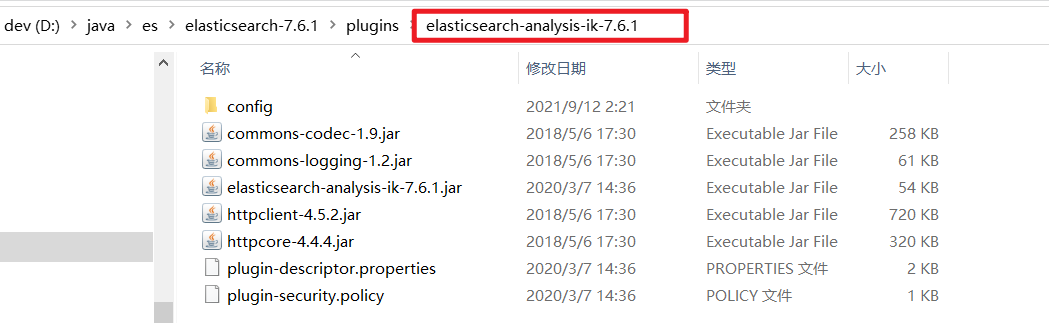
6.3.重启es服务

//查看插件信息D:\java\es\elasticsearch-7.6.1\bin>elasticsearch-plugin listfuture versions of Elasticsearch will require Java 11; your Java version from [D:\java\jdk\jdk-8u141\jre] does not meet this requirementelasticsearch-analysis-ik-7.6.1
6.4.命令测试(不同分词器)
ik_smart最少切分,ik_max_word 最细粒度划分(穷尽词库的可能)
GET _analyze{"analyzer": "ik_smart","text": "中国共产党"}-------------------------------------------------------------------------------------------{"tokens" : [{"token" : "中国共产党","start_offset" : 0,"end_offset" : 5,"type" : "CN_WORD","position" : 0}]}==========================================================================================GET _analyze{"analyzer": "ik_max_word","text": "中国共产党"}-----------------------------------------------------------------------------------------{"tokens" : [{"token" : "中国共产党","start_offset" : 0,"end_offset" : 5,"type" : "CN_WORD","position" : 0},{"token" : "中国","start_offset" : 0,"end_offset" : 2,"type" : "CN_WORD","position" : 1},{"token" : "国共","start_offset" : 1,"end_offset" : 3,"type" : "CN_WORD","position" : 2},{"token" : "共产党","start_offset" : 2,"end_offset" : 5,"type" : "CN_WORD","position" : 3},{"token" : "共产","start_offset" : 2,"end_offset" : 4,"type" : "CN_WORD","position" : 4},{"token" : "党","start_offset" : 4,"end_offset" : 5,"type" : "CN_CHAR","position" : 5}]}
6.5.自定义分词
D:\java\es\elasticsearch-7.6.1\plugins\elasticsearch-analysis-ik-7.6.1\config\IKAnalyzer.cfg.xml
新增字典 例如 lindaxia.
<?xml version="1.0" encoding="UTF-8"?><!DOCTYPE properties SYSTEM "http://java.sun.com/dtd/properties.dtd"><properties><comment>IK Analyzer 扩展配置</comment><!--用户可以在这里配置自己的扩展字典 --><entry key="ext_dict">lindaxia.dic</entry><!--用户可以在这里配置自己的扩展停止词字典--><entry key="ext_stopwords"></entry><!--用户可以在这里配置远程扩展字典 --><!-- <entry key="remote_ext_dict">words_location</entry> --><!--用户可以在这里配置远程扩展停止词字典--><!-- <entry key="remote_ext_stopwords">words_location</entry> --></properties>
重启es服务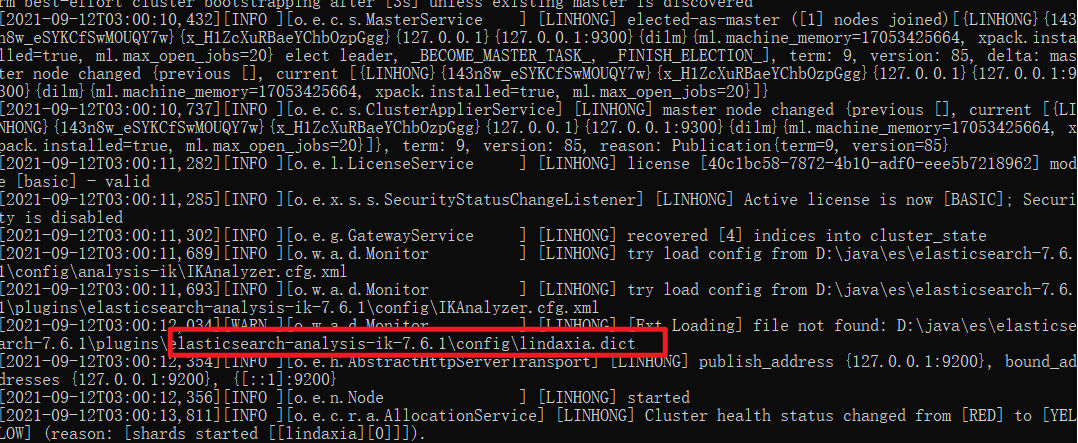
重启kibana服务

若有收获,就点个赞吧
0 人点赞


