01 定义不同动作后的动画
onTapStart 时放大到 1.2 倍,onTap 时缩小回 1 倍(以带抖动的方式)。

import * as React from "react"import { useAnimation, Override } from "framer"export function UseAnimation(): Override {const controls = useAnimation()return {// 调用定义的动画 controlsanimate: controls,onTapStart() {controls.start({scale: 1.2,})},onTap() {controls.start({scale: 1,transition: {type: "spring",stiffness: 500,},})},}}
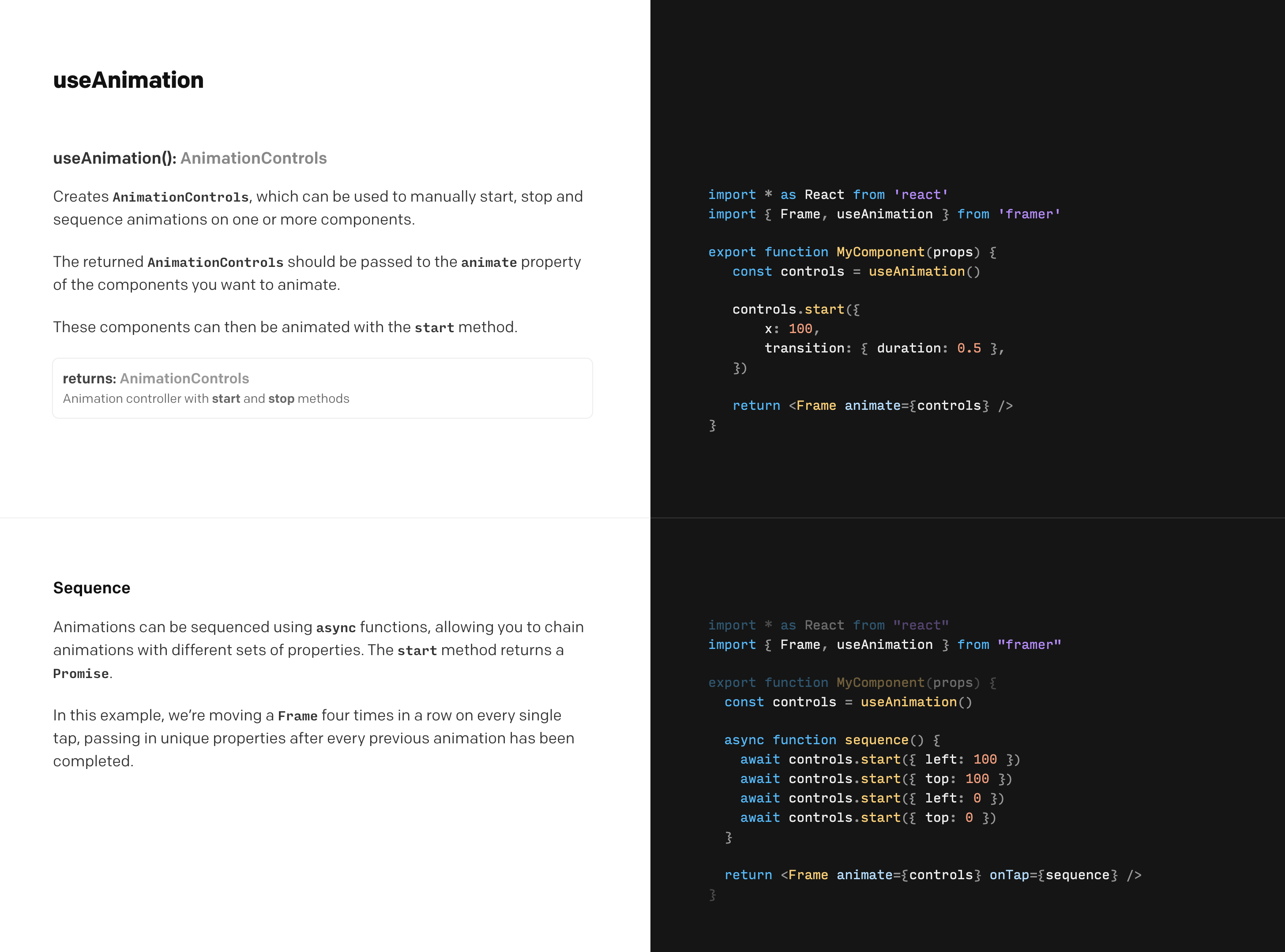
02 Sequence 次序动画
给同一个组件设置多个动画,让他们按照次序进行。可设置每个动画的 transition 属性。下例中四个动画分别为:放大到 1.5 倍、缩小到 1 倍(第一个动画结束后 1 秒)、放大到两倍、缩小到 1 倍大小(带 spring 效果)。

export function UseAnimationSequence(): Override {const controls = useAnimation()async function sequence() {await controls.start({scale: 1.5,})await controls.start({scale: 1,transition: {// 第一个动画开始 1 秒后开始这个动画delay: 1,},})await controls.start({scale: 2,})await controls.start({scale: 1,transition: {type: "spring",stiffness: 500,},})}return {animate: controls,onTap() {sequence()},}}
03 Dynamic Start 动态启动
给不同的组件的动画单独设置参数和时间次序等。

import * as React from "react"
import { useAnimation, Override } from "framer"

const delayTimeCameraContainer = 0.6
const delayTimeLens = 0.1
const upDistance = 20
export function cameraBackground(): Override {
    // 定义 controls 属性
    const controls3 = useAnimation()

    controls3.start(index => ({
        opacity: 1,
        scale: 1,
        transition: {
            delay: index * delayTimeCameraContainer,
            type: "spring",
            // 刚度
            stiffness: 280,
            // 阻尼
            damping: 20,
        },
    }))
    return {
        custom: 0,
        opacity: 1,
        scale: 0,
        animate: controls3,
    }
}

export function cameraLen1(): Override {
    // 定义 controls 属性
    const controls3 = useAnimation()

    controls3.start(index => ({
        opacity: 1,
        y: 0,
        transition: {
            delay: index * delayTimeLens + delayTimeCameraContainer,
        },
    }))
    return {
        custom: 1,
        opacity: 0,
        y: upDistance,
        animate: controls3,
    }
}

export function cameraLen2(): Override {
    // 定义 controls 属性
    const controls3 = useAnimation()

    controls3.start(index => ({
        opacity: 1,
        y: 0,
        transition: {
            delay: index * delayTimeLens + delayTimeCameraContainer,
        },
    }))
    return {
        custom: 2,
        opacity: 0,
        y: upDistance,
        animate: controls3,
    }
}

export function cameraLen3(): Override {
    // 定义 controls 属性
    const controls3 = useAnimation()

    controls3.start(index => ({
        opacity: 1,
        y: 0,
        transition: {
            delay: index * delayTimeLens + delayTimeCameraContainer,
        },
    }))
    return {
        custom: 3,
        opacity: 0,
        y: upDistance,
        animate: controls3,
    }
}

export function cameraLen4(): Override {
    // 定义 controls 属性
    const controls3 = useAnimation()

    controls3.start(index => ({
        opacity: 1,
        y: 0,
        transition: {
            delay: index * delayTimeLens + delayTimeCameraContainer,
        },
    }))
    return {
        custom: 4,
        opacity: 0,
        y: upDistance,
        animate: controls3,
    }
}
04 Stopping Animations 终止动画
使用 controls.stop() 来终止动画



若有收获,就点个赞吧
0 人点赞


