简单概述
1、React是一个独立的库,redux也是一个独立的状态管理库,React中要更好的使用Redux,其实中间还少不了React-redux这个库,有点类型爱情的润滑剂【dulex】
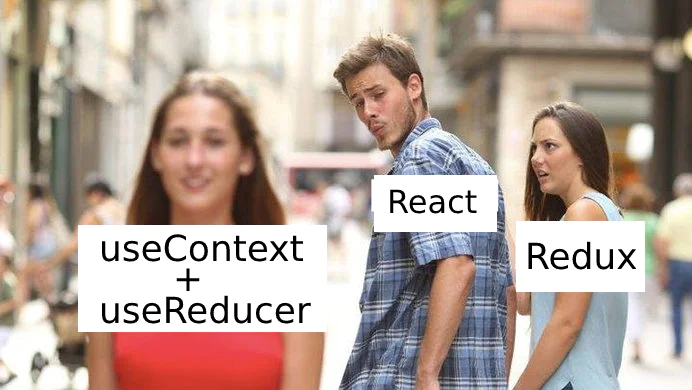
2、useContext和useReducer是React hooks里面的俩个常用hooks,它本身就是属于React的API,所以理论上他和react搭配会更加丝滑。
3、在我们react中使用redux,我们要写很多的胶水代码,我们的reducer、actionType、mapperPropsToState、connect、这些API加大了新手的上手难度,项目庞大的话,目录结构会变的特别的恐怖,也增加了项目的学习曲线
Demo
1、首先我们使用useContext来创建最外层的Provide组建,和我们定义好的Context对象
import React, { createContext, useReducer } from 'react'import reducer, { initState } from '../store/reducers'export const Context = createContext()export const Provide = (props) => {const [state, dispatch] = useReducer(reducer, initState)return (<Context.Provider value={{ dispatch, state }}>{props.children}</Context.Provider>)}
2、初始化我们的reducers,就是一个纯函数而已
export const initState = { number: 0 }const reducers = (state = initState, action) => {switch(action.type) {case 'ADD': return {number: state.number + 1};case 'SUB': return {number: state.number - 1}default: return state;}}export default reducers;
3、渲染UI组件,UI组建中使用useContext获取dispatch和state
import React, { useContext } from 'react'import { Context } from '../context/index'const MyText = () => {const { dispatch } = useContext(Context)return (<div><button onClick={() => dispatch({ type: 'ADD' })}>+</button><button onClick={() => dispatch({ type: 'SUB' })}>-</button></div>)}export default MyText
import React, { useContext } from 'react'import { Context } from '../context/index'const MyText = () => {const { state } = useContext(Context)return (<p>{state.number}</p>)}export default MyText
上面就是我们通过使用useReduce和useContext来模拟了我们的redux,但是他不能完全替代redux,毕竟redux最NB的还是他的中间价和生态。
可以使用useReduce和useContext封装一些涉及到深层次的数据共享组建、例如Page里面将request封装了等等。。。

若有收获,就点个赞吧
0 人点赞


