准备
首先三个分支
master
devlop
test
操作流程

拉取master分支
git clone http://git.imile.com/devops/k8s-cicd.git

切换到test分支
cd k8s-cicdgit branch -a

git checkout -b test remotes/origin/test
模拟操作
提交一个commit
echo "test" > test.txtgit add test.txtgit commit -m "add test.txt"

将test分支推送到远程分支上
git push origin test

打tag并push
以2020-12-16 12:12:30 作为tag
git tag 20201216121230git push origin --tags

gitlab上可以看到tag
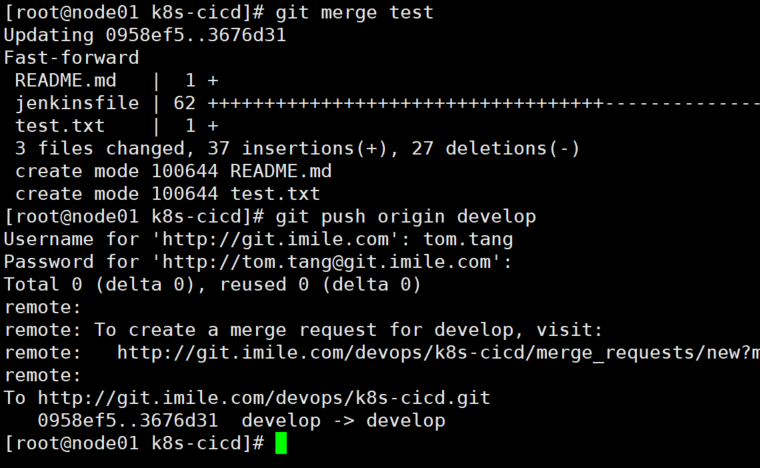
merge到devlop上
git checkout -b develop remotes/origin/developgit merge testgit push origin develop
merge到master上
git checkout mastergit merge testgit push origin master


若有收获,就点个赞吧
0 人点赞


