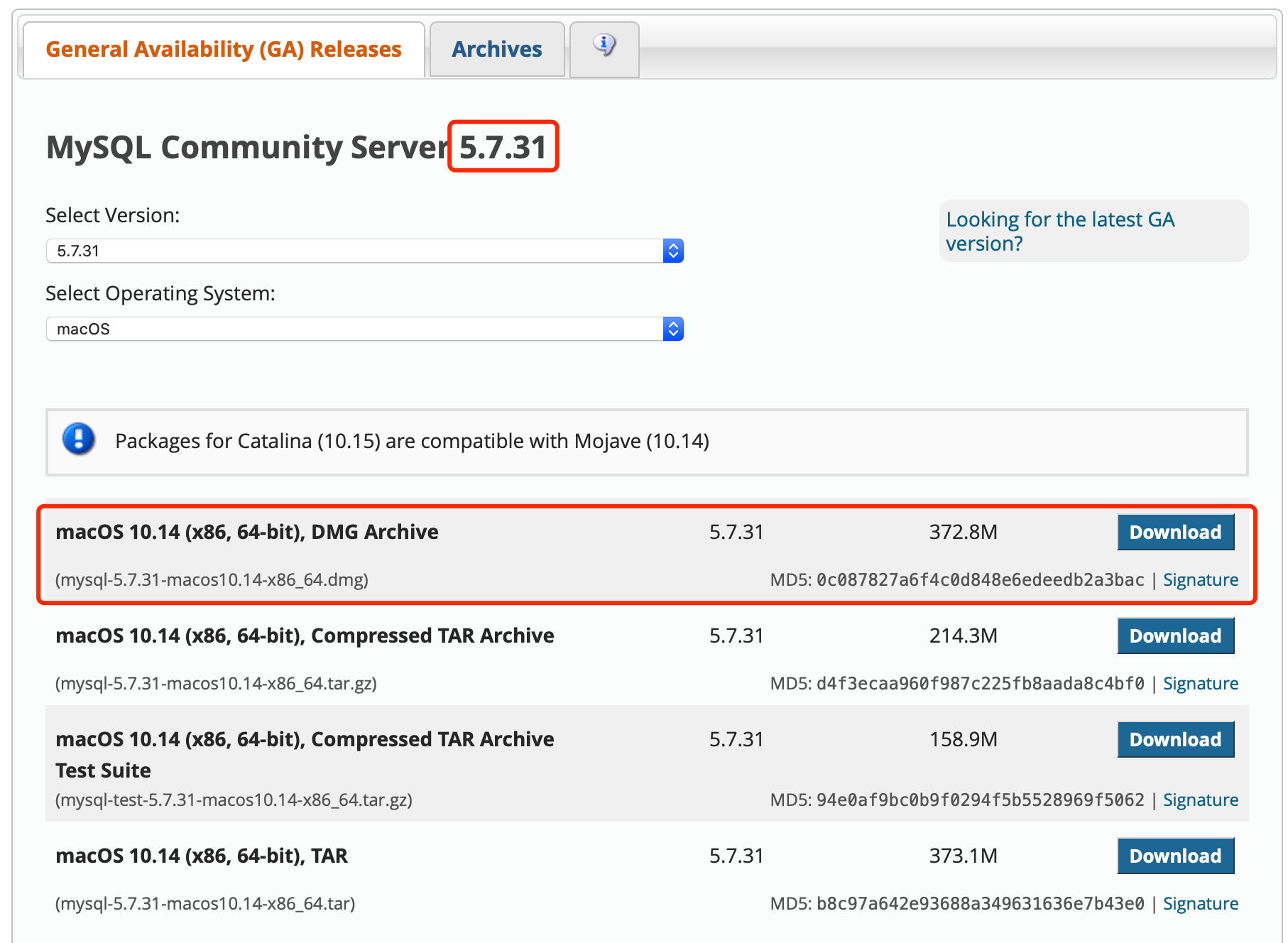
(1)下载安装
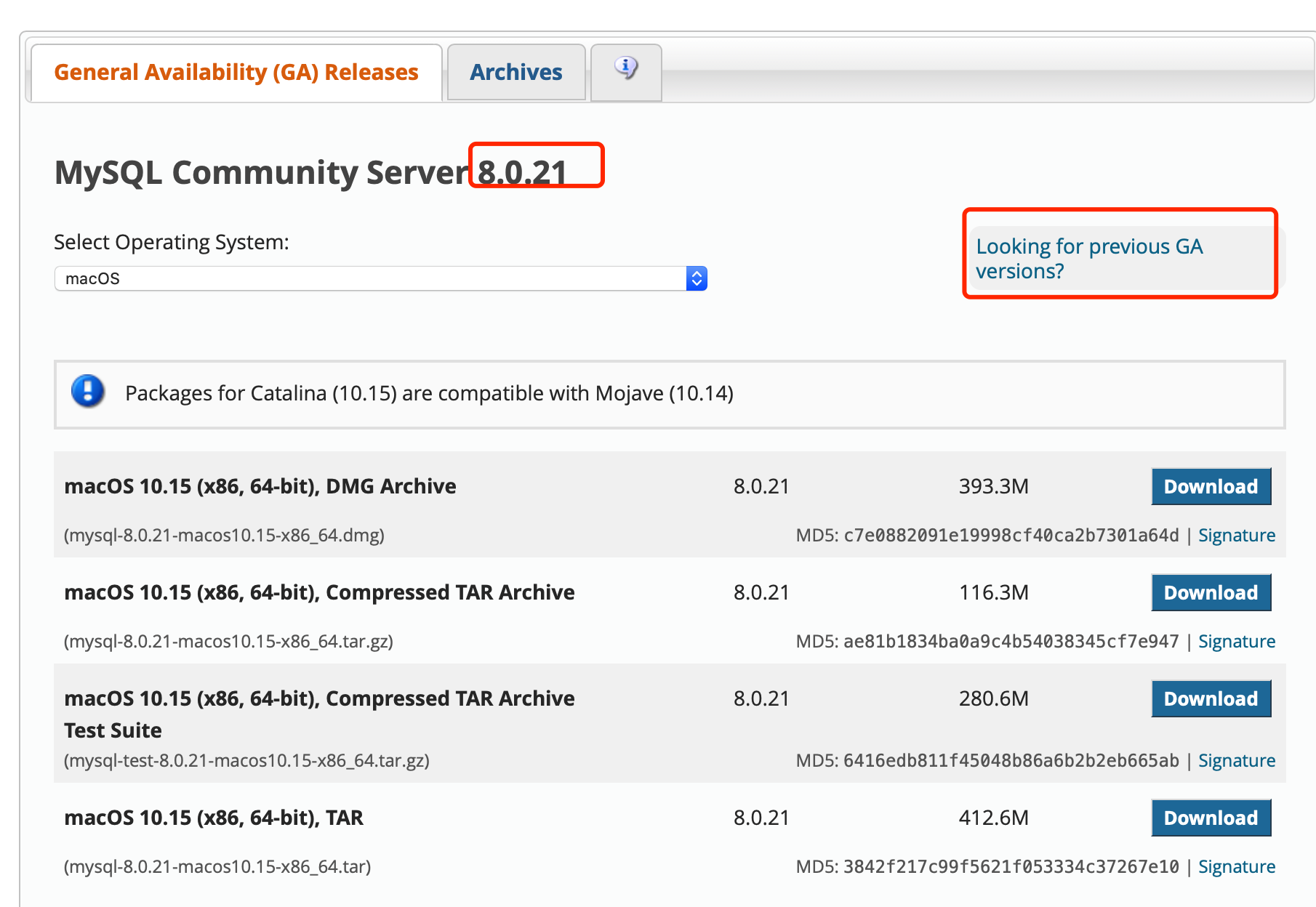
- 一般我们使用5.7版本
- 安装中需要记下密码:CgUasPdNy3(s

(2)服务启动与关闭
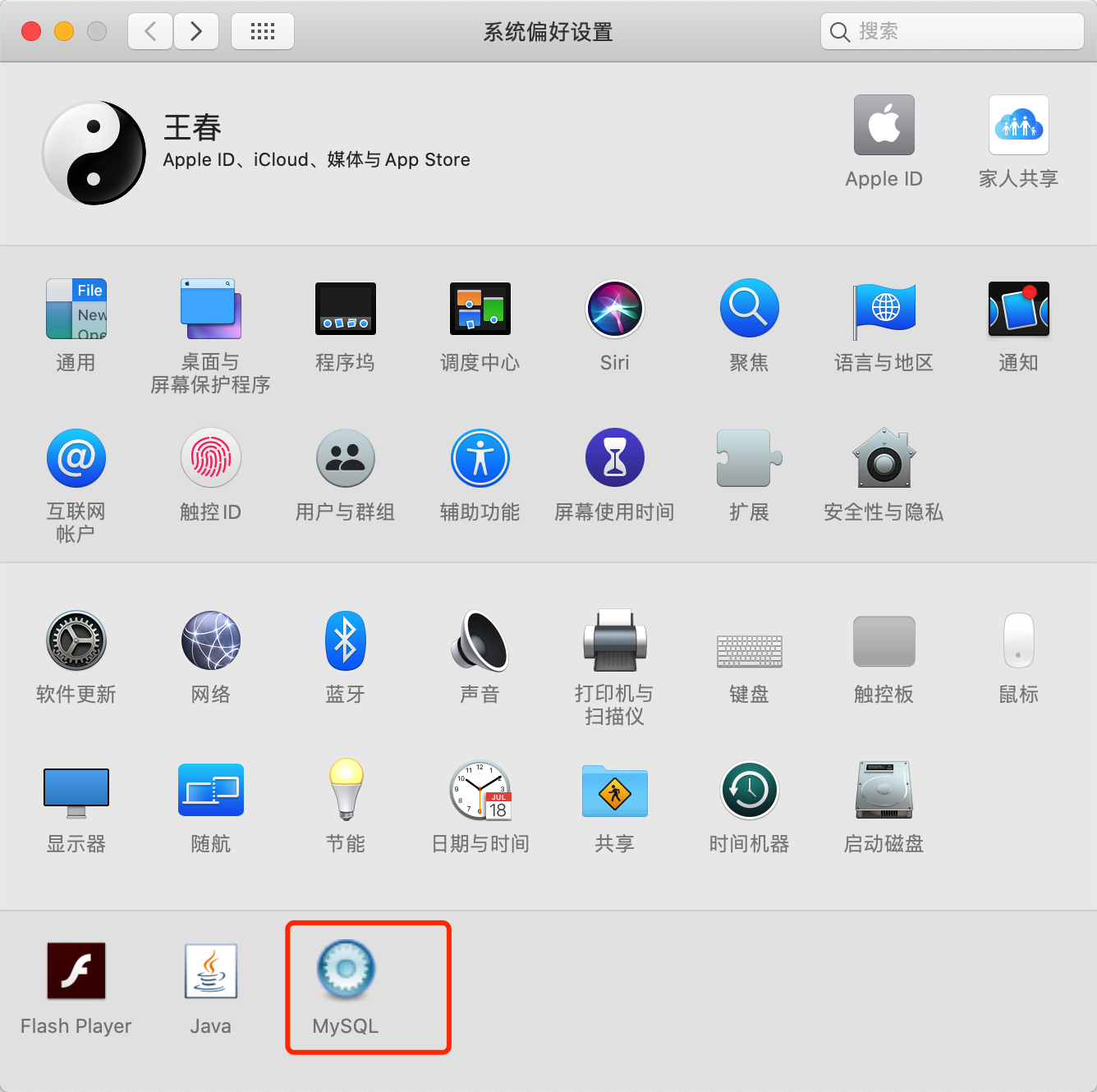
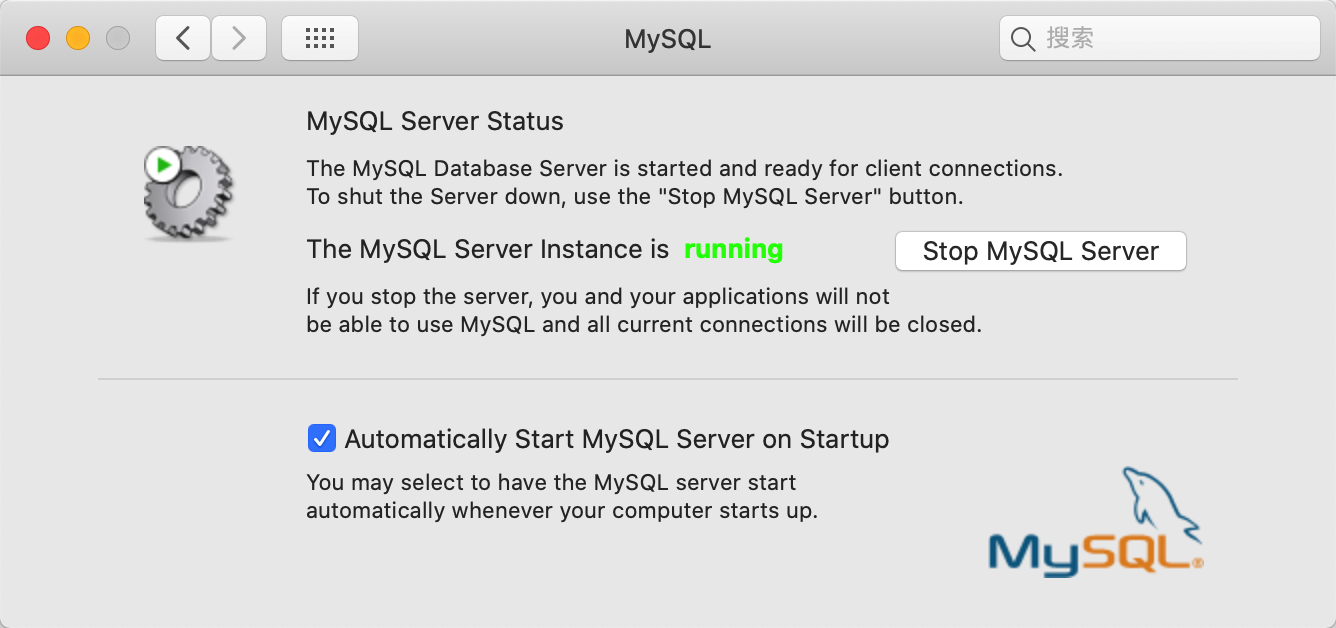
(3)环境配置
.bash_profile文件中环境变量添加
mysql
export PATH=${PATH}:/usr/local/mysql/bin
登录
- 修改密码
登录:mysql -u root -p 登录后修改密码(括号中为新密码):SET PASSWORD FOR ‘root’@’localhost’ = PASSWORD(‘root’); 退出:quit
wangchundeMacBook-Pro:~ wangchun$ mysql -u root -pEnter password:Welcome to the MySQL monitor. Commands end with ; or \g.Your MySQL connection id is 177Server version: 5.7.31 MySQL Community Server (GPL)Copyright (c) 2000, 2020, Oracle and/or its affiliates. All rights reserved.Oracle is a registered trademark of Oracle Corporation and/or itsaffiliates. Other names may be trademarks of their respectiveowners.Type 'help;' or '\h' for help. Type '\c' to clear the current input statement.mysql> SET PASSWORD FOR 'root'@'localhost' = PASSWORD('root');Query OK, 0 rows affected, 1 warning (0.00 sec)mysql> quitByewangchundeMacBook-Pro:~ wangchun$
(4)MySQL可视化工具

若有收获,就点个赞吧
0 人点赞


