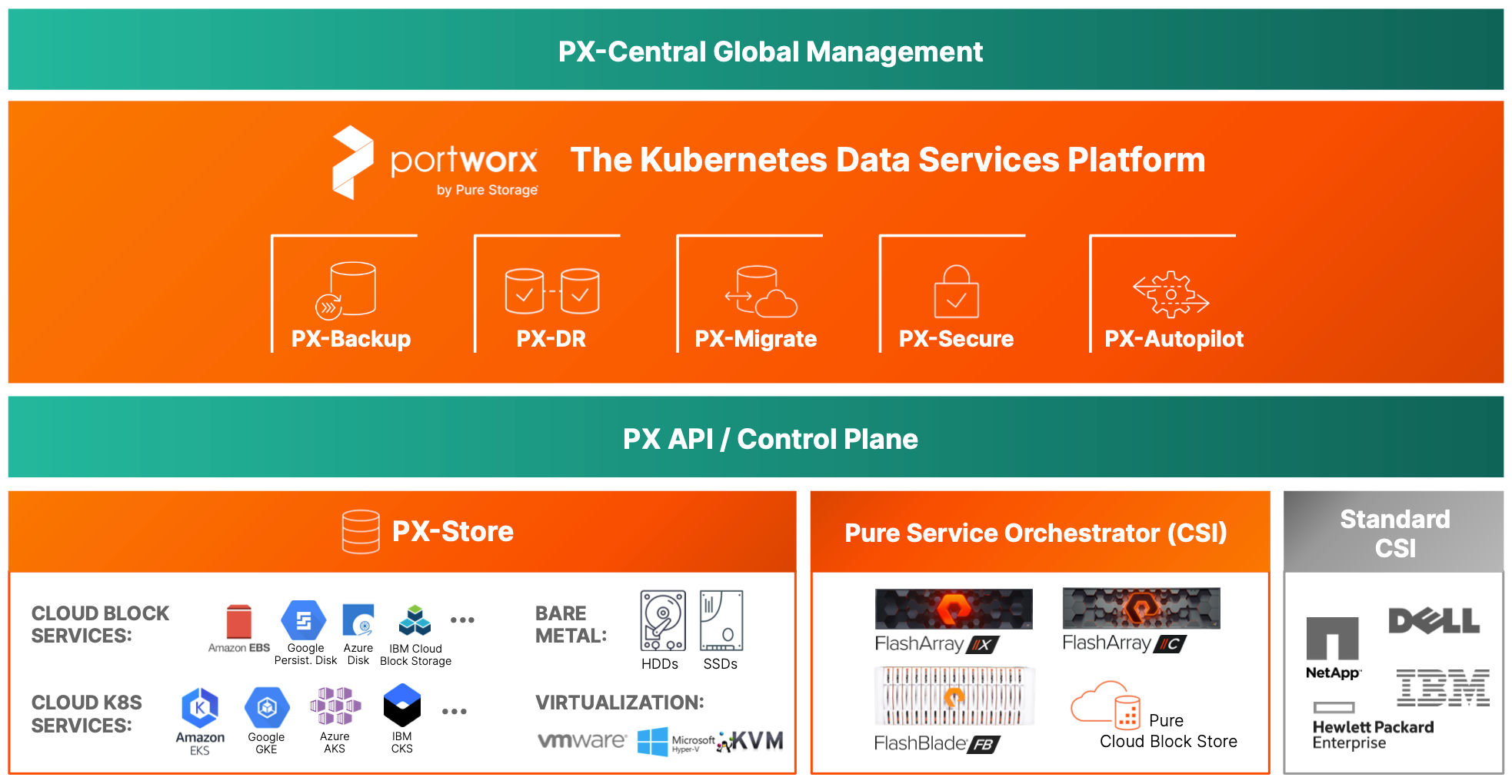
Portworx (PX) requires at least some nodes in the cluster to have dedicated storage for Portworx to use. PX will then carve out virtual volumes from these storage pools. In this example, we use a 20GB block device that exists on each node.Click ssh root@node01 lsblk to list the available devices on the node1.Note the storage device sdb, which will be used by PX as one of it's raw block disks. All the nodes in this setup have the sdb device.[root@k8s-1 ~]# lsblkNAME MAJ:MIN RM SIZE RO TYPE MOUNTPOINTsda 8:0 0 30G 0 disk├─sda1 8:1 0 1G 0 part /boot└─sda2 8:2 0 29G 0 part├─centos-root 253:0 0 26G 0 lvm /└─centos-swap 253:1 0 3G 0 lvmsdb 8:16 0 20G 0 disk [添加硬盘]sdc 8:32 0 20G 0 disk [添加硬盘]sdd 8:48 0 20G 0 disk [添加硬盘]sr0 11:0 1 1024M 0 rom[root@k8s-1 ~]#[Note]: 内核版本过高可能导致Pod起不来,Failed to load PX filesystem dependencies for kernel:5.11.0-147.8.1.el8_1.x86_64。退回3.10的内核版本。[root@k8s-1 ~]# uname -r3.10.0-1160.21.1.el7.x86_64[root@k8s-1 ~]#[3.如果部分Pod起不来,查看对应的Pod的log即可]:[root@k8s-1 ~]# kubectl -nkube-system logs -f portworx-w9qpd
- 1.Install Portworx
``properties
VER=
kubectl version —short | awk -Fv ‘/Server Version: /{print $3}’`我环境的VER=1.20.5
curl -L -s -o px-spec.yaml “https://install.portworx.com/2.6?mc=false&kbver=${VER}&b=true&s=%2Fdev%2Fsdb&c=px-demo&stork=true&st=k8s“
c=px-demo specifies the cluster name b=true specifies to use internal etcd kbVer=${VER} specifies the Kubernetes version s=/dev/vdb specifies the block device to use
kubectl apply -f px-spec.yaml
Fetch Portworx cluster status Portworx ships with a pxctl command line that you can use for managing Portworx.
Below command executes the pxctl status command using kubectl in one of the Portworx pods to fetch the overall cluster status.
First, setup the PX_POD environment variable.
PX_POD=$(kubectl get pods -l name=portworx -n kube-system -o jsonpath=’{.items[0].metadata.name}’) Next, use kubectl to execute pxctl status on the cluster.
kubectl exec -it $PX_POD -n kube-system — /opt/pwx/bin/pxctl status We now have a 3-node Portworx cluster up !
Let’s dive into our cluster status.
All 3 nodes are online and use Kubernetes node names as the Portworx node IDs.- Observe that Portworx clustered the 20GB block device from each node in a 60GB storage cluster. Portworx detected the block device media type as magnetic and created a storage pool for this. If you have different types of devices, for example SSD, a different storage pool is created for the SSD type.
1. StorageClass YAML:
[root@k8s-1 ~]# cat sc.yaml apiVersion: storage.k8s.io/v1 kind: StorageClass metadata: name: portworx-io-priority-high provisioner: kubernetes.io/portworx-volume parameters: repl: “1” snap_interval: “70” priority_io: “high”
[root@k8s-1 ~]#
2. Statefulset YAML:
[root@k8s-1 ~]# cat sts.yaml apiVersion: v1 kind: Service metadata: name: nginx labels: app: nginx spec: ports:
- port: 80 name: web clusterIP: None selector: app: nginx
apiVersion: apps/v1 kind: StatefulSet metadata: name: web spec: serviceName: “nginx” replicas: 3 selector: matchLabels: app: nginx template: metadata: labels: app: nginx spec: containers:
  - name: nginx
    image: ikubernetes/myapp:v1
    imagePullPolicy: IfNotPresent
    ports:
    - containerPort: 80
      name: web
    volumeMounts:
    - name: www
      mountPath: /usr/share/nginx/html
volumeClaimTemplates:
- metadata:
name: www
spec:
storageClassName: “portworx-io-priority-high”
accessModes: [ “ReadWriteOnce” ]
resources:
requests:
  storage: 1Gi
[root@k8s-1 ~]
- [x] **2.Portworx Info**
```properties
[root@k8s-1 ~]# kubectl -nkube-system exec -it portworx-h9czk  bash
kubectl exec [POD] [COMMAND] is DEPRECATED and will be removed in a future version. Use kubectl exec [POD] -- [COMMAND] instead.
[root@k8s-3 /]# /opt/pwx/bin/pxctl status
Status: PX is operational
License: Trial (expires in 31 days)
Node ID: 4c874f98-be10-47e5-9e96-43cd5acaa04a
        IP: 192.168.2.23
        Local Storage Pool: 1 pool
        POOL    IO_PRIORITY     RAID_LEVEL      USABLE  USED    STATUS  ZONE    REGION
        0       HIGH            raid0           20 GiB  3.2 GiB Online  default default
        Local Storage Devices: 1 device
        Device  Path            Media Type              Size            Last-Scan
        0:1     /dev/sdb        STORAGE_MEDIUM_MAGNETIC 20 GiB          29 Nov 21 13:44 UTC
        * Internal kvdb on this node is sharing this storage device /dev/sdb  to store its data.
        total           -       20 GiB
        Cache Devices:
         * No cache devices
Cluster Summary
        Cluster ID: px-demo
        Cluster UUID: a313b1c4-7f23-4cce-8696-254ef29c7c4f
        Scheduler: kubernetes
        Nodes: 3 node(s) with storage (3 online)
        IP              ID                                      SchedulerNodeName       StorageNode     Used    Capacity        Status  StorageStatus   Version         Kernel                           OS
        192.168.2.22    d972c827-0c0e-4ad9-a0b6-6391ce35f101    k8s-2                   Yes             3.2 GiB 20 GiB          Online  Up              2.6.5.0-e6c17aa 3.10.0-1160.21.1.el7.x86_64      CentOS Linux 7 (Core)
        192.168.2.21    ad3ab602-1d90-400b-b0a6-064ba3c4a1bf    k8s-1                   Yes             3.1 GiB 20 GiB          Online  Up              2.6.5.0-e6c17aa 3.10.0-1160.21.1.el7.x86_64      CentOS Linux 7 (Core)
        192.168.2.23    4c874f98-be10-47e5-9e96-43cd5acaa04a    k8s-3                   Yes             3.2 GiB 20 GiB          Online  Up (This node)  2.6.5.0-e6c17aa 3.10.0-1160.21.1.el7.x86_64      CentOS Linux 7 (Core)
        Warnings:
                 WARNING: Persistent journald logging is not enabled on this node.
                 WARNING: Internal Kvdb is not using dedicated drive on nodes [192.168.2.22 192.168.2.23 192.168.2.21]. This configuration is not recommended for production clusters.
Global Storage Pool
        Total Used      :  9.5 GiB
        Total Capacity  :  60 GiB
[root@k8s-3 /]#

若有收获,就点个赞吧
0 人点赞


