https://www.jianshu.com/p/06cc44e7c4e5
测试环境:centos7.8,docker 19.03.11
首先要确保docker环境已经安装成功
docker -vDocker version 19.03.11, build 42e35e61f3
不做废话,一步到位
docker rm -f $(docker ps -aq)# 启动 php 和 nginx 容器# 映射目录要保持一致docker run -p 9000:9000 -d --name php-fpm -v /docker_volume/www:/usr/share/nginx/html php:7.4.11-fpmdocker run -p 80:80 -d --name nginx --link php-fpm:php -v /docker_volume/www:/usr/share/nginx/html nginx# 保存预设的 Nginx 配置文件到本地cat>/tmp/default.conf<<EOFserver {listen 80;listen [::]:80;server_name localhost;location / {root /usr/share/nginx/html;index index.html index.htm;}error_page 500 502 503 504 /50x.html;location = /50x.html {root /usr/share/nginx/html;}location ~ \.php$ {root html;fastcgi_pass php:9000;fastcgi_index index.php;fastcgi_param SCRIPT_FILENAME /usr/share/nginx/html/\$fastcgi_script_name;include fastcgi_params;}}EOF# 复制 Nginx 配置文件到容器内docker cp /tmp/default.conf nginx:/etc/nginx/conf.d/default.conf# 重启Nginx容器docker exec -it nginx bash -c 'service nginx reload'
Nginx配置事项
预设Nginx 配置文件时要修改的位置是上文中的 26 行 和 28行
26 的 php:9000 将 Nginx 和 phph 关联起来 (php 是使用 docker的 —link 关联的host)
28 行 设置 php 文件路径,这里要和 17 行的路径一致
写入PHP测试文件
echo "<?php echo phpinfo();" > /docker_volume/www/index.php
浏览器输入IP测试
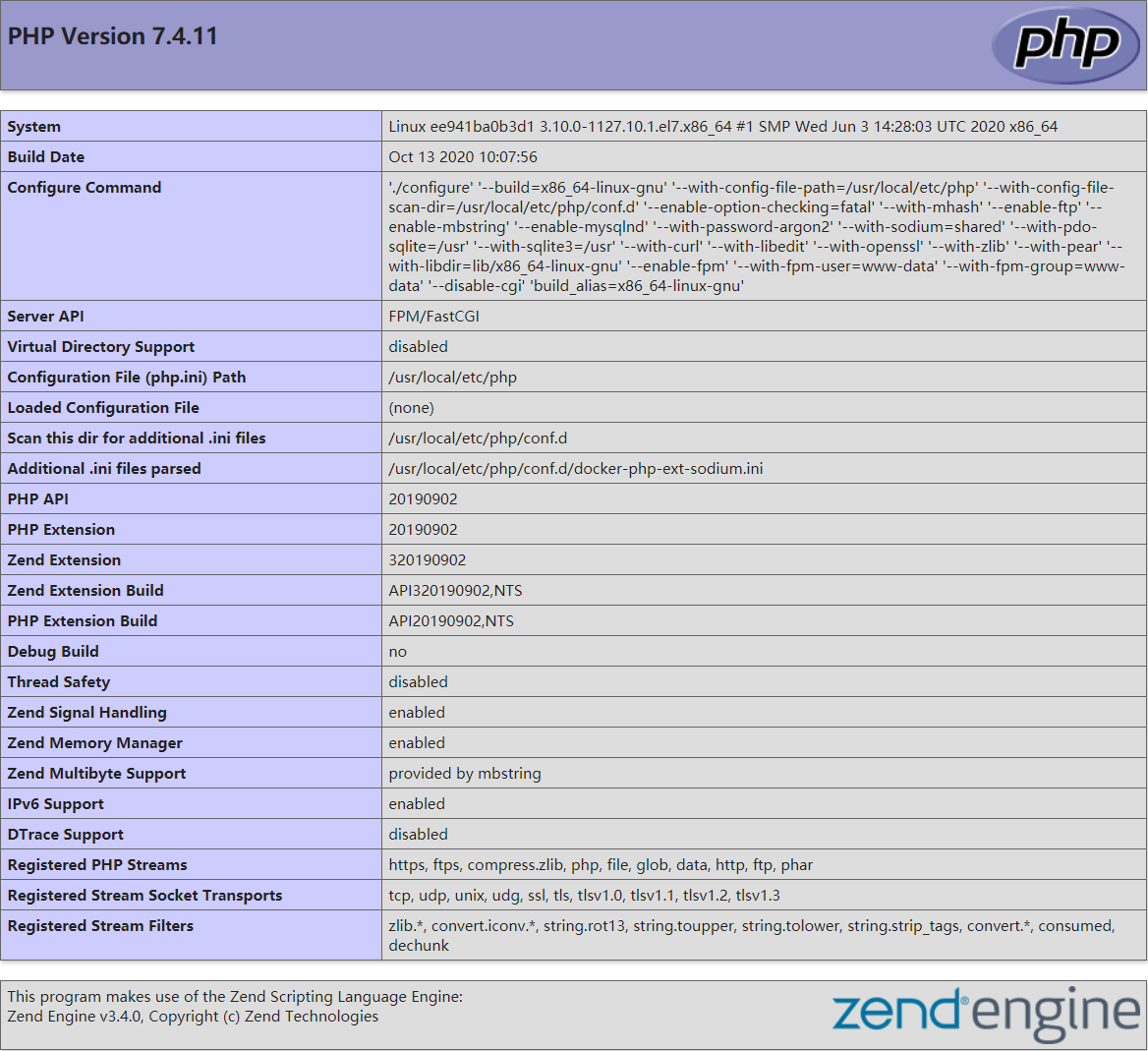
如果还要安装mysql,请移步
Docker 安装 Mysql

若有收获,就点个赞吧
0 人点赞


