How to add the Huobi ECO Chain to Metamask
Browser:Google Chrome
Note: If you are in restricted regions where Google Chrome is not accessible, please use a VPN to continue.
I. How to install the Metamask wallet?
1. Open your Chrome and go to “Settings — More tools — Extensions”
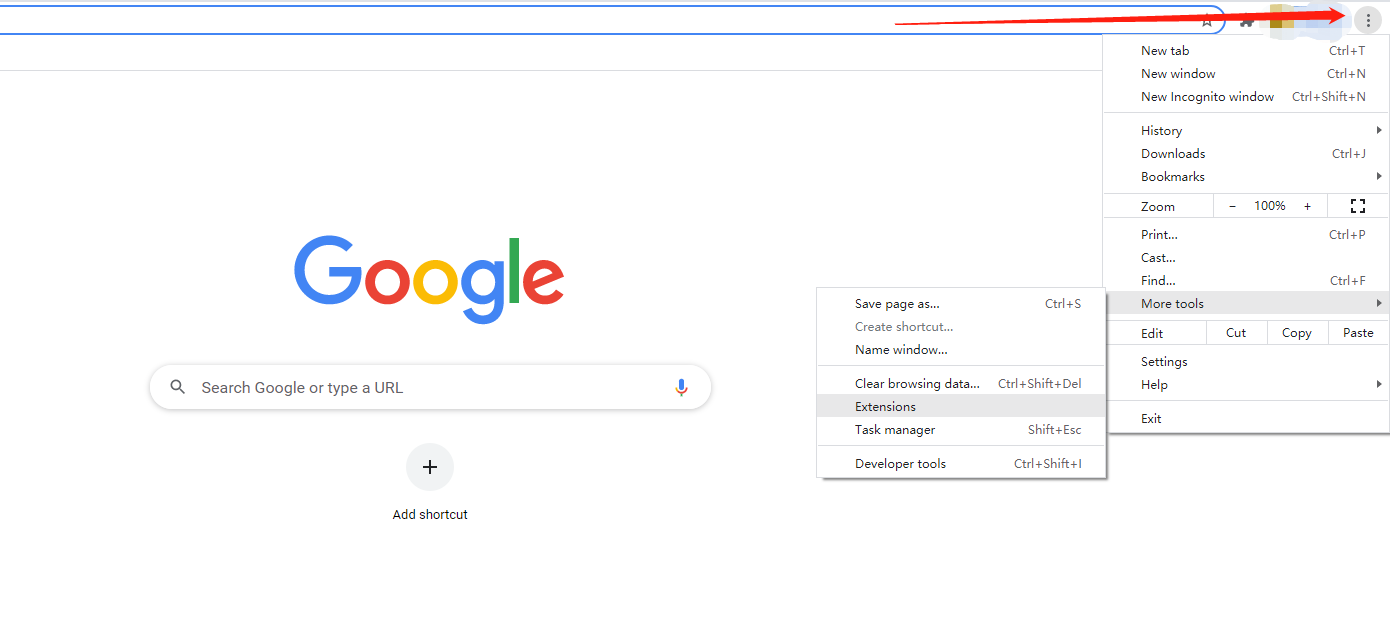
Click the “Extensions” botton, and find “Open Chrome Web Store” at the bottom of the page

3. Search “Metamask” and select the app.
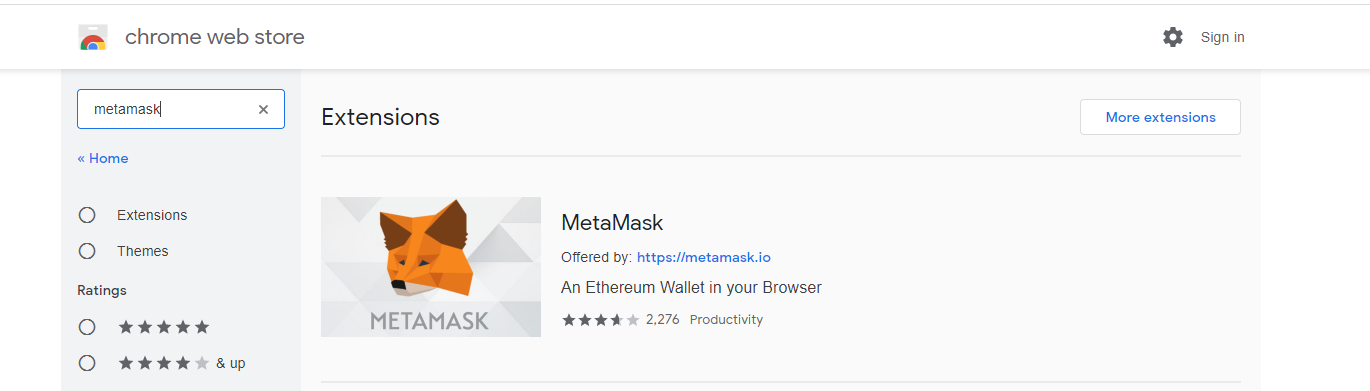
Click the “Add to Chrome” button. Once installation is complete, you can start to create your wallet.

5. Let’s get started
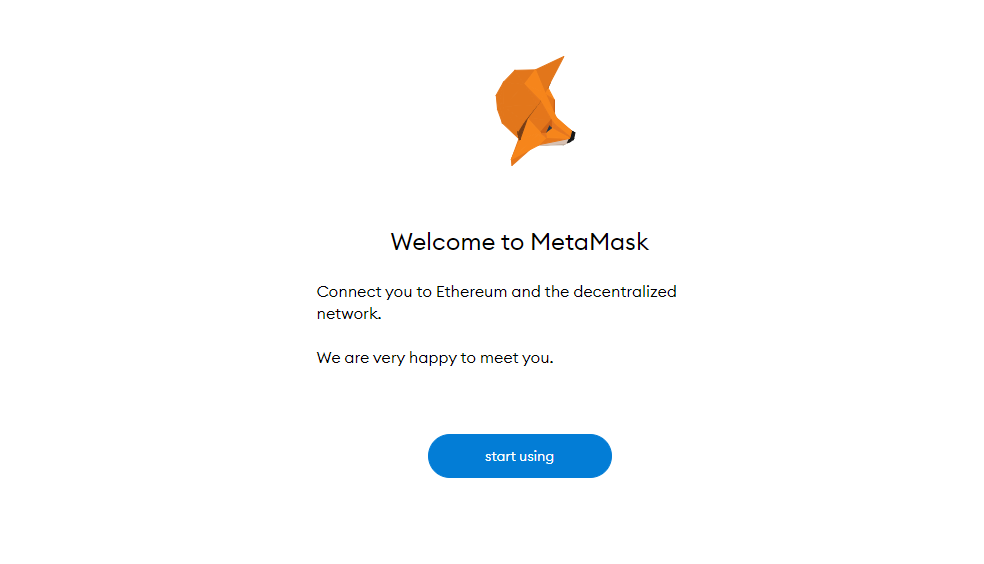
If it is the first time creating a wallet, click the “Create a Wallet” button
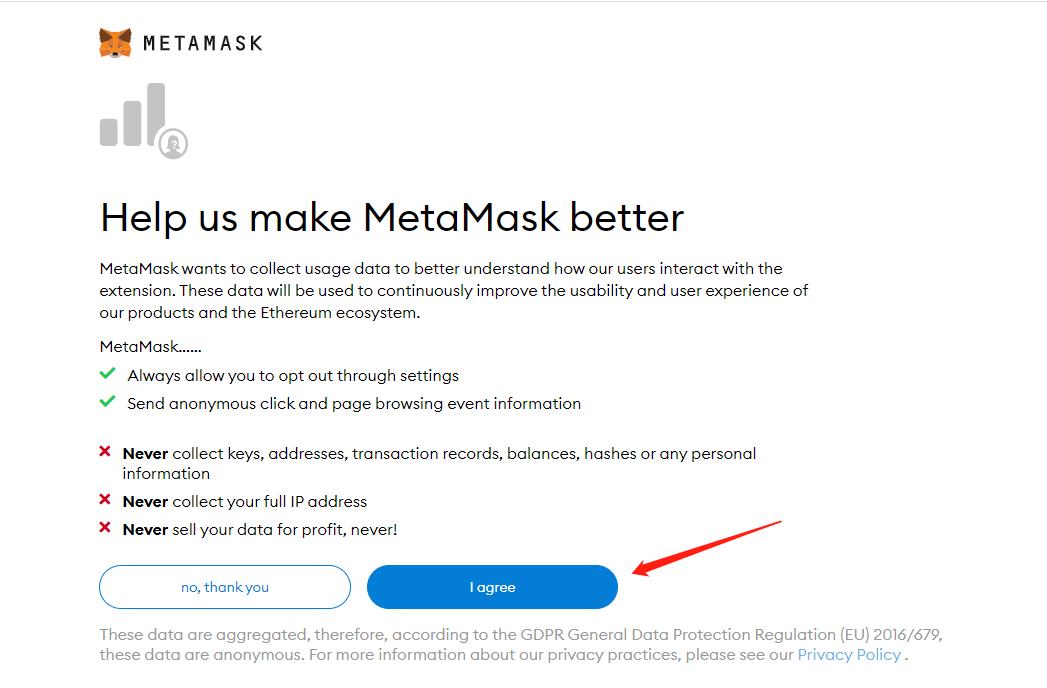
Click the “I agree” as you agree with the policy
Create a password for your wallet and back it up. Then agree to the Terms of Use
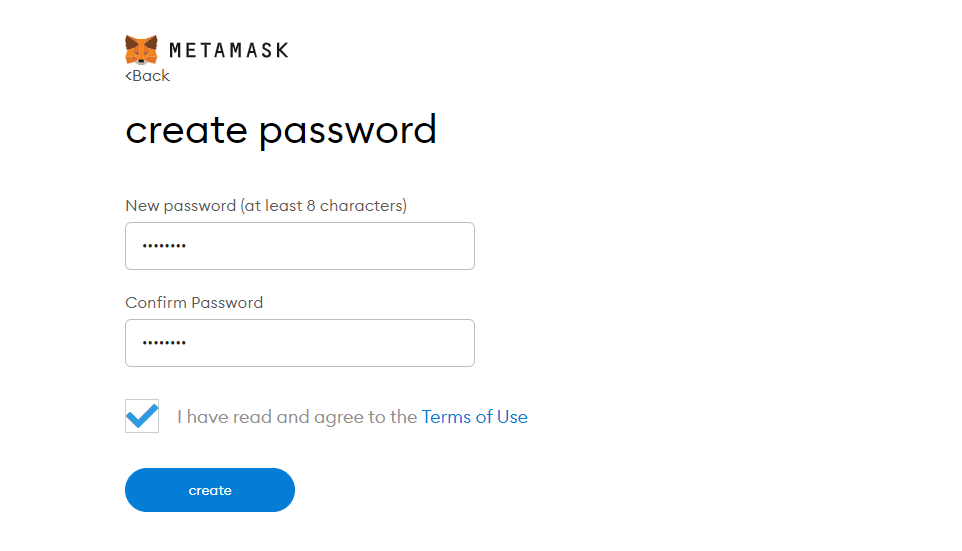
This is the most important step. Check and back up your account mnemonic phrase which will help you recover your wallet. Do keep your mnemonic phrase safe!
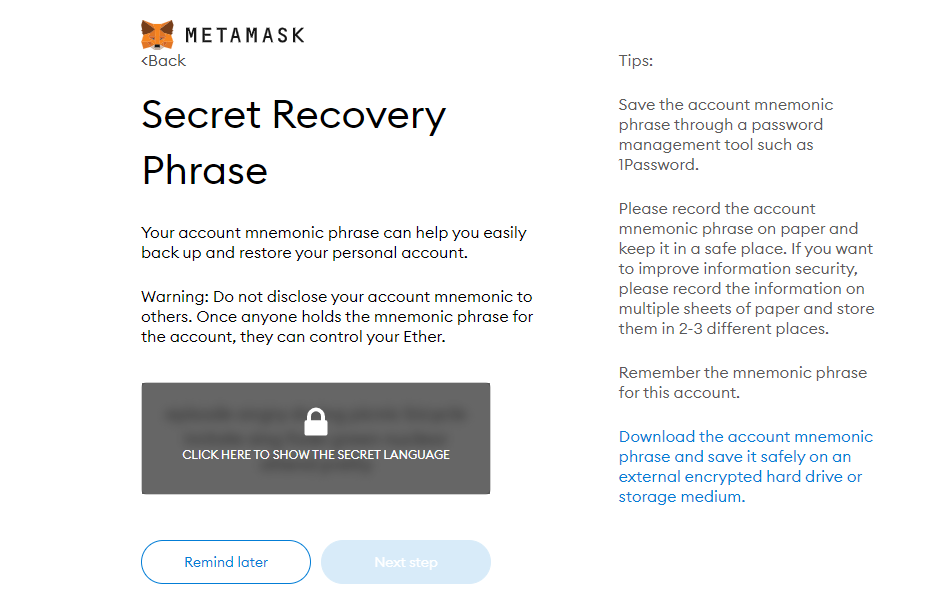
Click the buttons respective to the order of the words in your mnemonic phrase for confirmation

Now you have your wallet created.
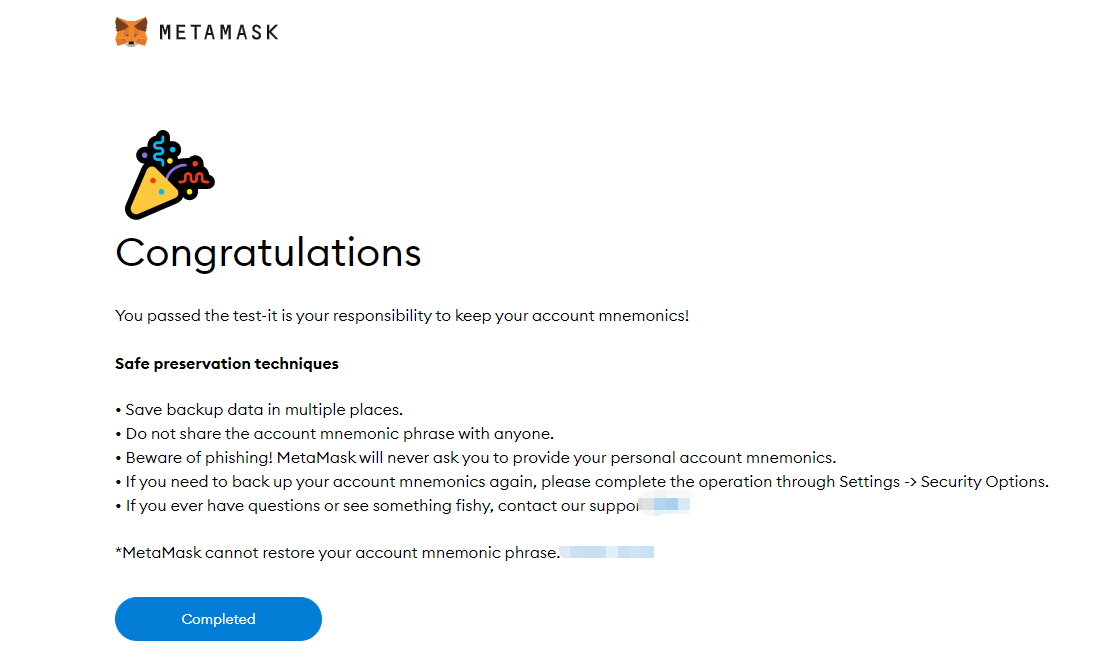
II. Add Huobi ECO Chain to your Metamas
The default network of Metamask is ETH. If you want to use Huobi ECO Chain, you must connect to it manually
1. Open chainlist.org
Enter “huobi”, and find “Huobi ECO Chain”. Connect the wallet
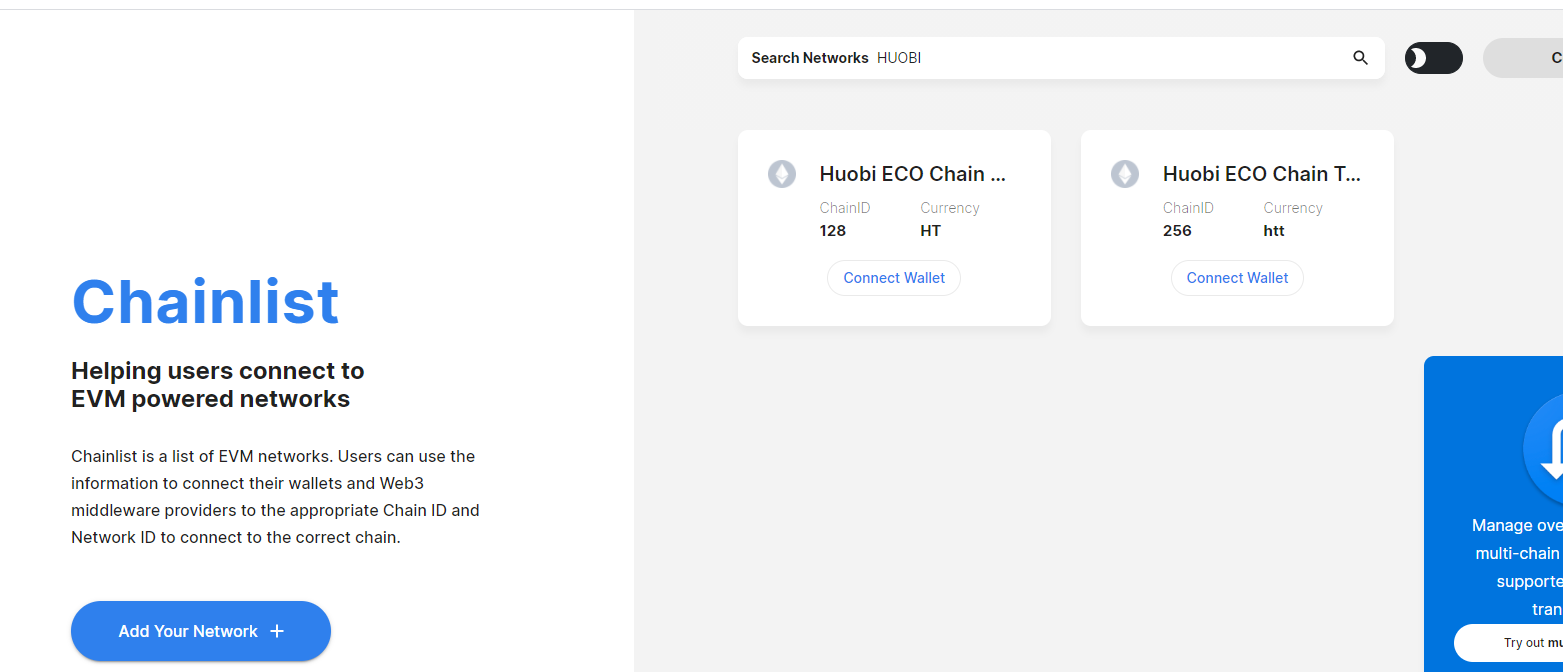
Upon your approval of connection, add the network to your wallet to complete the setting
As show in the picture below, the Huobi ECO Chain has been added to the Metamask. You can start using now.


若有收获,就点个赞吧
0 人点赞


