mysql操作
查看myql启动
查看是否已安装mysql
linux下检测是否安装了mysql的方法:执行【service mysqld start】命令,如果提示【mysqld:未被识别的服务】,说明系统中没有安装mysql,如果成功启动了mysql,说明已安装mysql服务。
查看mysql是否已启动:
1.使用命令 # service mysqld status 2、使用命令# ps aux|grep mysqld 3、使用命令# pidof mysqld 4、使用命令# ps -ef|grep mysqld 5、使用# systemctl list-unit-files 命令,q退出

忘记密码
编辑文件,设置跳过密码
vi /etc/my.cnf skip-grant-tables
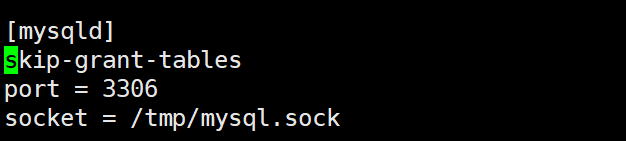
登录mysql
mysql -u root -p 随便输入一个密码
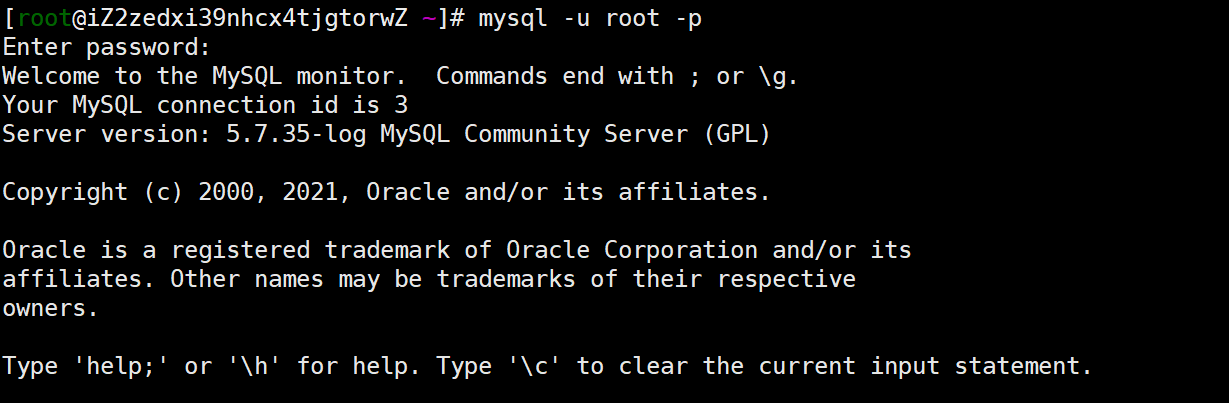
修改user表中的root用户密码,修改完后要刷新;
use mysql; UPDATE user SET authentication_string=PASSWORD(“root”) WHERE User=”root”; flush privileges;
修改完成后,把配置文件中的skip-grant-tables注释掉,再重启mysql;
service mysql restart service mysqld restart
再次用密码登录,大功告成~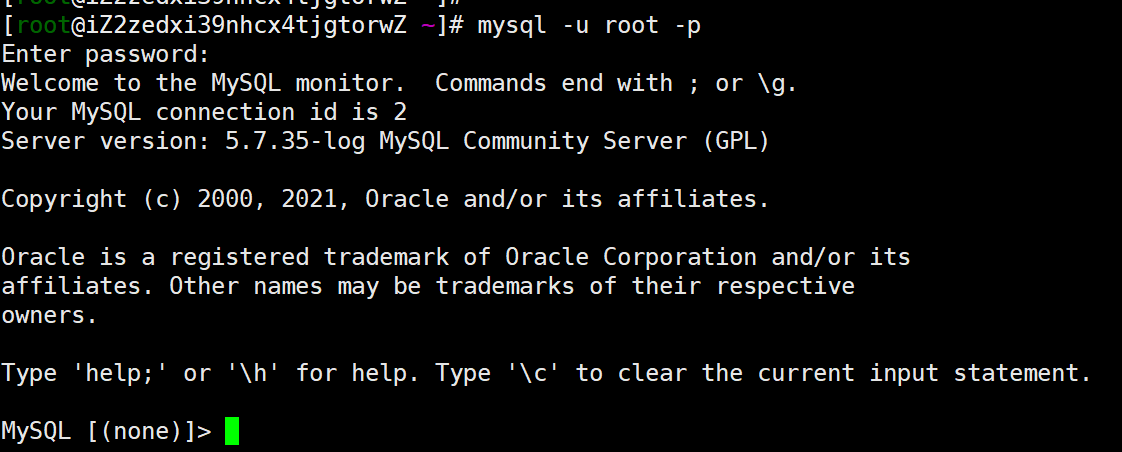
授权远程登录
grant all privileges on . to ‘root’@’%’ identified by ‘root’ with grant option; flush privileges;

用sqlyog测试mysql搭建成功
用sqlyog进行远程连接测试;
用sqlyog连接阿里云服务中的MySQL教程:(需要提前给3306端口做安全组配置)https://blog.csdn.net/weixin_44134144/article/details/104731784
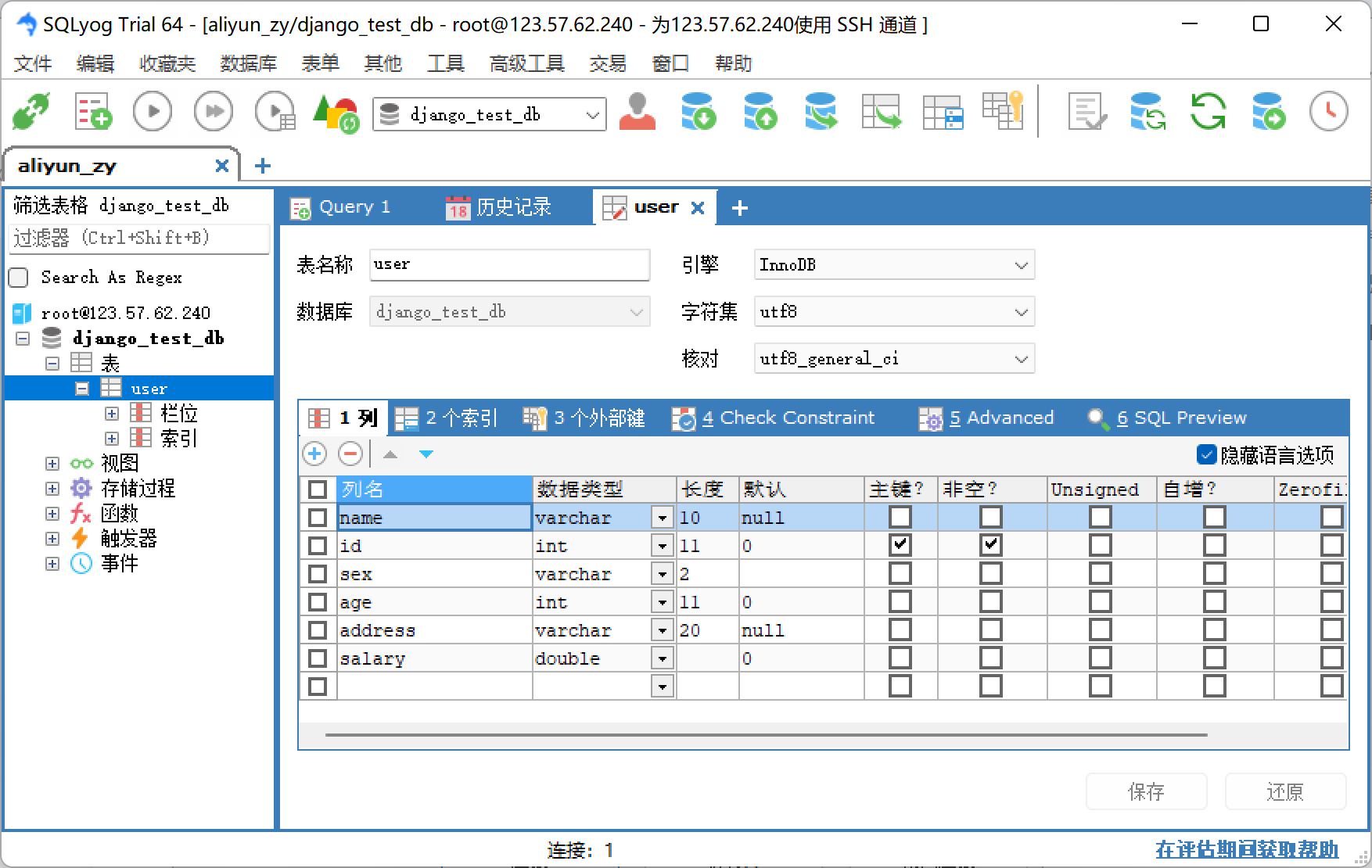

若有收获,就点个赞吧
0 人点赞


