- http://nginx.org/en/download.html">**下载安装nginxnginx下载地址 : http://nginx.org/en/download.html
- 添加服务
**下载安装nginxnginx下载地址 : http://nginx.org/en/download.html
添加服务
需要借助”Windows Service Wrapper”小工具,下载地址 https://github.com/kohsuke/winsw/releases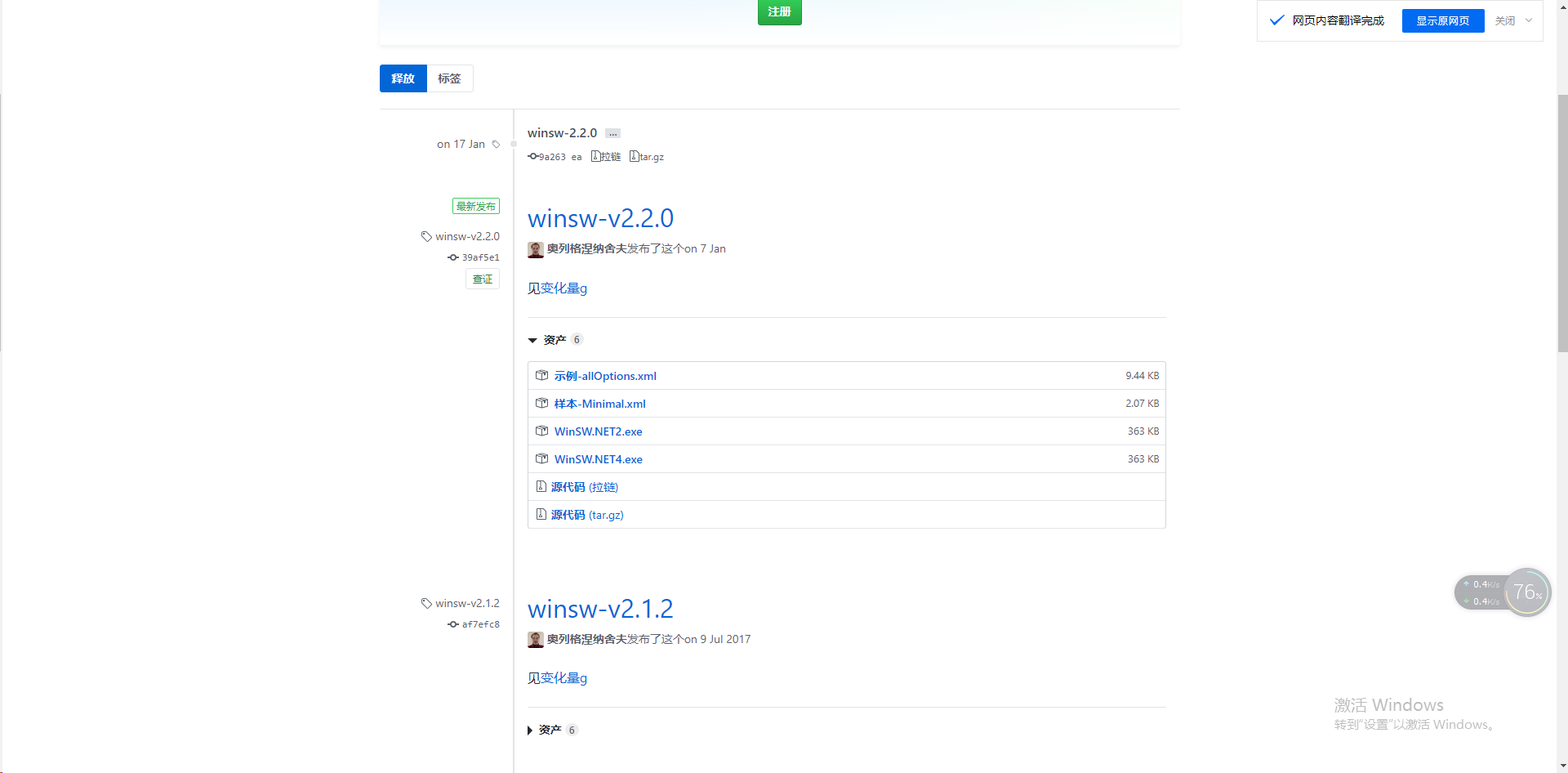
选择适合的版本;
编写本文章时 使用的 winsw-v2.2.0 WinSW.NET4.exe
下载后放在nginx目录下,并修改名字为nginx-service.exe
创建配置文件nginx-service.exe.config 和 nginx-service.xml
nginx-service.xml的内容如下:
<service><id>nginx</id><name>Nginx Service</name><description>High Performance Nginx Service</description><logpath>C:\Program Files\nginx\logs</logpath><log mode="roll-by-size"><sizeThreshold>10240</sizeThreshold><keepFiles>8</keepFiles></log><executable>C:\Program Files\nginx\nginx.exe</executable><startarguments>-p C:\Program Files\nginx</startarguments><stopexecutable>C:\Program Files\nginx\nginx.exe</stopexecutable><stoparguments>-p C:\Program Files\nginx -s stop</stoparguments></service>
nginx-service.exe.config内容如下:
<configuration><startup><supportedRuntime version="v2.0.50727" /><supportedRuntime version="v4.0" /></startup><runtime><generatePublisherEvidence enabled="false"/></runtime></configuration>
最后用cmd命令进入nginx目录安装服务
nginx-service.exe install
收工!

若有收获,就点个赞吧
0 人点赞


