课程资源:腾讯课堂
一、移动端基本环境
1. viewport
浏览器中网站可见内容的部分
<meta name="viewport" content="width=device-width, initial-scale=1, maximum-scale=1"><!-- 或当前项目中使用的这种 --><meta name="viewport" content="width=device-width,initial-scale=1.0,user-scalable=no">
width
width属性控制视口的宽度。
可以像width=600这样设为确切的像素数,或者设为device-width 特殊值,代表缩放为 100% 时以 CSS 像素计量的屏幕宽度。(相应的也有height及device-height属性,可能对包含基于视口高度调整大小及位置的元素的页面有用。)
initial-scale
initial-scale 属性控制页面最初加载时的缩放等级。
maximum-scale、minimum-scale及user-scalable属性控制允许用户以怎样的方式放大或缩小页面。
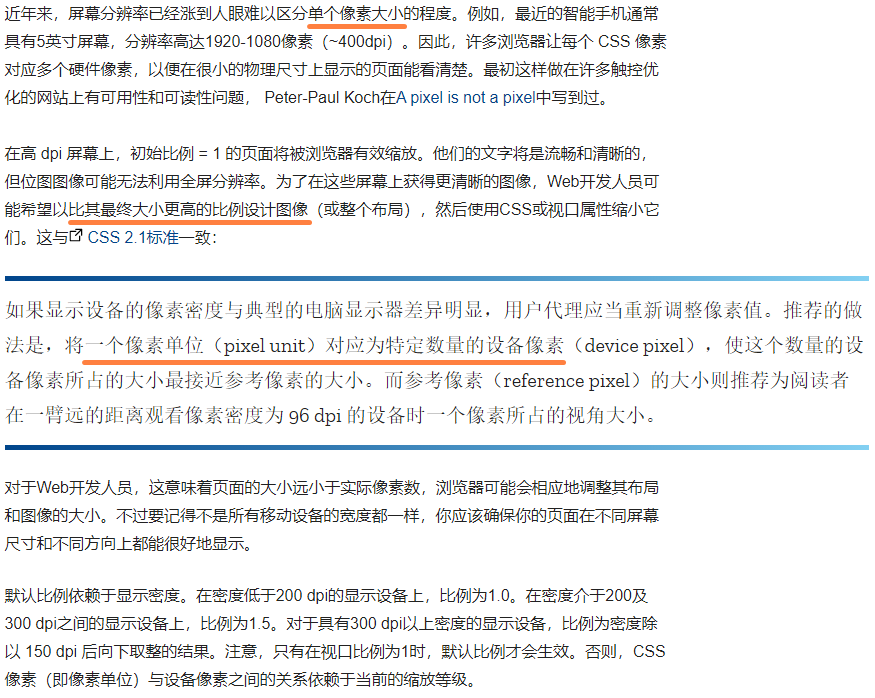
2. 像素比
3. 常用meta设置
<!-- QQ 强制横屏或竖屏显示 --><meta name="x5-orientation" content="portrait|landscape" /><!-- QQ 设置全屏 --><meta name="x5-fullscreen" content="true" /><!-- UC 强制竖屏(portrait)或横屏(landscape)显示 --><meta name="screen-orientation" content="portrait|landscape" /><!-- UC 全屏显示 --><meta name="full-screen" content="yes" /><!-- 禁止电话号码和邮箱识别 --><meta name="format-detection" content="telephone=no,email=no" /><!-- 上面禁止电话号码识别后,如果需要拨打号码的方法 --><a href="tel:18888888888">拨打号码</a><a href="mailto:test@156.com">发送邮箱</a>
4. 默认样式设置
- 清除点击阴影
-webkit-tap-highlight-color - 清除按钮圆角
-webkit-appearance - 选中文字设置
-webkit-user-select - 禁止文字缩放
-webkit-text-size-adjust - 默认字体设置
Helvetica
ul {margin: 0;padding: 0;list-style: none;}img {border: none;}
5. 适配
5.1 百分比适配
适用于平均分布或者好计算的百分比占比
5.3 rem适配
:nth-of-type():nth-of-type()这个 CSS 伪类是针对具有一组兄弟节点的标签, 用 n 来筛选出在一组兄弟节点的位置。
rem根据根节点的字体大小设置em根据父节点字体大小设置
<script>(function() {var html = document.documentElement;var hWidth = html.getBoundingClientRect().width;html.style.fontSize = hWidth / 15 + "px"; // 总宽度 / 15 为 1rem})();</script>
<!-- 使用less,减少计算量 -->@r:50rem // 设计稿750px,然后上面设置的根字体 50px 等于 1rem,所以px单位的元素除以 50rem 即可.test {font-size: 100 /@r;}
6. 精灵图
background-image设置一整张大的背景图background-size设置成整张大的背景图的尺寸background-position设置成指定需要展示的部分的坐标轴,一般是 -x -y
7. 适配 iphonex


若有收获,就点个赞吧
0 人点赞


