attached和detached模式
运行一个nginx的容器
docker container run -p 80:80 nginx
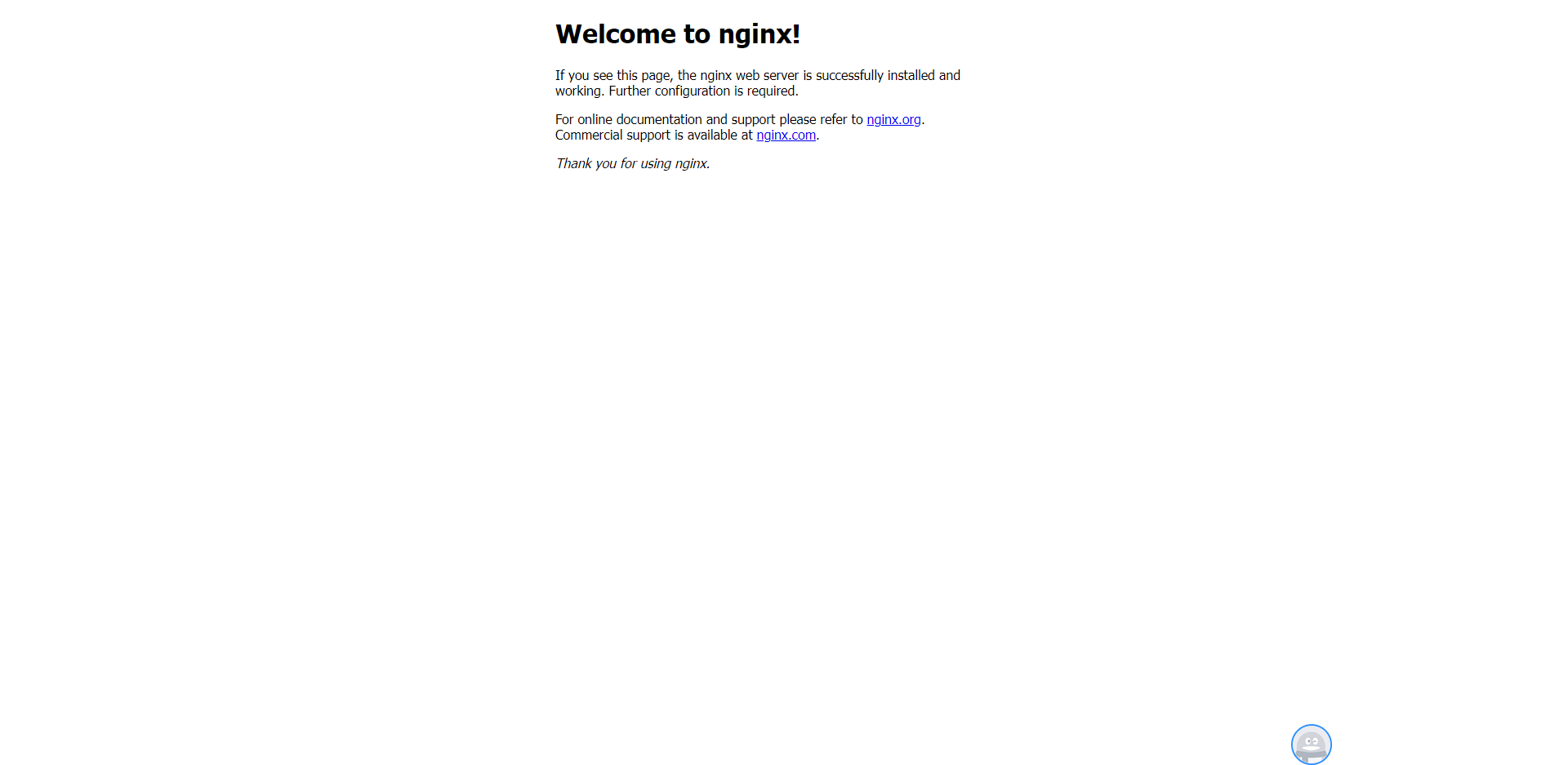
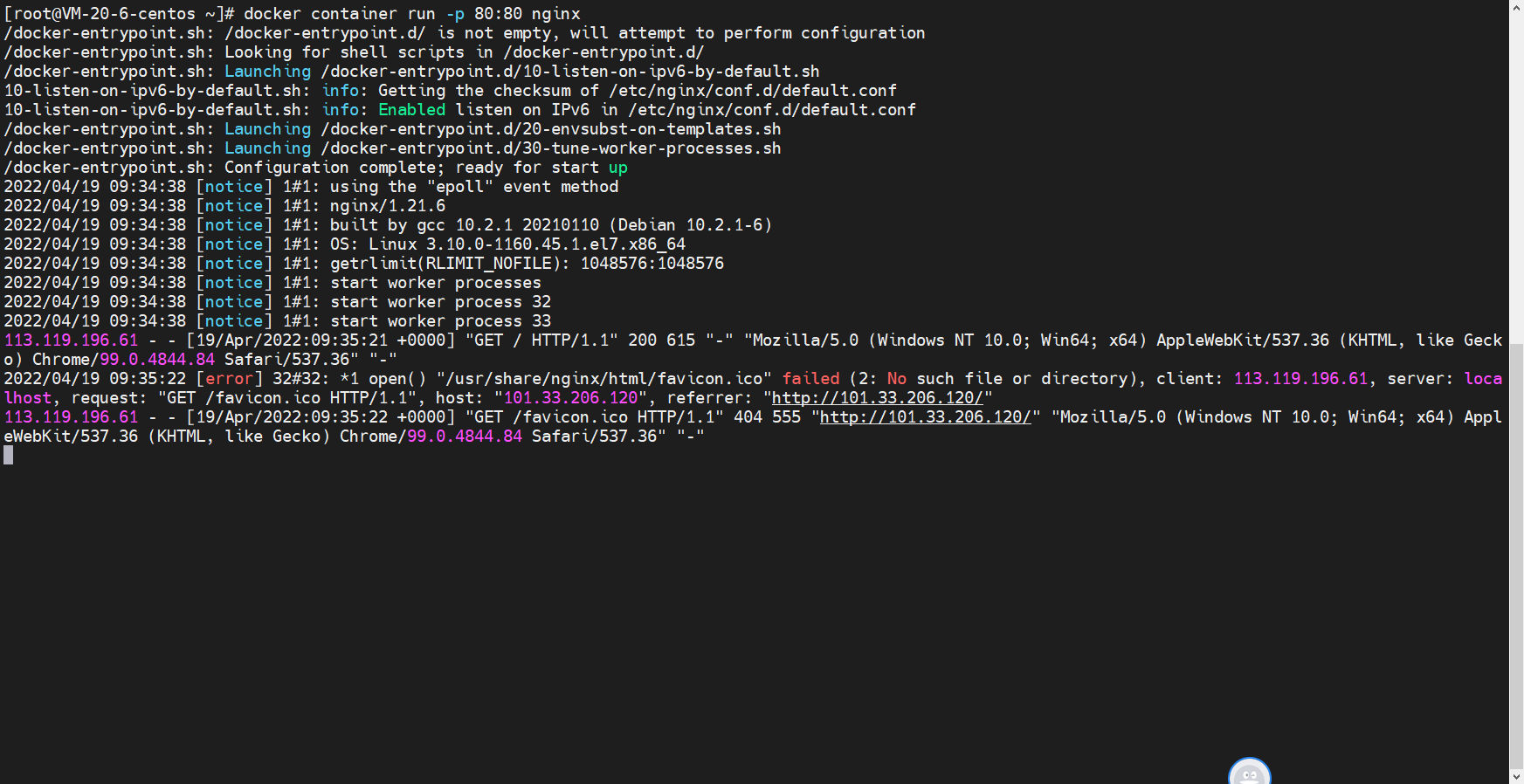
日志直接输出到前台了,ctrl+c就会退出。这是前台启动。
像这种前台启动容器的方式称为attached模式,就是会把容器的输入输出反映到我们的系统上去,我们系统的输入输出也会反映到nginx这个容器上去。
detached就是在后台执行
 docker run -d -p 80:80 nginx
 #启动attach模式 e7是容器的id
 docker attach e7
交互式模式
运行个容器
docker container run -d -p 80:80 nginx
查看容器
[root@VM-20-6-centos ~]# docker container ps
CONTAINER ID   IMAGE     COMMAND                  CREATED         STATUS         PORTS                               NAMES
75391d4c0548   nginx     "/docker-entrypoint.…"   6 seconds ago   Up 5 seconds   0.0.0.0:80->80/tcp, :::80->80/tcp   quizzical_moore
查看日志
[root@VM-20-6-centos ~]# docker container logs 753
/docker-entrypoint.sh: /docker-entrypoint.d/ is not empty, will attempt to perform configuration
/docker-entrypoint.sh: Looking for shell scripts in /docker-entrypoint.d/
/docker-entrypoint.sh: Launching /docker-entrypoint.d/10-listen-on-ipv6-by-default.sh
10-listen-on-ipv6-by-default.sh: info: Getting the checksum of /etc/nginx/conf.d/default.conf
10-listen-on-ipv6-by-default.sh: info: Enabled listen on IPv6 in /etc/nginx/conf.d/default.conf
/docker-entrypoint.sh: Launching /docker-entrypoint.d/20-envsubst-on-templates.sh
/docker-entrypoint.sh: Launching /docker-entrypoint.d/30-tune-worker-processes.sh
/docker-entrypoint.sh: Configuration complete; ready for start up
2022/04/24 02:35:26 [notice] 1#1: using the "epoll" event method
2022/04/24 02:35:26 [notice] 1#1: nginx/1.21.6
2022/04/24 02:35:26 [notice] 1#1: built by gcc 10.2.1 20210110 (Debian 10.2.1-6)
2022/04/24 02:35:26 [notice] 1#1: OS: Linux 3.10.0-1160.45.1.el7.x86_64
2022/04/24 02:35:26 [notice] 1#1: getrlimit(RLIMIT_NOFILE): 1048576:1048576
2022/04/24 02:35:26 [notice] 1#1: start worker processes
2022/04/24 02:35:26 [notice] 1#1: start worker process 32
2022/04/24 02:35:26 [notice] 1#1: start worker process 33
[root@VM-20-6-centos ~]#
动态跟踪日志
docker container logs -f 753
什么是交互模式
运行一个ubutun的容器
docker container run -it ubuntu sh
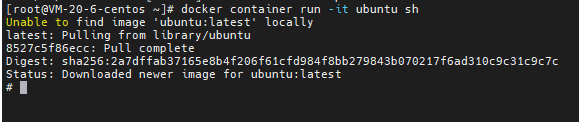
可以看到进入一个交互模式shell
# pwd
/
# ls
bin  boot  dev  etc  home  lib  lib32  lib64  libx32  media  mnt  opt  proc  root  run  sbin  srv  sys  tmp  usr  var
# exit
[root@VM-20-6-centos ~]#

进入detached模式下的交互模式
[root@VM-20-6-centos ~]# docker container run -d -p 80:80 nginx
2a14b7dd8b99b48730ecd2e5dd229b178681571f70df4acc20213f8e13c4d8f3
[root@VM-20-6-centos ~]# docker container ls -a
CONTAINER ID   IMAGE     COMMAND                  CREATED         STATUS         PORTS                               NAMES
2a14b7dd8b99   nginx     "/docker-entrypoint.…"   5 seconds ago   Up 5 seconds   0.0.0.0:80->80/tcp, :::80->80/tcp   frosty_hodgkin
[root@VM-20-6-centos ~]# docker exec -it 2a1 sh
就可以使用一些shell命令
如果我们退出交互式的shell,detached模式下的容器不会退出。
运行下面的命令
docker container run -it busybox sh

若有收获,就点个赞吧
0 人点赞


