本文章是在vue-cli脚手架中引入elementUI的,请先创建一个脚手架再实行以下步骤。
1.下载elementUI框架
2.引入 Element
你可以引入整个 Element,或是根据需要仅引入部分组件。我引入的是完整的 Element。按需引入请自行去官网查阅。
完整引入
在 main.js 中写入以下内容:
// The Vue build version to load with the `import` command// (runtime-only or standalone) has been set in webpack.base.conf with an alias.import Vue from 'vue'import App from './App'import router from './router'// 引入element框架import ElementUI from 'element-ui';import 'element-ui/lib/theme-chalk/index.css';Vue.use(ElementUI);Vue.config.productionTip = false/* eslint-disable no-new */new Vue({el: '#app',router,components: { App },template: '<App/>'})
以上代码便完成了 Element 的引入。需要注意的是,样式文件需要单独引入。
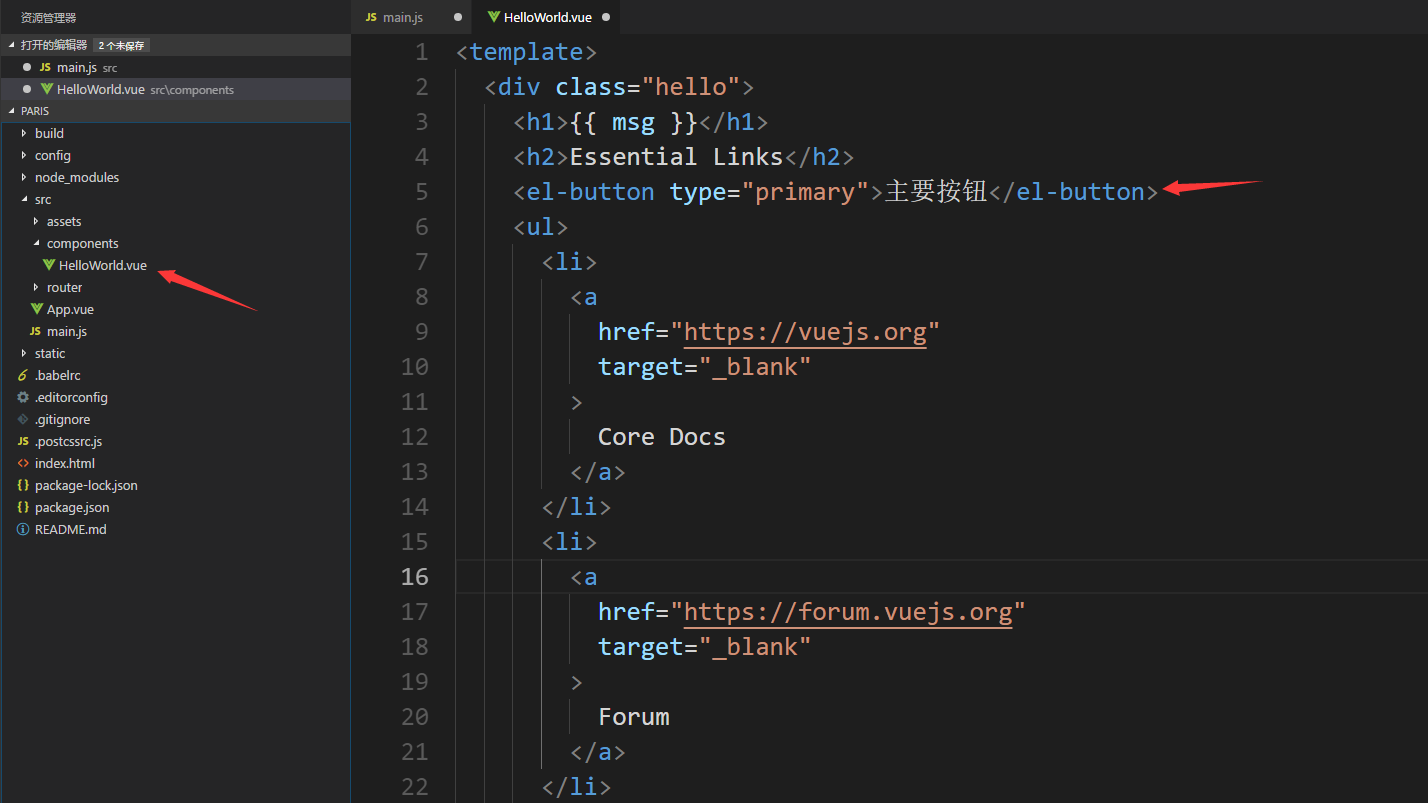
3.验证elementUI框架是否引入成功
在components文件夹下插入elementUI框架样式
<el-button type="primary">主要按钮</el-button>
4.启动项目
npm run dev
浏览器打开网址http://localhost:8080,显示按钮如下
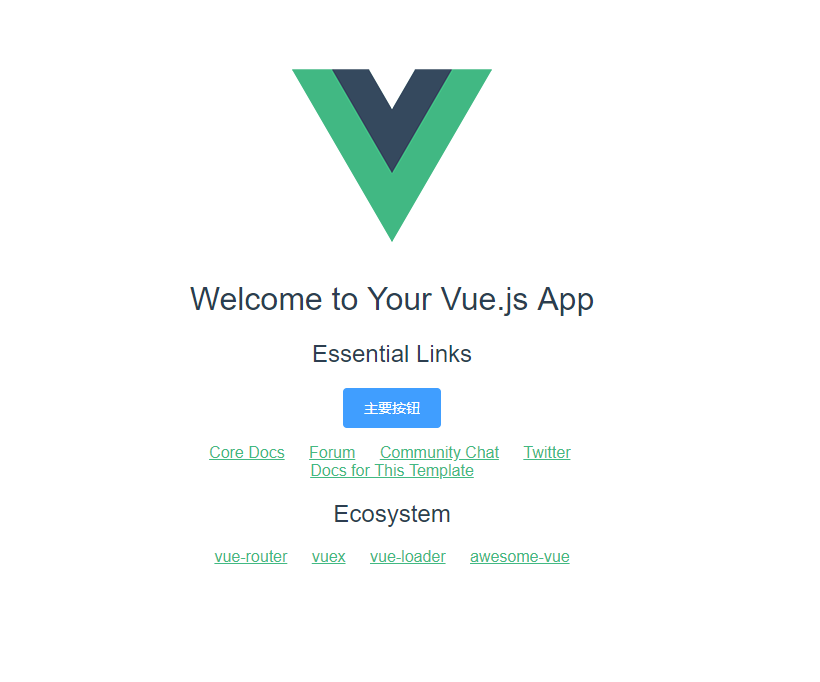
证明引入成功

若有收获,就点个赞吧
0 人点赞


