官网文档地址
https://docs.docker.com/engine/install/centos/
1. 准备工作
- 用于设置安装源配置
yum-utils
- 数据存储驱动包 * 2
device-mapper-persistent-data lvm2
- 输入一下命令安装所需内容
yum install -y yum-utils device-mapper-persistent-data lvm2
- 使用yum-utils工具添加阿里docker镜像源
yum-config-manager —add-repo http://mirrors.aliyun.com/docker-ce/linux/centos/docker-ce.repo
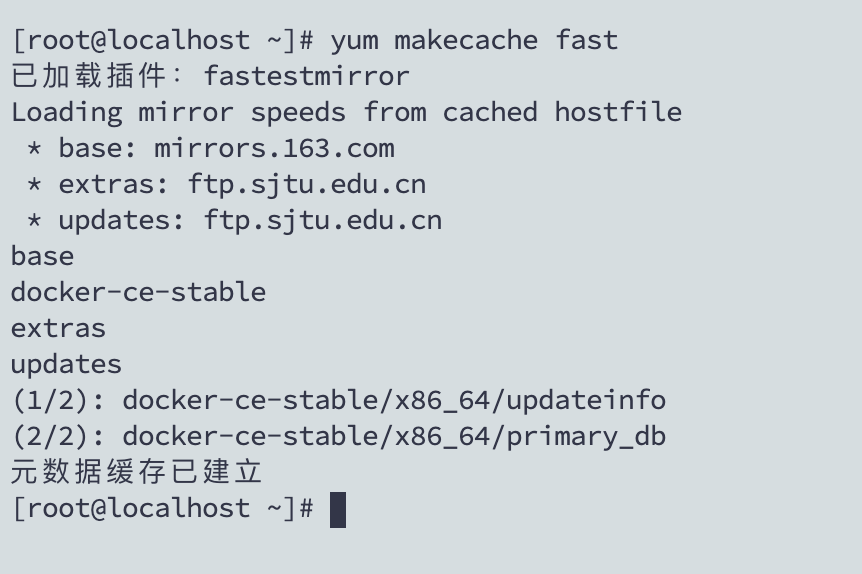
- 检测最快的镜像源下载速度
2. docker安装
- 开源社区版 (后缀ce)
yum -y install docker-ce
这里大概根据网速需要等待2-3分钟时间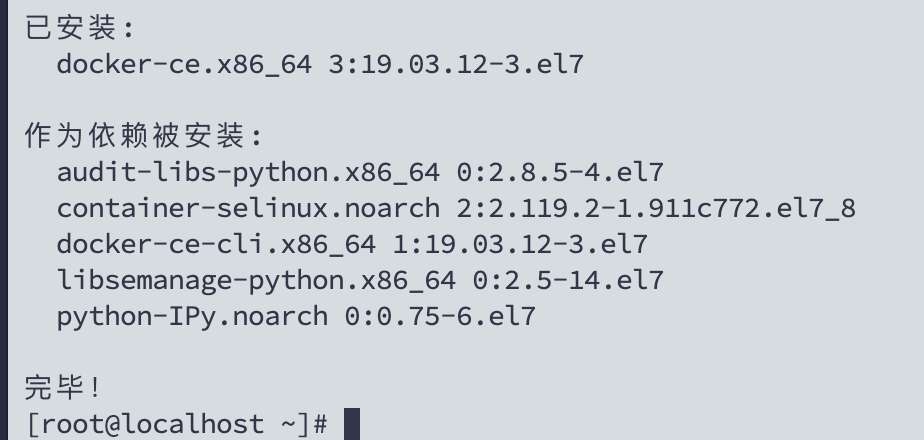
3. 启动docker服务

4. 查看docker版本
docker version
Client 客户端
Server 服务端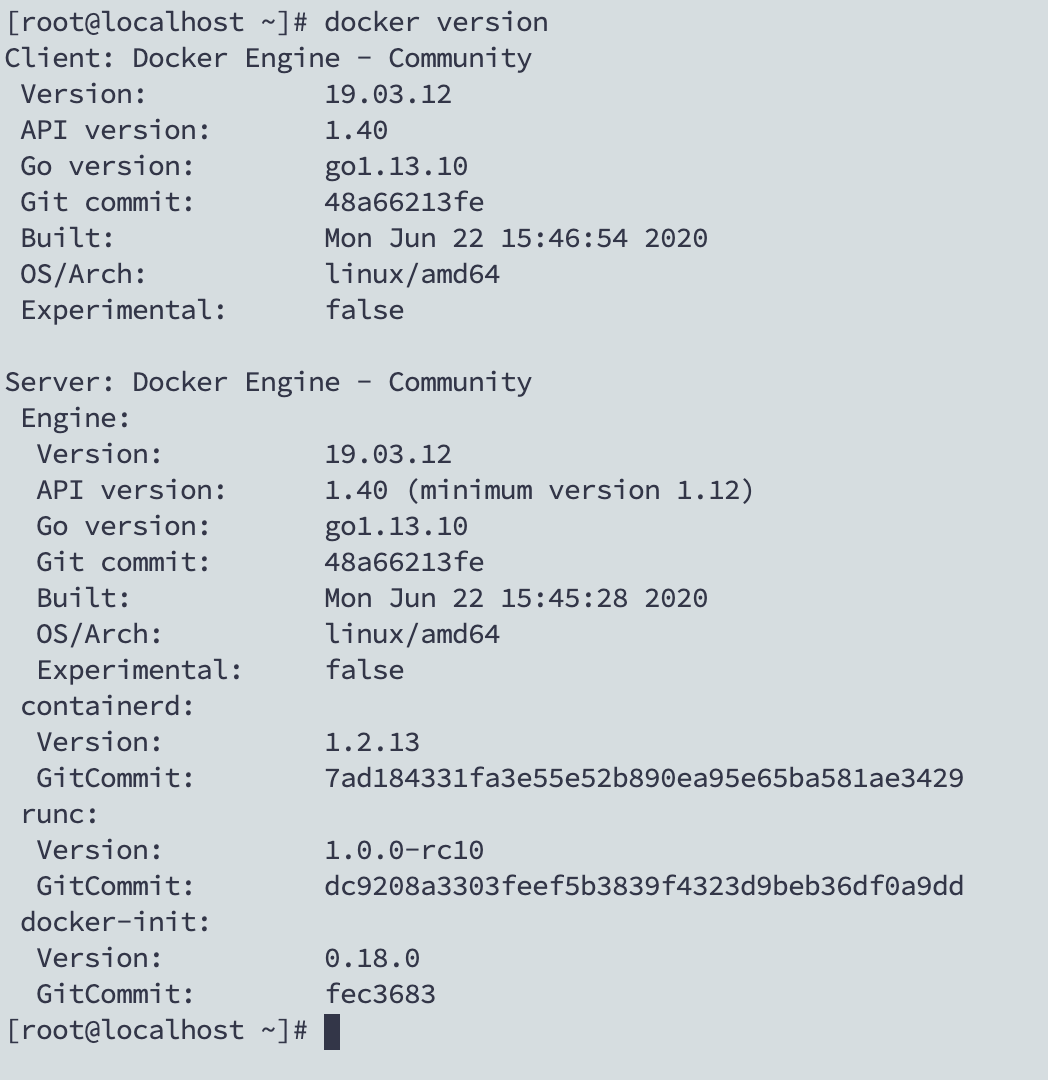
5. hello docker
- 下载远程docker helloworld 镜像
docker pull hello-world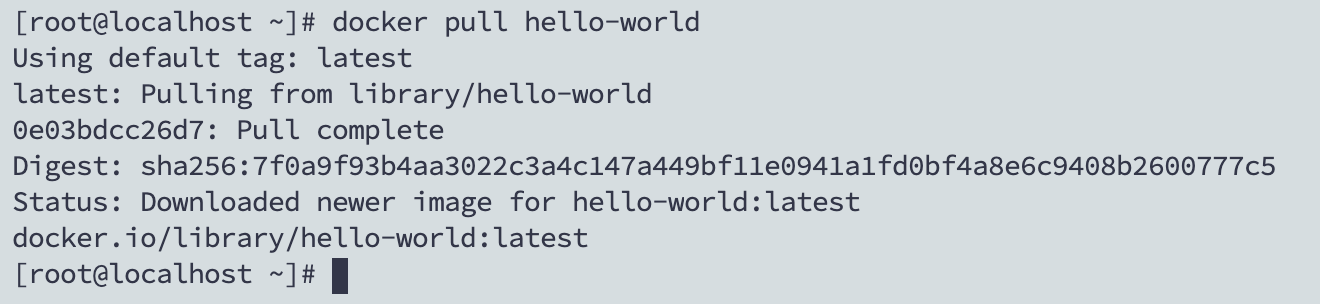
- 运行helloworld
docker run hello-world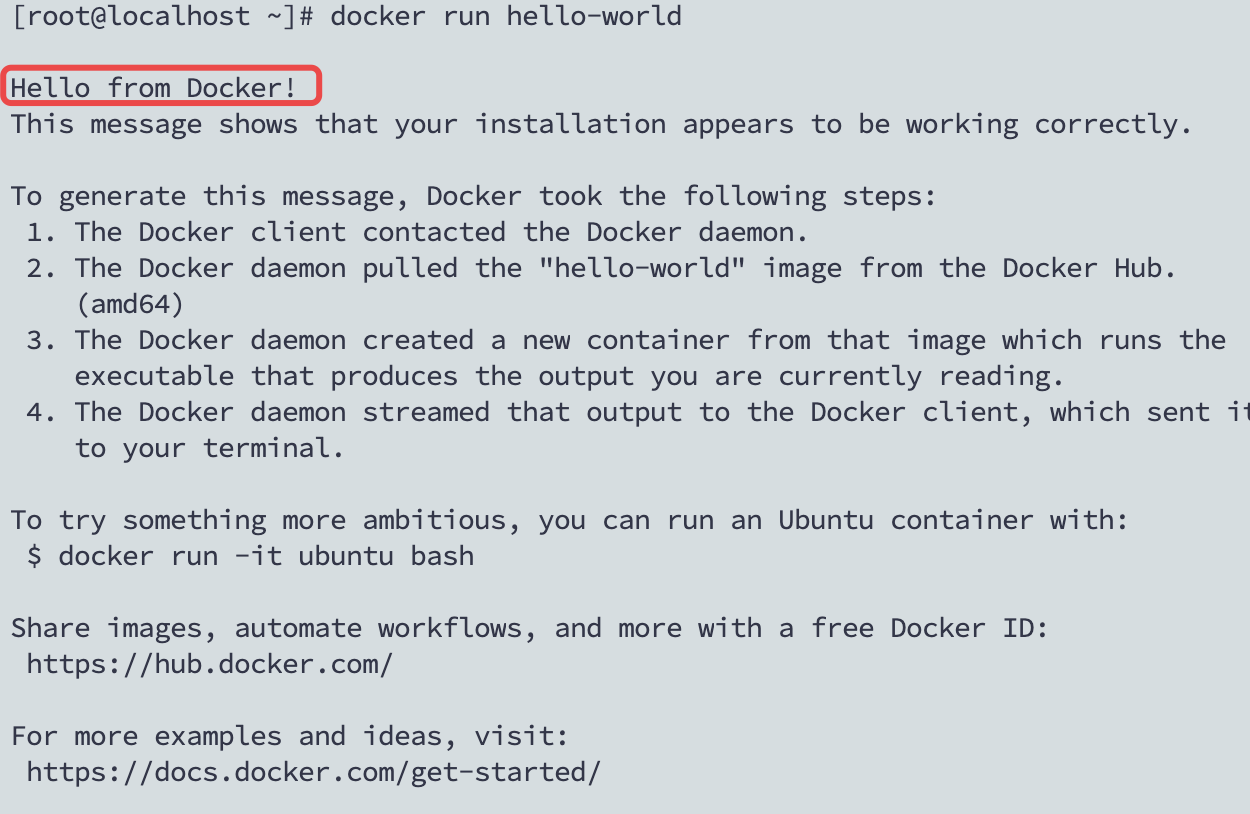
当你看到 Hello from Docker! 就证明安装成功了!

若有收获,就点个赞吧
0 人点赞


