<template><div class="alert"><div class="zhezhao"><div class="alertMain"><div class="title">温馨提示</div><div class="content">删除某个内容</div><div class="btnlist"><div class="cancel btn">取消</div><div class="comfirm btn">确认</div></div></div></div></div></template><script>export default {name:'',data () {return {}},components: {}}</script><style lang="less">@theme-color:orange;@default-size:18px;@font-color:#ccc;@zhezhaoop:0.6;.fullScreen(){width: 100vw;height: 100vh;display: flex;}.defaultPadding(){padding: 10px;}.button(){padding: 20px;text-align: center;}.alert{.fullScreen();.zhezhao{.fullScreen();background-color: rgba(0,0,0,.2);justify-content: center;align-items: center;}.alertMain{width: 600px;height: 400px;background-color: #fff;display: flex;flex-direction: column;position: relative;.title{font-size:@default-size;height: 50px;background-color: @theme-color;color:@font-color;.defaultPadding();text-align: left;line-height: 50px;font-weight: 900;}.content{.defaultPadding();font-size:@default-size;}.btnlist{position: absolute;bottom:0;left: 0;display: flex;width: 100%;}.btn{.button();width: 50%;}.cancel{background-color: pink;color:@font-color;}.comfirm{background-color: yellowgreen;color:@font-color;}}}</style>
1.函数
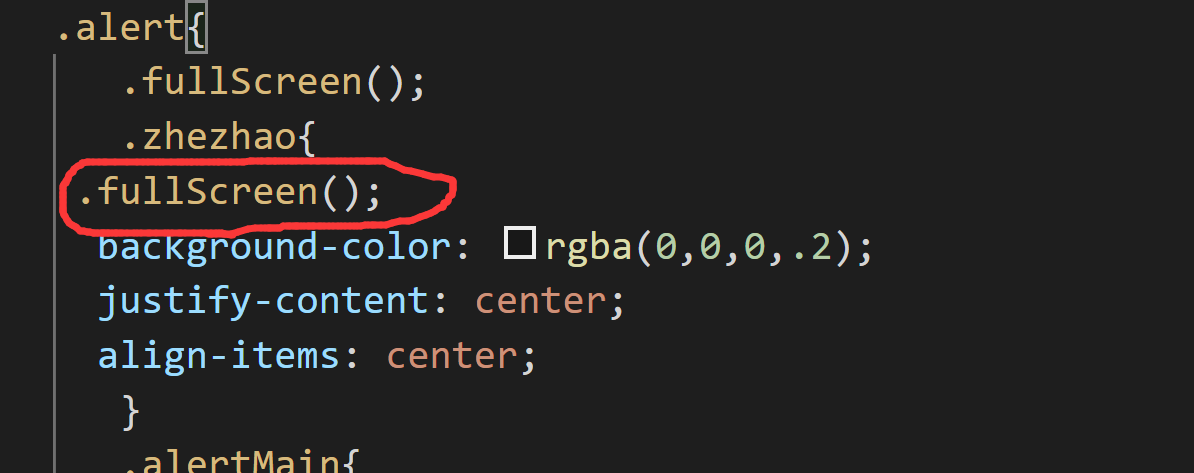
使用函数对需要设置的公共样式进行提取
.fullScreen(){
    width: 100vw;
    height: 100vh;
    display: flex;
}
2.变量
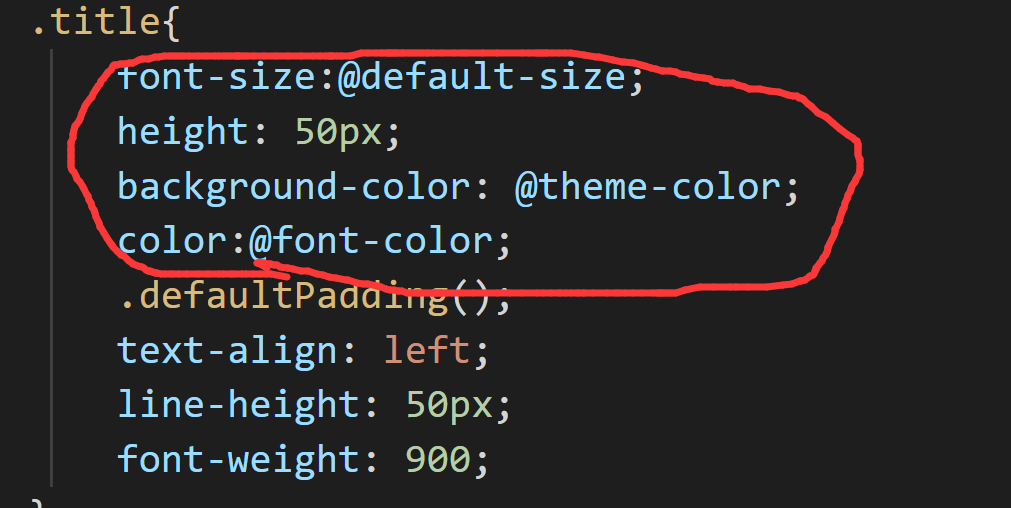
@theme-color:orange;
@default-size:18px;
@font-color:#ccc;
@zhezhaoop:0.6;
3.嵌套
对于一系列的样式可以进行嵌套
切记在style上要定义一个lang属性,属性值是less

若有收获,就点个赞吧
0 人点赞


