查看mysql账号密码
sudo cat /etc/mysql/debian.cnf
修改
sudo vim /etc/mysql/debian.cnf
完事需要重启
主机无法链接mysql
查看/etc/mysql/mysql.conf.d/mysqld.cnf中
# localhost which is more compatible and is not less secure.bind-address = 127.0.0.1#
修改写入权限
sudo chmod 777 mysqld.cnf
把上面的改为
# localhost which is more compatible and is not less secure.# bind-address = 127.0.0.1#
改回原来权限
sudo chmod 644 mysqld.cnf
mysql 链接没有权限
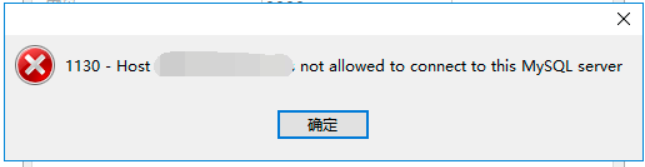
# 按照下面逐步完成即可mysql -u root -puse mysql;update user set host = '%' where User = 'root';flush privileges;

若有收获,就点个赞吧
0 人点赞


