问题:selenium mac chrome浏览器没有打开
path = “/usr/local/bin/chromedriver” driver = webdriver.Chrome(path)
安装ddt模块
pip install ddt
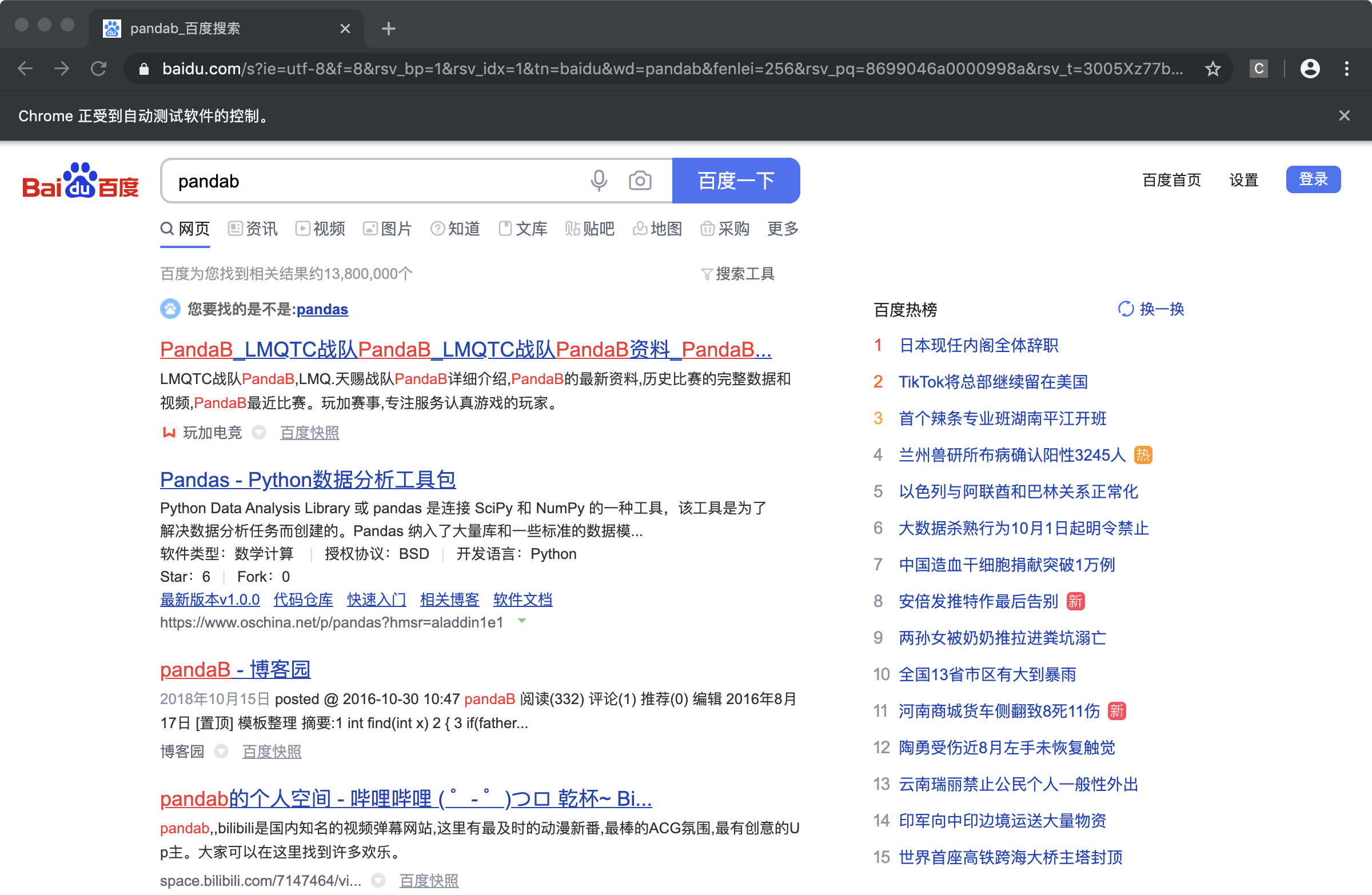
import unittestimport timefrom selenium import webdriverpath = "/usr/local/bin/chromedriver"#通过继承unittest.TestCase来实现用例class forTest(unittest.TestCase):#用例初始化def setUp(self):print('set up')#用例释放def tearDown(self):print("tearDown")#类的初始化@classmethoddef setUpClass(cls) -> None:print('class')#类的释放@classmethoddef tearDownClass(cls) -> None:print('tclass')#定义测试用例def test_1(self):driver = webdriver.Chrome(path)driver.get("http://www.baidu.com")driver.find_element_by_id('kw').send_keys('pandab')driver.find_element_by_id('su').click()time.sleep(5)if __name__== '__main__ ':unittest.main(verbosity=1)unittest.main()

若有收获,就点个赞吧
0 人点赞


