1、下载
http://nginx.org/en/download.html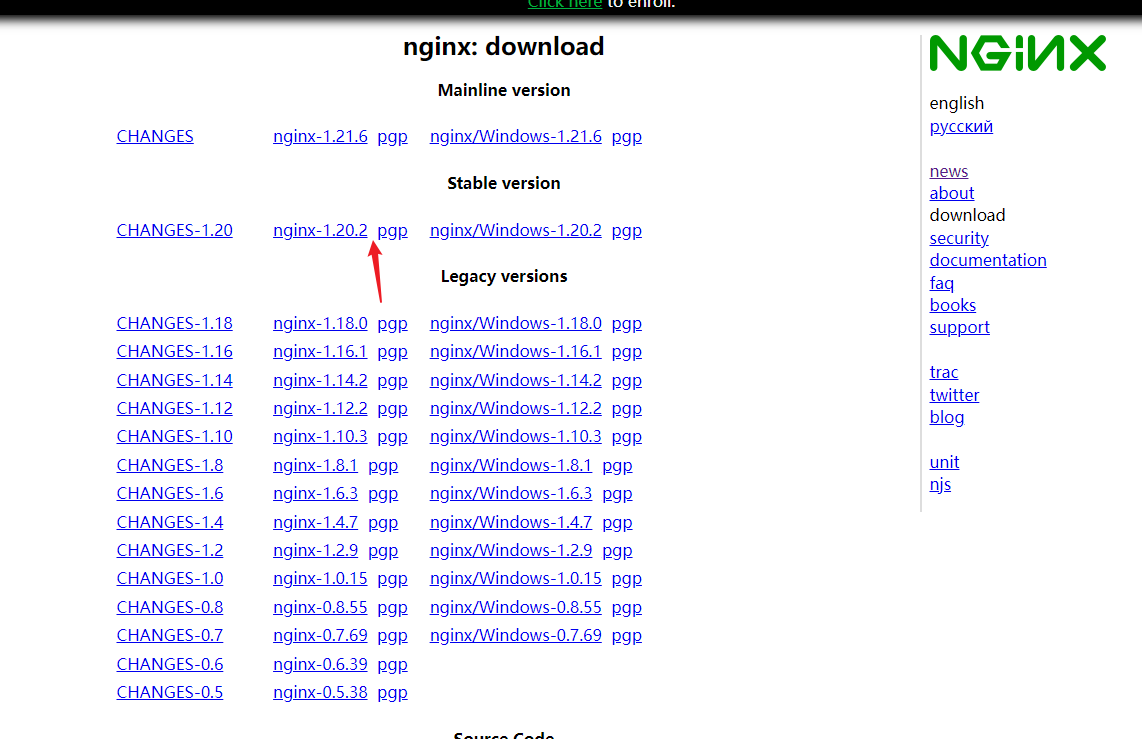
2、解压
[root@localhost local]# tar -zxvf nginx-1.20.2.tar.gz
3、配置基本信息
#配置configure --prefix 代表安装的路径,--with-http_ssl_module 安装ssl,--with-http_stub_status_module查看nginx的客户端状态[root@localhost nginx-1.20.2]# ./configure --prefix=/usr/local/nginx-1.20.2 --with-http_ssl_module --with-http_stub_status_module
提示错误:[以上操作提示错误信息]
1、 安装 c++的环境
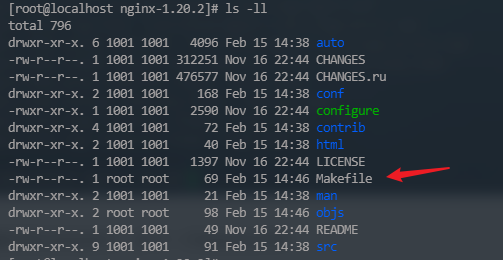
报错信息:checking for OS+ Linux 3.10.0-862.el7.x86_64 x86_64checking for C compiler ... not found./configure: error: C compiler cc is not found解决:[root@localhost nginx-1.20.2]# yum install gcc-c++再次执行 ./configure --prefix=/usr/local/nginx-1.20.2 --with-http_ssl_module --with-http_stub_status_module可以看到我们的目录下,多了一个Makefile文件
2、安装 openssl
报错信息:./configure: error: the HTTP rewrite module requires the PCRE library.You can either disable the module by using --without-http_rewrite_moduleoption, or install the PCRE library into the system, or build the PCRE librarystatically from the source with nginx by using --with-pcre=<path> option.解决:[root@localhost nginx-1.20.2]# yum -y install openssl openssl-devel
4、进行编译安装
[root@localhost nginx-1.20.2]# make && make install
5、启动
[root@localhost nginx-1.20.2]# lsauto CHANGES CHANGES.ru conf configure contrib html LICENSE Makefile man objs README sbin src[root@localhost nginx-1.20.2]# cd sbin/[root@localhost sbin]# lsnginx[root@localhost sbin]# ./nginx
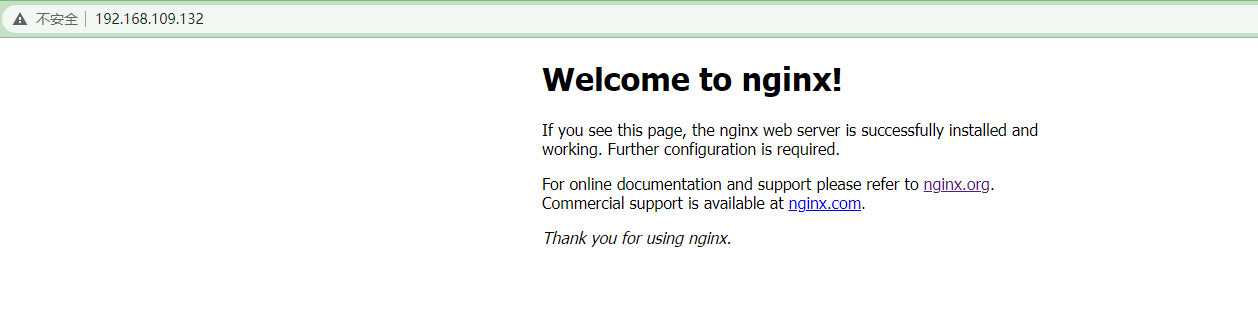
提示报错信息:
nginx: [alert] could not open error log file: open() "/usr/local/nginx-1.20.2/logs/error.log" failed (2: No such file or directory)2022/02/15 15:05:06 [emerg] 18233#0: open() "/usr/local/nginx-1.20.2/logs/access.log" failed (2: No such file or directory)解决方式: 建个logs 文件夹[root@localhost nginx-1.20.2]# mkdir logs

若有收获,就点个赞吧
0 人点赞


