视频地址:https://www.bilibili.com/video/av91796463?t=43
1.生成vue项目demo
vue create my-project
2.上传vue项目到github
git remote add origin https://github.com/ynzy/deployment.gitgit push -u origin master
3.本地生成公钥和私钥
ssh-keygen -t rsa -C autodeployment -f deployment-------------Generating public/private rsa key pair.Enter passphrase (empty for no passphrase):Enter same passphrase again:Your identification has been saved in deployment. // 私钥Your public key has been saved in deployment.pub. // 公钥The key fingerprint is:SHA256:egPfdeoMwy8eaCMnA07kZp1cgL7i/2PZmGWAI3eD0y8 autodeploymentThe key's randomart image is:+---[RSA 2048]----+| .. || . . || ..+ . || .oBo=o || o*==+S . . || .=..E+++ . o || . .. =OO * . || . *B.o.B || ..o.. ...+ |+----[SHA256]-----+
- 查看所有文件 ```javascript ls -la
drwxr-xr-x 1 Administrator 197121 0 5月 1 2019 .ssh/ -rw-r—r— 1 Administrator 197121 1679 2月 27 14:51 deployment -rw-r—r— 1 Administrator 197121 397 2月 27 14:51 deployment.pub
2. 进入`.ssh`目录将`deployment`拷贝进去```javascript// 拷贝 要拷贝的文件目录 拷贝到的文件目录,.代表当前目录cp ~/deployment .
4.返回根目录,把公钥拷贝到远端服务器
// 拷贝到远端 拷贝的文件 服务器用户名@服务器地址:当前目录scp deployment.pub root@47.95.119.112:.
- 把公钥写入远端服务器.ssh目录下
- 进入.ssh目录查看有没有
authorized_keys文件,没有则创建一个 ```javascript ls -la
total 8 drwx——— 2 root root 4096 Dec 25 03:27 . dr-xr-x—-. 5 root root 4096 Feb 27 15:05 .. -rw———- 1 root root 0 Feb 16 08:05 authorized_keys
- 返回上一级执行写入命令```javascriptcat deployment.pub >> ~/.ssh/authorized_keys
5.拷贝本地私钥到github
- 找到私钥文件,复制到github
- github项目地址->settings->Secrets
添加私钥
name:ALYUNvalue:私钥
6. 开启workflow自动工作流
项目中找到actions -> node.js

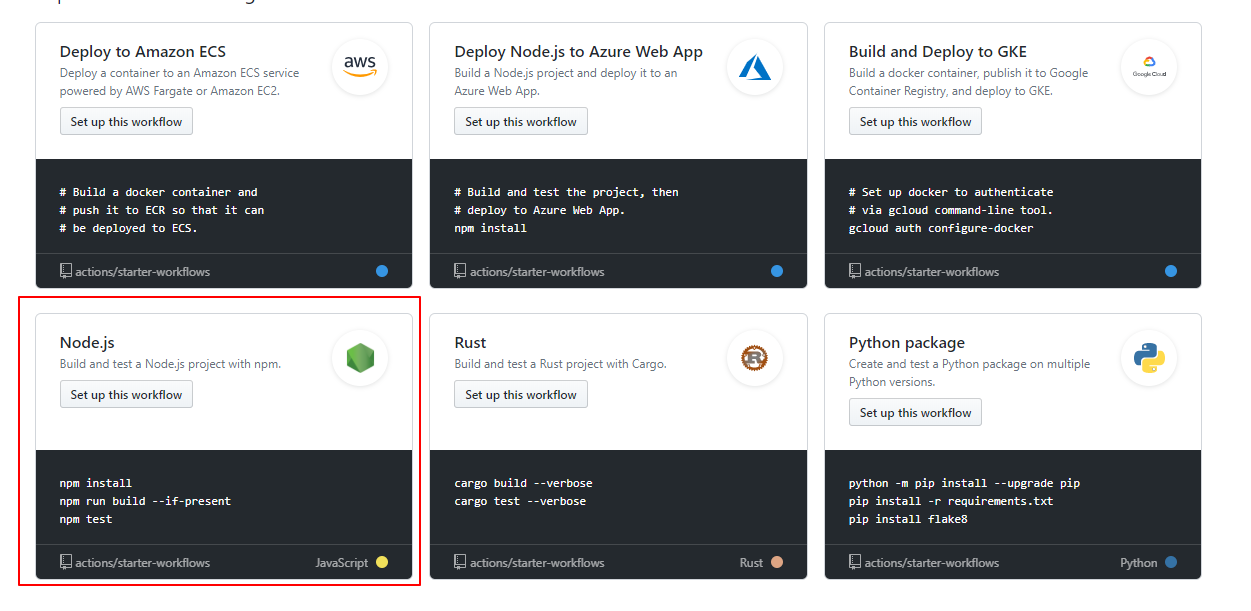
- 点击之后会生成一个文件 ```yml name: Node.js CI # 自动部署名字
on: [push] # 发生push时,执行git push命令会触发这里
jobs: build:
runs-on: ubuntu-latest //运行的系统strategy:matrix:node-version: [8.x, 10.x, 12.x] # nodejs版本,写几个版本号测试几次,我们用12.x就可以了steps:- uses: actions/checkout@v2- name: Use Node.js ${{ matrix.node-version }}uses: actions/setup-node@v1with:node-version: ${{ matrix.node-version }}- run: npm install- run: npm run build --if-present- run: npm testenv:CI: true
需要写的一些配置
- name: Deploy //当前插件名字uses: easingthemes/ssh-deploy@v2.0.7 //使用这个人开发的一个插件env:SSH_PRIVATE_KEY: ${{ secrets.ALYUN }} # 秘钥名字ARGS: "-rltgoDzvO --delete" # 固定配置SOURCE: "dist/" # 项目打包之后的目录REMOTE_HOST: "47.95.119.112" # 服务器地址REMOTE_USER: "root" # 服务器用户TARGET: "/www/autodeploy" # 指定服务器目录
```
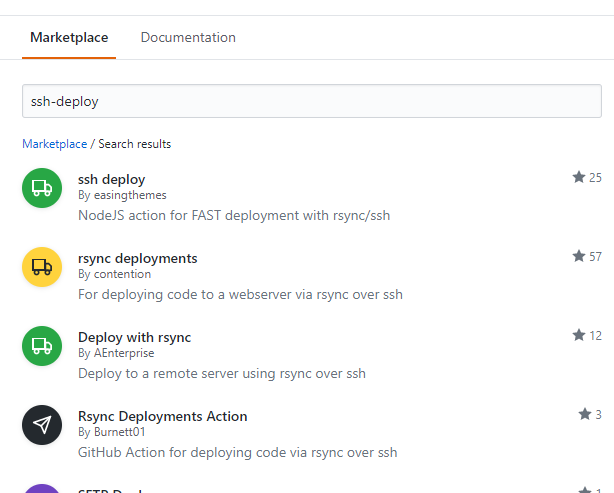
- 在右侧可以搜索插件
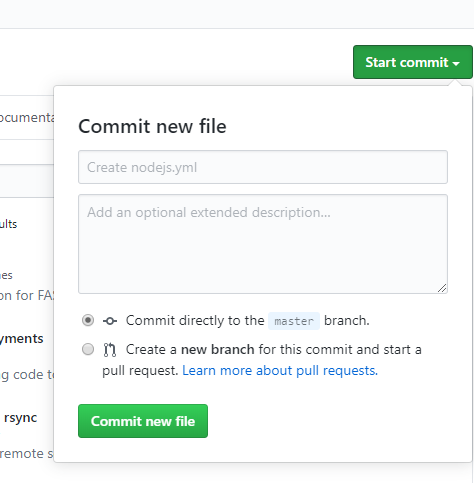
- 创建自动部署脚本

若有收获,就点个赞吧
0 人点赞


