Laraval 项目部署
- 从代码仓库克隆项目至服务器,复制 .env 文件, 根据实际情况修改配置。
- 确认数据库(Mysql, Redis, MemCache等)等服务已启用, 并在 .env 中配置了正确的访问密码
- 修改 storage 目录权限
- 安装项目依赖包
- 通过 Laravel 的
migrate创建数据表(不建议直接操作数据库)git clone https://git.moemone.com/xxx/xxx.gitcp .env.example .envchmod -R 777 storagecomposer installphp artisan migrate
Nginx 配置
检查站点对应的 Nginx 配置文件, 是否添加了FastCGI及自动索引。
fastcgi_pass根据运行环境的 php-fpm 配置进行设置- 直接指定php-fpm监听的端口号, 如:
127.0.0.1:9000 - 指定 php-fpm 配置指定的 sock 文件路径, 如:
/tmp/php-cgi-72.sock;```shellpass the PHP scripts to FastCGI server listening on 127.0.0.1:9000
# location ~ .php$ { fastcgi_pass unix:/tmp/php-cgi-72.sock; fastcgi_index index.php; fastcgi_param SCRIPT_FILENAME $document_root$fastcgi_script_name; include fastcgi_params; }
- 直接指定php-fpm监听的端口号, 如:
location / { try_files $uri $uri/ /index.php?$query_string; autoindex on; }
修改配置后,需要 Nginx 重新加载配置
```shell
nginx -t
nginx -s reload
请求500错误
页面展示效果如图示,显示“xxx is currently unable to handle this request”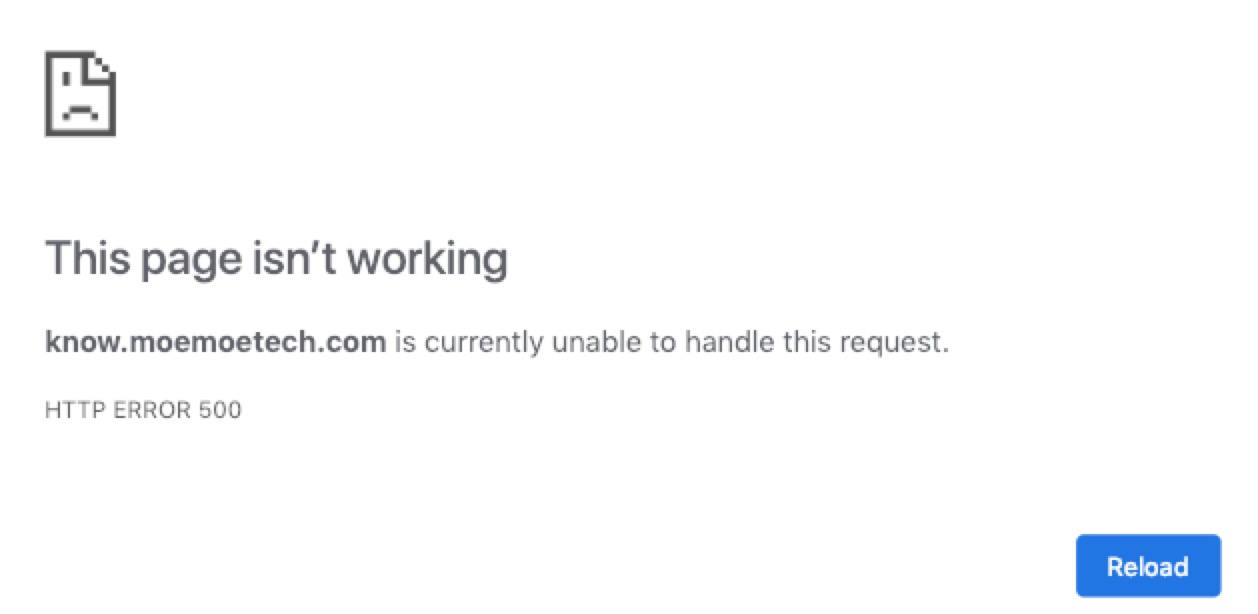
开启 PHP 错误提示,修改 /public/index.php 文件,在开头添加如下代码。可正常访问, 说明 Nginx 与 php-fpm 配置正确
echo "Hello Moe!";
echo phpinfo();
exit();
项目中没有配置 .env 文件,补充该文件并确认配置参数正确
APP_NAME=项目名
APP_ENV=项目环境
APP_KEY=项目密钥
APP_DEBUG=是否调试模式
APP_URL=项目链接地址

LOG_CHANNEL=日志通道

DB_CONNECTION=数据库连接方式
DB_HOST=数据库主机
DB_PORT=数据库端口
DB_DATABASE=数据库名称
DB_USERNAME=用户名
DB_PASSWORD=密码

# 更多内容省略
权限不足错误
页面展示效果如图示,提示无法打开日志文件。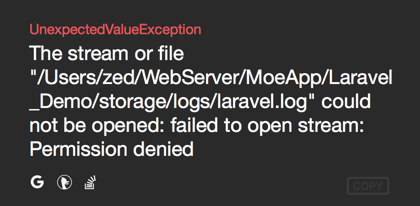
storage 目录的权限不足导致,提供读写权限即可
// 修改storage及子目录的读写权限
sudo chmod -R 777 storage

若有收获,就点个赞吧
0 人点赞


