King Kong Swap is a decentralized crypto currency exchange protocol, which is based on the automatic market maker mechanism and supports liquidity mining. Unlike traditional crypto currency exchanges, user registration and KYC are not required. Through the third party wallet, anyone can deposit or withdraw tokens from the liquidity pool, or swap tokens through the protocol, and the transaction price is calculated by the AMM algorithm model. King Kong will adhere to the concept of decentralization and constantly upgrade products to make users experience safer, more convenient and smoother transaction services.
How to start the test?
Access: https://app.kingkong.exchange
Claim Test Token
If you have OKT test token, you can use King Kong Swap directly. If not, you can obtain the OKT test token through the OKExChain official channel.
- Visit URL: https://gitter.im/okexchain-testnet/faucet
- Click log on: SIGN IN TO START TALKING.

- Select the logon method.
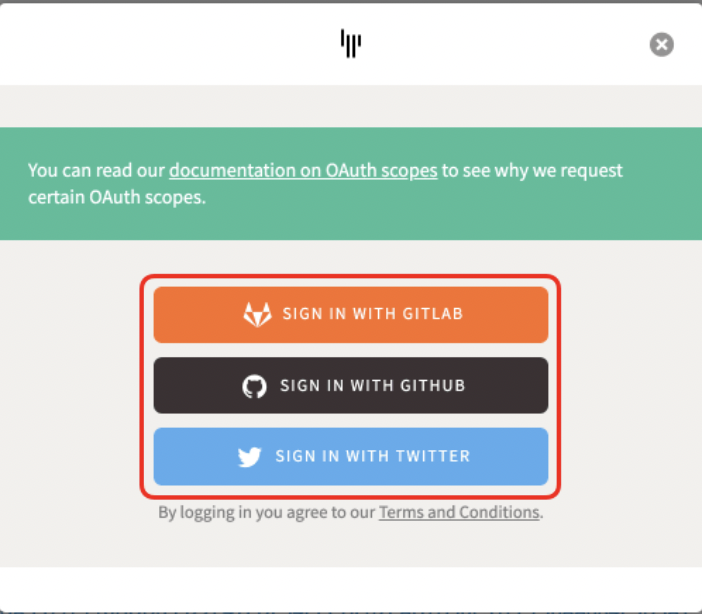
- Click JOIN ROOM.
- Send your OKExChain address (which can be an Ethereum address). You will receive an automatic reply in a few seconds. Generally, you can claim 100 OKT test coins for the first time, or you may receive more. You can only apply for the same Gitter login account once within 24 hours. After receiving it, you can start to use King Kong Swap.
Log on to the computer and connect to the wallet **
- Use Google Chrome to open the King Kong Swap webpage and connect to the wallet. Click “Connect to a wallet” in the upper-right corner.
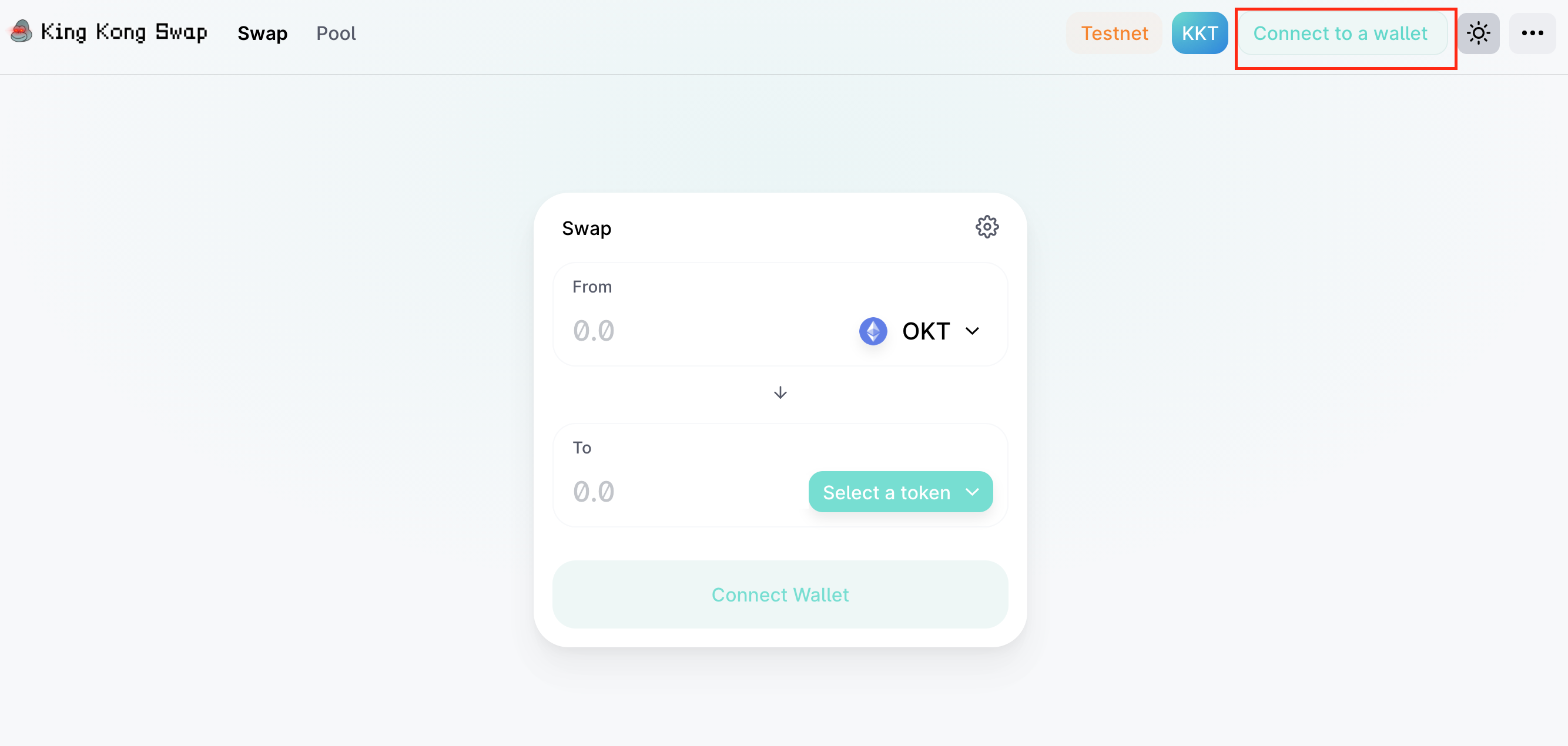
- Select connect to Metamask (learn how to add Metamask in Chrome Extension), and select OKExChain Testnet as the network environment. For the first time, you can use custome RPC to create a new network. The configuration content is as follows ( The official configuration document shall prevail. ):
Network Name: OKExChain Testnet New RPC URL: http://test-node.kingkong.exchange:16659 Or OKExChain official RPC: https://exchaintest.okexcn.com Chain ID: 65 Currency Symbol: OKT Block Explorer URL: https://www.oklink.com/okexchain-test

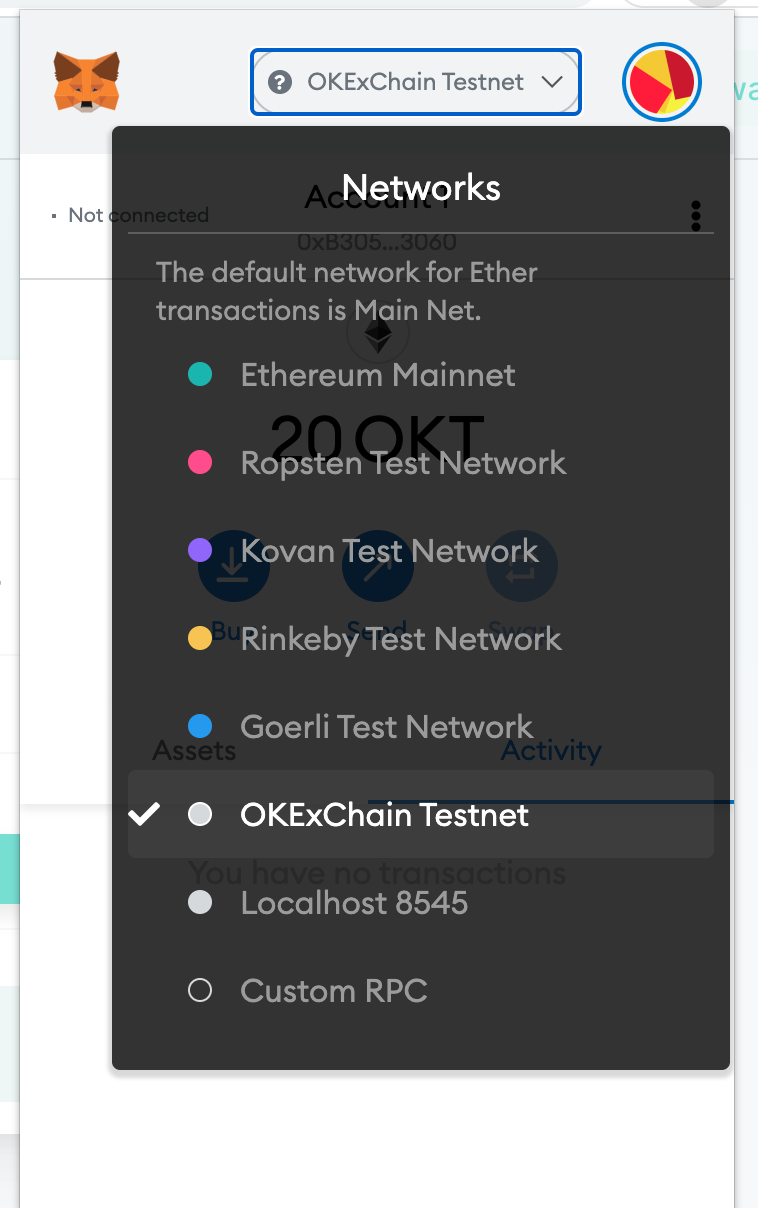
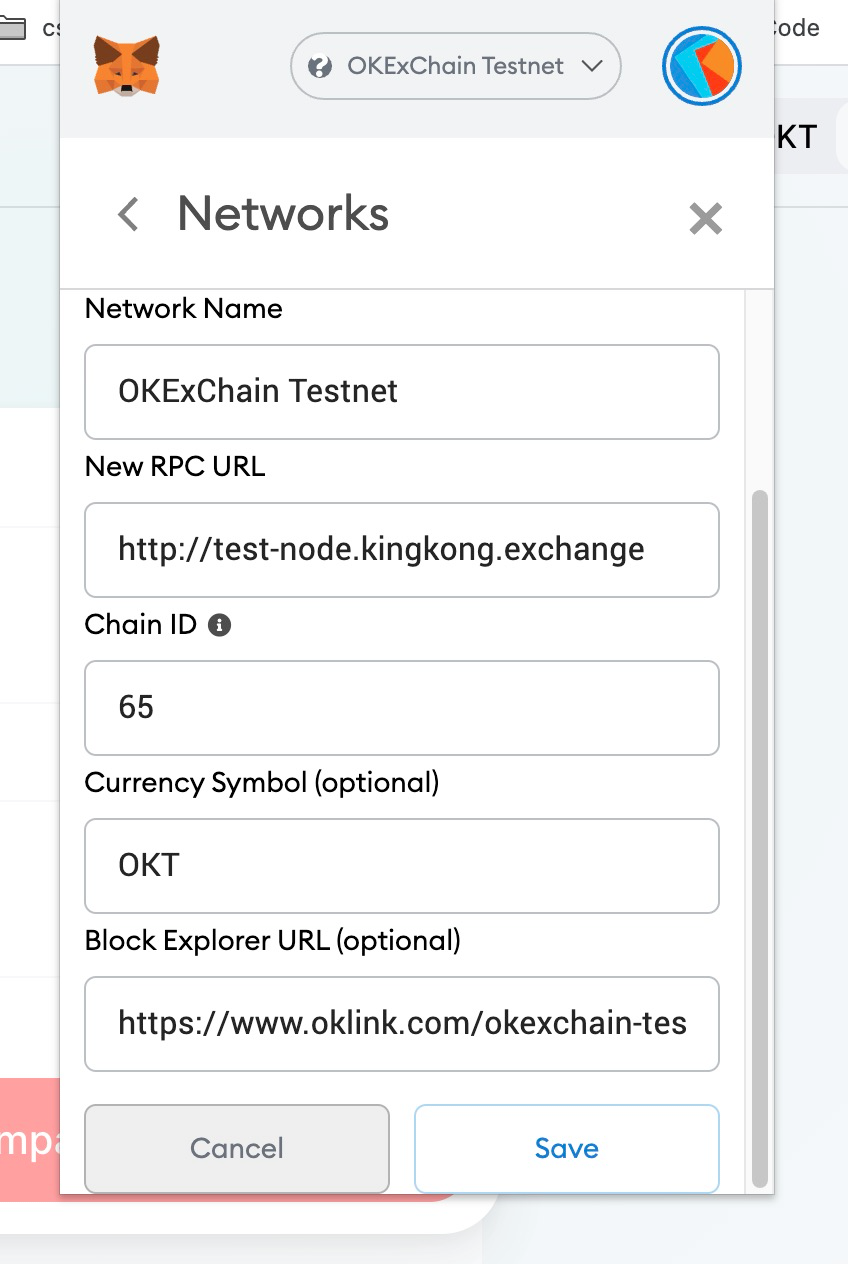
- Select a wallet and connect to KingKongSwap web page.

- After the connection is successful, you can see the wallet address and the balance of the Test OKT token.

After using MetaMask and switching to OKExChain Testnet, if you have a test token such as OKT, the balance can be directly seen in MetaMask. If you do not see it, click the Add token button at the bottom and search for the corresponding token code.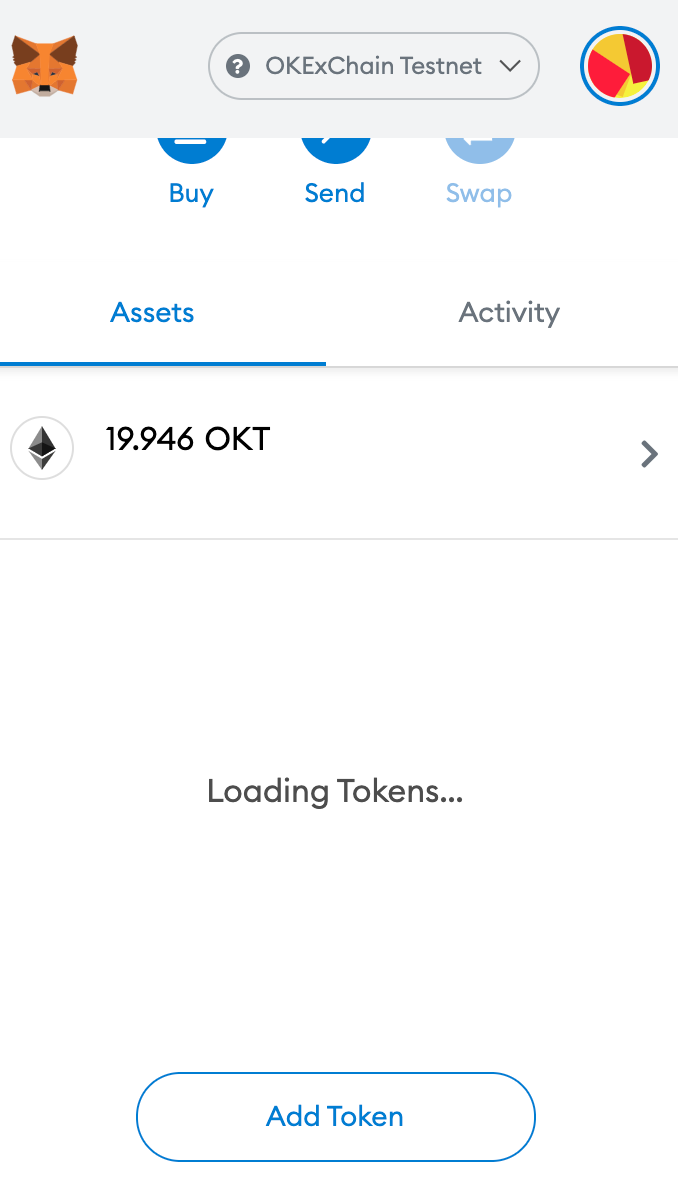
If no token is found, click switch custom token and enter the contract address and code. Click to view the OKExChain official asset test tokens contract address.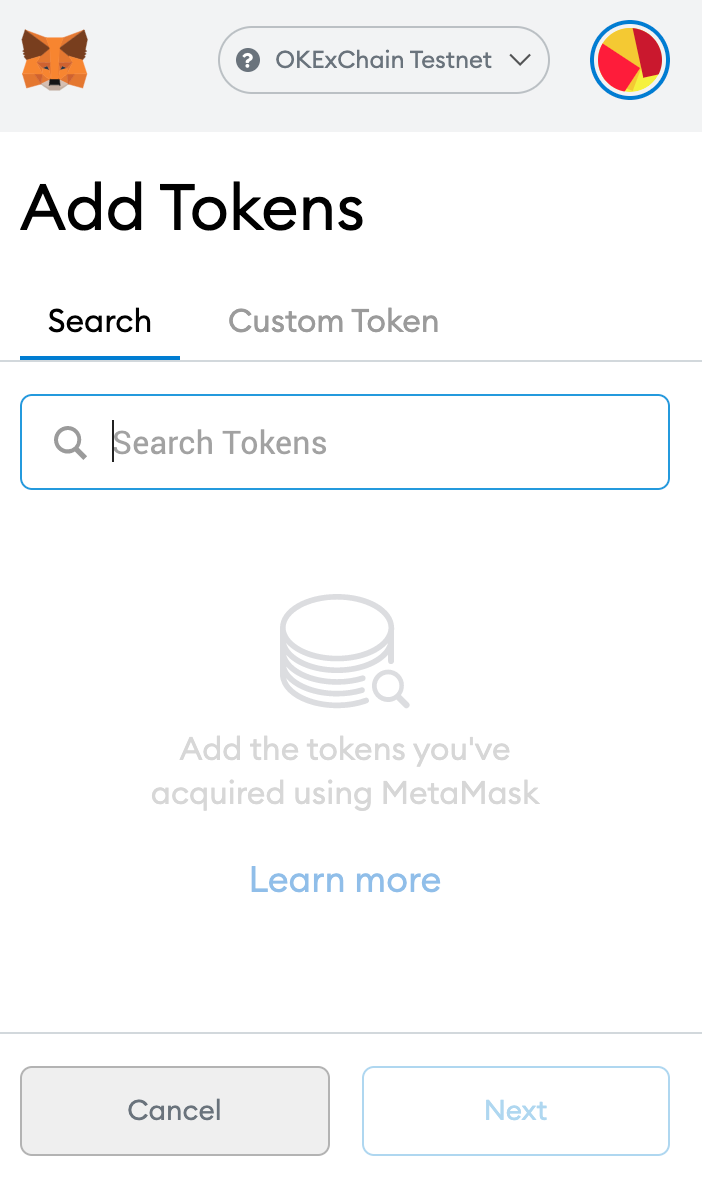

Start Mining
Step 1: Add Liquidity
- On the Pool page, click on Add Liquidity.

- Select the liquidity pool you want to add, and then “Approve” and “Supply”.
For example, if you add KKT/OKT liquidity pool, input the quantity in either one of the tokens. The system calculates the quantity of the other token according to the exchange ratio, and click Approve for smart contract authorization, the Metamask will pop up a window and click on “Confirm”.
- After the authorization is successful, click Supply button, confirm to add liquidity in the pool.

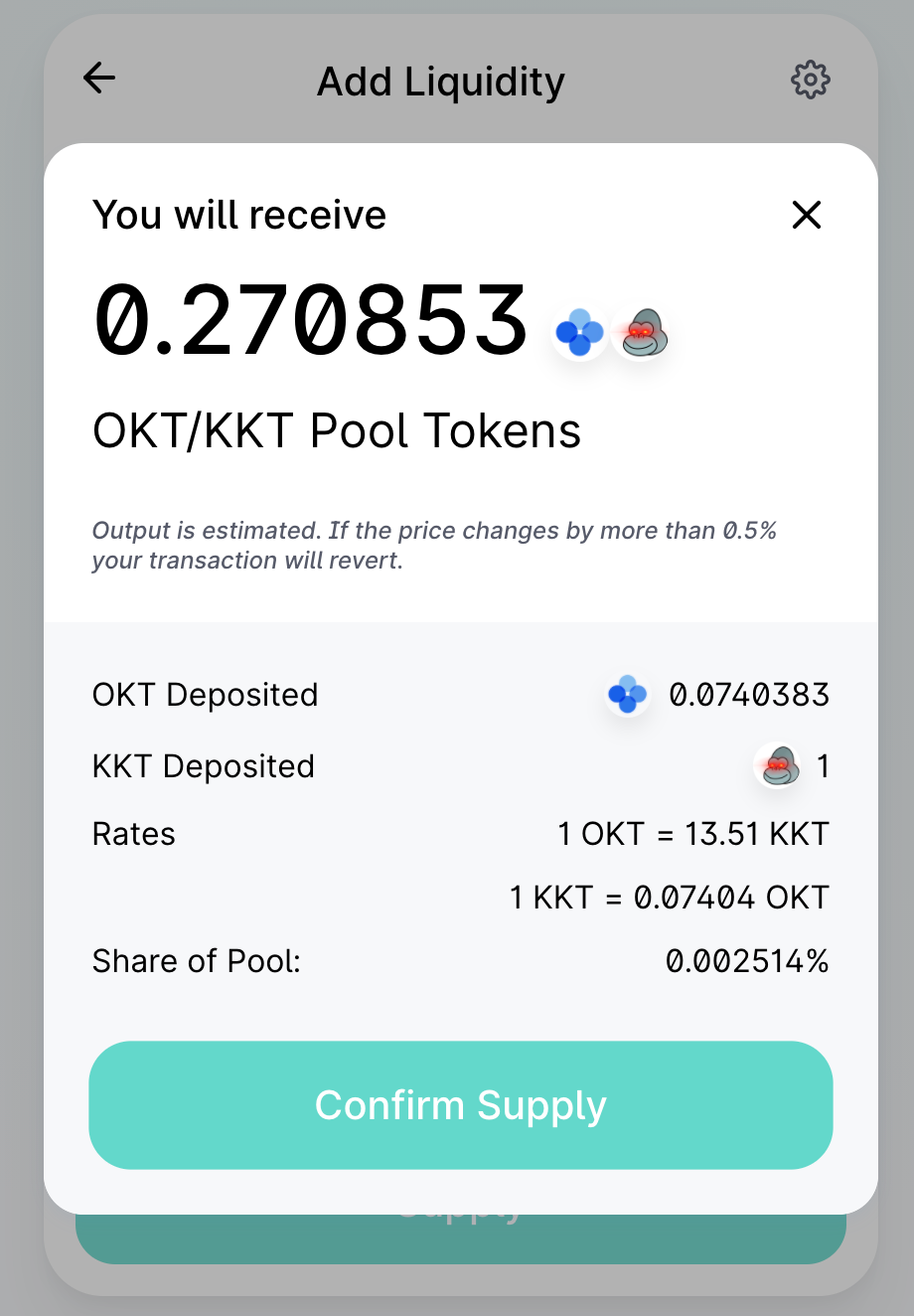
- Pop up the Metamask window and confirm to submit the live broadcast. After the transaction is successfully submitted on chain, you can view the records in the OKLink explorer and receive the LP token represent your share of the liquidity pool.

- You can manage your liquidity in pool page. Check your shares and add or remove liquidity at anytime.

Step 2: Stake LP token for mining
- Select open Farm page (https://app.kingkong.exchange/#/farms) and connect to the wallet.

- Select the mining pool to stake your LP token, click on “Approve” and “Stake”.
The Metamask window appears when you click on “Approve”. Click “Confirm” to approve the smart contract integrating with your wallet. After the authorization is successful, click 「 + 」 to stake LP token.
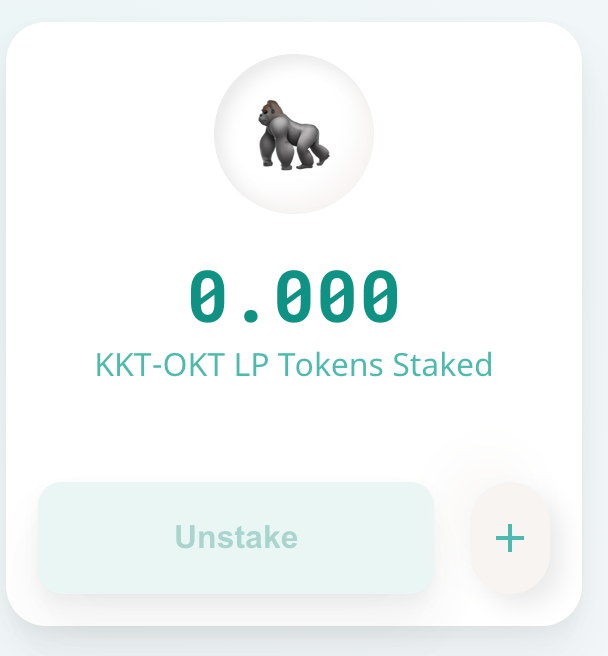
- Enter the amount of LP and click “Confirm” in the pop-up Metamask window.
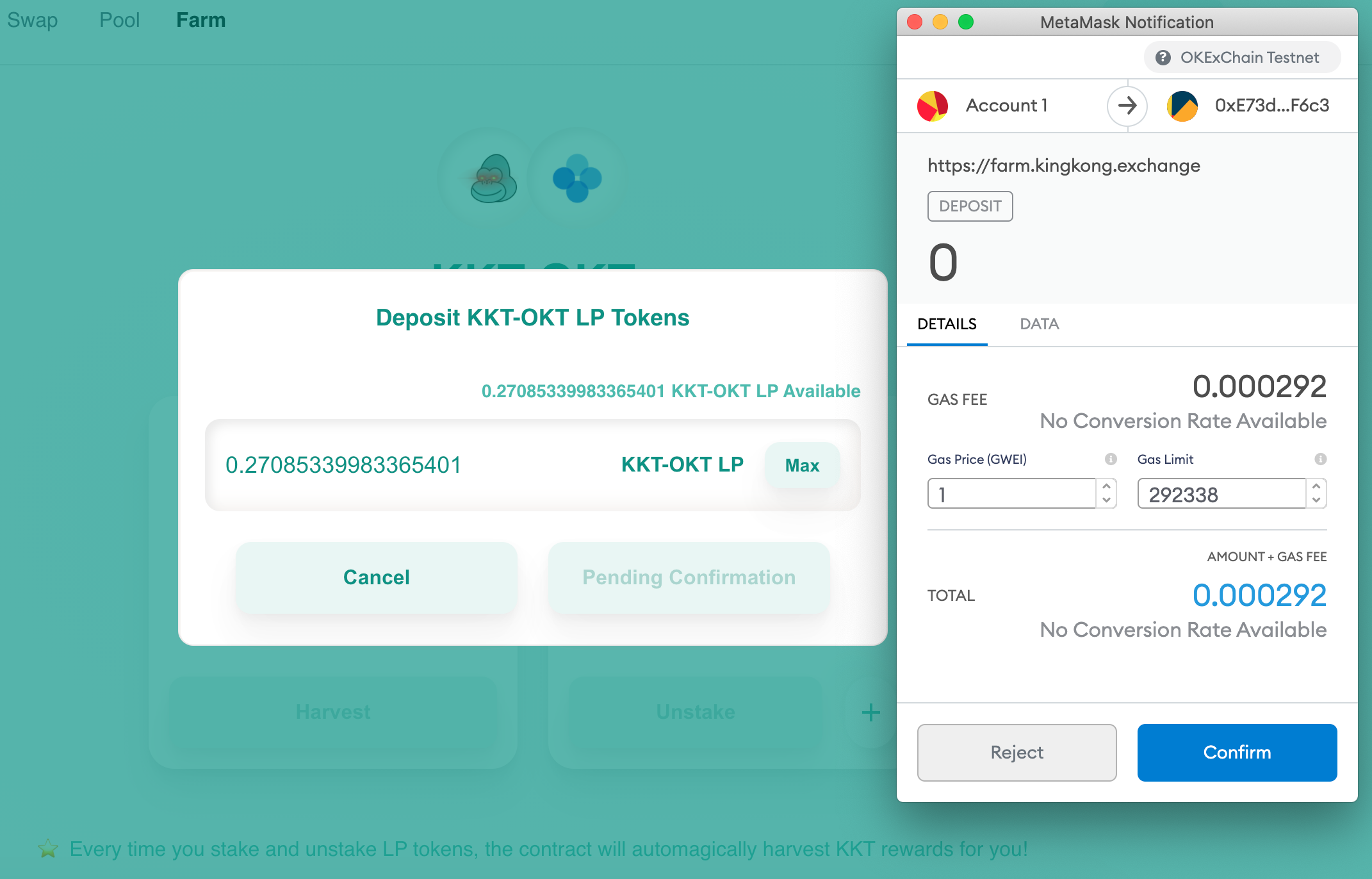
- After staking is successful, KKT earning appears. Click 「 Harvest 」 to get the earnings to the wallet. Click “Unstake” to get back your LPs.

How to swap?
**
- Open the Swap page, select the token to trade, for example, swap from OKT to KKT, select From OKT, To KKT.
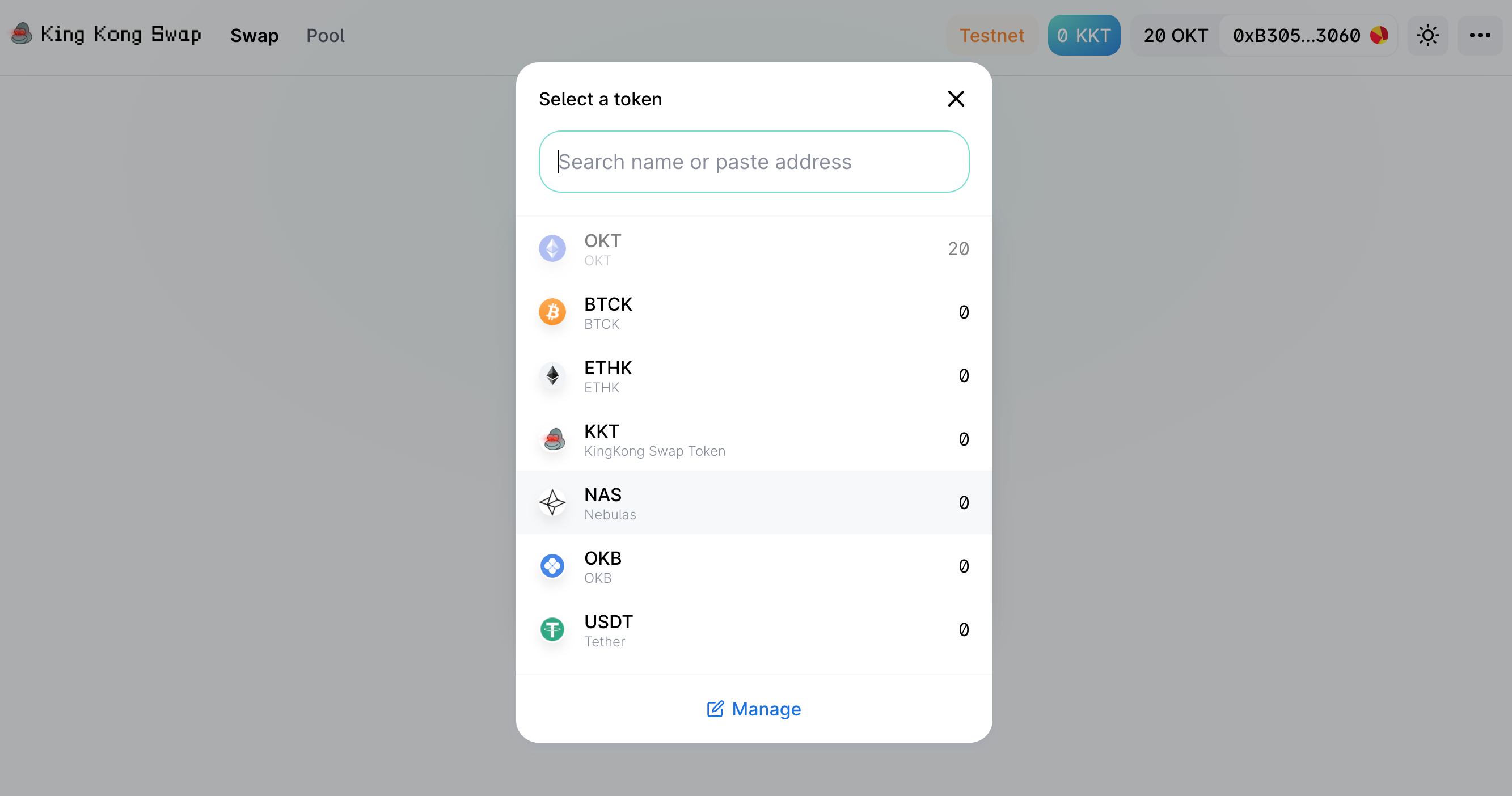
- After you input the swapping amount, the exchange ratio and estimated swapping quantity are automatically displayed. Click Swap.

- confirm again the quantity and price, and then click “confirm swap”.
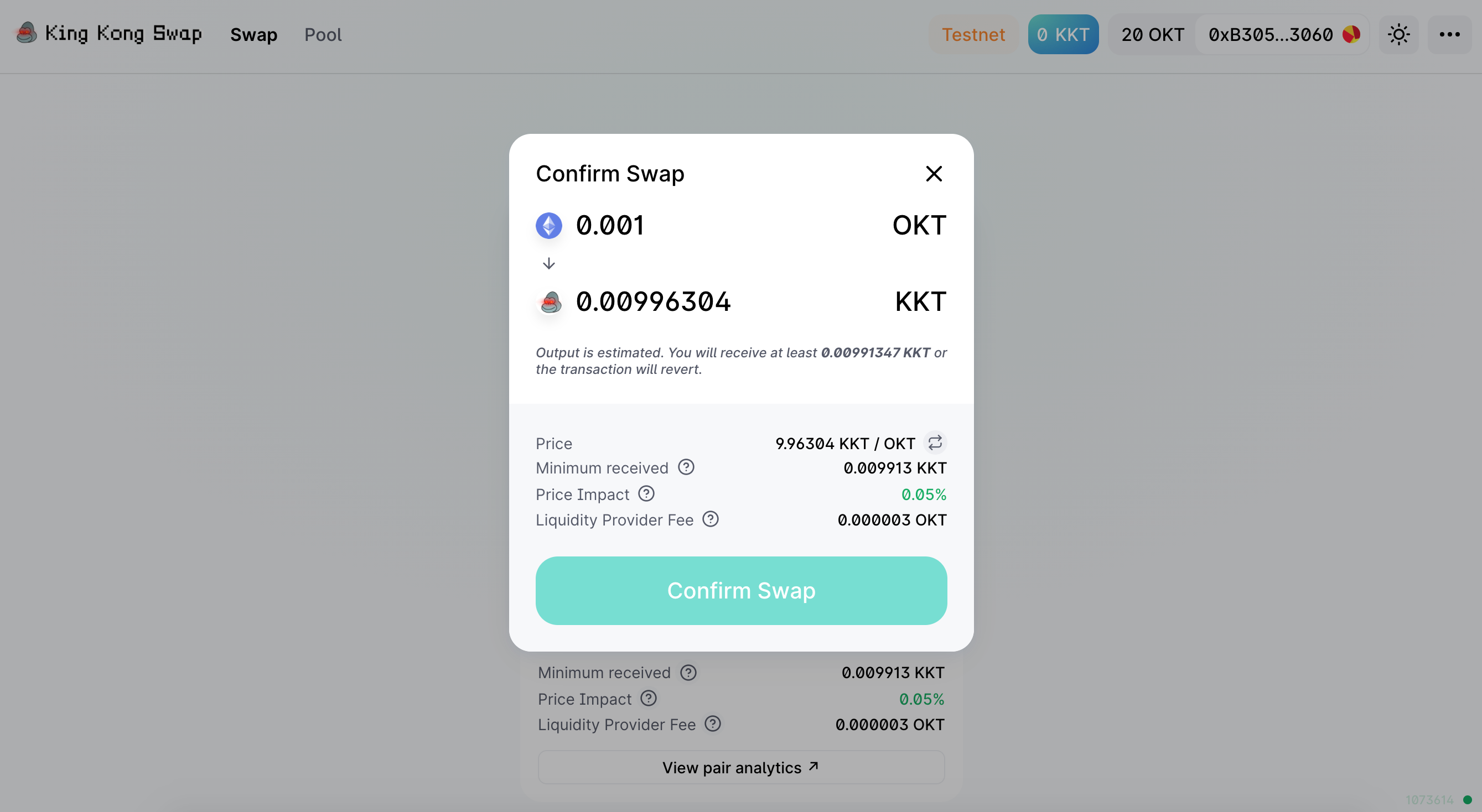
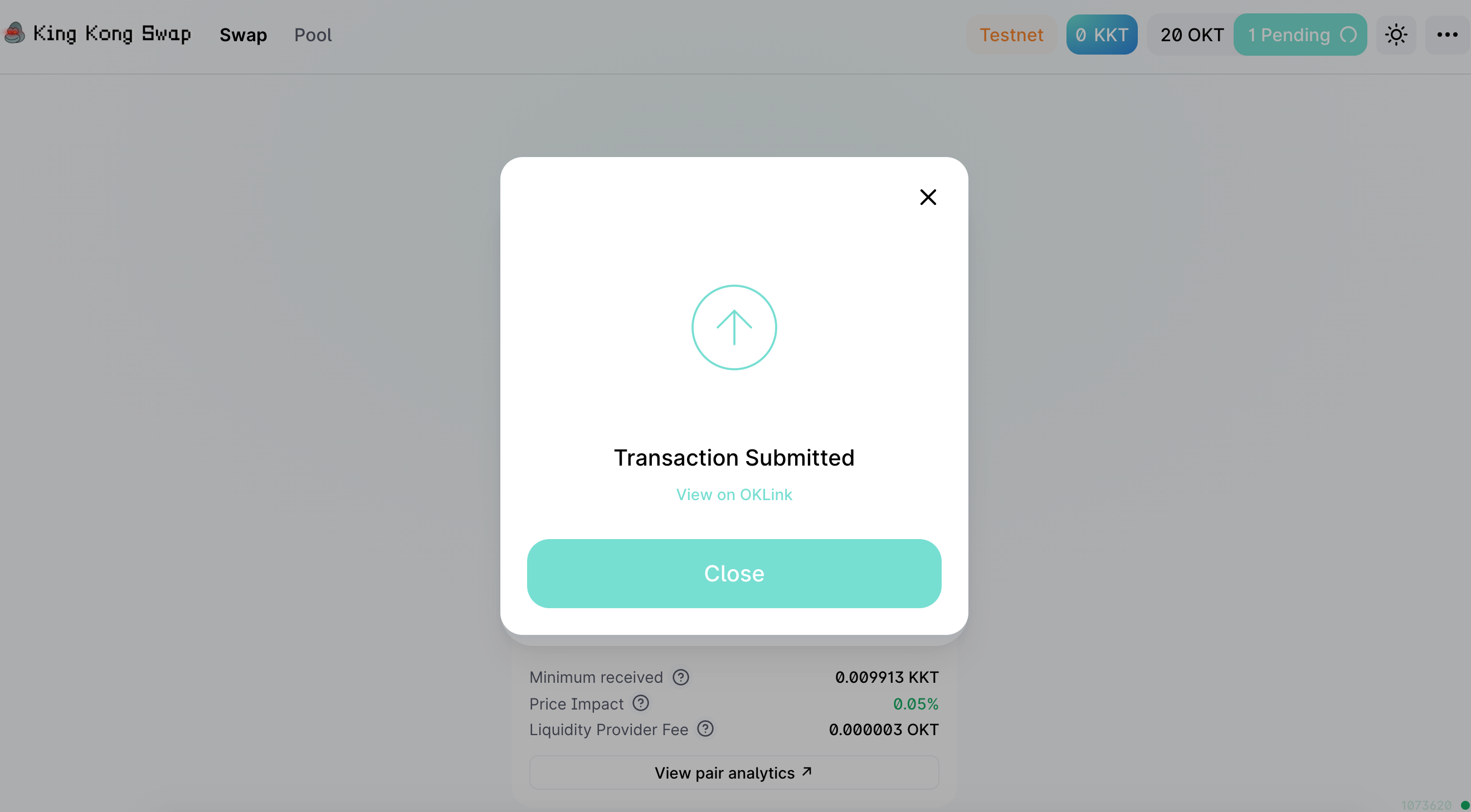
- Metamask will pop up the gas fee and token transaction amount, click confirm and submit the blockchain broadcast.

- You can view the transaction records and the balance of assets in your wallet or OKLink explorer.

若有收获,就点个赞吧
0 人点赞


