执行Ansible ad-hoc 临时命令时,可以通过正则匹配主机和组。
Ansible临时命令的语法格式:ansible <pattern_goes_here> -m <module_name> -a <arguments>
常见用法(以-m ping作为举例):
1、选择inventory文件中的所有主机。ansible all -m ping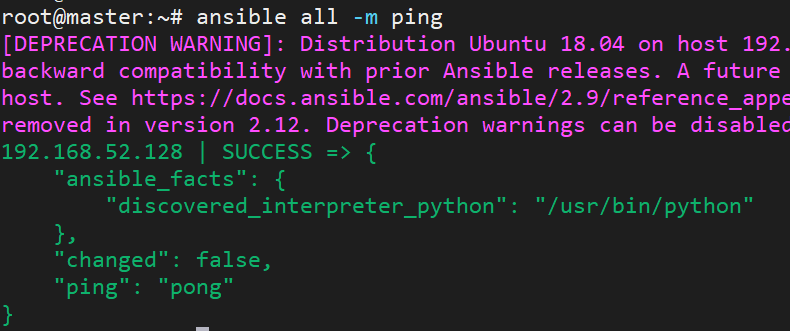
2、写IP地址或系列主机名:
ansible 192.168.52.128 -m pingansible one.example.com:two.example.com -m pingansilble 192.168.52.* -m ping
注意:
pattern 依赖于 Inventory。 如果主机或组 不在 Inventory 文件中,则不能使用 Pattern 。 如果使用的 Patterns IP 或主机名不存在。 会引发如下报错:
[WARNING]: provided hosts list is empty, only localhost is available. Note that the implicit localhost does not match ‘all’
[WARNING]: Could not match supplied host pattern, ignoring: 192.168.52.128
3、写一个组或多个组:
ansible webservers -m pingansible webservers:dbservers -m ping
4、属于一个组但不属于另一个组:
ansible webservers:!phoenix -m ping
5、两个组的交集:
ansible webservers:&staging -m ping
6、更加复杂的:
ansible webservers:dbservers:&staging:!phoenix -m ping
7、使用正则:
以 ~ 开始的模式将会被认定为正则表达式:
ansible ~(web|db).*\.example\.com -m ping

若有收获,就点个赞吧
0 人点赞


