
position:absolute;
元素会被移出正常文档流,并不为元素预留空间,通过指定元素相对于最近的非 static 定位祖先元素的偏移,来确定元素位置。绝对定位的元素可以设置外边距(margins),且不会与其他边距合并。
第一种方式:absolute + 负margin
.father {position: relative;}.child{width: 100px;height: 100px;position: absolute;;top: 50%;left: 50%;margin-left: -50px;margin-top: -50px;}
分析:暂不设置margin-left: -50px; margin-top: -50px;
<!DOCTYPE html><html><head><meta charset="utf-8" /><title>垂直居中</title><style>* {padding: 0;margin: 0;}.body {width: 300px;height:300px;position: relative;background-color:rosybrown;}.box {width: 100px;height: 100px;position: absolute;top: 50%;left: 50%;background-color: beige;}</style></head><body><div class="body"><div class="box">绝对定位元素</div></div></body></html>
得到:
为什么要取子元素宽度的一半?
绝对定位的百分比是相对于父元素的宽高,绝对定位是基于子元素的左上角居中,但期望子元素的中心居中显示,如图,可以借助外边距的负值,负的外边距可以让元素向相反方向定位,通过指定子元素的外边距为子元素宽度一半的负值,就可以让子元素居中了
第二种方式:absolute + margin auto
margin:用来计算元素对应方向应该获得的剩余空间大小
.father {position: relative;}.child{width: 100px;height: 100px;position: absolute;;top: 0;left: 0;right: 0;bottom: 0;margin: auto;}
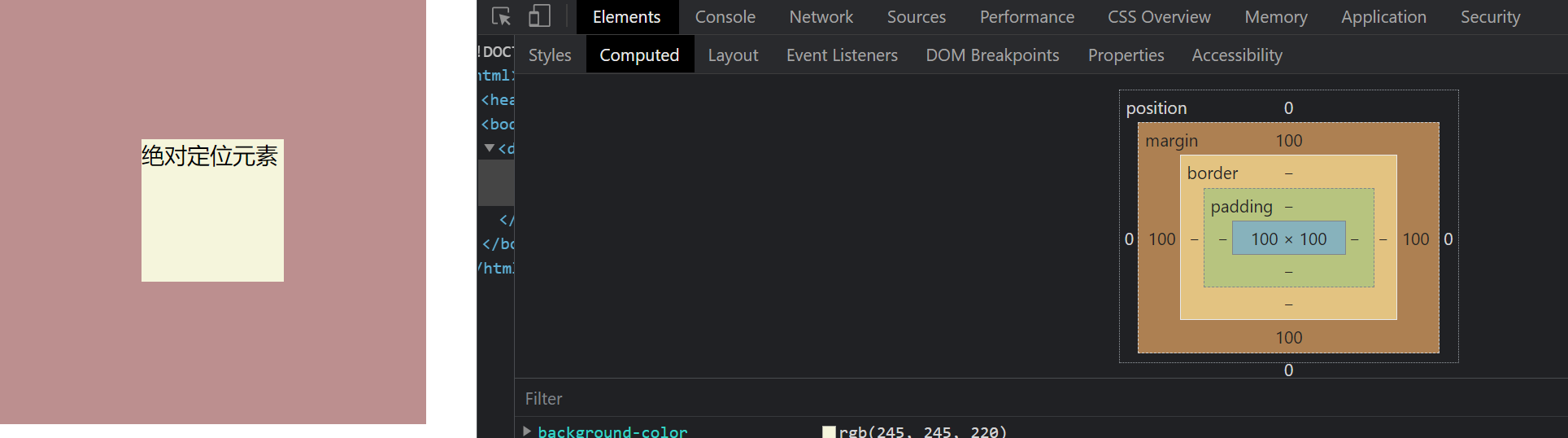
第三种方式:absolute + calc
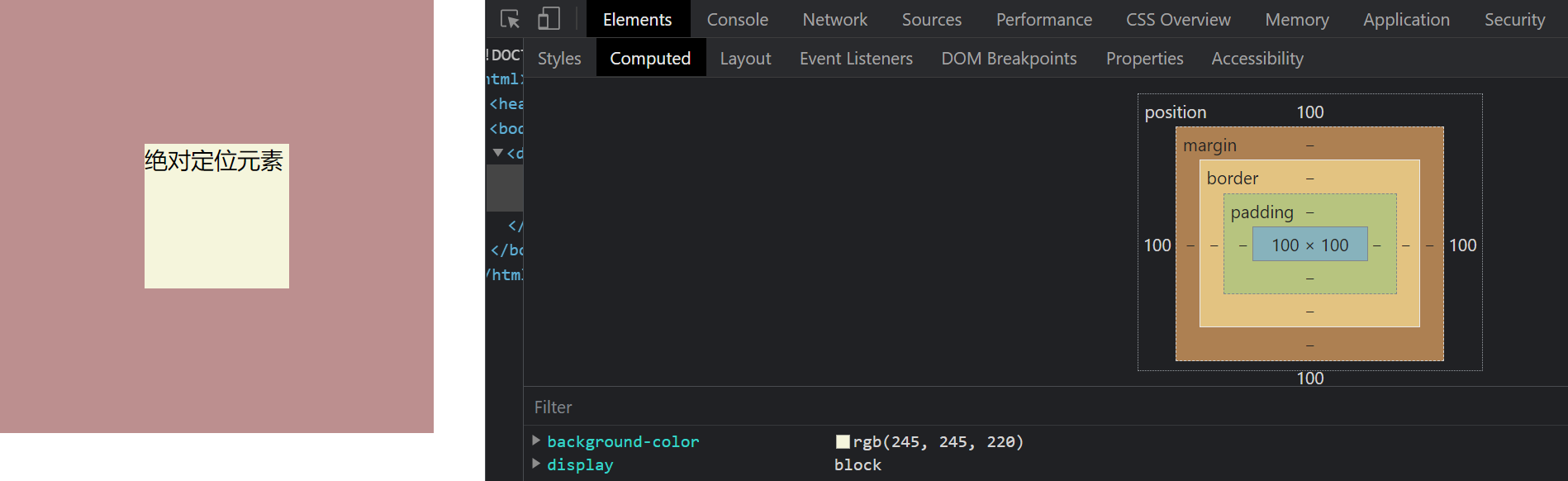
减去子元素宽度的一半

若有收获,就点个赞吧
0 人点赞


