登录 harbor dashboard
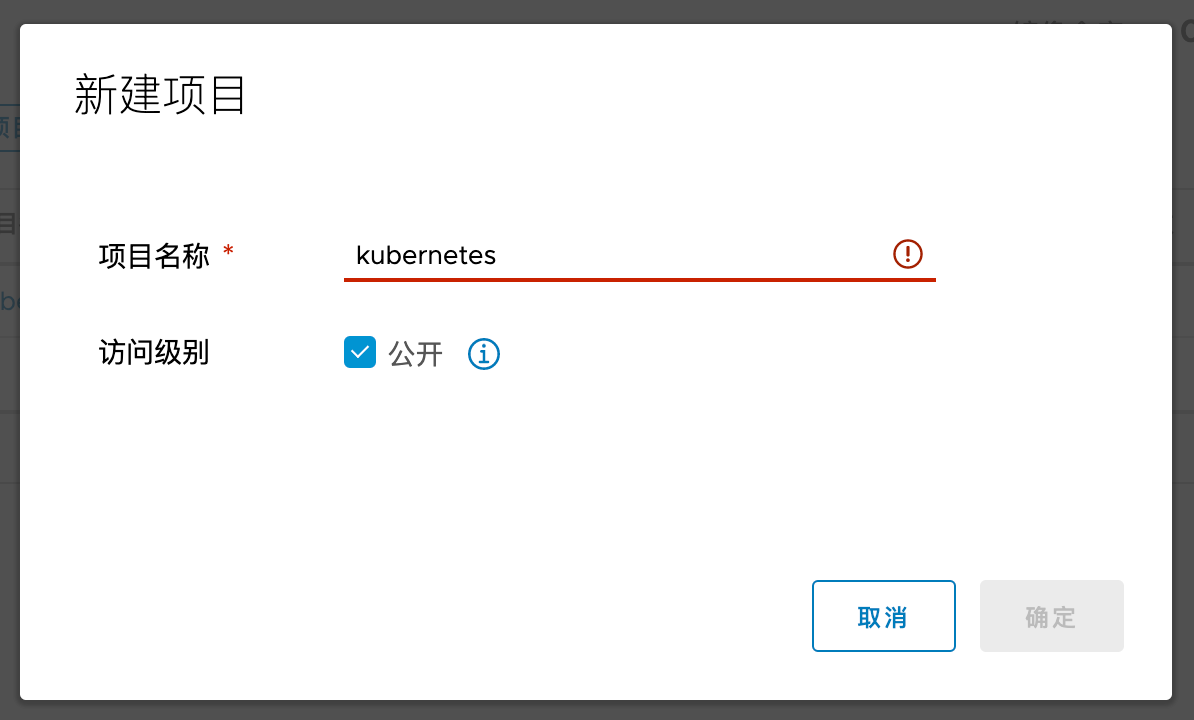
- 新建项目:
编辑 /etc/hosts
# 添加一个域名,当然你也可以直接使用ip地址192.168.109.10 hub.hexiaodai.com
制作镜像
# 修改镜像 tagdocker tag nginx:1.13.12 hub.hexiaodai.com/kubernetes/nginx:1.13.12
push 镜像
[root@m1 nginx]# docker push hub.hexiaodai.com/kubernetes/nginx:1.13.12The push refers to repository [hub.hexiaodai.com/kubernetes/nginx]Get "https://hub.hexiaodai.com/v2/": dial tcp 192.168.109.10:443: connect: connection refused
修改 /etc/docker/daemon.json 设置 hub.hexiaodai.com 允许 http 访问
vim /etc/docker/daemon.json# 新增参数,允许使用 http"insecure-registries": ["hub.hexiaodai.com"]
重启 docker
service docker restart
重启 nginx
> pwd/root/nginx> lsnginx.conf restart.sh> ./restart.sh
再次 push
需要登录 docker(harbor)
docker login hub.hexiaodai.com
[root@m1 nginx]# docker push hub.hexiaodai.com/kubernetes/nginx:1.13.12The push refers to repository [hub.hexiaodai.com/kubernetes/nginx]7ab428981537: Preparing82b81d779f83: Preparingd626a8ad97a1: Preparingdenied: requested access to the resource is denied

若有收获,就点个赞吧
0 人点赞


