一、下载工程包
http://dev.manateeai.com/biz/image/lowcode.tar.gz
如果在机器上下载
wget http://dev.manateeai.com/biz/image/lowcode.tar.gztar -xvf lowcode.tar.gz
结构说明:
jar 下面包含了
wangfa和wangcai 打包文件
config 包含了两个应用运行配置文件
start_wangcai.sh 和 start_wangfa.sh 为运行脚本
二、配置中心
1)安装nacos
最新版本
wget https://github.com/alibaba/nacos/releases/download/2.0.0-bugfix/nacos-server-2.0.0.tar.gztar -xvf nacos-server-2.0.0.tar.gzcd nacos/binsh startup.sh -m standalone
2)配置nacos
http://{yourIp}:8848/
账号密码 nacos /nacos
新建配置
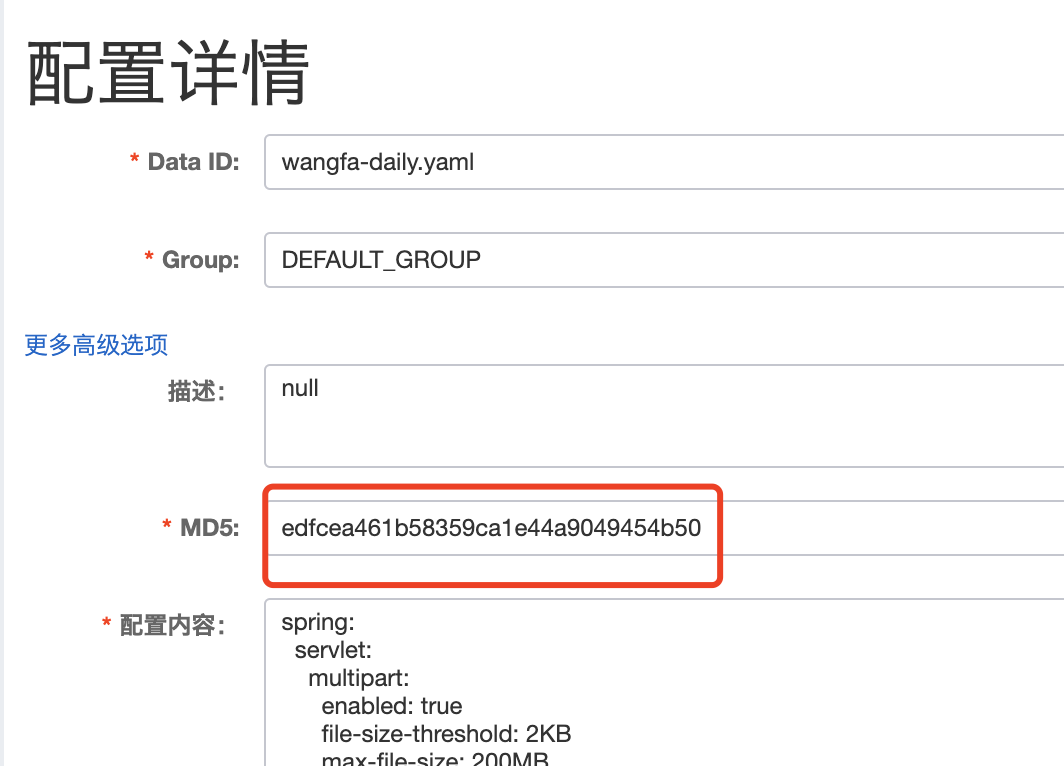
wangfa-daily.yaml
spring:servlet:multipart:enabled: truefile-size-threshold: 2KBmax-file-size: 200MBmax-request-size: 215MBredis:password: {password}host: {yourIp}port: 6379datasource:type: com.zaxxer.hikari.HikariDataSourcedriver-class-name: com.mysql.cj.jdbc.Driverusername: rootpassword: {password}url: jdbc:mysql://{yourIp}:3306/wangfa?useUnicode=true&characterEncoding=utf8&serverTimezone=Asia/Shanghai&allowMultiQueries=truemanatee:file:imageLocalPath: /home/admin/image/imageReturnPath: /biz/image/default:redis:db: 6security:ignore:urls: /,/error,/**/*.css,/**/*.js,/**/*.html,/**/*.map,/**/*.svg,/**/*.png,/**/*.ico,/**/*.csv,/**/*.xls,/**/*.xlsx,/biz/module/**,/biz/customizeModule.do,/biz/block/**,/biz/moduleChart/**,/biz/uploadFile*,/biz/license.do
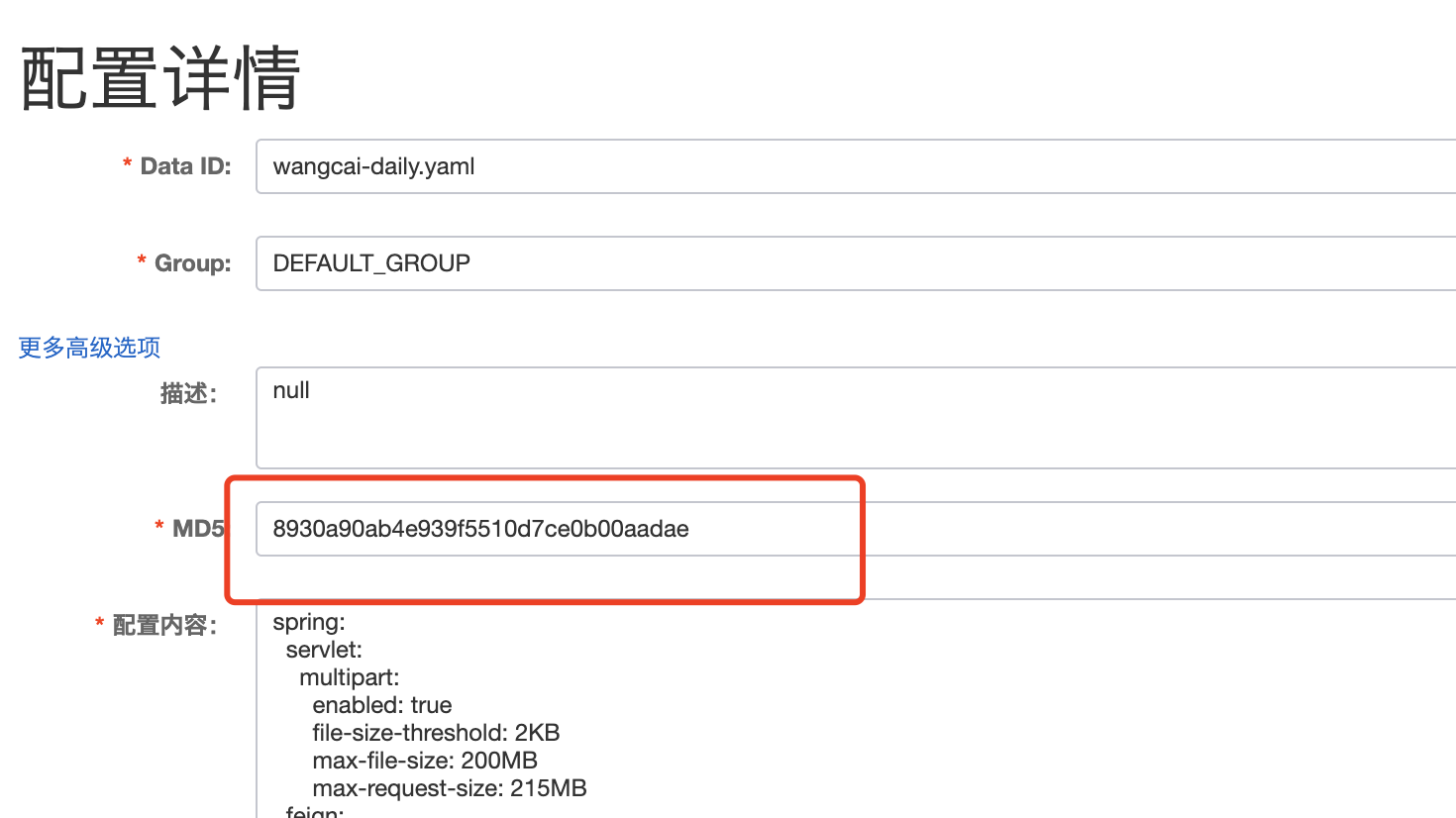
wangcai-daily.yaml
spring:servlet:multipart:enabled: truefile-size-threshold: 2KBmax-file-size: 200MBmax-request-size: 215MBfeign:client:config:default:connectTimeout: 5000readTimeout: 5000loggerLevel: basichystrix:enabled: trueredis:password: {password}host: {yourIp}port: 6379datasource:type: com.zaxxer.hikari.HikariDataSourcedriver-class-name: com.mysql.cj.jdbc.Driverusername: rootpassword: {password}url: jdbc:mysql://{yourIp}:3306/wangfa?useUnicode=true&characterEncoding=utf8&serverTimezone=Asia/Shanghai&allowMultiQueries=truemanatee:default:redis:db: 6ribbon:eager-load:enabled: trueclients: wangcaisecurity:ignore:urls: /,/error,/**/*.css,/**/*.js,/**/*.html,/**/*.map,/**/*.svg,/**/*.png,/**/*.ico,/**/*.csv,/**/*.xls,/**/*.xlsx,/biz/module/*
3)修改config下对应文件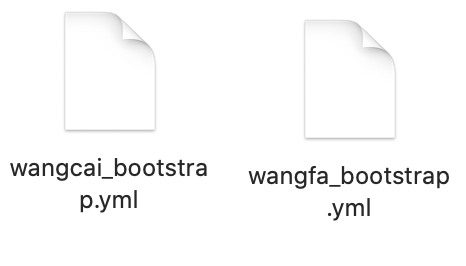
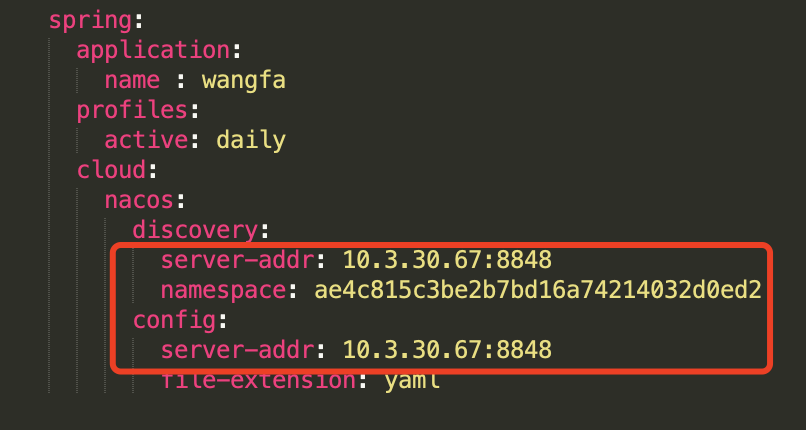
对应的ip和前面MD5生成的namespace
四、前端设置
确保已经安装nginx
nginx配置
地址根据自己实际地址
server {listen 80;server_name {域名或者ip};location / {root /home/admin/lowcode/front;index index.html;try_files $uri $uri/ /index.html;}location /biz {proxy_intercept_errors on;proxy_pass http://{yourIp}:8103;proxy_set_header Host $host:$server_port;proxy_set_header X-Real-IP $remote_addr;proxy_set_header X-Forwarded-For $proxy_add_x_forwarded_for;}}•
五、其他依赖安装
mysql
redis
六、运行
sh 运行以下脚本

若有收获,就点个赞吧
0 人点赞


