1. 首先检查当前电脑是否安装了 brew
brew -v// 如果没有安装则执行以下命令,安装brew:/usr/bin/ruby -e "$(curl -fsSL https://raw.githubusercontent.com/Homebrew/install/master/install)"
2. brew安装nginx
brew search nginx// 如果没有安装 nginx,则使用以下命令来安装brew install nginx
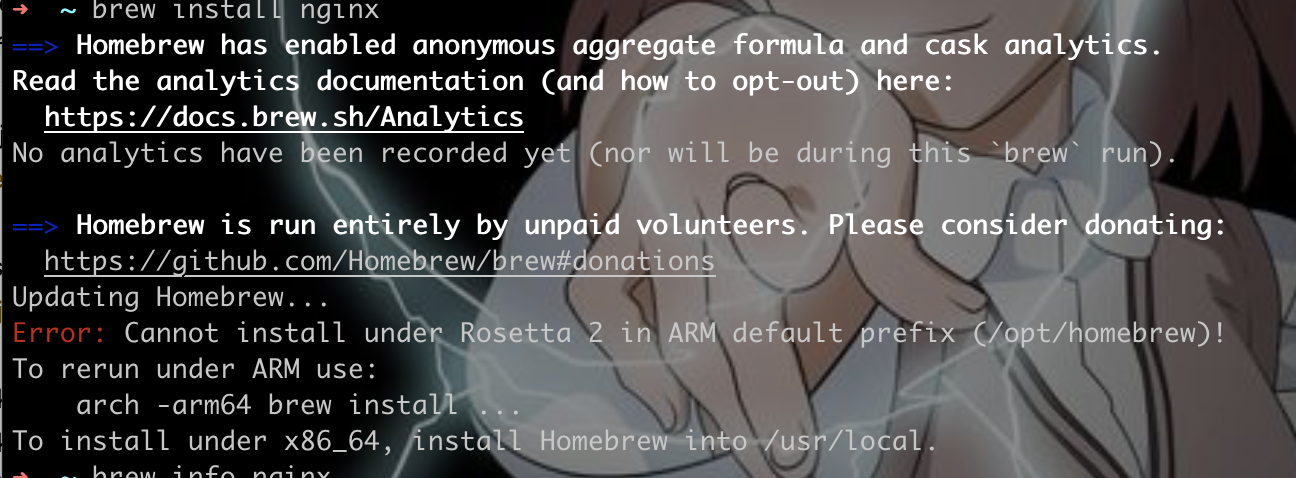
Cannot install under Rosetta 2 in ARM default prefix (/opt/homebrew)!# 安装arch -arm64 brew install Nginx# 查看brew info nginx
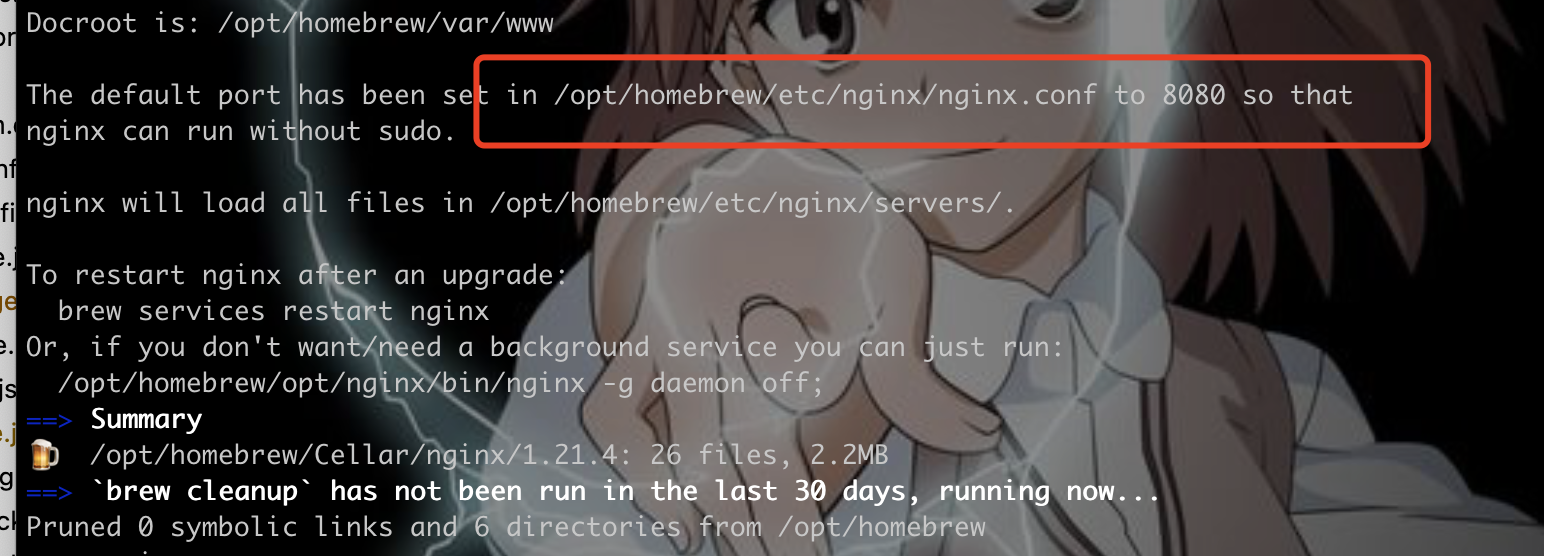
在安装的信息中有这些数据
The default port has been set in /opt/homebrew/etc/nginx/nginx.conf to 8080 so thatnginx can run without sudo.nginx will load all files in /opt/homebrew/etc/nginx/servers/.
nginx配置文件在
/opt/homebrew/etc/nginx/nginx.conf
nginx 的启动:
// 以下命令当提醒没有权限时,命令行前加 sudo// nginx的启动nginx// 查看当前 nginx 运行的进程ps -ef | grep nginx// 关闭某一个进程kill [进程编号]// 快速停止 nginx 进程nginx -s stop// 重启 nginxnginx -s reload// 搜索当前目录下有关键字 abc 的 nginx配置文件grep abc * -r

若有收获,就点个赞吧
0 人点赞


