回溯算法与深度优先遍历
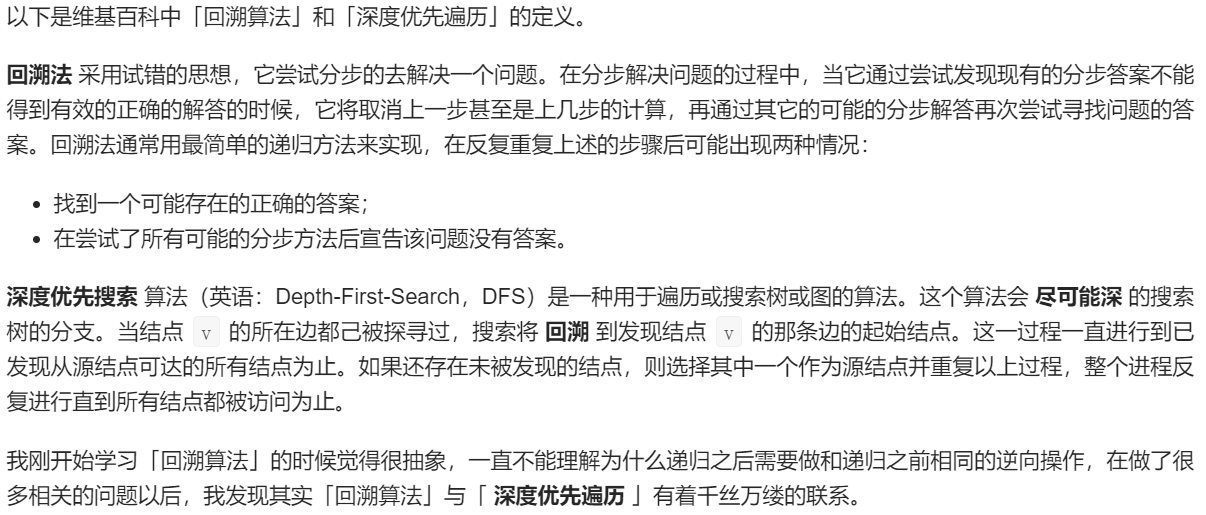
个人理解
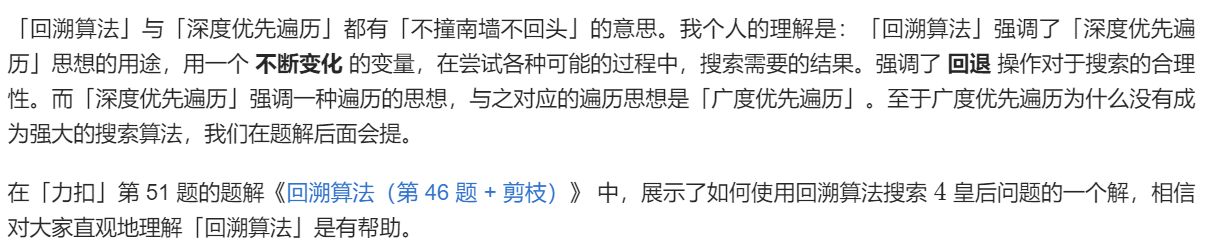
搜索与遍历

与动态规划的区别

从全排列问题开始理解回溯算法
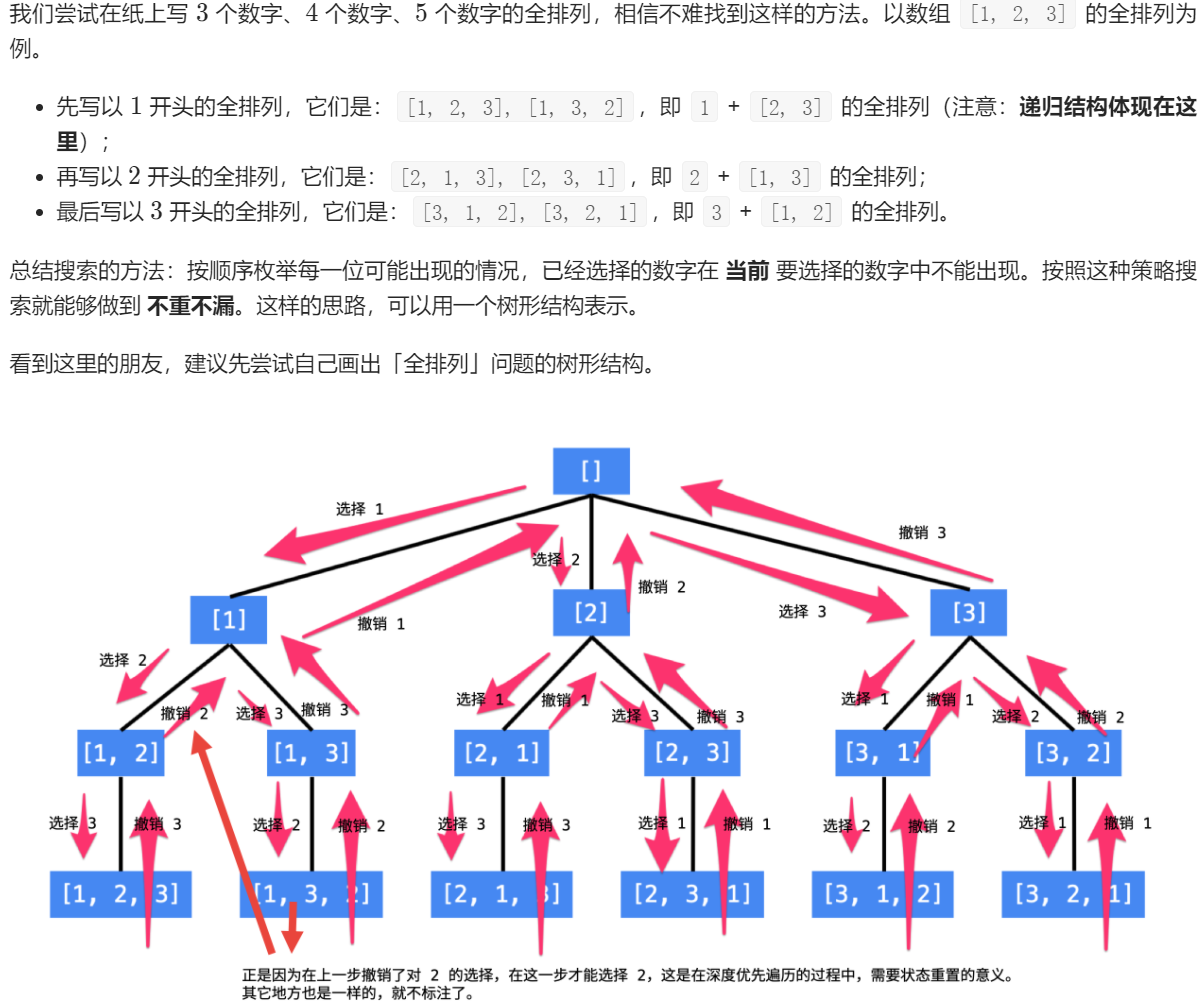
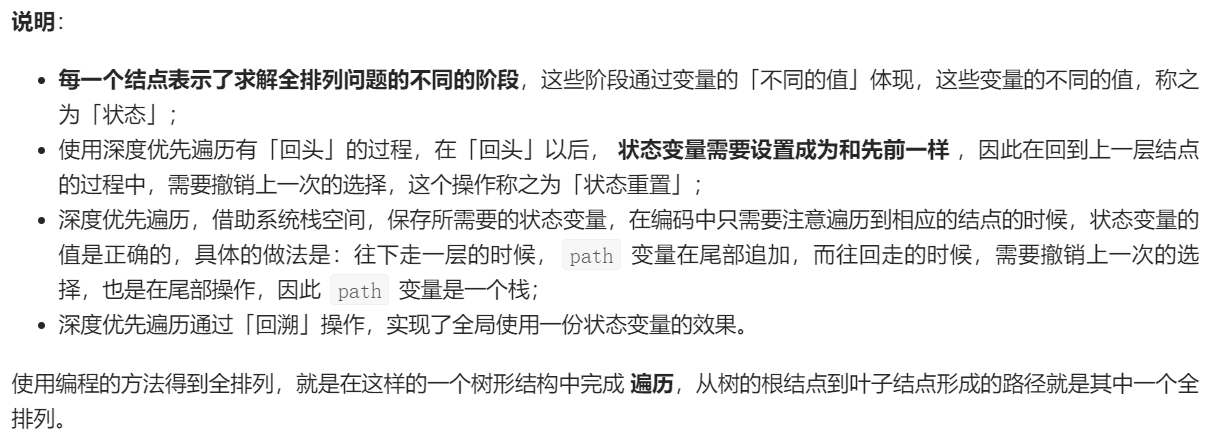
设计状态变量
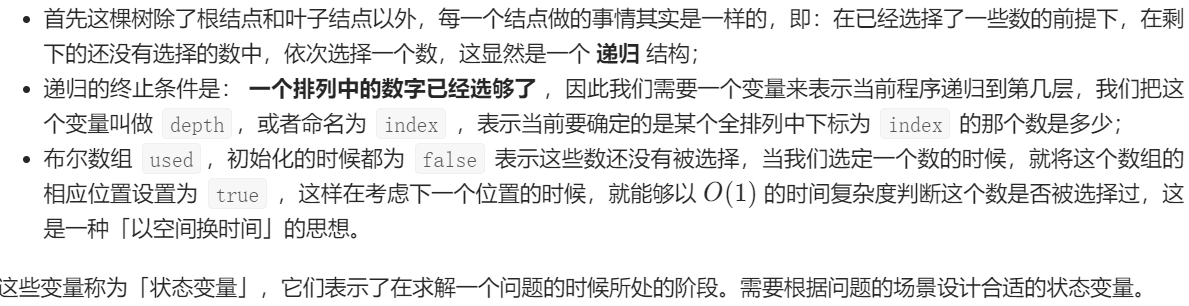
代码实现

from typing import Listclass Solution:def permute(self, nums: List[int]) -> List[List[int]]:def dfs(nums, size, depth, path, used, res):if depth == size:res.append(path)returnfor i in range(size):if not used[i]:used[i] = Truepath.append(nums[i])dfs(nums, size, depth + 1, path, used, res)used[i] = Falsepath.pop()size = len(nums)if len(nums) == 0:return []used = [False for _ in range(size)]res = []dfs(nums, size, 0, [], used, res)return resif __name__ == '__main__':nums = [1, 2, 3]solution = Solution()res = solution.permute(nums)print(res)
执行 main 方法以后输出如下:
[[], [], [], [], [], []]
原因出现在递归终止条件这里:
if depth == size:res.append(path)return
变量 path 所指向的列表 在深度优先遍历的过程中只有一份 ,深度优先遍历完成以后,回到了根结点,成为空列表。
在 Java 中,参数传递是 值传递,对象类型变量在传参的过程中,复制的是变量的地址。这些地址被添加到 res 变量,但实际上指向的是同一块内存地址,因此我们会看到 66 个空的列表对象。解决的方法很简单,在 res.add(path); 这里做一次拷贝即可。
修改的部分:
if depth == size:res.append(path[:])return
此时再提交到「力扣」上就能得到通过了,完整代码请见下文「参考代码 2」。
理解回溯
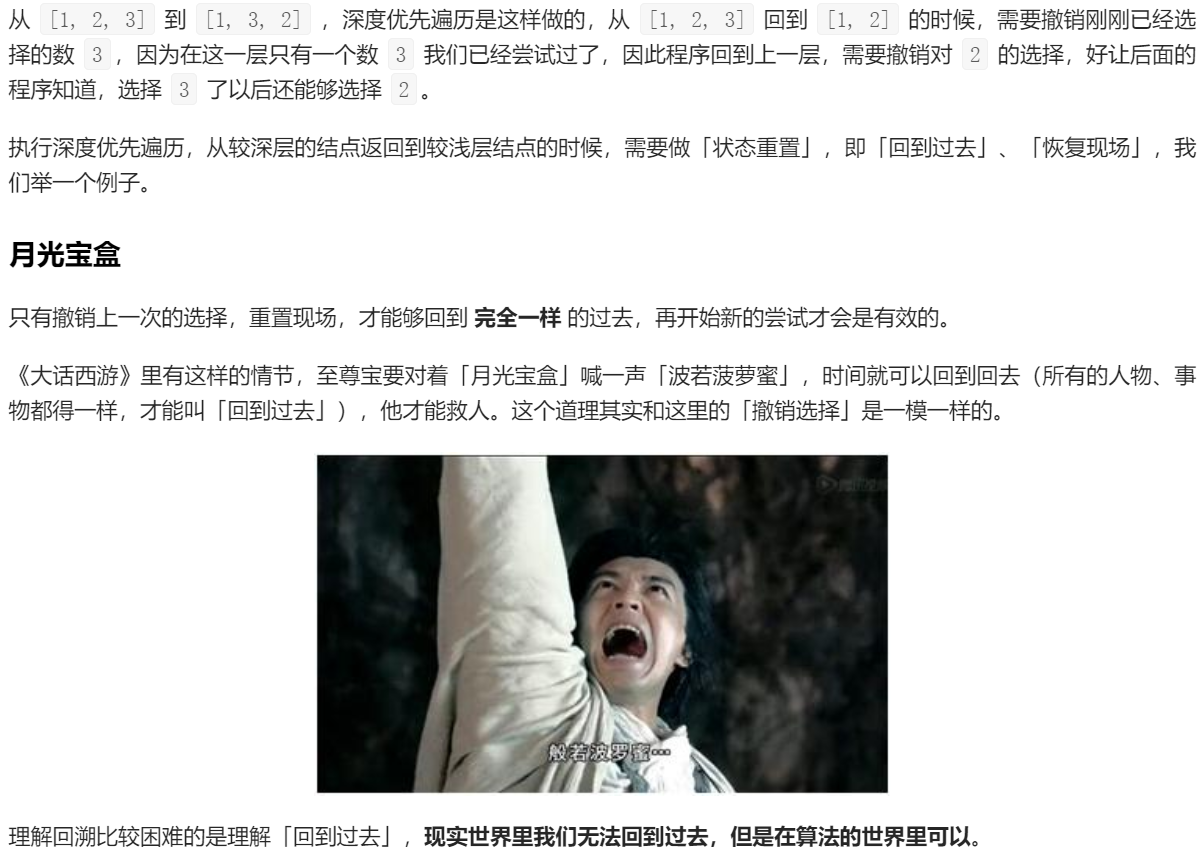
通过打印输出观察
参考代码 2
import java.util.ArrayDeque;import java.util.ArrayList;import java.util.Deque;import java.util.List;public class Solution {public List<List<Integer>> permute(int[] nums) {int len = nums.length;// 使用一个动态数组保存所有可能的全排列List<List<Integer>> res = new ArrayList<>();if (len == 0) {return res;}boolean[] used = new boolean[len];Deque<Integer> path = new ArrayDeque<>(len);dfs(nums, len, 0, path, used, res);return res;}private void dfs(int[] nums, int len, int depth,Deque<Integer> path, boolean[] used,List<List<Integer>> res) {if (depth == len) {res.add(new ArrayList<>(path));return;}for (int i = 0; i < len; i++) {if (!used[i]) {path.addLast(nums[i]);used[i] = true;System.out.println(" 递归之前 => " + path);dfs(nums, len, depth + 1, path, used, res);used[i] = false;path.removeLast();System.out.println("递归之后 => " + path);}}}public static void main(String[] args) {int[] nums = {1, 2, 3};Solution solution = new Solution();List<List<Integer>> lists = solution.permute(nums);System.out.println(lists);}}
控制台输出:
递归之前 => [1]递归之前 => [1, 2]递归之前 => [1, 2, 3]递归之后 => [1, 2]递归之后 => [1]递归之前 => [1, 3]递归之前 => [1, 3, 2]递归之后 => [1, 3]递归之后 => [1]递归之后 => []递归之前 => [2]递归之前 => [2, 1]递归之前 => [2, 1, 3]递归之后 => [2, 1]递归之后 => [2]递归之前 => [2, 3]递归之前 => [2, 3, 1]递归之后 => [2, 3]递归之后 => [2]递归之后 => []递归之前 => [3]递归之前 => [3, 1]递归之前 => [3, 1, 2]递归之后 => [3, 1]递归之后 => [3]递归之前 => [3, 2]递归之前 => [3, 2, 1]递归之后 => [3, 2]递归之后 => [3]递归之后 => []输出 => [[1, 2, 3], [1, 3, 2], [2, 1, 3], [2, 3, 1], [3, 1, 2], [3, 2, 1]]
几点说明帮助理解「回溯算法」
from typing import Listclass Solution:def permute(self, nums: List[int]) -> List[List[int]]:def dfs(nums, size, depth, path, state, res):if depth == size:res.append(path)returnfor i in range(size):if ((state >> i) & 1) == 0:dfs(nums, size, depth + 1, path + [nums[i]], state ^ (1 << i), res)size = len(nums)if size == 0:return []state = 0res = []dfs(nums, size, 0, [], state, res)return res
剪枝

总结

若有收获,就点个赞吧
0 人点赞


