Layouts
Layouts是主题的基础,通过它呈现所有Templates。
你可以编辑默认的theme.liquid layout,或者创建创建多个自定义layout文件以满足您的需要。您还可以将模板设置为不使用layout。
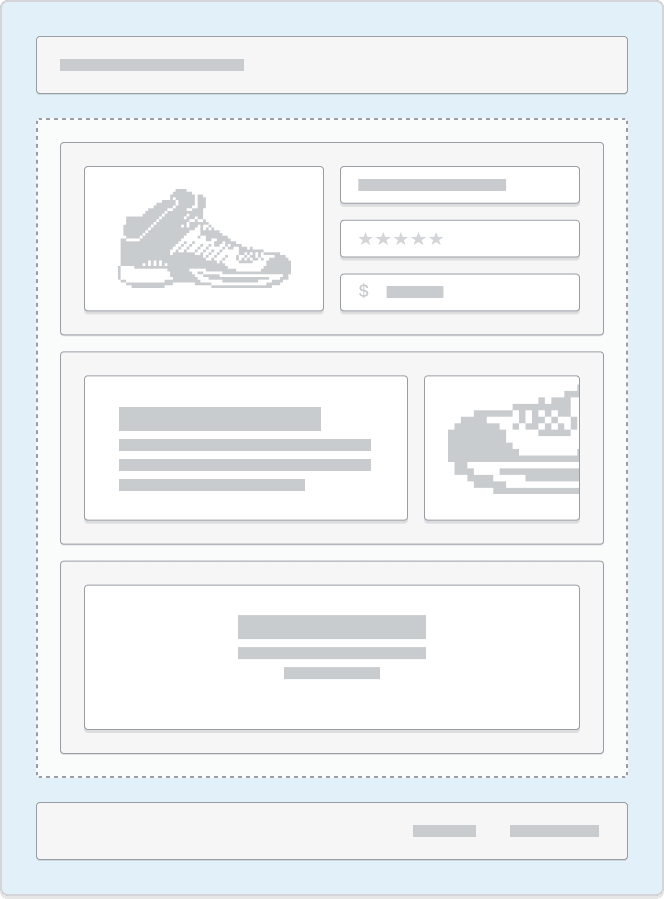
文件位于layout目录下
└── theme├── layout| ├── theme.liquid| ...├── templates...
Schema
因为layout文件是主题的基础,所以在大多数情况下它们应该遵循标准 HTML 文档的结构。大多数layout文件还包含以下 Liquid 对象:
<!DOCTYPE html><html><head>...{{ content_for_header }}...</head><body>...{{ content_for_layout }}...</body></html>

Templates

文件位于templates目录下
└── theme├── layout├── templates| ├── 404.json| ├── article.json| ......
文件类型
JSON 与 Liquid
如果要在模板中使用section,则应使用 JSON 模板。 JSON 模板为商家添加、删除和重新排序部分(包括应用部分)提供了更大的灵活性。此外,它们最大限度地减少了settings_data.json 中的数据量。相反,数据直接存储在模板中,这提高了主题编辑器的性能。Templates类型
| Type | Description |
|---|---|
| 404 | Renders page content that is shown to customers if they enter an invalid URL for the store. |
| article | Renders the article page, which contains the full content of the article, as well as an optional comments section for customers. This template is used for items like individual posts in a blog. |
| blog | Renders the blog page, which lists all articles within a blog. |
| cart | Renders the /cart page, which provides an overview of the contents of a customer’s cart. |
| collection | Renders the collection page, which lists all products within a collection. |
| customers/account | Renders the customer account page, which provides an overview of the customer’s account. |
| customers/activate_account | Renders the customer account activation page, which hosts the form for activating a customer account. |
| customers/addresses | Renders the customer addresses page, which allows customers to view and manage their current addresses, as well as add new ones. |
| customers/login | Renders the customer login page, which hosts the form for logging into a customer account. |
| customers/order | Renders the customer order page, which displays the details of a customer’s past orders. |
| customers/register | Renders the customer register page, which hosts the form for customer account creation. |
| customers/reset_password | Renders the password reset page, which hosts the form to reset the password for a customer account. |
| gift_card.liquid | Renders the gift card page, which displays the gift card issued to a customer upon purchase. This must be a Liquid template. |
| index | Renders the home page of the store, located at the root URL (/). |
| list-collections | Renders the collection list page, which lists all the store’s collections. This page is located at the /collections URL of the store. |
| page | Renders the shop’s pages, such as About us and Contact us. |
| password | Renders the /password page, which is a landing page shown when you add password protection to your online store . This page includes a message that is editable by merchants, and the password form for customers to gain access to the store. |
| product | Renders the product page, which contains a product’s media and content, as well as a form for customers to select a variant and add it to the cart. |
| robots.txt.liquid | Renders the robots.txt file, which is hosted at the /robots.txt URL. This file tells search engines which pages can, or can’t, be crawled on a site. This must be a Liquid template. |
| search | Renders the /search page, which displays the results of a storefront search . |
Sections
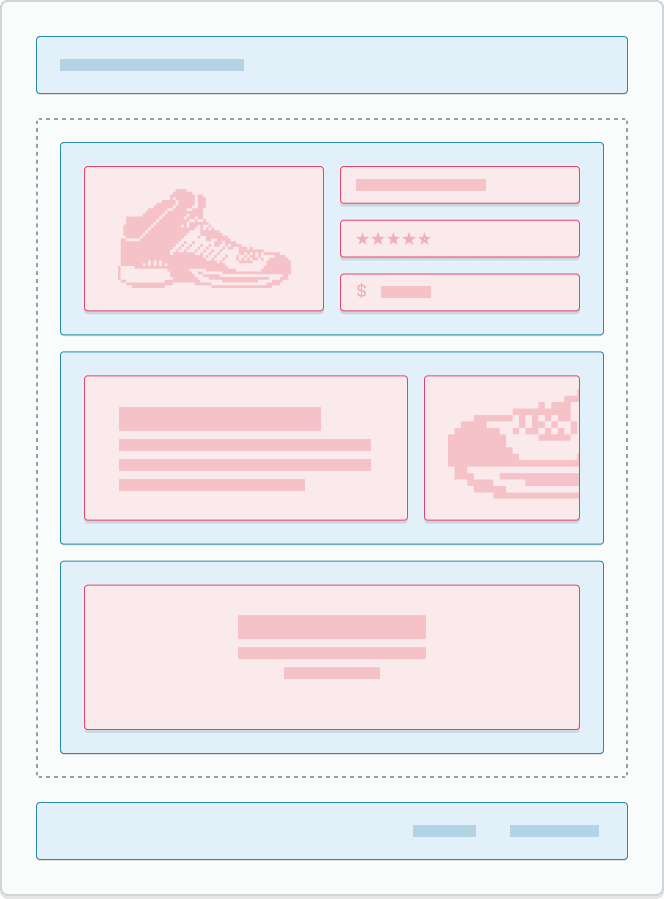
文件位于sections目录下
└── theme...├── templates├── sections...
内容
| Type | Description | Required |
|---|---|---|
| Main content | Any HTML or Liquid content you might want to include in the section. Sections have the same access to global objects, tags, and filters as other Liquid theme files, as well as the following section-specific objects: + The** section object - Contains the section’s properties and setting values. + The** block object - Contains the properties and setting values of a single section block. Aside from global objects, variables created outside of sections aren’t accessible within sections. The section and block objects, as well as variables created within sections, aren’t available outside of their respective section. The only exception is when you reference section and block objects within a snippet that’s rendered inside the section you’re referencing. |
No |
| Assets | Sections can bundle their own JavaScript and stylesheet assets with the following section-specific Liquid tags: + {% javascript %} + {% stylesheet %} To learn more, refer to Section assets. |
No |
| Schema | Sections support the section-specific {% schema %} Liquid tag. This tag is used to define the following section attributes and settings: + name + tag + class + settings + blocks + app blocks + max_blocks + presets + defaults + locales + templates To learn more, refer to Section schema. |
Yes |
Section schema
name
该属性确定模板编辑器中显示的section标题。
{% schema %}{"name": "Slideshow"}{% endschema %}
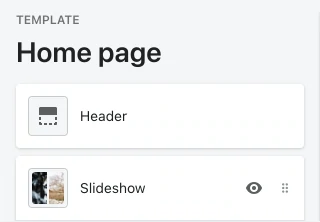
tag、class、settings、blocks
Blocks 有以下属性需要注意:
{% schema %}{"name": "Slideshow","tag": "section","class": "slideshow","settings": [{"type": "text","id": "title","label": "Slideshow"}],"blocks": [{"name": "Slide","type": "slide","settings": [{"type": "image_picker","id": "image","label": "Image"}]}]}{% endschema %}
| Attribute | Description | Required |
|---|---|---|
| type | The block type. This is a free-form string that you can use as an identifier. You can access this value through the type attribute of the Liquid block object . |
Yes |
| name | The block name, which will show as the block title in the theme editor. | Yes |
| limit | The number of blocks of this type that can be used. | No |
| settings | Any settings that you want for the block. Certain settings might be used as the title of the block in the theme editor . |
No |
渲染blocks
{% for block in section.blocks %}{% case block.type %}{% when 'slide' %}<div class="slide" {{ block.shopify_attributes }}>{{ block.settings.image | img_url: '2048x' | img_tag }}</div>...{% endcase %}{% endfor %}
max_blocks
每个section最大可以放16个block,也可以通过max_blocks 属性设置。
{% schema %}{"name": "Slideshow","tag": "section","class": "slideshow","max_blocks": 5,"settings": [{"type": "text","id": "title","label": "Slideshow"}],"blocks": [{"name": "Slide","type": "slide","settings": [{"type": "image_picker","id": "image","label": "Image"}]}]}{% endschema %}
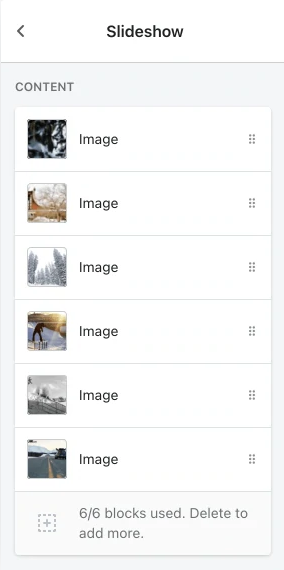
presets与default
Section可以设定一些默认设置,让商家编辑起来更轻松。
presets和default区别
presets预设值以后后面还可以改,default设置了以后后面不能改。
presets和default对象都具有以下属性:
| Attribute | Description | Required |
|---|---|---|
| name | The preset name, which will show in the Add section portion of the theme editor. | Yes |
| settings | A list of default values for any settings you might want to populate. Each entry should include the setting name and the value. | No |
| blocks | A list of default blocks that you might want to include. Each entry should be an object with attributes of type and settings. The type attribute value should reflect the type of the block that you want to include, and the settings object should be in the same format as the settings attribute above. | No |
{% schema %}{"name": "Slideshow","tag": "section","class": "slideshow","max_blocks": 5,"settings": [{"type": "text","id": "title","label": "Slideshow"}],"blocks": [{"name": "Slide","type": "slide","settings": [{"type": "image_picker","id": "image","label": "Image"}]}],"presets": [{"name": "Slideshow","settings": {"title": "Slideshow"},"blocks": [{"type": "slide"},{"type": "slide"}]}]}{% endschema %}
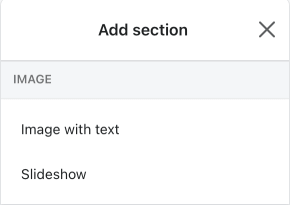
Section assets
javascript
{% javascript %}document.querySelector('.slideshow').slideshow();{% endjavascript %}
每个section只能有一个{% javascript %} tag。
stylesheet
<div class="slideshow-wrapper" data-slide-speed="{{ section.settings.speed }}"><!-- slideshow content --></div>{% stylesheet %}.slideshow-wrapper {// your styles}{% endstylesheet %}
每个section只能有一个{% stylesheet %} tag。
Settings
Input settings
属性
| Attribute | Description | Required |
|---|---|---|
| type | The setting type, which can be any of the basic or specialized input setting types. |
Yes |
| id | The setting ID, which is used to access the setting value. | Yes |
| label | The setting label, which will show in the theme editor. | Yes |
| default | The default value for the setting. | No |
| info | An option for informational text about the setting. | No |
Basic input settings
The following are the basic input setting types:checkbox
{"type": "checkbox",html"id": "show_announcement","label": "Show announcement","default": true}

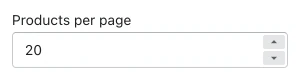
number
{"type": "number","id": "products_per_page","label": "Products per page","default": 20}
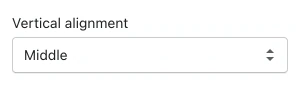
select
{"type": "select","id": "vertical_alignment","label": "Vertical alignment","options": [{"value": "top","label": "Top"},{"value": "middle","label": "Middle"},{"value": "bottom","label": "Bottom"}],"default": "middle"}
Specialized input settings
The following are the specialized input setting types:- article
- blog
- collection
- color
- color_background
- font_picker
- html
- image_picker
- link_list
- liquid
- page
- product
- richtext
- url
- video_url
article
{"type": "article","id": "featured_article","label": "Featured article"}

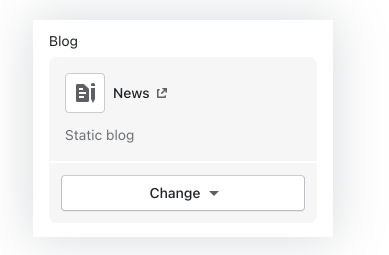
blog
{"type": "blog","id": "blog","label": "Blog"}
collection
{"type": "collection","id": "collection","label": "Collection"}

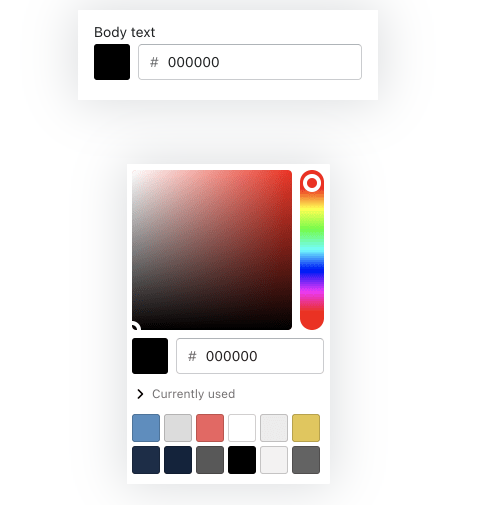
color
{"type": "color","id": "body_text","label": "Body text","default": "#000000"}
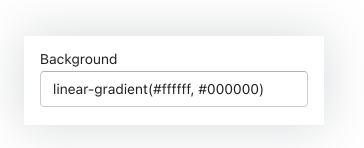
color_background
{"type": "color_background","id": "background","label": "Background","default": "linear-gradient(#ffffff, #000000)"}
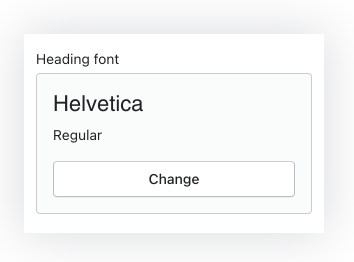
font_picker
{"type": "font_picker","id": "heading_font","label": "Heading font","default": "helvetica_n4"}
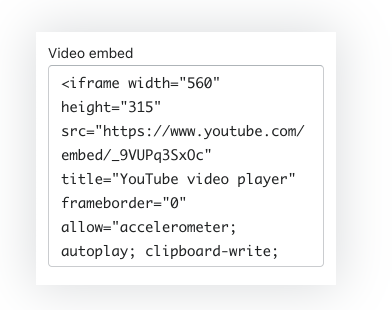
html
{"type": "html","id": "video_embed","label": "Video embed"}
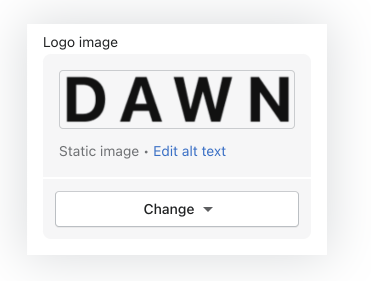
image_picker
{"type": "image_picker","id": "logo_image","label": "Logo image"}
link_list
{"type": "link_list","id": "menu","label": "Menu"}
liquid
{"type": "liquid","id": "battery_message","label": "Battery message","default": "This product can be shipped by ground or air."}

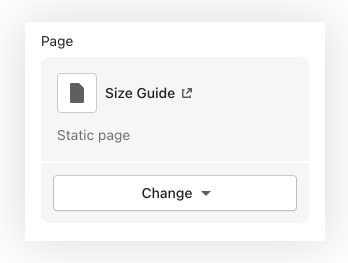
page
{"type": "page","id": "page","label": "Page"}
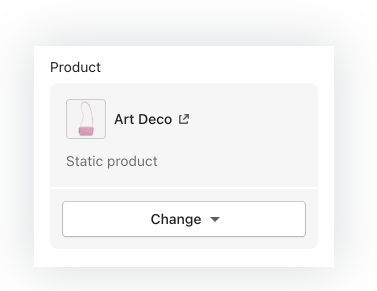
product
{"type": "product","id": "product","label": "Product"}
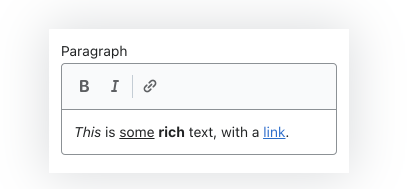
richtext
{"type": "richtext","id": "paragraph","label": "Paragraph"}
Sidebar settings
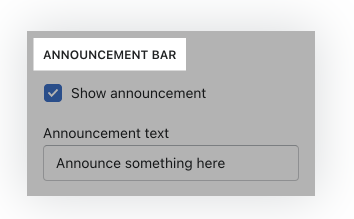
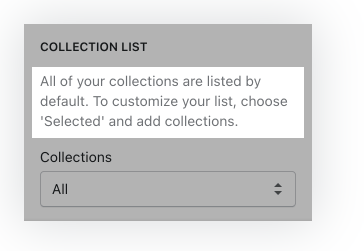
侧边栏设置不能保存值且不可配置。它们是信息元素,可用于提供有关输入设置的详细信息并对其进行组织。 侧边栏设置由标准属性组成。以下是侧边栏设置的类型:header
{"type": "header","content": "Announcement bar"}
paragraph
{"type": "paragraph","content": "All of your collections are listed by default. To customize your list, choose 'Selected' and add collections."}
Fonts
您可以通过以下方式向主题添加字体:- 使用 Shopify 字体库中的字体
- 使用自定义字体
一般而言,字体是一种单独的资源,需要在呈现任何文本之前由浏览器下载,这会影响商店的整体性能。为了提高主题的性能,从 Shopify 字体库的系统字体类别中选择字体的商家可以使用客户计算机上已安装的系统字体。

若有收获,就点个赞吧
0 人点赞


