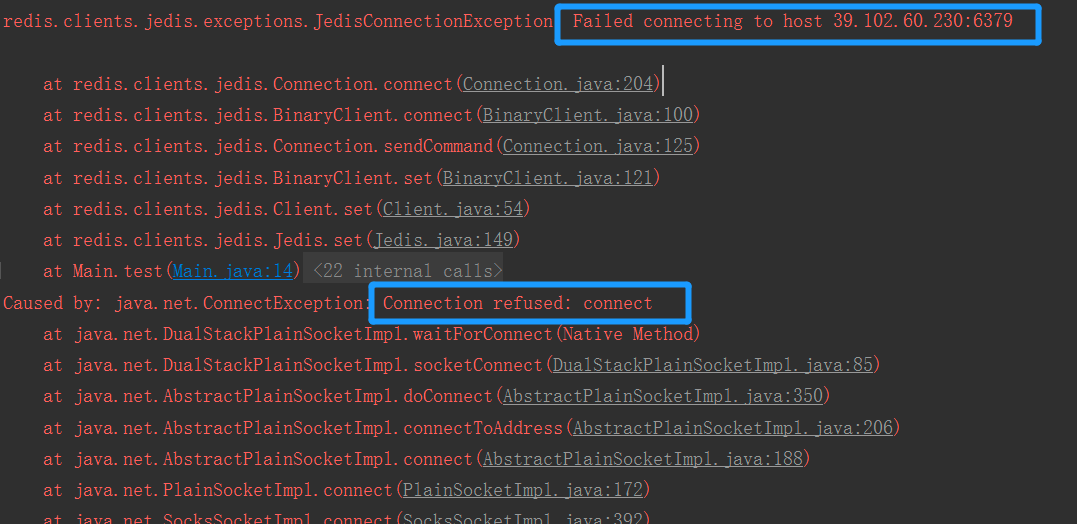
1
先通过ping来查看两台机器能否正常传输数据
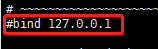
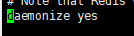
查看redis.conf文件
- 修改注释掉bind ,让它可以接收任何ip地址的访问;
- 将protected-mode修改为no;在本机没有设定bind ip时,开启这个会让redis之允许接收本机的响应

- daemonize yes 作为守护进程运行yes
2
服务器的防火墙问题(没有放开redis端口
//查看防火墙状态
systemctl status firewalld
查看防火墙端口列表
firewall-cmd —list-all
开放某个端口
firewall-cmd —permanent —add-port=6379/tcp
3
云服务器配置端口号
新加了端口,防火墙也开放了该端口,但外网还是不能访问的。对于阿里云服务器,需在安全组规则中添加端口

若有收获,就点个赞吧
0 人点赞


