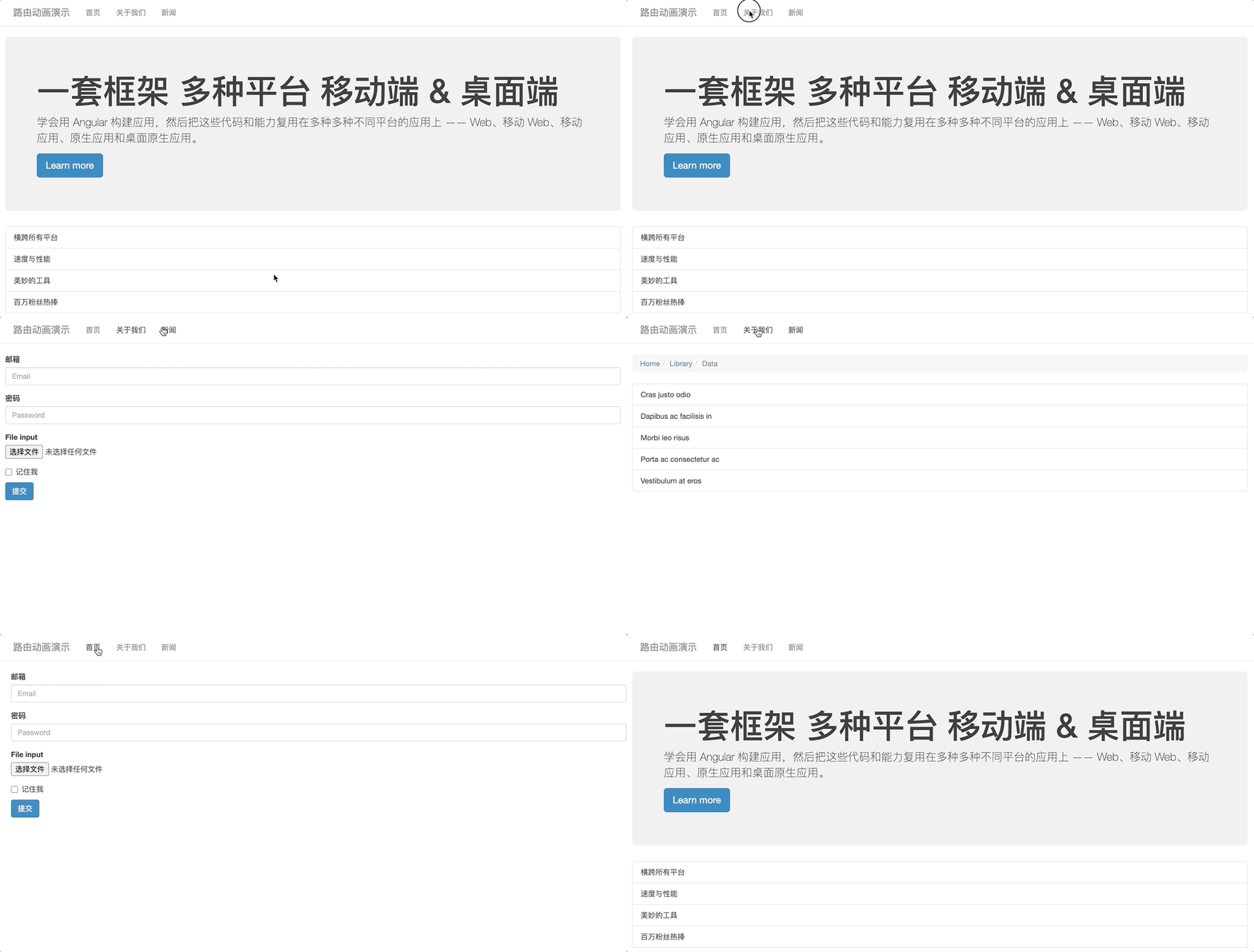
为路由添加状态标识,此标识即为路由执行动画时的自定义状态
const routes: Routes = [{path: "",component: HomeComponent,pathMatch: "full",data: {animation: "one"}},{path: "about",component: AboutComponent,data: {animation: "two"}},{path: "news",component: NewsComponent,data: {animation: "three"}}]
通过路由插座对象获取路由状态标识,并将标识传递给动画的调用者,让动画执行当前要执行的状态是什么
<div class="routerContainer" [@routerAnimations]="prepareRoute(outlet)"><router-outlet #outlet="outlet"></router-outlet></div>
import { RouterOutlet } from "@angular/router"export class AppComponent {prepareRoute(outlet: RouterOutlet) {return (outlet &&outlet.activatedRouteData &&outlet.activatedRouteData.animation)}}
将 routerContainer 设置为相对定位,将它的直接一级子元素设置成绝对定位
/* styles.css */.routerContainer {position: relative;}.routerContainer > * {position: absolute;left: 0;top: 0;width: 100%;}
创建动画
trigger("routerAnimations", [transition("one => two, one => three, two => three", [query(":enter", style({ transform: "translateX(100%)", opacity: 0 })),group([query(":enter",animate("0.4s ease-in",style({ transform: "translateX(0)", opacity: 1 }))),query(":leave",animate("0.4s ease-out",style({transform: "translateX(-100%)",opacity: 0})))])]),transition("three => two, three => one, two => one", [query(":enter",style({ transform: "translateX(-100%)", opacity: 0 })),group([query(":enter",animate("0.4s ease-in",style({ transform: "translateX(0)", opacity: 1 }))),query(":leave",animate("0.4s ease-out",style({transform: "translateX(100%)",opacity: 0})))])])])

若有收获,就点个赞吧
0 人点赞


