- 使用Echarts插件的时候,多次加载会出现There is a chart instance already initialized on the dom.的警告,也就是切换数据的时候就会出现这种情况,意思是DOM上已经初始化了一个图表实例
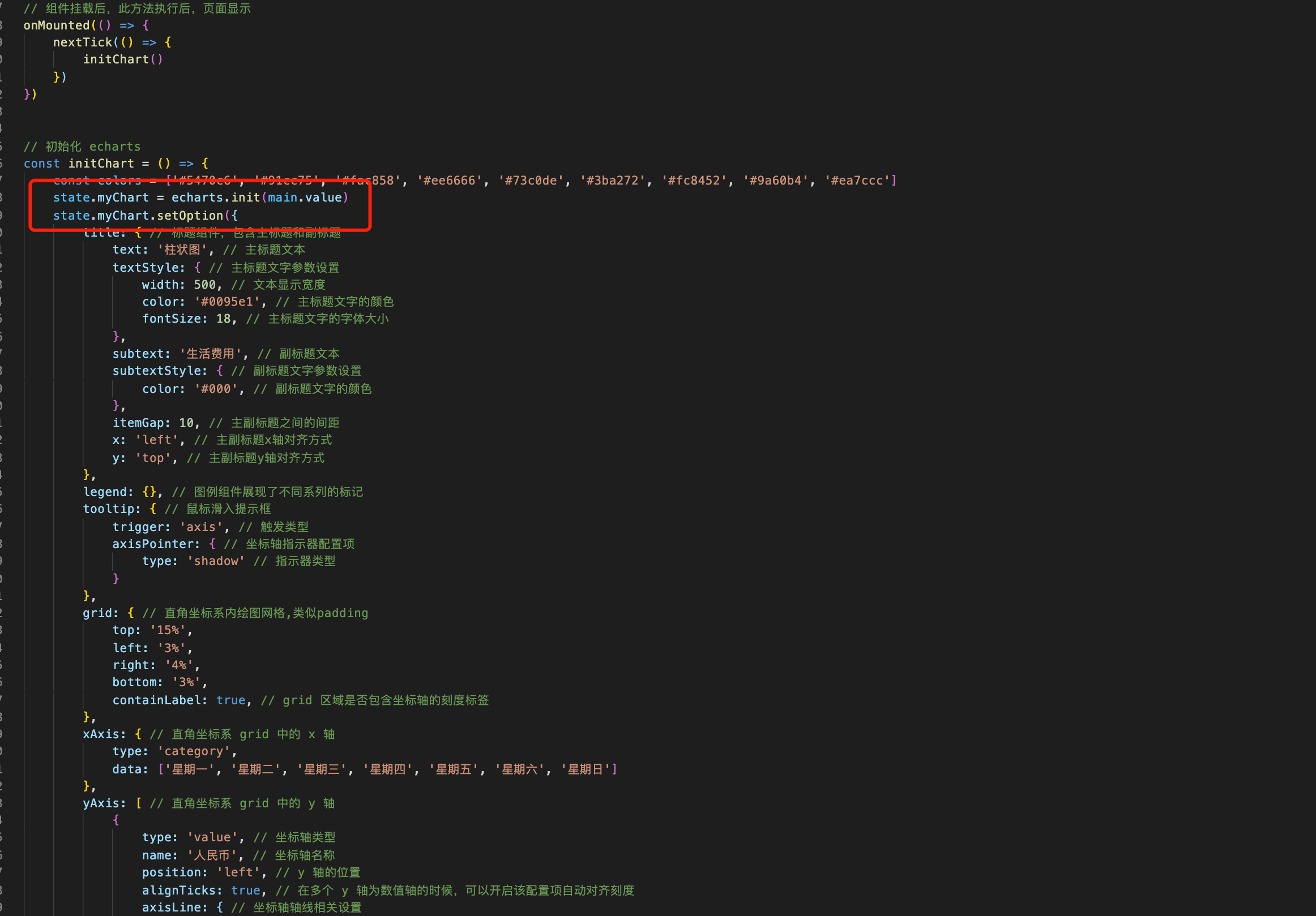
- 这主要是因为在初始化的时候,渲染的操作也做了,而后进行监听的时候会重复 setOption 操作
解决方法
// 可以在监听的时候先把原来的数据进行销户// 监听数据变化watch(() => [props.chartData], (newVal, oldVal) => {if (newVal) {state.myChart.dispose()state.myChart = nullinitChart(props.chartData)}})
或者把初始化和 setOption 渲染拆开即可 ```typescript // props const props = defineProps({ chartData: {
type: Object,required: true
}, })
// 定义响应式数据> const main = ref(null) // template 主体 const state = shallowRef({ myChart: null, // echarts 图表 })
// 组件挂载后,此方法执行后,页面显示 onMounted(() => { nextTick(() => { initChart() }) })
// 监听数据变化 watch(() => [props.chartData], (newVal, oldVal) => { if (newVal) { setOptions(props.chartData) } })
// 初始化 echarts const initChart = () => { state.myChart = echarts.init(main.value) setOptions(props.chartData) }
// echart 填充数据 const setOptions = ({ expectedData, actualData }) => { state.myChart.setOption({}) } ```

若有收获,就点个赞吧
0 人点赞


