[01].项目代码
01.ETLMapper
import java.io.IOException;import org.apache.hadoop.io.LongWritable;import org.apache.hadoop.io.NullWritable;import org.apache.hadoop.io.Text;import org.apache.hadoop.mapreduce.Mapper;//LongWritable:偏移量(不需要)//Text:一行数据//NullWritable:不需要//Text:符合清洗规则的数据public class ETLMapper extends Mapper<LongWritable, Text, NullWritable, Text> {@Overrideprotected void map(LongWritable key, Text value, Mapper<LongWritable, Text, NullWritable, Text>.Context context)throws IOException, InterruptedException {String data = value.toString();String fields[] = data.split("\t");//字段数目:3if(fields.length!=3) {System.out.println("[长度不符]:"+data);}//id长度:4if(fields[0].length()!=4) {System.out.println("[ID长度不符]");}//字段不是nullfor (String item : fields) {if(item.equals("null")) {System.out.println("[字段为空]");return ;}}context.write(NullWritable.get(), value);}}
02.ETLDriver
import java.io.IOException;import org.apache.hadoop.conf.Configuration;import org.apache.hadoop.fs.Path;import org.apache.hadoop.io.NullWritable;import org.apache.hadoop.io.Text;import org.apache.hadoop.mapreduce.Job;import org.apache.hadoop.mapreduce.lib.input.FileInputFormat;import org.apache.hadoop.mapreduce.lib.output.FileOutputFormat;public class ETLDriver {public static void main(String[] args) throws IOException, ClassNotFoundException, InterruptedException {System.out.println("[开始操作]");// 1.创建job对象Configuration conf = new Configuration();Job job = Job.getInstance(conf);// 2.设置jar路径job.setJarByClass(ETLDriver.class);// 3.关联map与redjob.setMapperClass(ETLMapper.class);// 4.设置map输出的键值对类型job.setMapOutputKeyClass(NullWritable.class);job.setMapOutputValueClass(Text.class);// 5.设置最终数据输出键值对类型job.setOutputKeyClass(NullWritable.class);job.setOutputValueClass(Text.class);// 6.设置输入路径(FileInputFormat)和输出路径(FileOutputFormat)// FileInputFormat.setInputPaths(job, new Path(args[0]));19// FileOutputFormat.setOutputPath(job, new Path(args[1]));//本地测试FileInputFormat.setInputPaths(job, new Path("D:\\360MoveData\\Users\\AIGameJXB\\Desktop\\hive\\input\\student.txt"));//注意:output的目录必须不存在!FileOutputFormat.setOutputPath(job, new Path("D:\\360MoveData\\Users\\AIGameJXB\\Desktop\\hive\\output"));// 7.提交jobboolean result = job.waitForCompletion(true);// true:打印运行信息System.out.println("[执行完毕]");System.exit(result ? 0 : 1);// 1:非正常退出}}
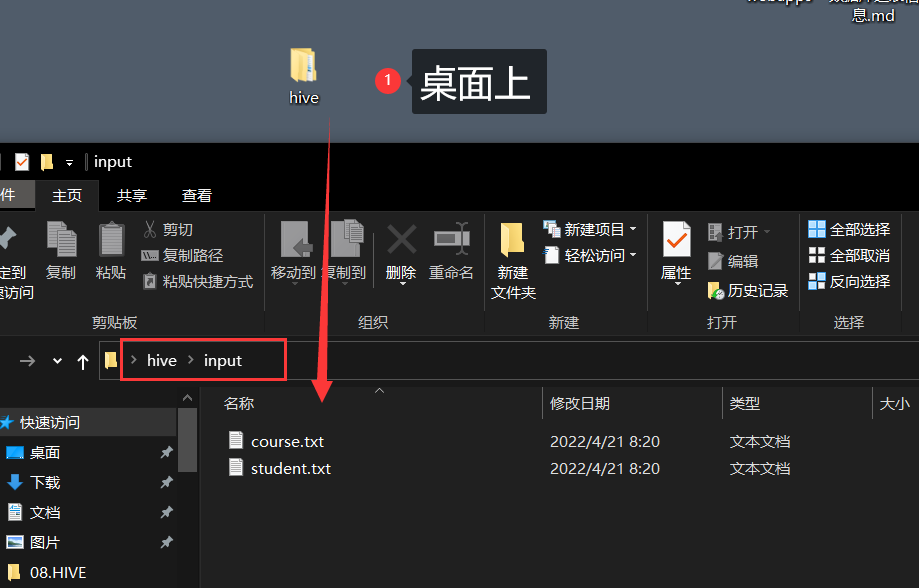
- 启动hadoop

之前说过了启动方式,这里就只贴图。
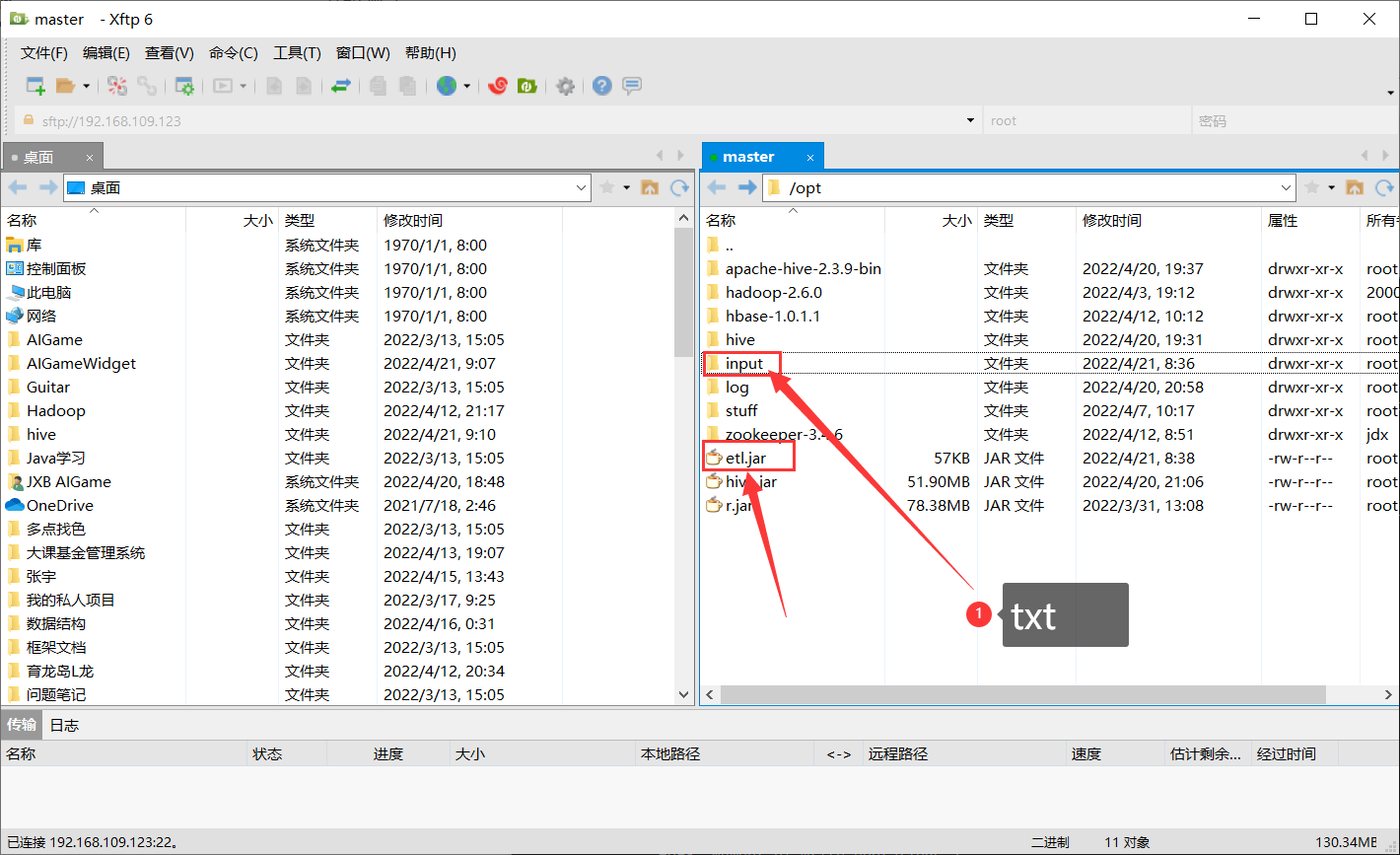
上传到hadoop
hadoop fs -mkdir /hiveinput
hadoop fs -put ./student.txt /hiveinput
切回到jar包的目录开始执行
hadoop jar ./etl.jar /hiveinput/student.txt /hiveoutput
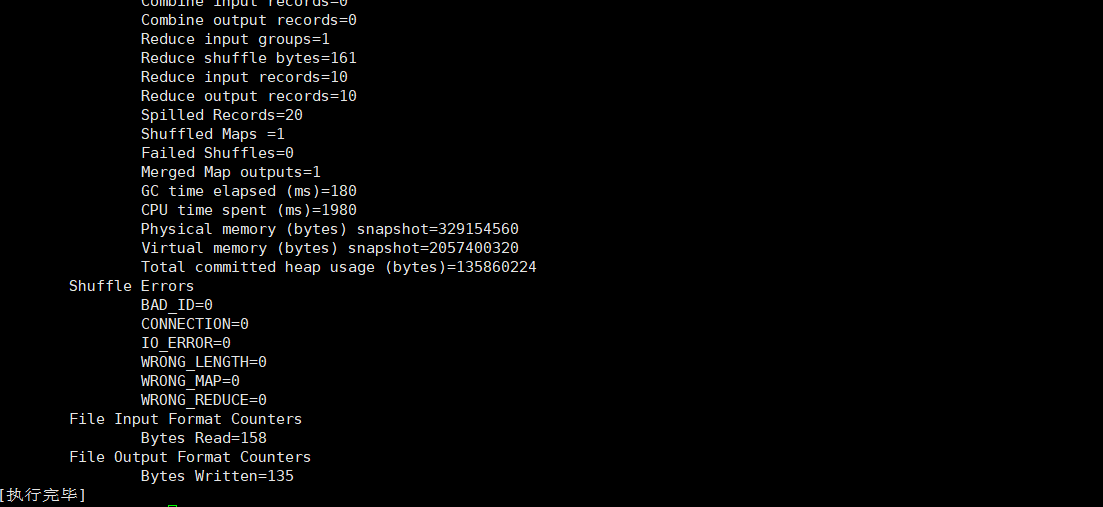
接下来看一下生成的数据
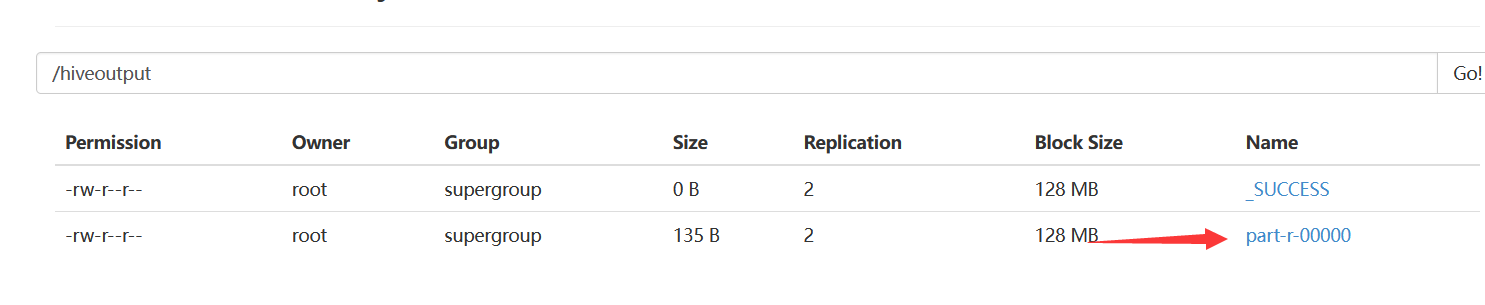
hadoop fs -cat /hiveoutput/part-r-00000


若有收获,就点个赞吧
0 人点赞


