初始化
环境
安装
创建目录初始化项目
npm init -y
安装指定版本的 webpack 和 webpack-cli
npm i webpack@4 webpack-cli@3 --save--dev
查看 webpack 的版本
node_modules/.bin/webpack -v

简单例子

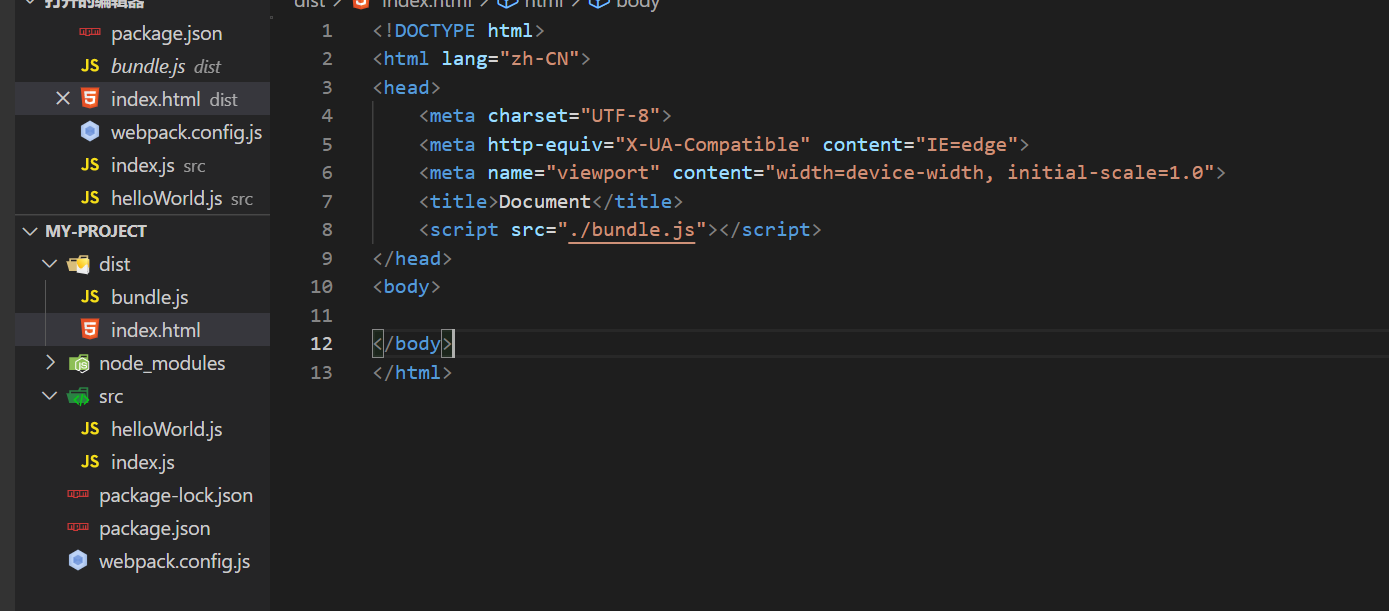
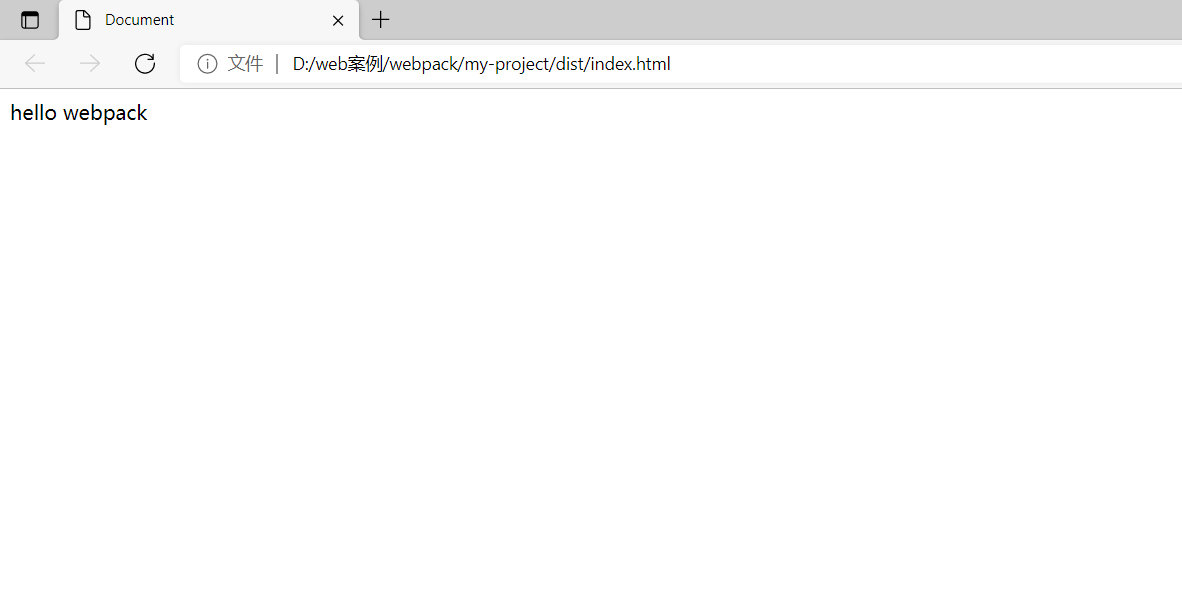
编写完后运行,引入到 html 文件中
// 运行 webpacknode_modules/.bin/webpack// 或者直接简单点儿webapck
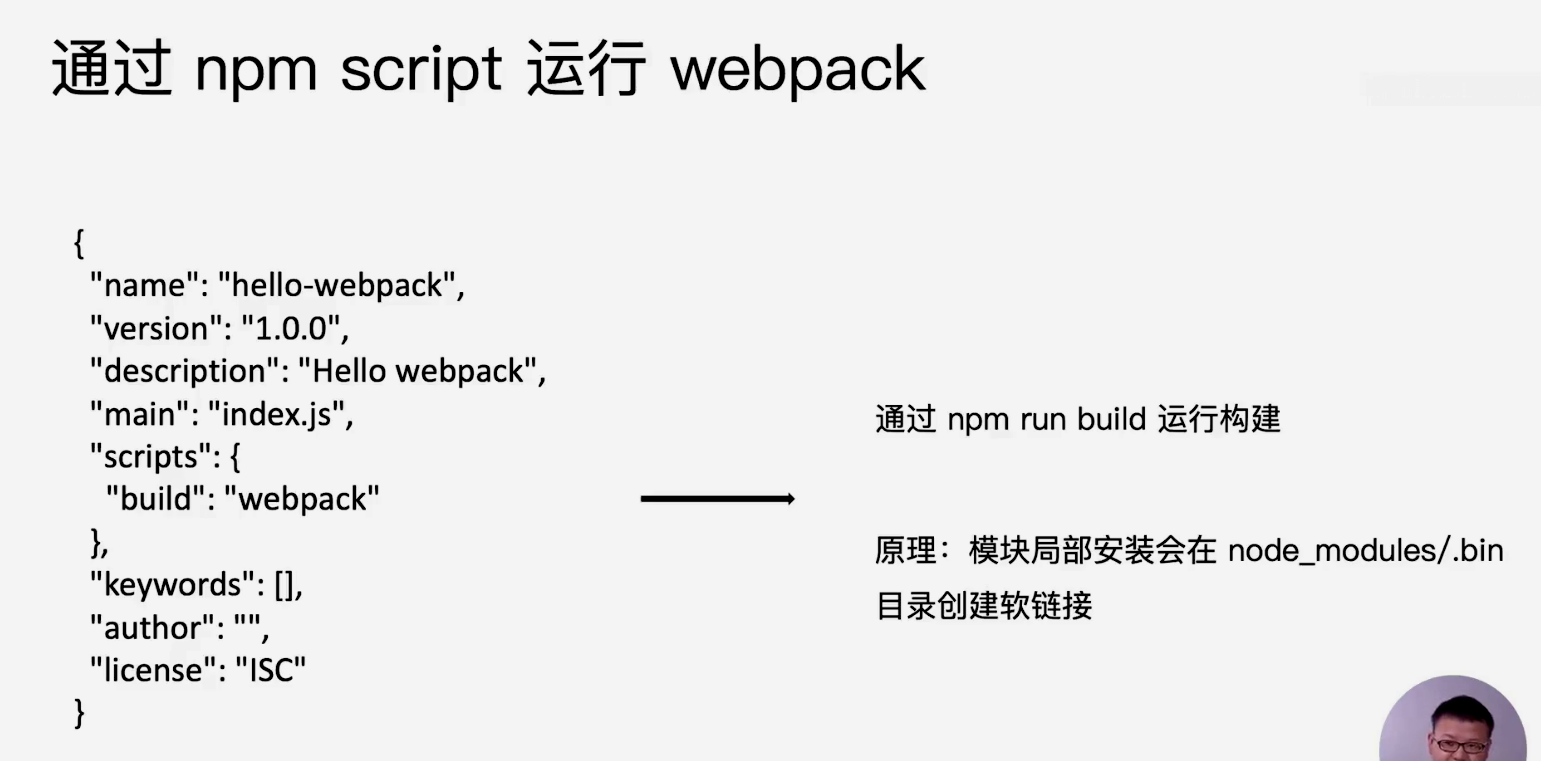
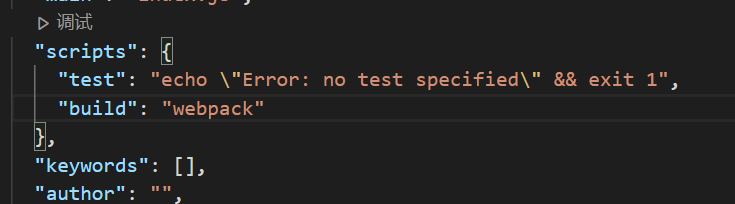
通过npm script 运行 webpack
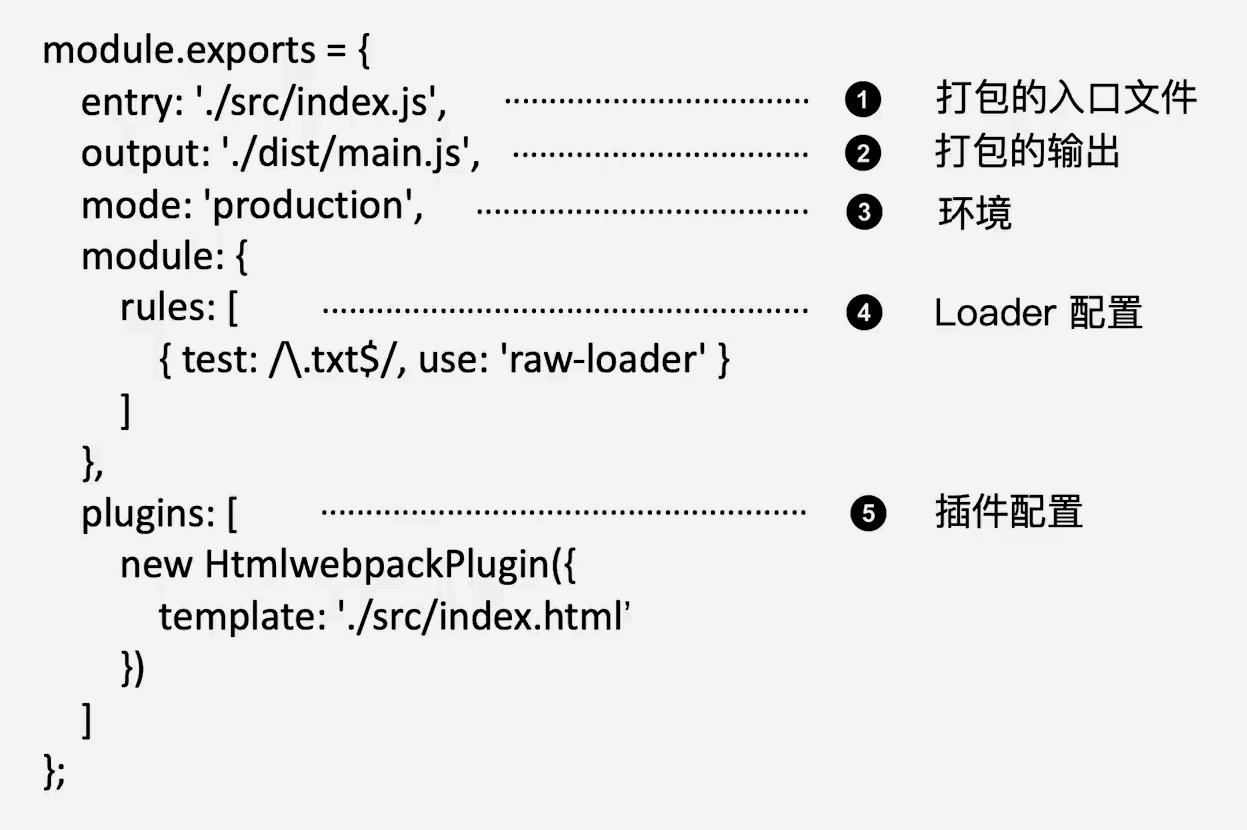
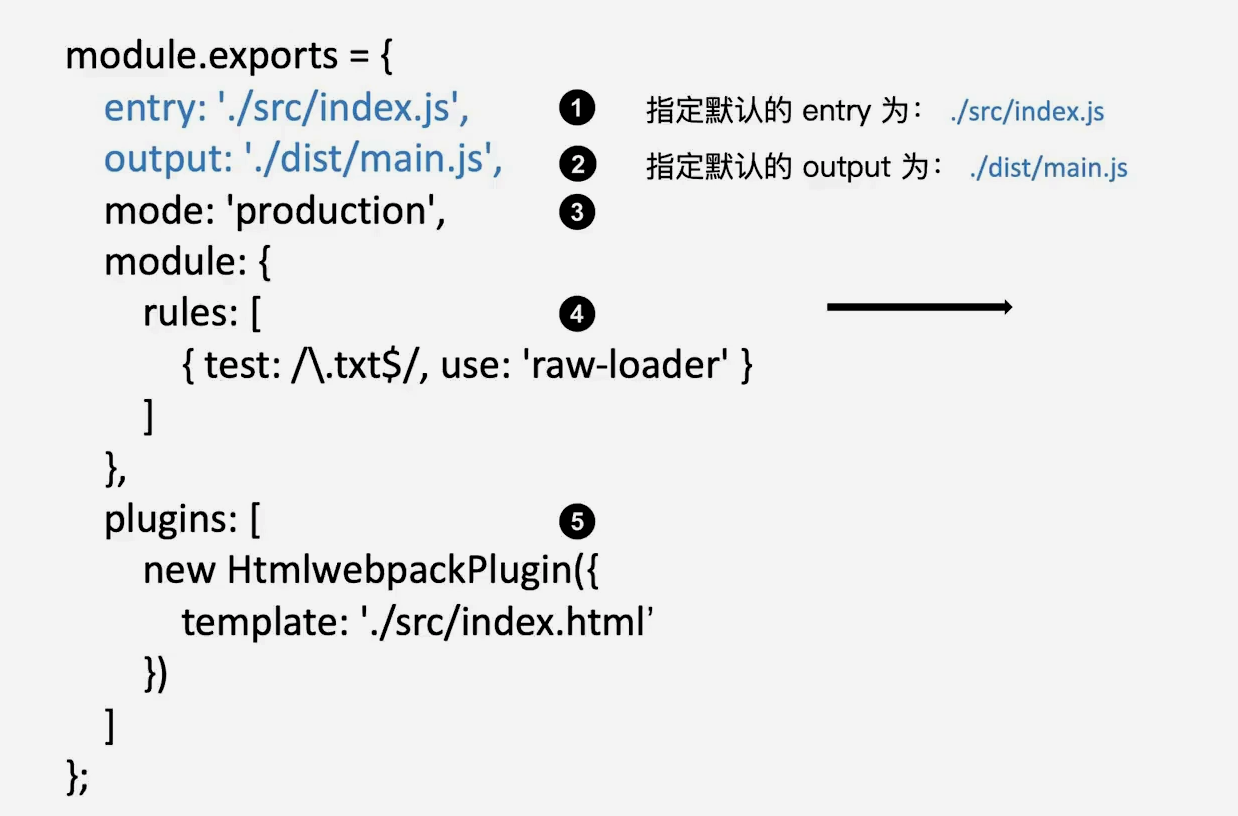
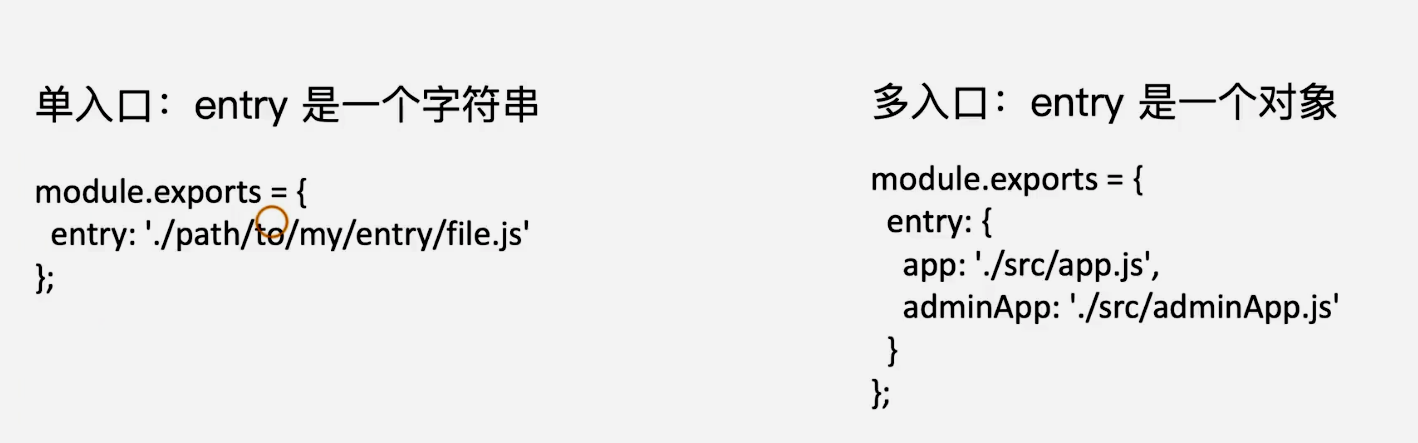
Entry

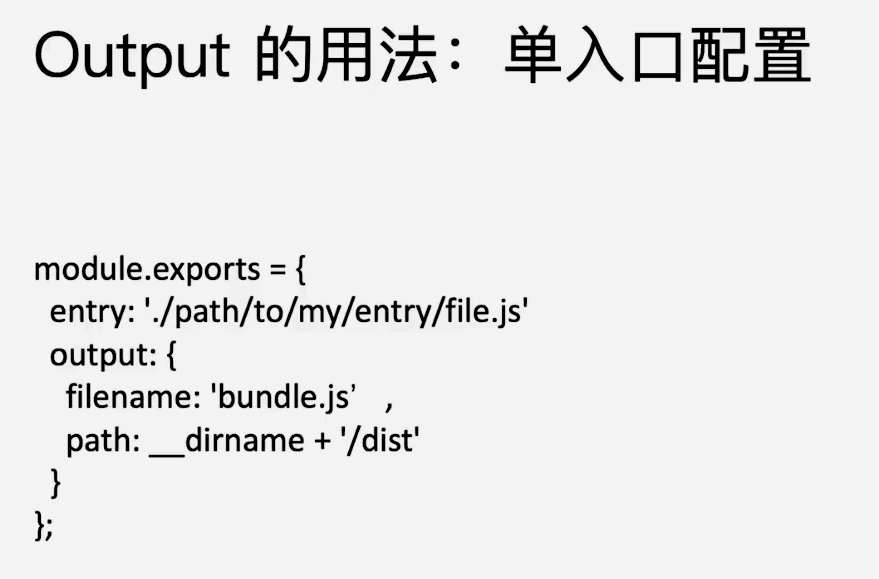
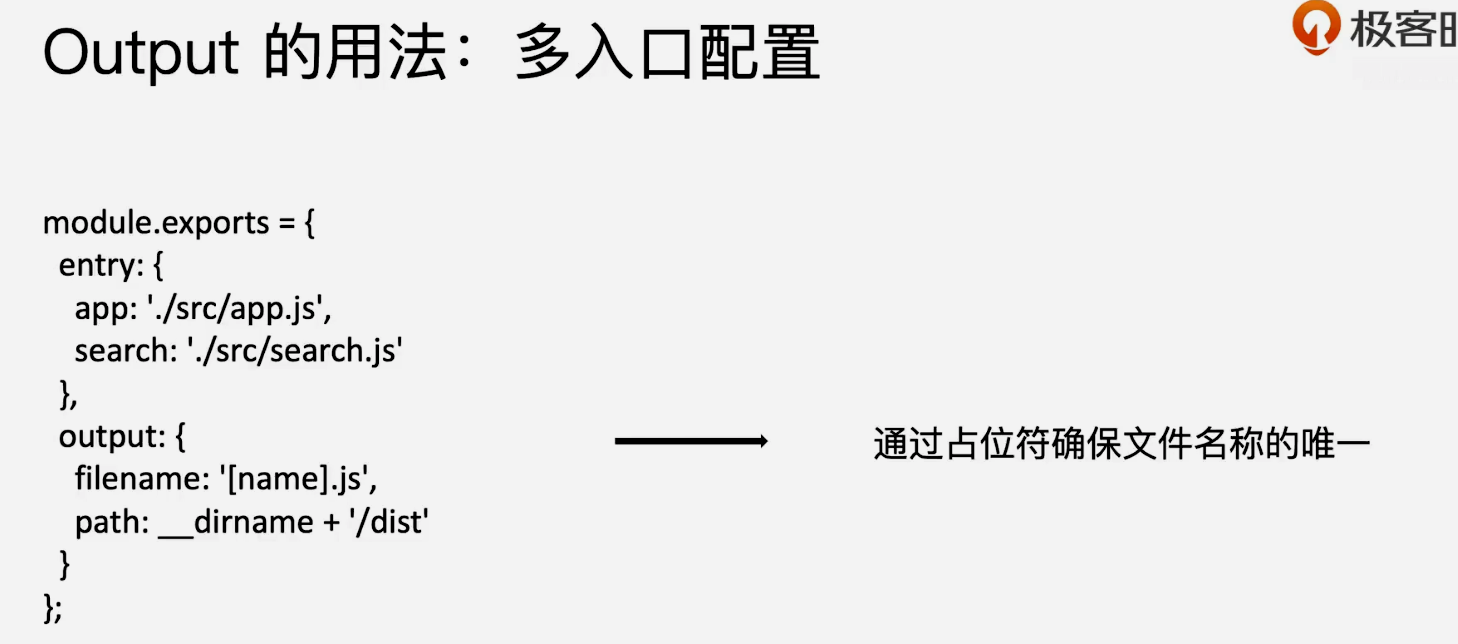
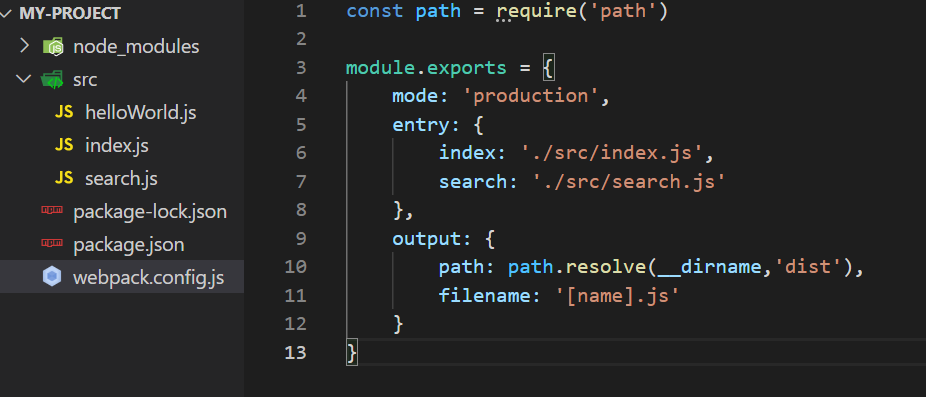
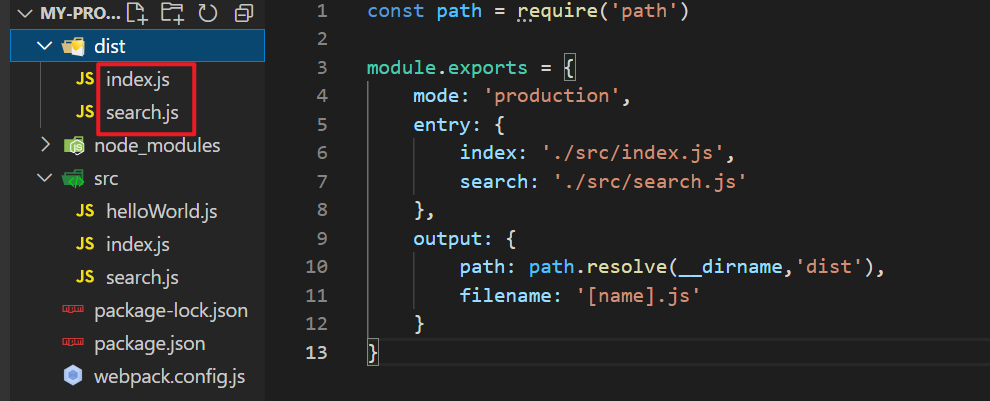
Output

Loaders
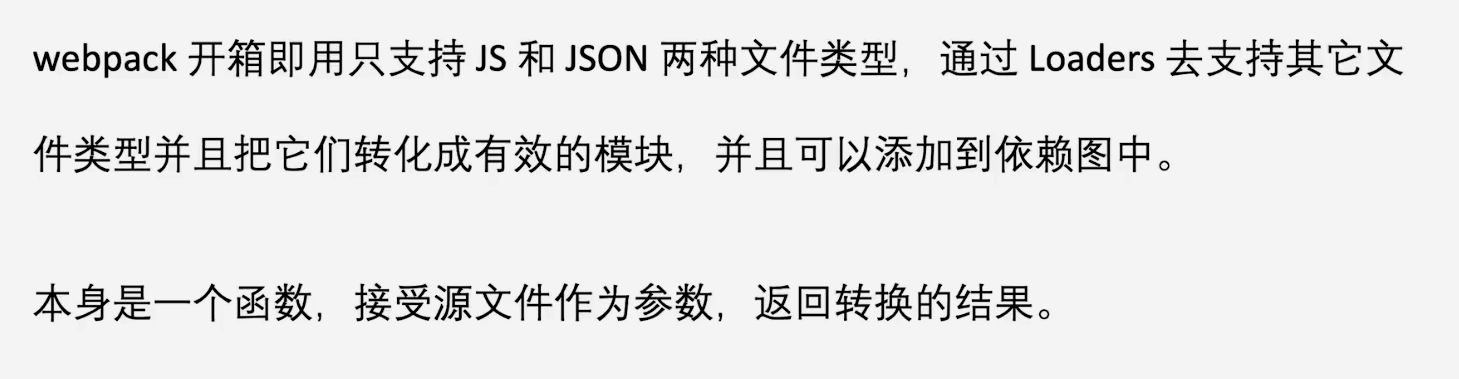
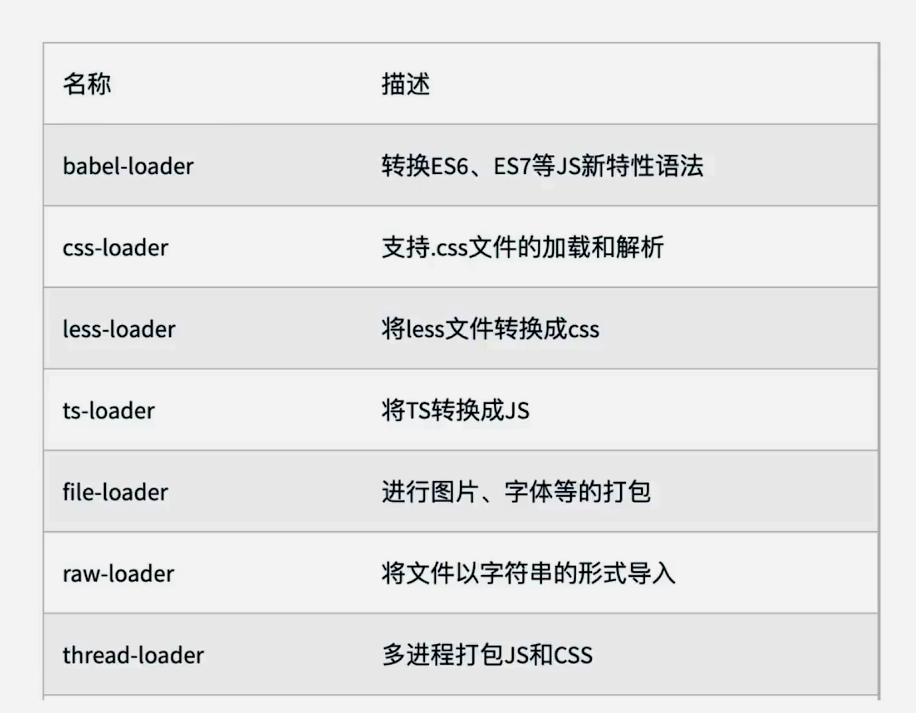
常见loader
Plugins

若有收获,就点个赞吧
0 人点赞


