harbor安装
harbor的安装参考地址:https://blog.csdn.net/weixin_46152207/article/details/116988688
harbor的https访问方式:
https://blog.csdn.net/networken/article/details/107502461
https://goharbor.io/docs/2.0.0/install-config/configure-https/
https://www.pianshen.com/article/67132054950/
https://blog.csdn.net/weixin_46152207/article/details/116988688 compose安装和http的harbor安装
docker-compose的安装
https://blog.csdn.net/ytangdigl/article/details/103831739


打包镜像
docker build -t ImageName:TagName dir1
选项
-t − 给镜像加一个Tag
ImageName − 给镜像起的名称
TagName − 给镜像的Tag名
Dir − Dockerfile所在目录
docker-compose启动失败的时候
[root@qvb-harb-01 ~]# docker-compose up -d
ERROR:
Can’t find a suitable configuration file in this directory or any
parent. Are you in the right directory?
Supported filenames: docker-compose.yml, docker-compose.yaml

参考解决方案地址:
https://blog.csdn.net/weixin_39608791/article/details/108759225
docker push认证失败
https://www.cnblogs.com/tingxin/p/14253675.html
unauthorized: unauthorized to access repository: test1/centos, action: push: unauthorized to access repository: test1/centos, action: push
可以看看下面这俩文件
一个在/root/.docker/config.json
一个在/etc/docker/daemon.json
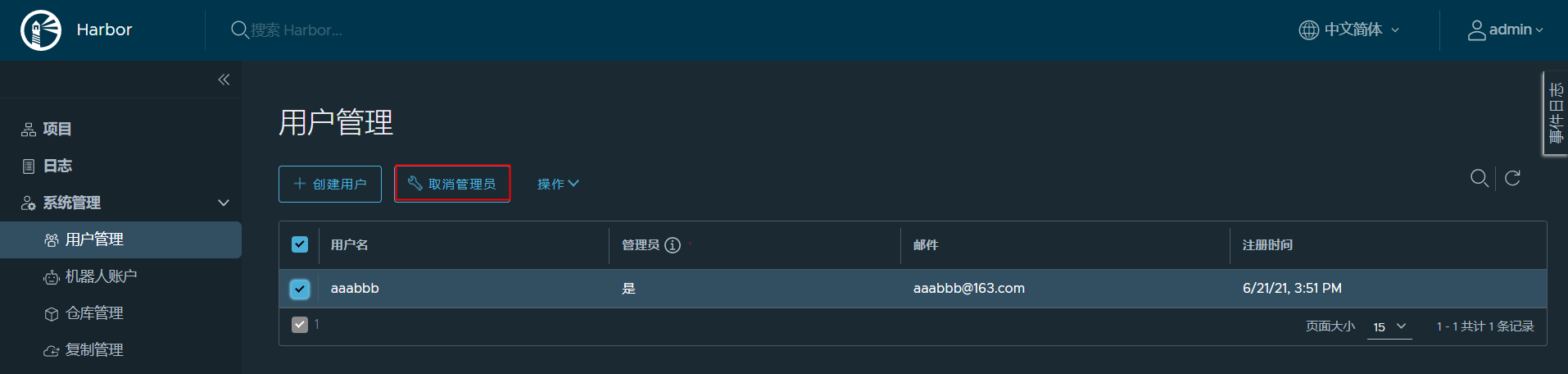
改一致了重启服务还是这样的化那就是docker login的用户权限问题了

docker push到harbor报413
413 Request Entity Too Large
在harbor的解压目录中有一个docker-compose.yml文件
打开文件查找关于nginx的配置
发现nginx都是挂载在一下的目录中
进入到宿主机的相对路径中查看
nginx的默认文件上传大小限制是0,修改到20G
机器人账户
参考地址:https://randyou.github.io/2020/06/16/k8s-pull-from-harbor/

若有收获,就点个赞吧
0 人点赞


